This is Vladislav from Tindie.
Can you please send details how to reproduce the issue with York on iOS? Maybe via e-mail is better.
I need details such as which app to use and what configurations you have tried. Also, I do not have iPad, do you know if it is same on iPhone?
Wow! I definitely didn’t think I would see a message from the maker of the board that I have been troubleshooting (super cool!!). I shot you a DM, but will update this thread if big discoveries or solutions are figured out (I can’t be the only one out there looking for a solution like this…)
Id like to add my voice to this one for investigation by the dev team. I have just purchased an ESI Gigaport ex soundcard and am also experiencing issues with an iPad pro 11 on the latest OS. I tried the workarounds suggested above (by opening Garageband or loopy pro first) and can get Djay to see the channels, but there is no sound output. There was one occasion where I got it to work, but I have been unable to repeat the order of steps I took to get there. This is hugely frustrating, as I’d like to have four channels available to my analogue mixer, rather than summing the mix in a lower quality controller.
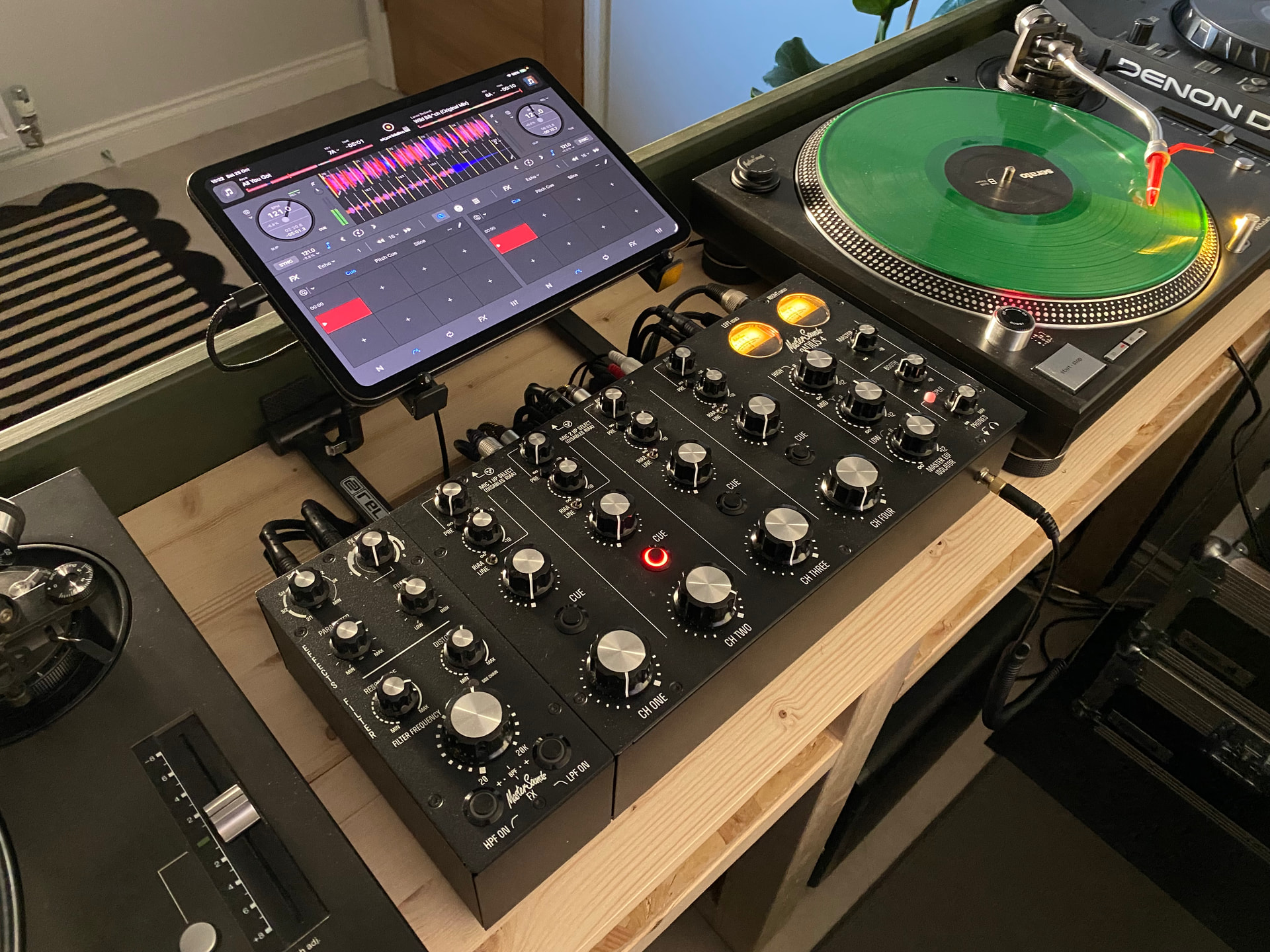
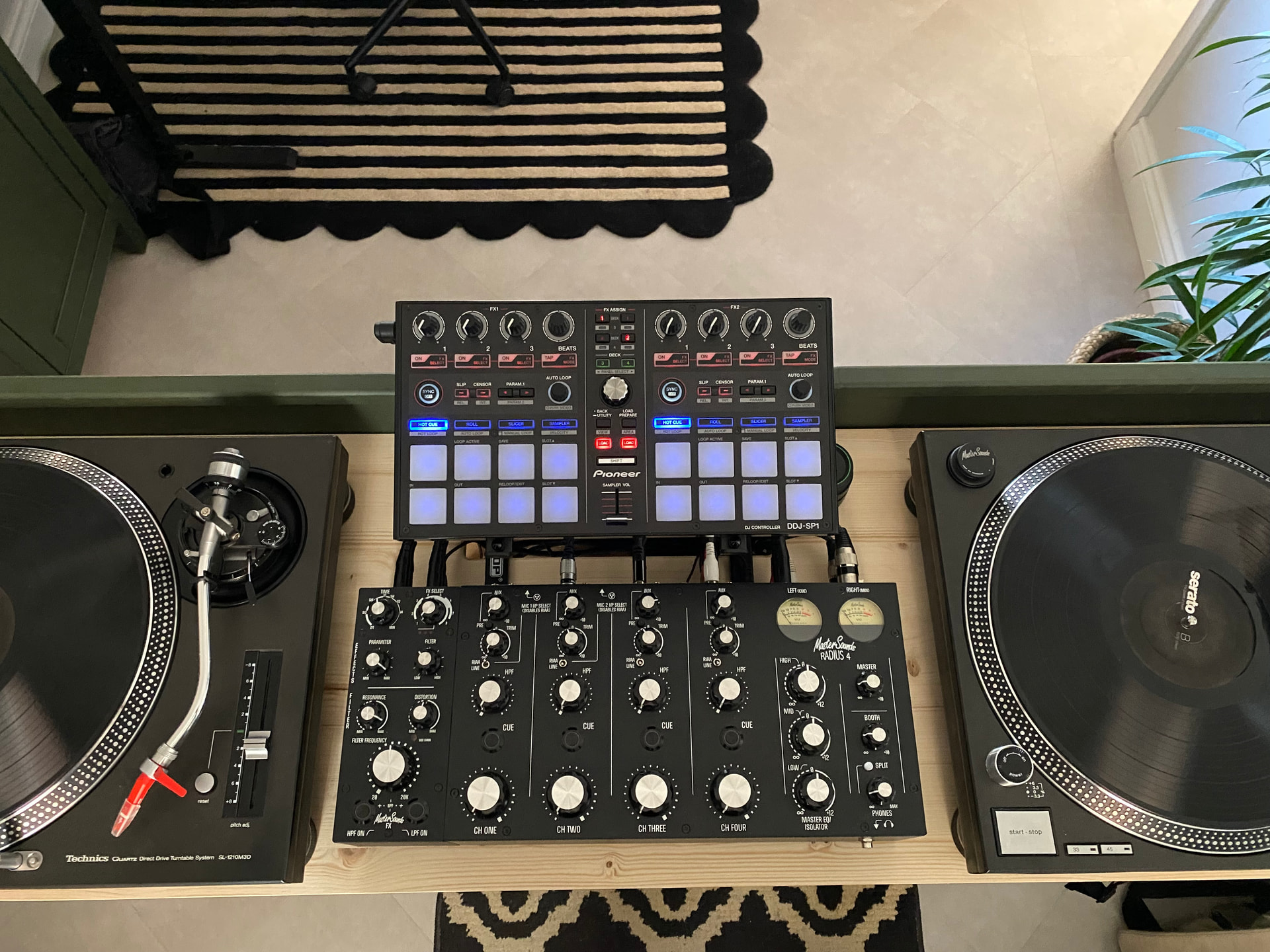
The Reloop Flux is another option (and one i use with my Mastersounds mixer) but you are down to 3 channels rather than 4, but it is better than nothing and you could always supplement the 4th channel with an external player as you can record your sets directly back into the flux using the 3rd Aux in channel.
Yeah I already have the Flux, really stable on iOS but only three channels as you say, plus the Gigaport is much more compact. Don’t judge me, we’re all only ever one more piece of kit away from the perfect setup!
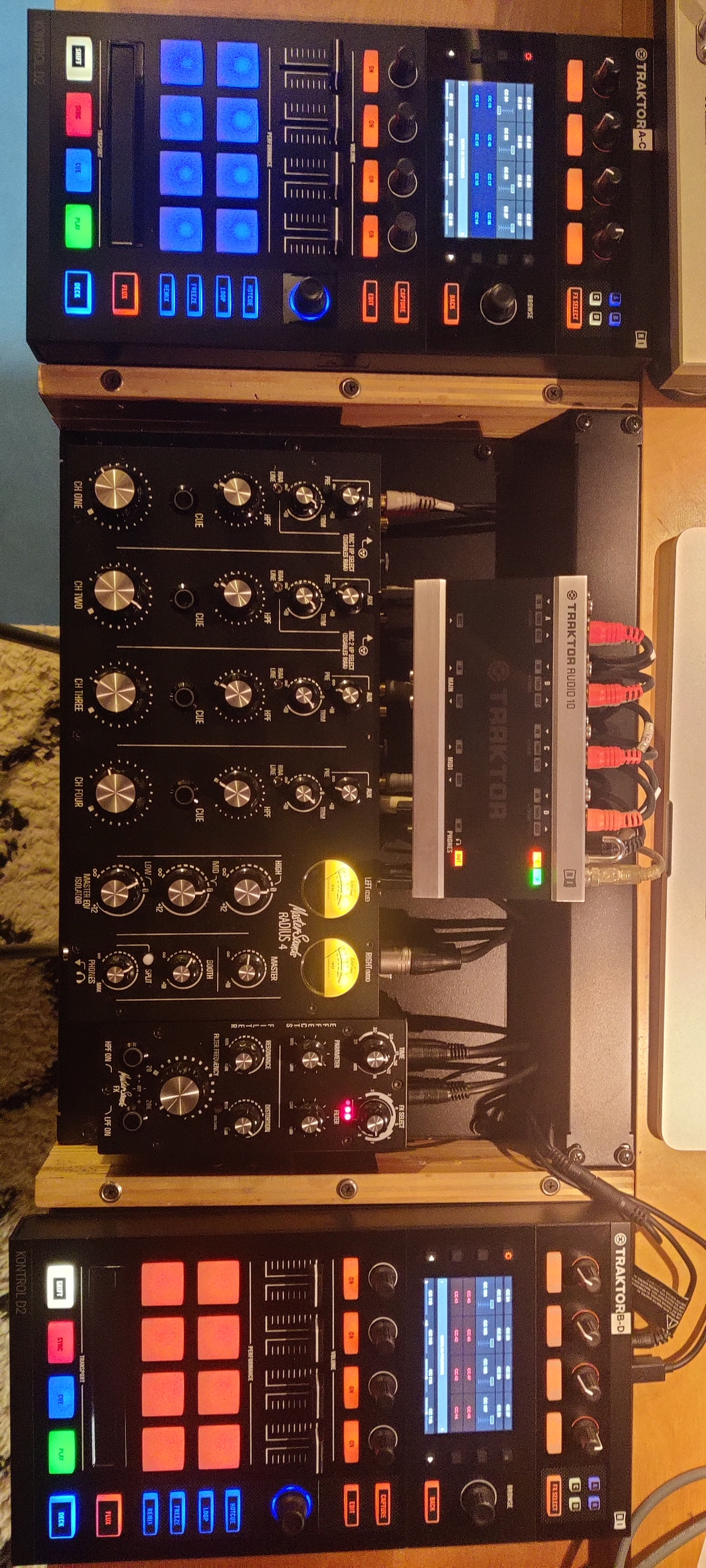
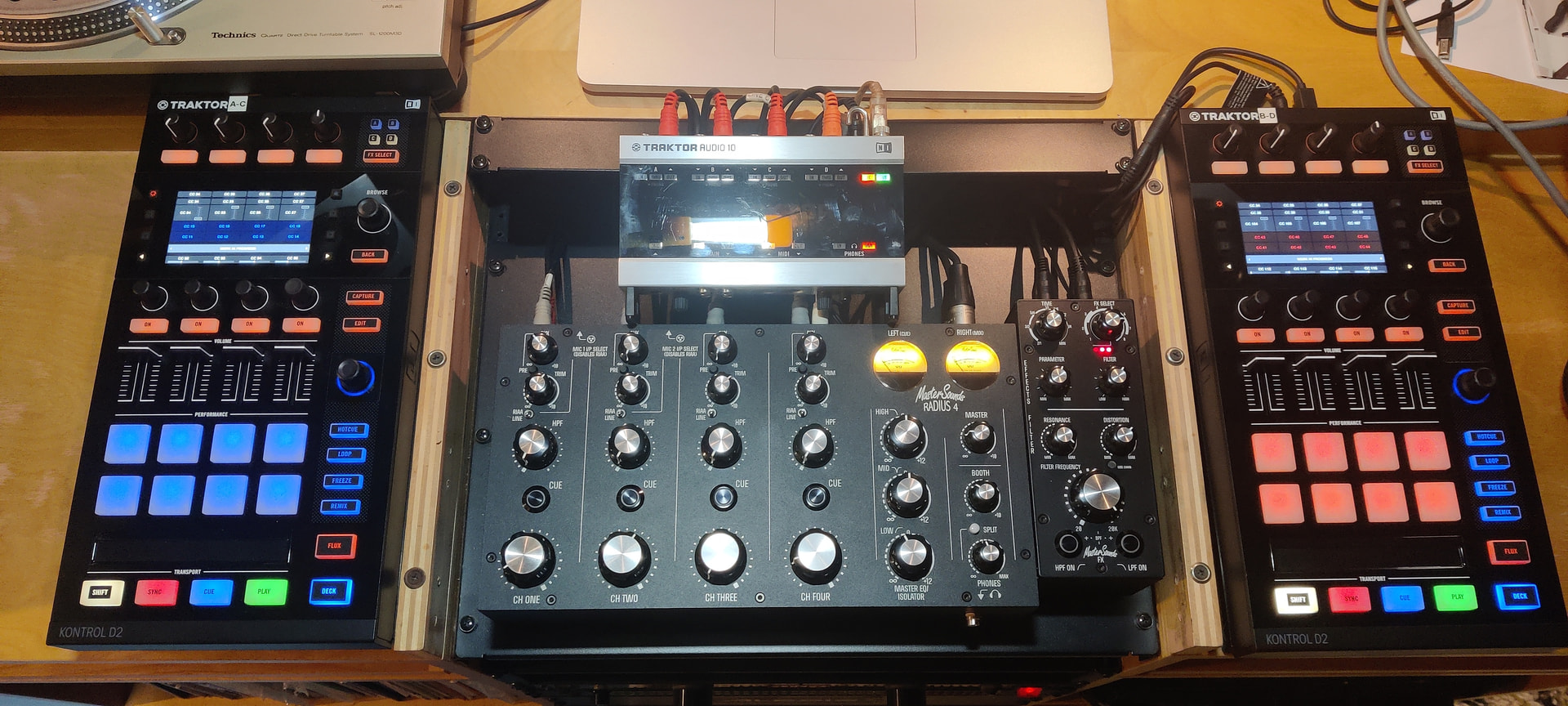
Absolutely works, I use a Native Instruments Audio 10 into a external Master Sounds Radius 4 Rotary mixer with two Native Instruments D2’S. Mapped the D2’s 4 Deck mode. Stems on the faders is a must for me and why I use TRAKTOR Kontrol D2’s👍. What’s great about using the external sound card is that you can actually choose the mixer that suits your style. I run this on Mac though…
Hi @Slak_Jaw I hope you’re doing well and not drowning in comments about the new release! I double checked the Gigaport eX after the update and the issue persists. It will only let me select “Gigaport” for all decks if I plug it in when Djay is running, if I start Loopy Pro or similar first Djay will let me select all individual channels (up to 7/8 in 4 deck mode) but only outputs to channel 1/2. Have the engineers managed to decipher if this is an issue with the unit, the app or iOS?
I am chiming in here because I might have stumbled upon a solution! If you expand the amount of USB ports with a hub and plug in two different types of USB DAC’s, Djay on the iPad will see both of them and allow you to select one for cueing and one for main output.
However, it’s really buggy and I have only been able to get it to work once, and I am not sure how to repeat the steps to get it to work again! I will test with some different USB DACs and hubs (they have to enumerate differently, or else they will not show up as 2 separate devices on Djay).