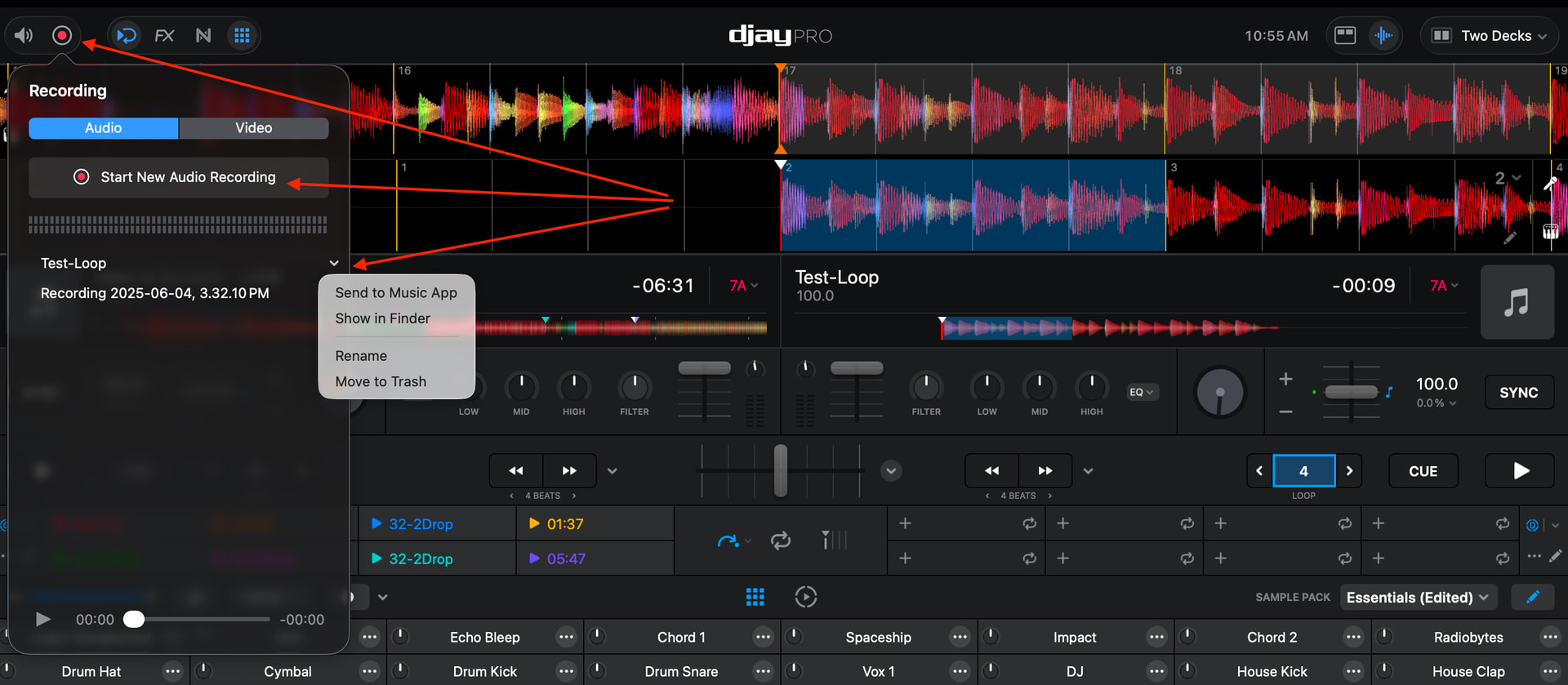
I’ve been trying to figure out how to use the record function to create a new loop on the fly, and then be able to continue playing that loop separate from the tracks so that I can use it for a third track interlude between the two tracks that are loaded into deck mode.
I’ve recorded a video to clarify what I’m looking for, if someone can please let me know how to properly use this functionality, I would sure appreciate it.
Here is the link to the video in Descript:
Thanks in advance for any suggestions you can provide!
Hi again @TEEE, please see the linked section below from the djay macOS manual:
Your recorded samples will automatically be saved to the My Samples folder when you edit the sample as shown in the article above. However, please note that currently djay only supports one-shot samples and you can’t easily copy them to a Deck. You cannot loop samples in the sample player.
@TEEE I think a better workaround for your use case is to use the Main Set Recording tool. You can record your loop playing through the master output, then rename the file and finally drag and drop it onto a free deck.
@Slak_Jaw I think you rushed to marking your answer as a solution. It’s not a solution to the problem I posed at all. It’s a workaround, as you said, and not a tenable one.
Thanks for the suggestions, but all of those are missing the plot when it comes to the real time usability of being able to create a sample and then just loop it immediately.
This is something that other software’s have, and I’m surprised that DJay hasn’t provided it yet. It’s a common use case when somebody is playing a live set.
For me to get involved on the mouse/keypad with saving a file, loading the file, loading it into a sampler, etc., that’s not a workflow that provides a good user experience for someone doing live DJ on the fly, when they just wanna copy and continue a current running loop *in a single track* to carry over, while they load another track into the same deck.
You’re a DJ, do you understand what I’m getting at?
Thanks for the additional info and follow up @TEEE. I hear you. You can always uncheck the Solution yourself if you disagree. I have unchecked it now. Also, I have already shared this as a feature request for our dev team to consider. In addition, I’ve changed this topic from a Question to a Suggestion so you and other users can upvote it. I’ll share more news here when I have it. Thanks!
Thanks so much @Slak_Jaw - I hope the dev team will recognize how useful and powerful this feature might be, especially if it has the ability to:
sync with master
act like an instant double, but just for the active loop? and without the need to assign to a track / use 4 deck mode to control it. A separate channel entirely.
be able to adjust the volume independently
(wishlist) add FX to it.
Single shot looper FTW!
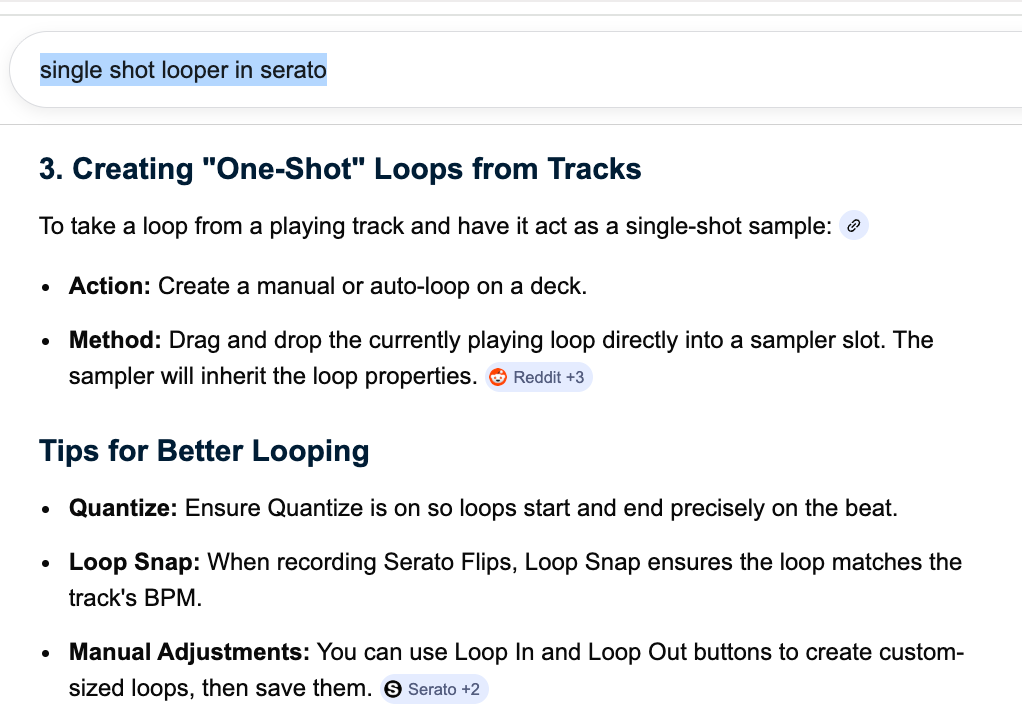
This is the way they do it in Serato, but it still requires ‘drag and drop’ to the sampler.
Ideally, that step could be eliminated, or automated by Midi, if you chose to do it a similar way. The whole idea is to be able to ‘double’ a loop instantly, have it continue playing and looping independently and then be able to stop or fad it out on demand, again using midi, ideally