NOTE: Please use the search function above before posting to avoid creating duplicate topics.
Device model 2025 iPhone pro max 17:
Version of operating system (ios 26):
Version of djay (5.6):
Hardware/controllers used *none
Hardware firmware version none:
Please consider sharing a short video or screenshots to help clarify your question
YOUR QUESTION:
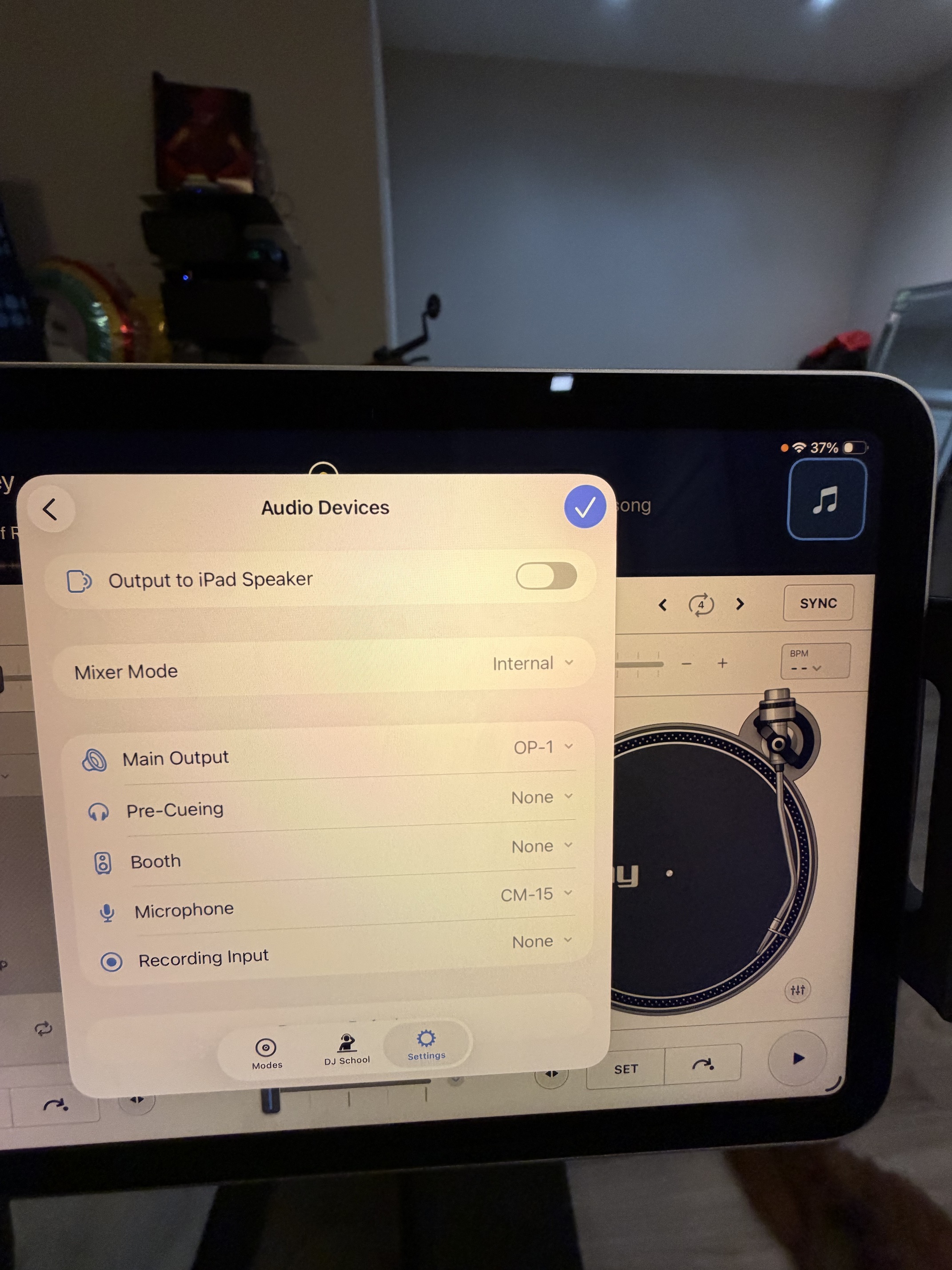
Do usb c mics work in the djay pro app? I have a teenage engineering cm-15 mic that connects to my iPhone when I use the AUM app and it works there with my effect apps. But the same mic will not show in the settings options in Djay pro.
I would like to know if usb mics are supported?
When you use this microphone with your iPhone, do you have any other audio interfaces connected, or is it just this one? What output device are you using in AUM in this case?
iOS doesn’t support more than one audio interface at a time. Since this is a USB audio microphone, it probably presents itself to iOS as a one‑input audio interface with no outputs. Because it doesn’t make sense for Djay Pro to use an audio interface with no outputs, it simply ignores it.
(As far as I understand, iOS 26 doesn’t change much in this regard. You can connect multiple audio interfaces and choose which one to use, but only one can be active at a time.)
Hi, when I use the cm-15 in AUM I do not have any other audio interface connected, just a usb c cable from my mic to the iPhone is all that is used. I use my iPhone speaker as the output or sometimes I use a 3.5 mm aux/usb c cable and I output to a minirig speaker. I use this with the humanoid app to play with the vocal effects. There is feedback since I don’t use headphones but I just deal with it for the portability. I was hoping to use the mic in the djay app to do a mobile karaoke set up.
With my op1 as the audio interface I can see my mic and select it in djay but no audio via djay. The audio from djay is coming out of my op1 speaker, I would think the mic audio would also. Using AUM, I can turn on my mic and hear the audio, allowing me to use vocal effect apps. I guess it will have to do for now.
There is something else you can try. I did this with my dji wireless mic and since you posted a pic of the app picking up both your usb mic and audio interface why not give it a shot.
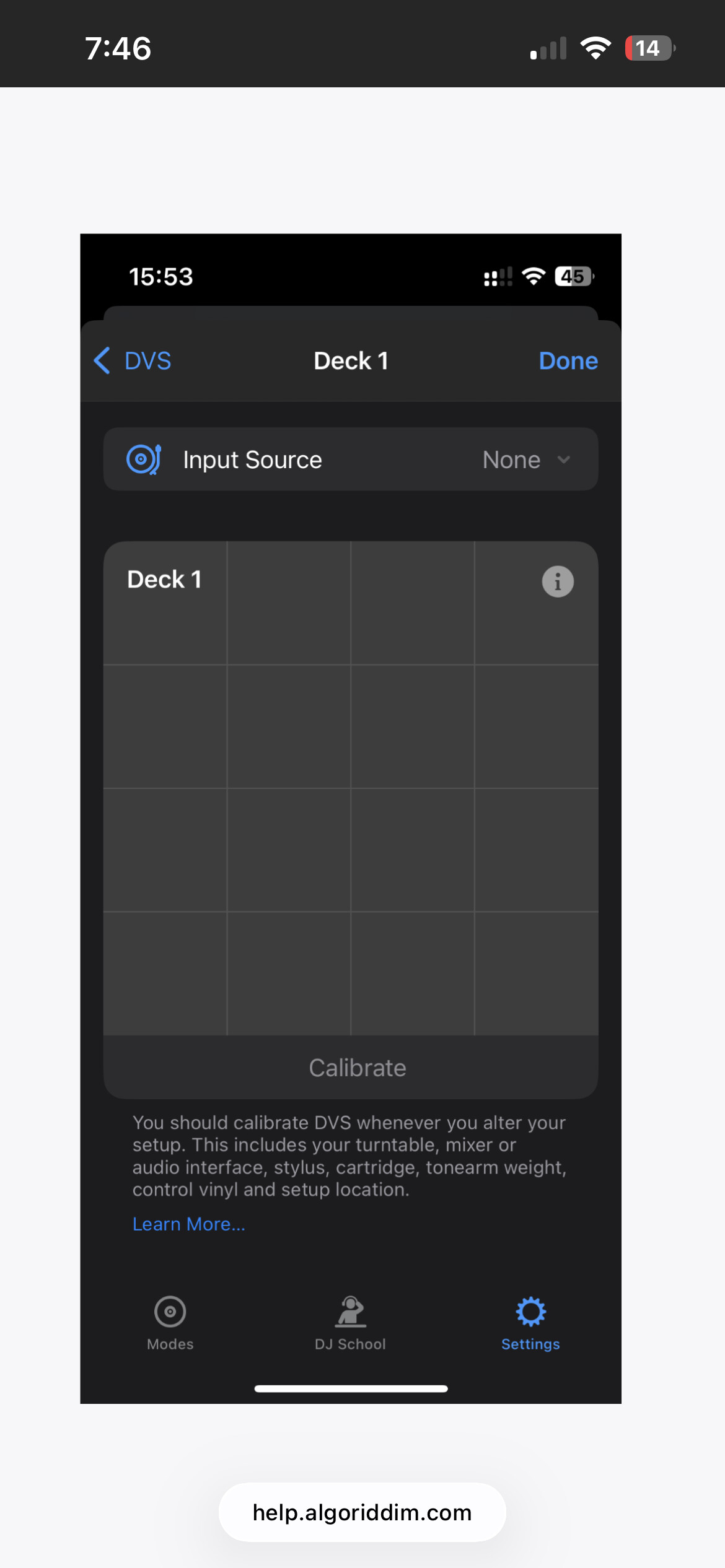
Instead of assigning your usb mic to the microphone input of the app try assigning it using dvs mode to a deck and set that deck to audio thru.
That worked! I have the mic on deck one and my karaoke song on deck 2, I can use the effects from djay on my vocals and all. Thanks! We will be going up on the couch tonight!