NOTE: Please use the search function above before posting to avoid creating duplicate topics.
Device model (e.g. 2020 iPad Air 4th Gen):
Version of operating system (e.g. macOS 14.4.1):
Version of djay (e.g. 5.1.2):
Hardware/controllers used (e.g. Reloop Mixon 8 Pro):
Your question:
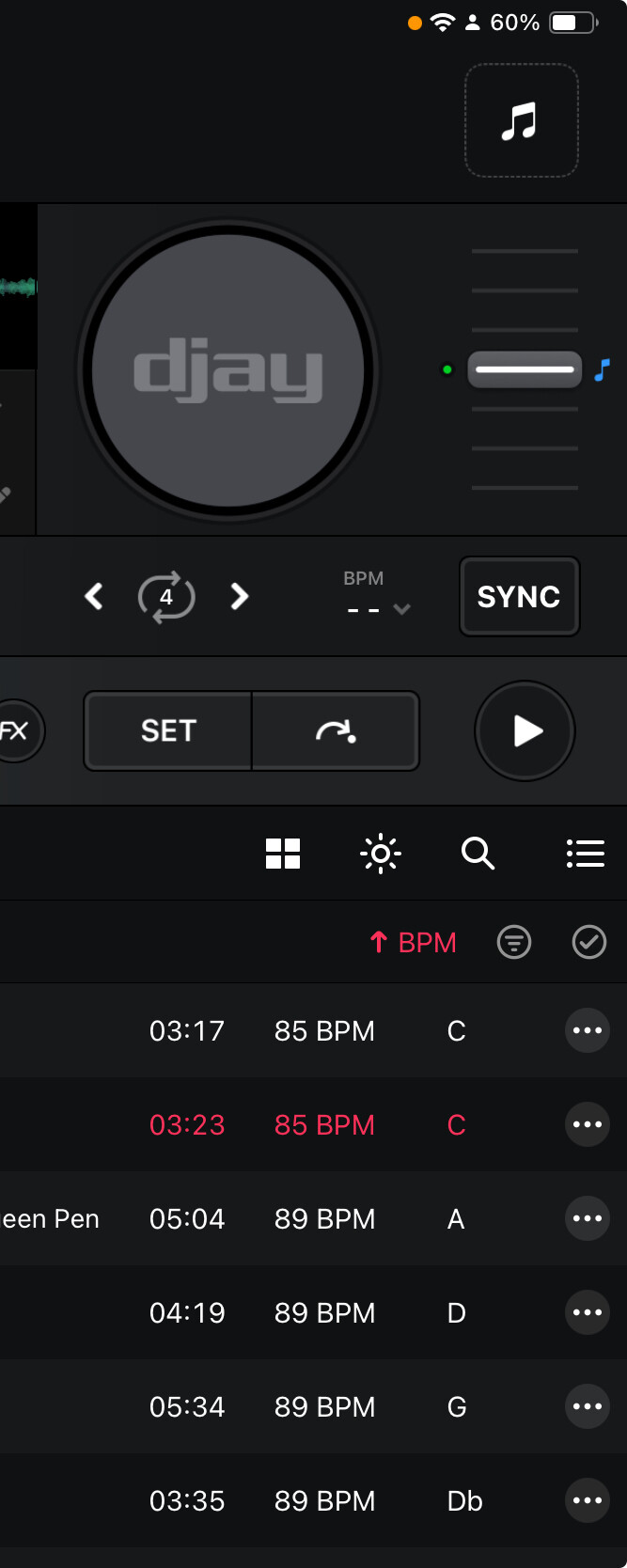
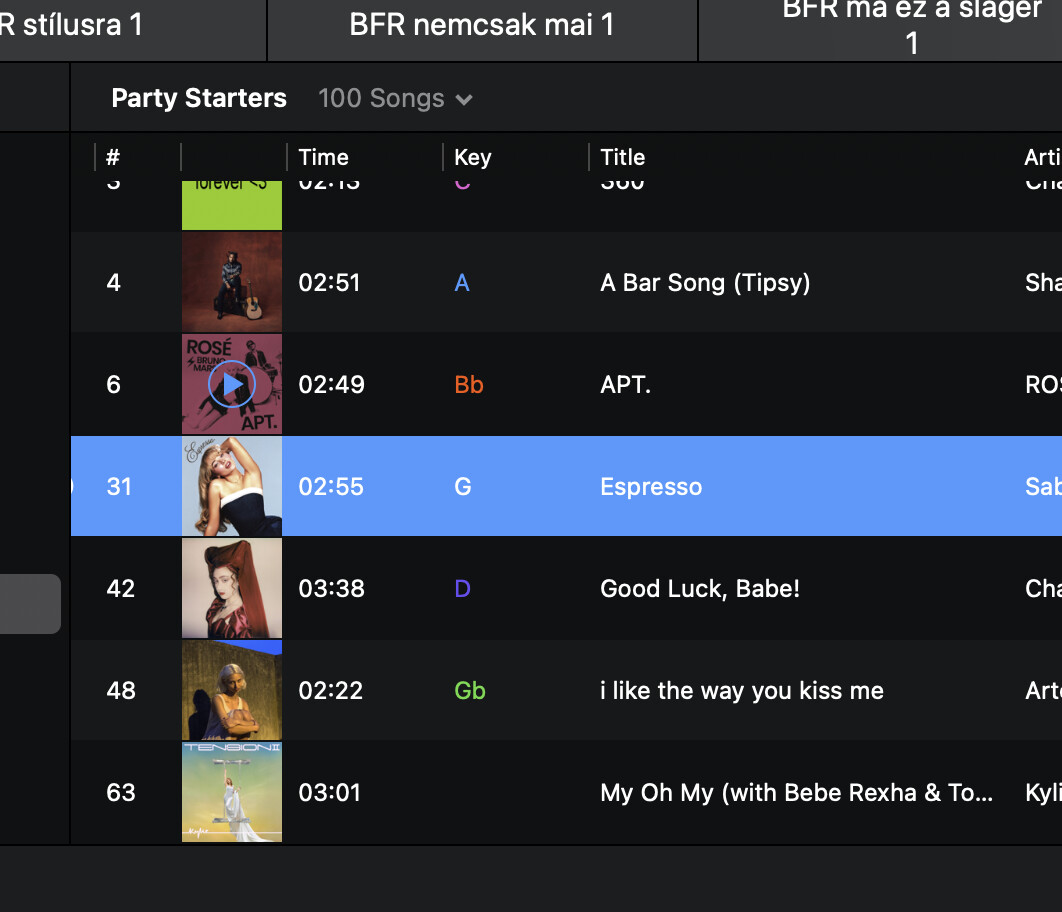
• Can tell, why keys are not colored on iOS version like Mac versions?
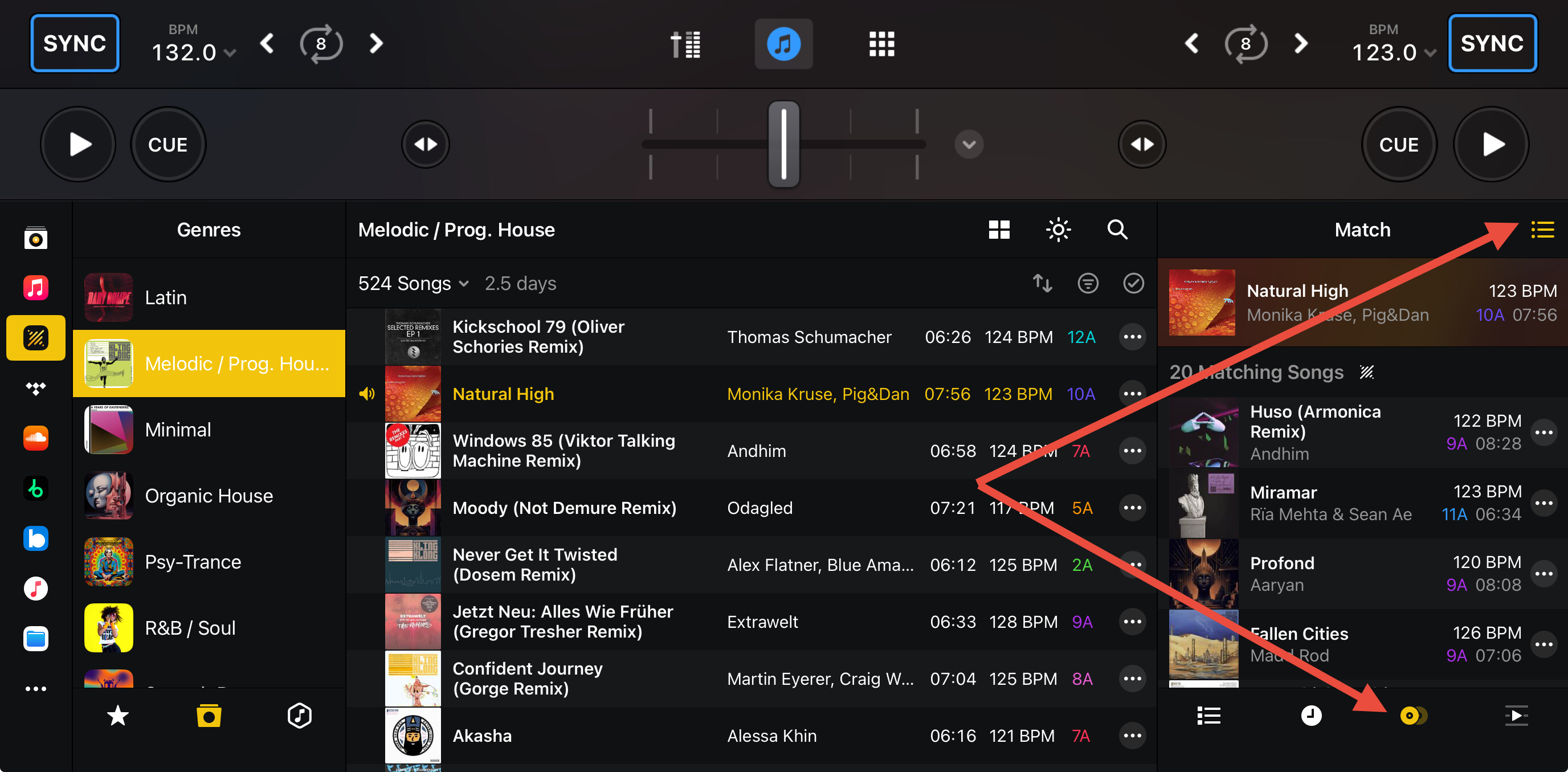
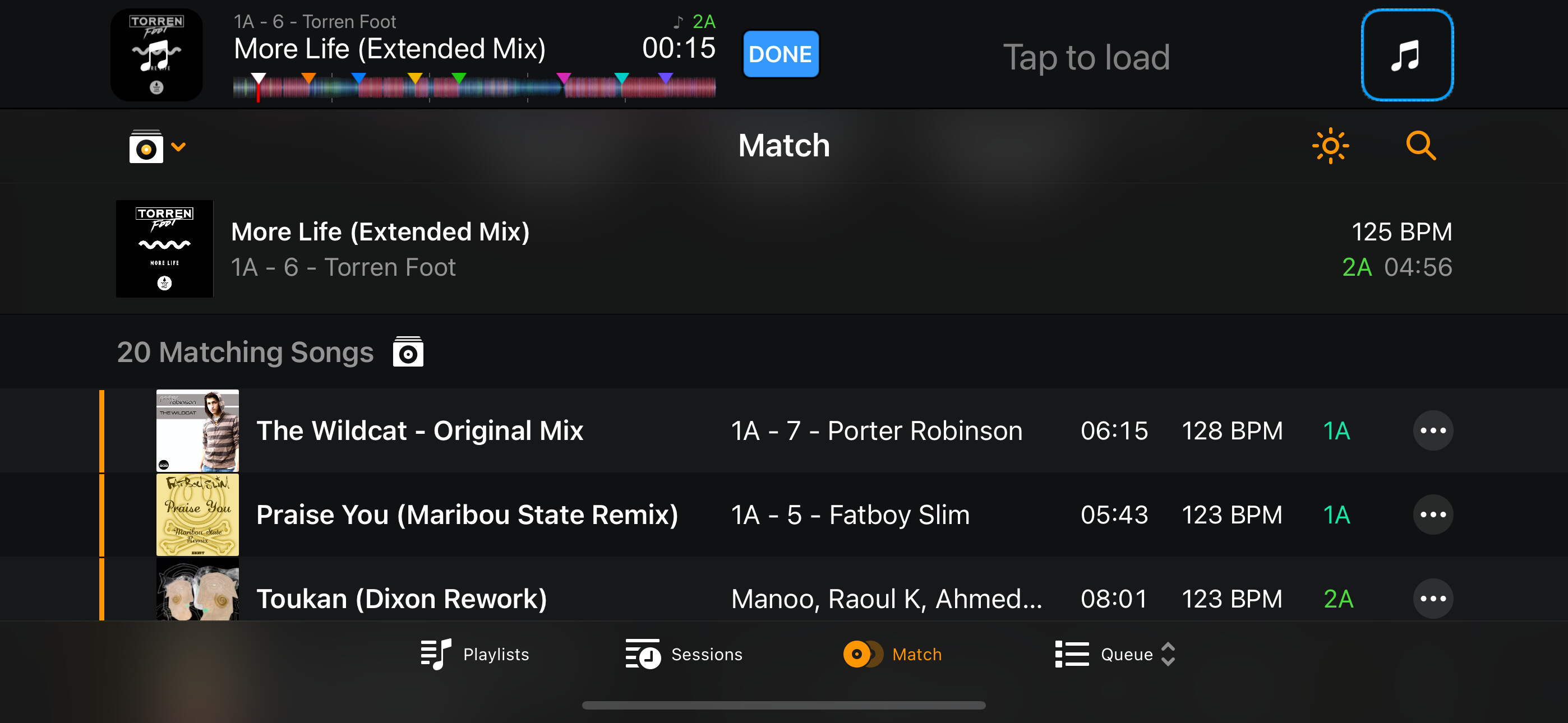
• Can you tell, why we don’t have match song, related songs function on iOS as Mac version have?
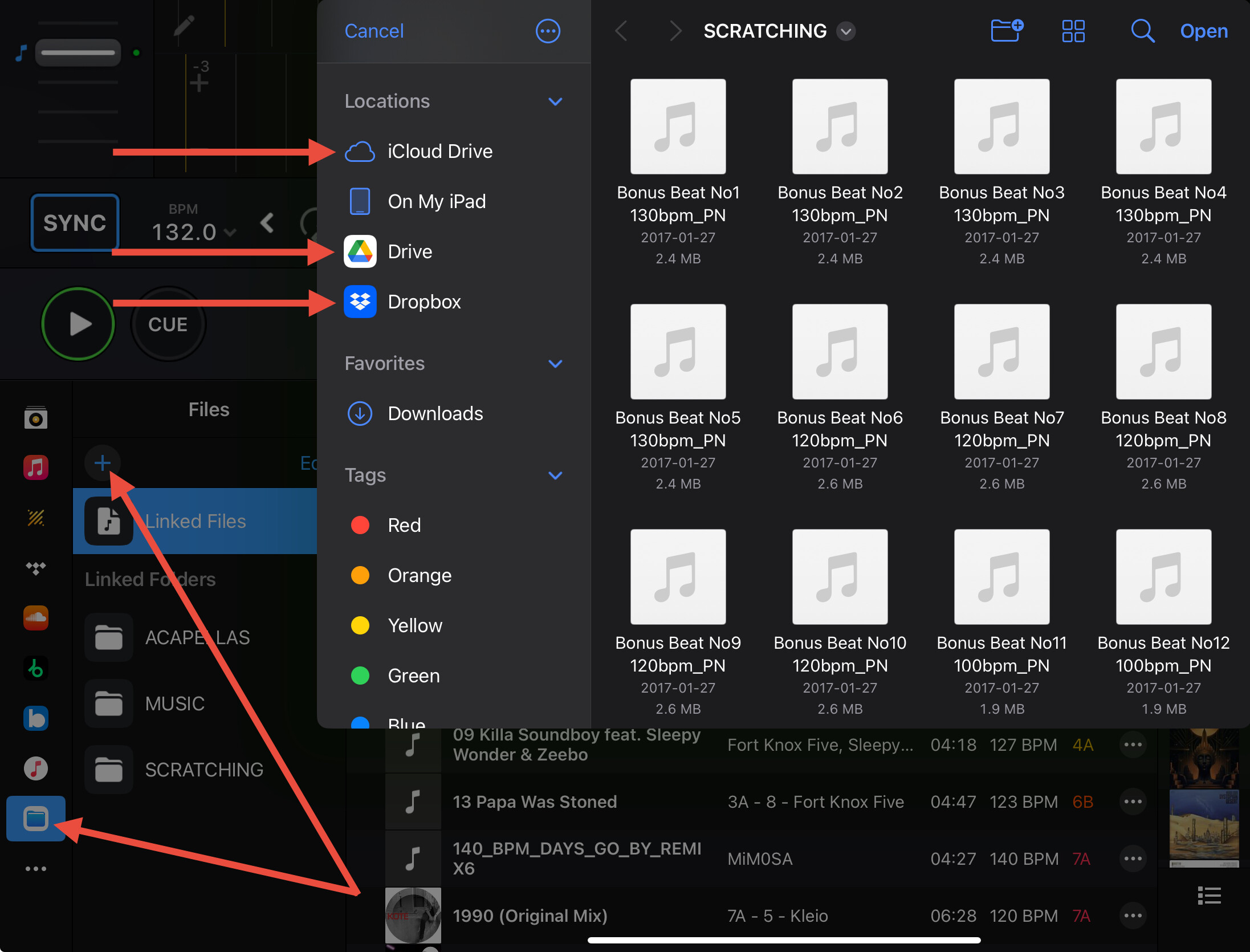
• Is there a way to reach local library, like inner network? For example, I use Desktop Mac, all my song is there on a local drive, would be great to share that local drive where the songs are sit without moving songs to ipad, iphone.
Hi @DJ-Z, there are lots of reasons for the differences. Keep in mind that iOS and macOS, while both being developed by Apple, they are meant to function differently. One of the main reasons for the differences it that iOS is focused on touchscreen input. So, while our goal is to have as much parity as possible with both Apps, some things are limited by the operating system and the physical hardware. Please see below; hopefully these answer your questions.
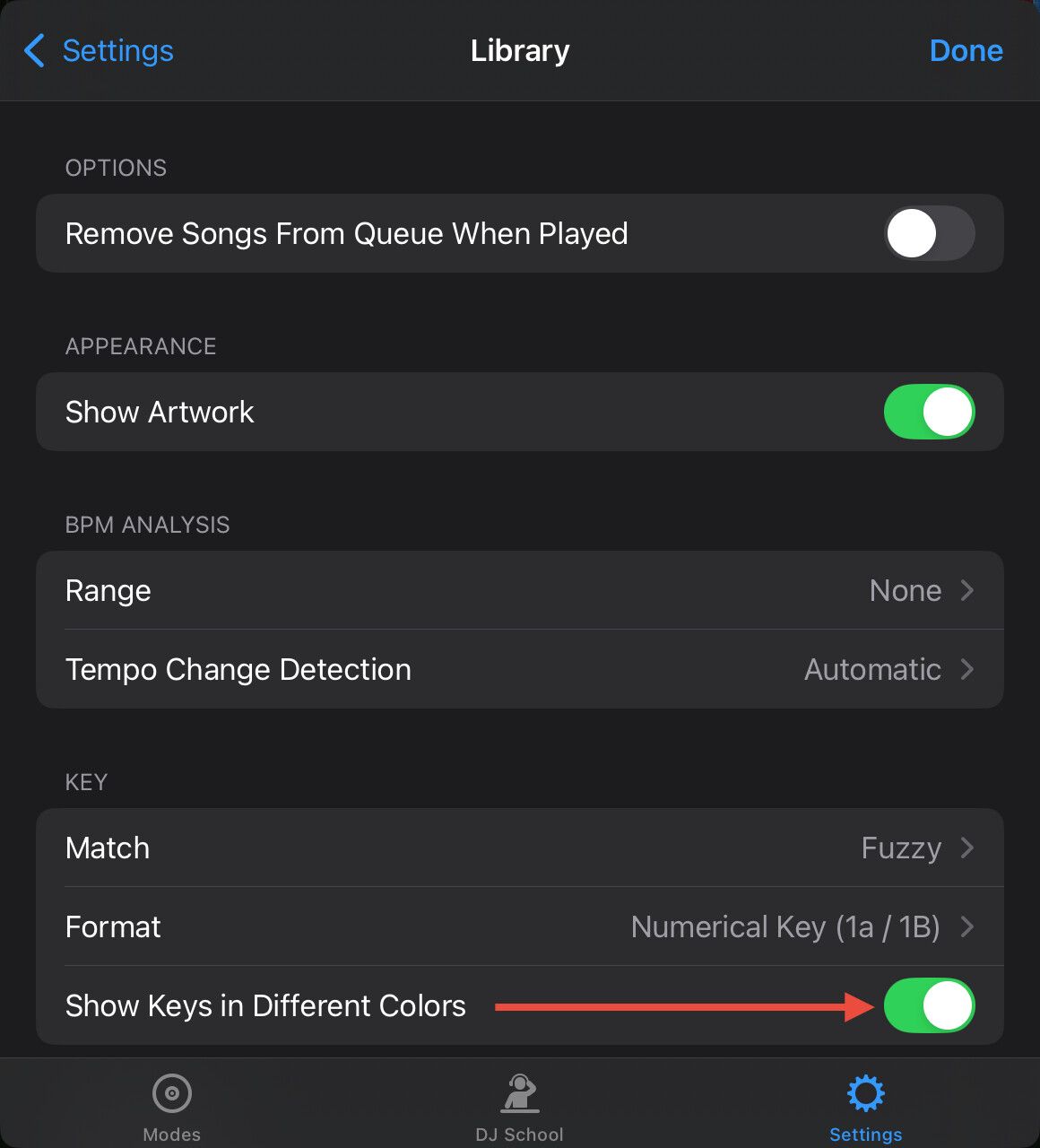
On iOS, please navigate to the djay Settings>Library>KEY and turn On Show Keys in Different Colors
Hi Slak, thanks
…for colored keys I forget that option, that is ok to me, but the rest is not.
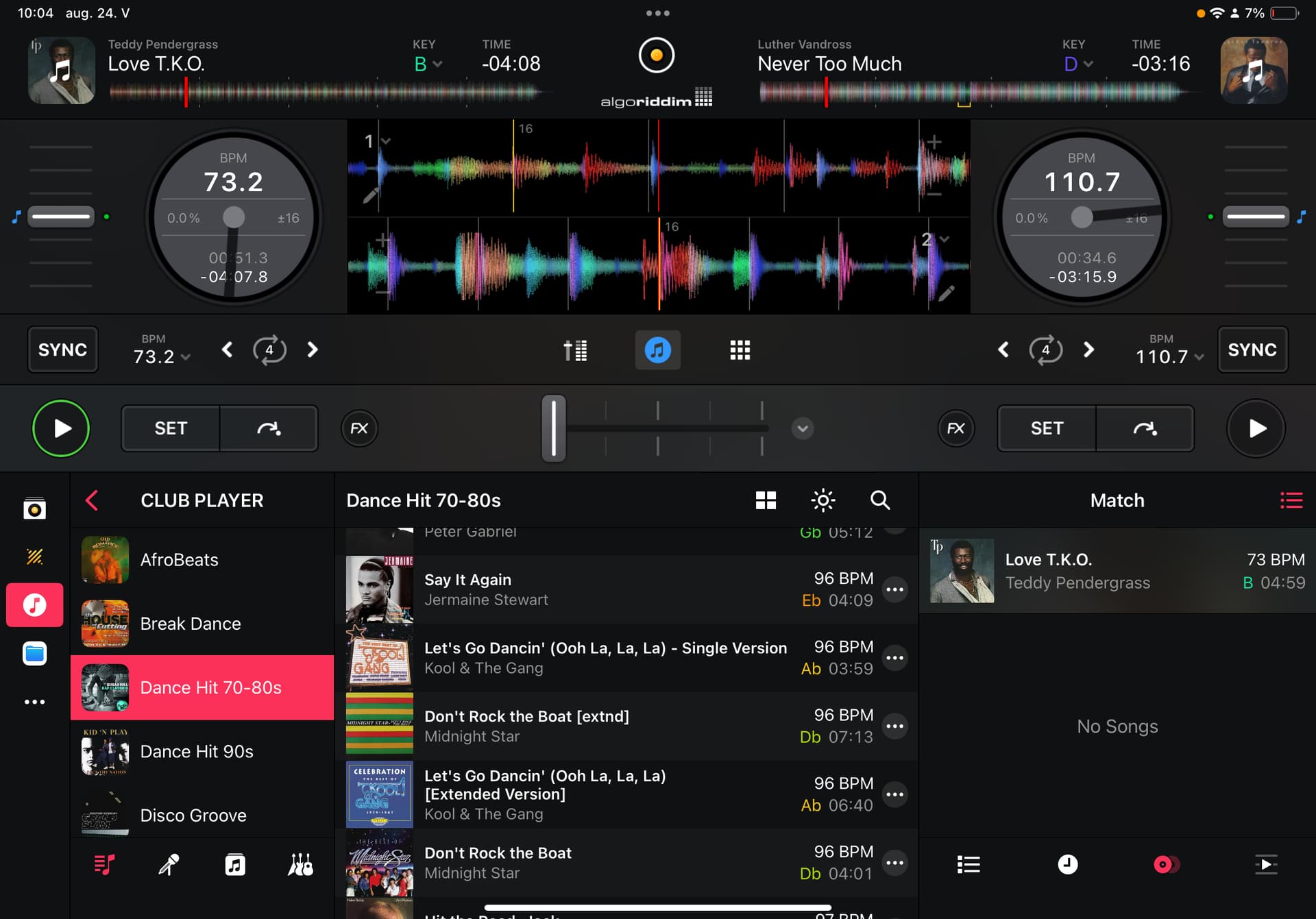
Matching song say: no songs :)) or finding song in DJay library, but I want matching songs from same library where I play from, as on mac.
With DropBox, Google Drive, iCloud, I’ve the same problem, coping 250GB music library, what I don’t want.
Match seems to be working fine on my iOS devices with the mp3s stored on the internal drive. Did you also copy your local songs into My Collection and try the Match from there?
Please note that Match on iOS doesn’t work with Local Music. It requires that you are logged into at least 1 streaming service like TIDAL, Beatport, Beatsource, Apple Music or SoundCloud (see section 5.11.10 of the iOS User Manual for more details).


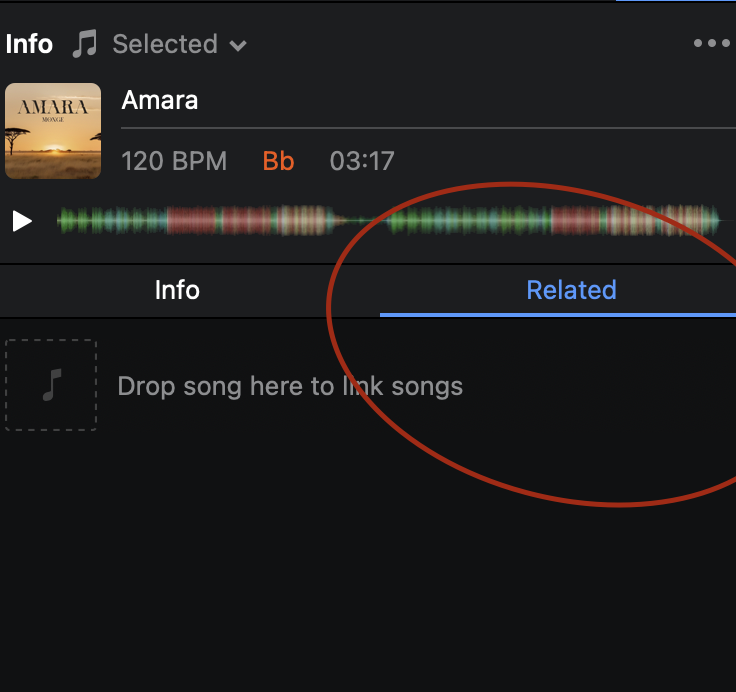
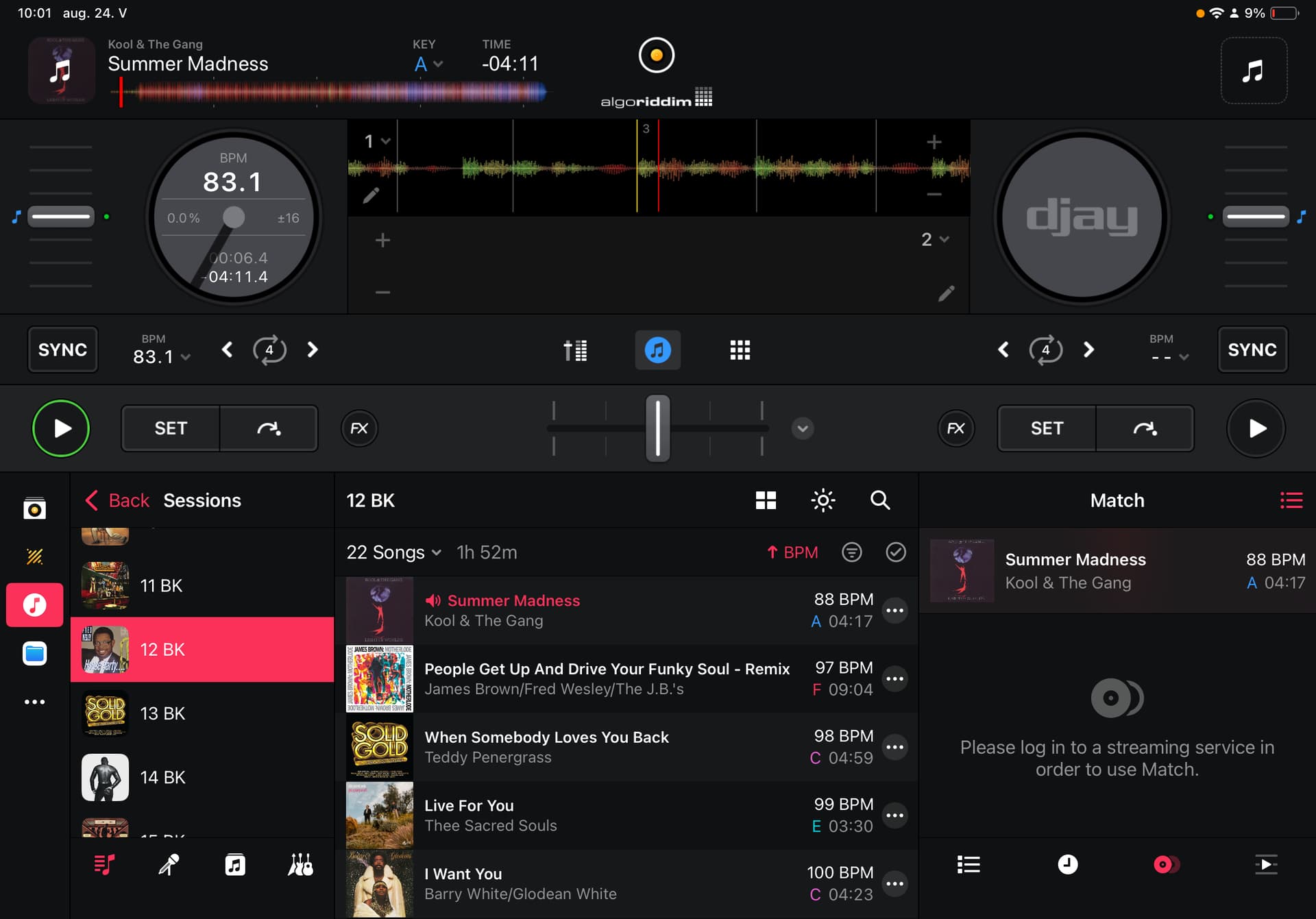

 I know, just I’m not satisfied with that, and waiting when we can use this feature like on Mac.


