Device Model: Custom build, Intel i5-12400
Version of operating system: Windows 11 25H2 — clean install
Version of djay: 5.6.8
Hardware/controllers used: DDJ-200
Hardware Firmware Version: n/a
Default browser: Microsoft Edge 153.0.4234.32 / Firefox 155.0.1
Spotify plan: Premium (individual)
djay plan: Pro subscription active, confirmed in djay account settings
Country: Germany (Spotify account country and Windows region both set to Germany)
A) SUMMARY OF ISSUE
I cannot link my Spotify Premium account to djay Pro on Windows. Clicking the Spotify source opens the browser and the Spotify login and authorization step completes normally. After I confirm access, djay does not receive the callback and shows only “Internal error”. No other detail is given. The Spotify source stays disconnected.
B) STEPS TO REPRODUCE
- Open djay Pro on Windows, signed into my djay account with an active Pro subscription.
- Open the music source list and select Spotify.
- The default browser opens the Spotify authorization page.
- Log in and confirm access for djay.
- djay shows “Internal error” and the account remains unlinked.
This is 100% reproducible.
C) WHAT I HAVE ALREADY TRIED
- Reinstalled djay from the Microsoft Store, repaired and reset the app
- Installed/repaired the Microsoft Edge WebView2 Runtime
- Removed djay under spotify.com > Account > Apps and re-authorized
- Logged out of Spotify in the browser before authorizing, tested with a different default browser
- Verified system date, time and time zone are automatic
- Disabled firewall, antivirus and any VPN/DNS filtering; no proxy in use
- Tested a separate local Windows user account
- Verified Spotify account country and Windows region both show Germany
- Wiped the machine completely and did a clean install of Windows 11 — issue persists
- Signed in with the correct Microsoft account so the Pro subscription is recognized
- Tested over a mobile hotspot instead of my home Wi-Fi — same error
D) WHAT WORKS
A second Windows PC on the same Wi-Fi network links the same Spotify Premium account to djay without any problem. So the account, the network and the region all appear to be fine. The issue is specific to this machine, even after a clean OS install.
Hi @Sascha_Weber, welcome to the Community! Thanks for the very thorough bug report. This is very helpful and you have already tried most of the things I would normally recommend.
- Have you tried connecting any other streaming service on this machine? TIDAL, SoundCloud, Beatport, Beatsource, Apple Music? You don’t need a subscription for this to be useful. If djay comes back and says the subscription isn’t active, that still tells me the handoff between the browser and djay worked, and that would narrow this down a lot. If they all fail the same way, that points somewhere completely different.
- Has Spotify ever connected in djay on this machine, or has it failed from day one? If it did work at some point, do you recall roughly which djay version was the last good one?
- When you confirm access in the browser, what happens on the browser side right after? Does the page just sit there, go blank, throw a redirect error, or do you get a prompt asking to open djay? A screenshot of the browser at that exact moment with the address bar visible would be great.
- Please also share a screenshot of the “Internal error” itself, so I can see whether it’s a dialog or an inline message in the library panel.
- What’s your Windows user folder called under C:\Users? I’m checking whether there are any accented or special characters in the path.
- Also, is this a personal machine or something managed by work?
Thanks!
Hi Slak_Jaw, thanks for your quick answer.
-
Yes, I’ve tried TIDAL and it worked.
-
No, Spotify has failed from day one.
-
The browser page just sits there. See screenshot
-
see screenshot
-
My user folder is “perno”, no special characters
-
It’s a personal machine
Thanks you so much
Sascha
1 Like
You’re welcom @Sascha_Weber. Thanks for answering my questions and sharing the screenshot - these are very helpful! TIDAL connecting is exactly the result I was hoping for, and it clears a lot of ground — the handoff between your browser and djay works fine on this machine, so this is not your install, your clean Windows, or the callback path. It’s specific to Spotify.
One thing in your screenshot stands out. The “Interner Fehler” is already sitting in djay’s Spotify panel while the browser is still on the consent screen, before you’ve clicked Stimme zu. Is that the real order it happens in, or was that error left over from an earlier attempt? It matters, because if djay is erroring before it ever receives your authorization, that’s a different problem than we assumed.
Two more questions and then I want to get this in front of the team:
-
Is the second PC, the one that works, signed into the same djay account or a different one?
-
Your browser has a VPN extension in the toolbar. Is it active during the login attempt? Spotify in djay is market-limited, so it’s worth ruling out properly even if it looks idle.
Thanks again!
Hi,
the internal error appears after clicking “Stimme zu”. I merged the screenshots because there is only one allowed for new members.
- Yes, it was the same djay and spotify account
2. No, there is no vpn active.
Thanks
Sascha
1 Like
Hi again @Sascha_Weber, thanks for clearing that up. Good to know the error lands after you agree — that puts us in a much more specific place.
Here’s where we stand: TIDAL connecting on this machine tells me the browser hands off to djay correctly. Whatever is going wrong is happening on the Spotify side of that same path. I want to get this to the team, but a generic “Internal error” with no code attached doesn’t give them much to work with, so I’d like to grab two things from a single failing attempt.
Do these in order, in one sitting, so everything lines up in time.
Part 1 — Capture what the browser does at the moment of failure
It’ll show us whether Spotify ever sends you back to djay.
-
Make sure Firefox is already open before you start, so the login page opens as a tab in the existing window.
-
In djay, click Spotify. Log in if it asks.
-
Stop at the consent screen. Do not click Stimme zu yet.
-
Press F12 to open the developer tools, then click the Netzwerkanalyse / Network tab.
-
Tick the Persist Logs checkbox (in Edge it’s called Preserve log). This is important — without it, everything clears the moment the page navigates.
-
Now click Stimme zu and wait about 30 seconds, even if nothing appears to happen.
-
Screenshot the list of requests in that Network tab. I’m looking for the last few entries and their status codes.
If you’re comfortable going one step further, right-click in that request list and choose Save All As HAR. That gives us far more detail. One caveat: the HAR file contains your authorization token, so please don’t post it in this thread — send it to me in a DM instead.
Part 2 — djay logs from that same attempt
-
Note the time when the error appeared in step 6 above.
-
Quit djay completely.
-
Open File Explorer and paste this into the address bar, then hit Enter:
%LOCALAPPDATA%\Packages\59BEBC1A.djay_e3tqh12mt5rj6\LocalCache\Local\Algoriddim\djay
-
Switch the view to Details and sort by Date modified, newest first.
-
Anything touched in the last few minutes is what we want — a Logs folder if there is one, or any files ending in .log.
-
Select those, right-click, Send to > Compressed (zipped) folder, and send the zip file to me via DM.
Part 3 — Three quick things
-
Right after a failed attempt, go to spotify.com > Account > Apps. Is djay listed there? This tells us whether Spotify considers the authorization granted even though djay says otherwise.
-
On the PC that works, what djay version number does it show? I want to compare the two machines directly.
-
Is the Spotify desktop app installed on the problem machine, and was it running during any of these attempts?
I know that’s a fair bit of work, but with the browser capture I think the team can see exactly where this fails instead of guessing. Thanks again for all of your help here!
Hi,
Part 1) done, but I don’t know how to send a DM here 
Part 2) there is one file, but same problem .. how to send you a DM?
Part 3)
- Yes, djay is listed there
- Both PCs same version –> 5.6.8
- The spotify app was installed, but I setup a clean Windows 11 without spotify
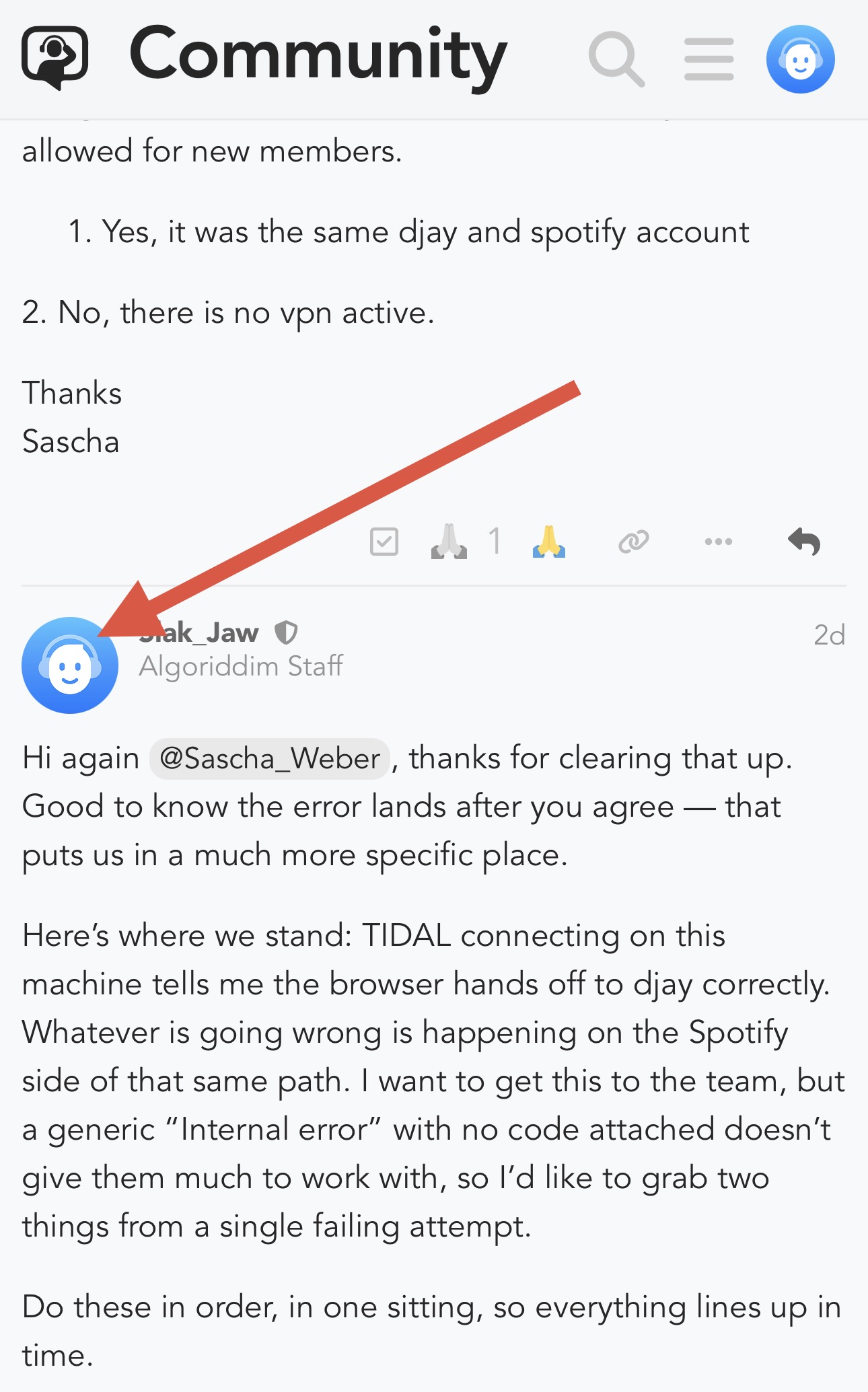
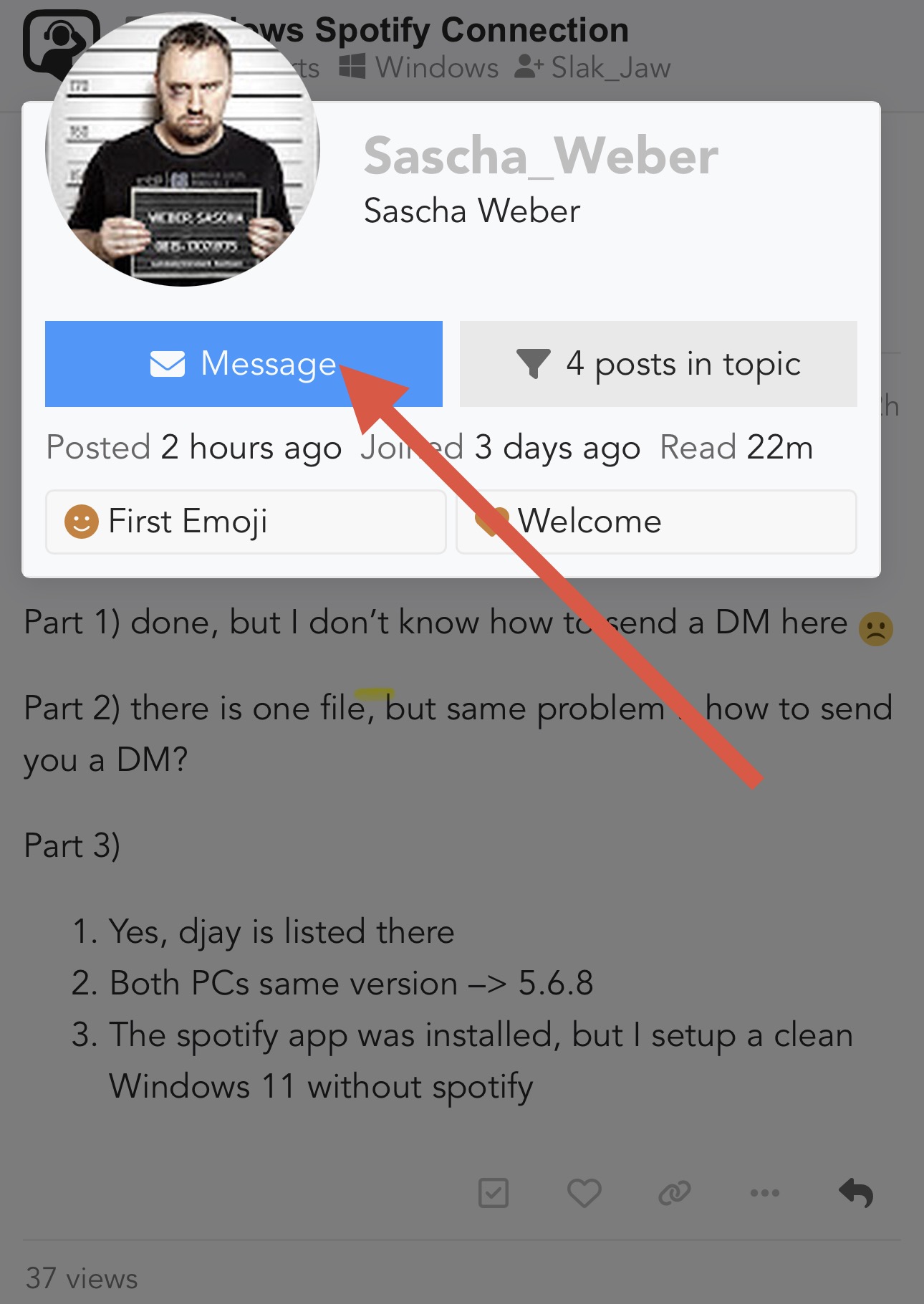
Thanks @Sascha_Weber, to send a DM, simply click on my avatar and select Message
Sounds easy, but there is no message button. I guess i can‘t send DMs because of I‘m a new member.
I just sent you a DM. Please reply to it.
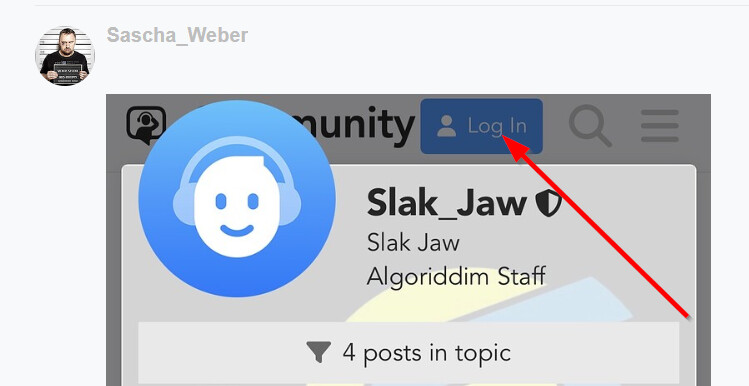
Hi again @Sascha_Weber, also it looks like you are not logged in so this is likely your issue:
Thanks for the files via DM @Sascha_Weber. That HAR was exactly what I needed. Thank you for going the extra mile with it. Quick housekeeping first: that file contained live Spotify authorization codes, so please don’t post it in the thread.
The capture shows Spotify approving the request and handing back a valid authorization code — twice, once for each attempt, both clean. So Spotify’s side of this appears to be working correctly. Whatever is going wrong happens after that, in the step where the browser passes that code back to djay, or in what djay does with it once it arrives. That’s a much smaller box than we were looking at a few days ago, so this will be much easier for our engineering team to troubleshoot further.
Two quick tests to narrow it the rest of the way, plus a couple of questions.
1. The handoff test (takes about ten seconds)
- Open Edge, click in the address bar, paste this in and hit Enter:
djay-app://spotify-oauth-callback/- Tell me exactly what happens.
- Does Windows pop up a prompt asking whether to open djay?
- Does djay jump to the front on its own?
- Or does absolutely nothing happen?
- All three are meaningful answers, so don’t worry if it seems like a non-result.
- A screenshot of any prompt you get would be great.
2. A capture of TIDAL connecting
Since TIDAL works on this machine, I want to see how it hands back to djay and compare the two. Same procedure as last time:
- In djay, disconnect TIDAL if it’s currently connected.
- Make sure Edge is already open.
- In djay, click TIDAL to start the login. Get as far as the approval screen and stop there.
- Press F12, go to the Network tab, tick Persist Logs.
- Approve the login.
- Right-click in the request list, Save All As HAR, and DM it to me directly like before.
3. Still waiting on
- The djay logs from that failed attempt, from this folder:
%LOCALAPPDATA%\Packages\59BEBC1A.djay_e3tqh12mt5rj6\LocalCache\Local\Algoriddim\djay- Sort by Date modified, grab anything recent, zip it up. If nothing in there looks like a log file, just say so — that’s useful to know too.
4. Two dates
- Roughly when did you wipe the machine and reinstall Windows 11?
- Have you used the Reset option on djay in Windows app settings since then, and if so, when?
- I’m asking because your djay settings file has entries in it going back to mid-July, which makes me wonder whether some of djay’s stored data survived the reinstall.
I think we’re almost there! Thanks again for being so patient with all the homework this has been super helpful in narrowing down the issue.