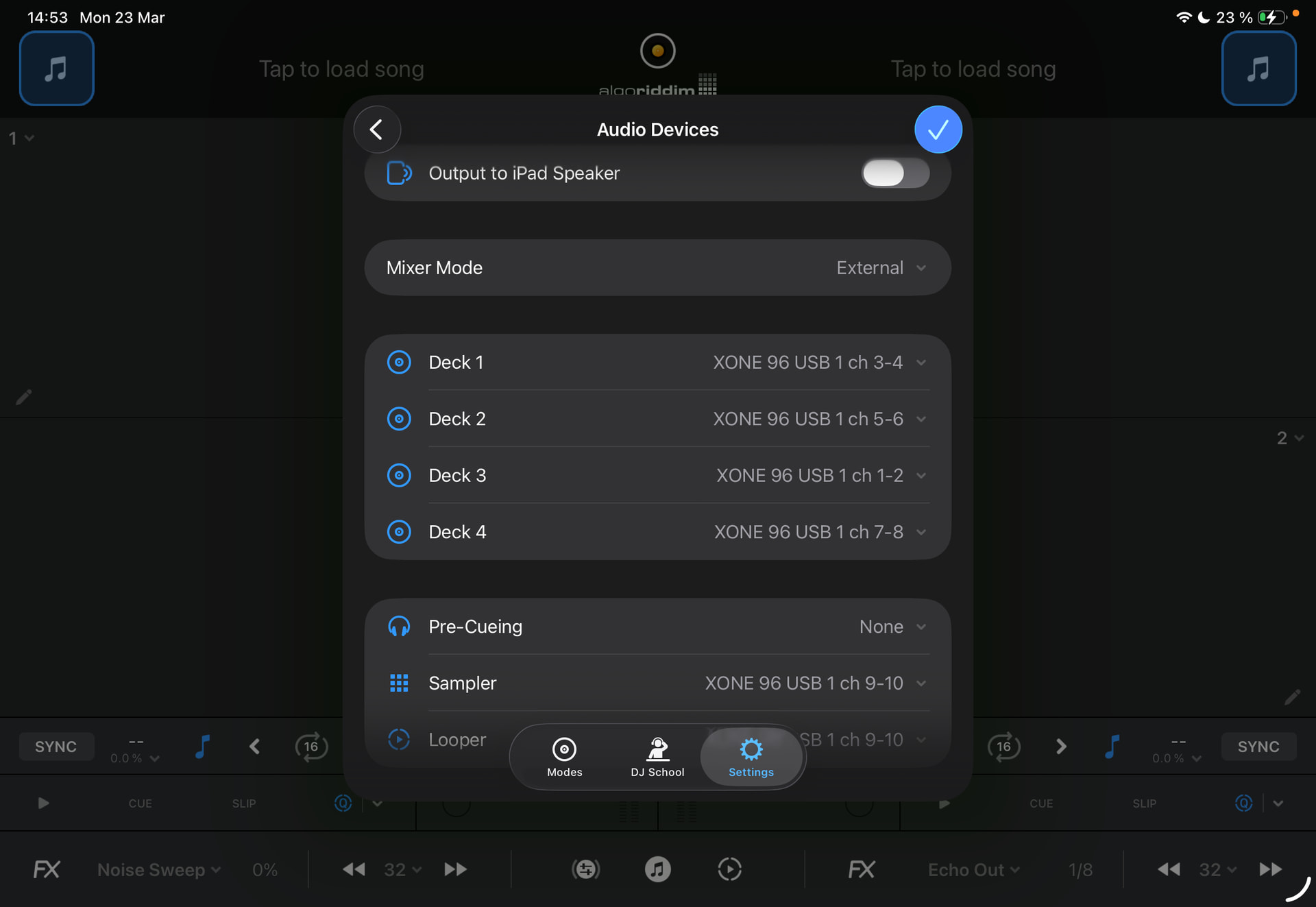
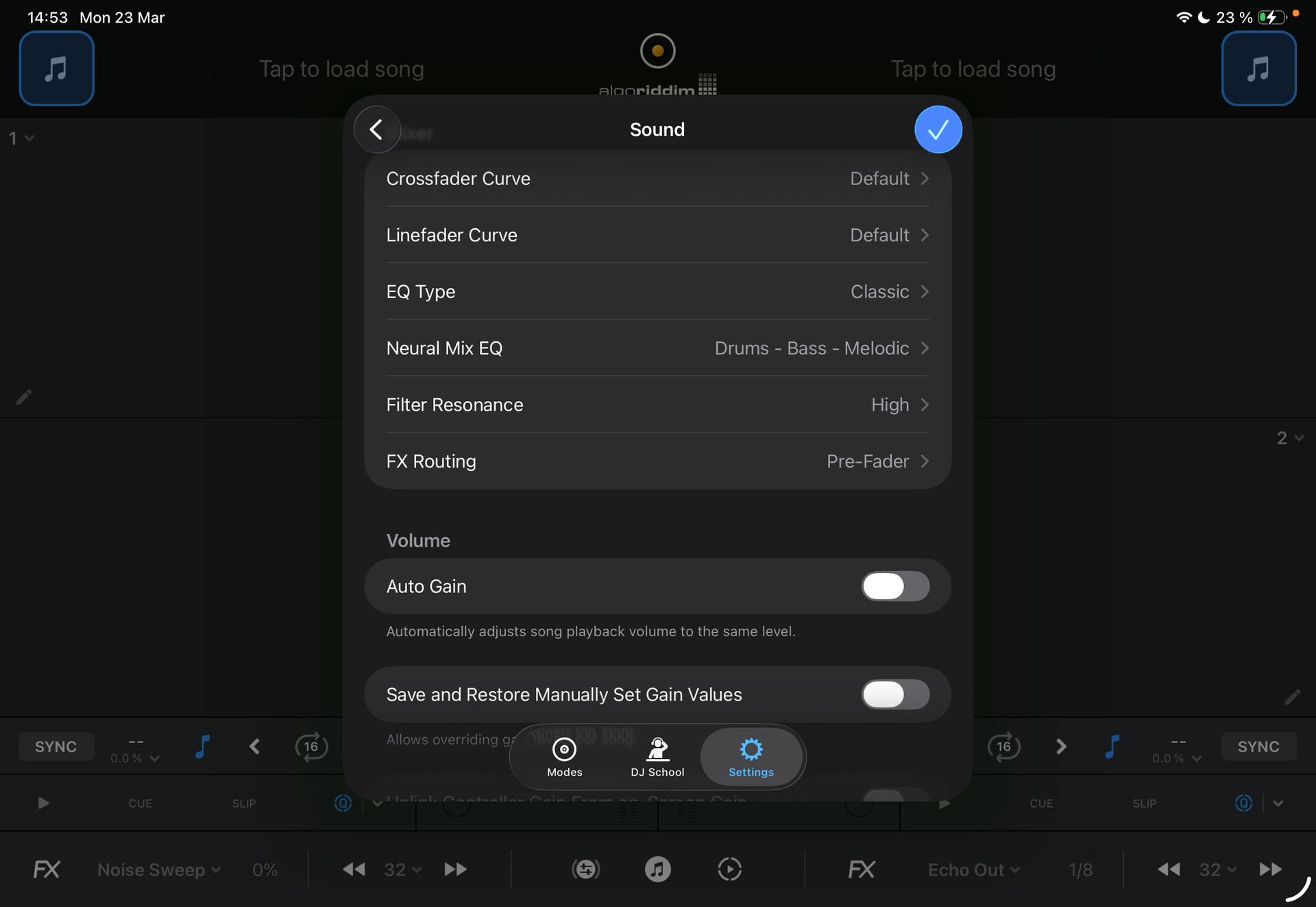
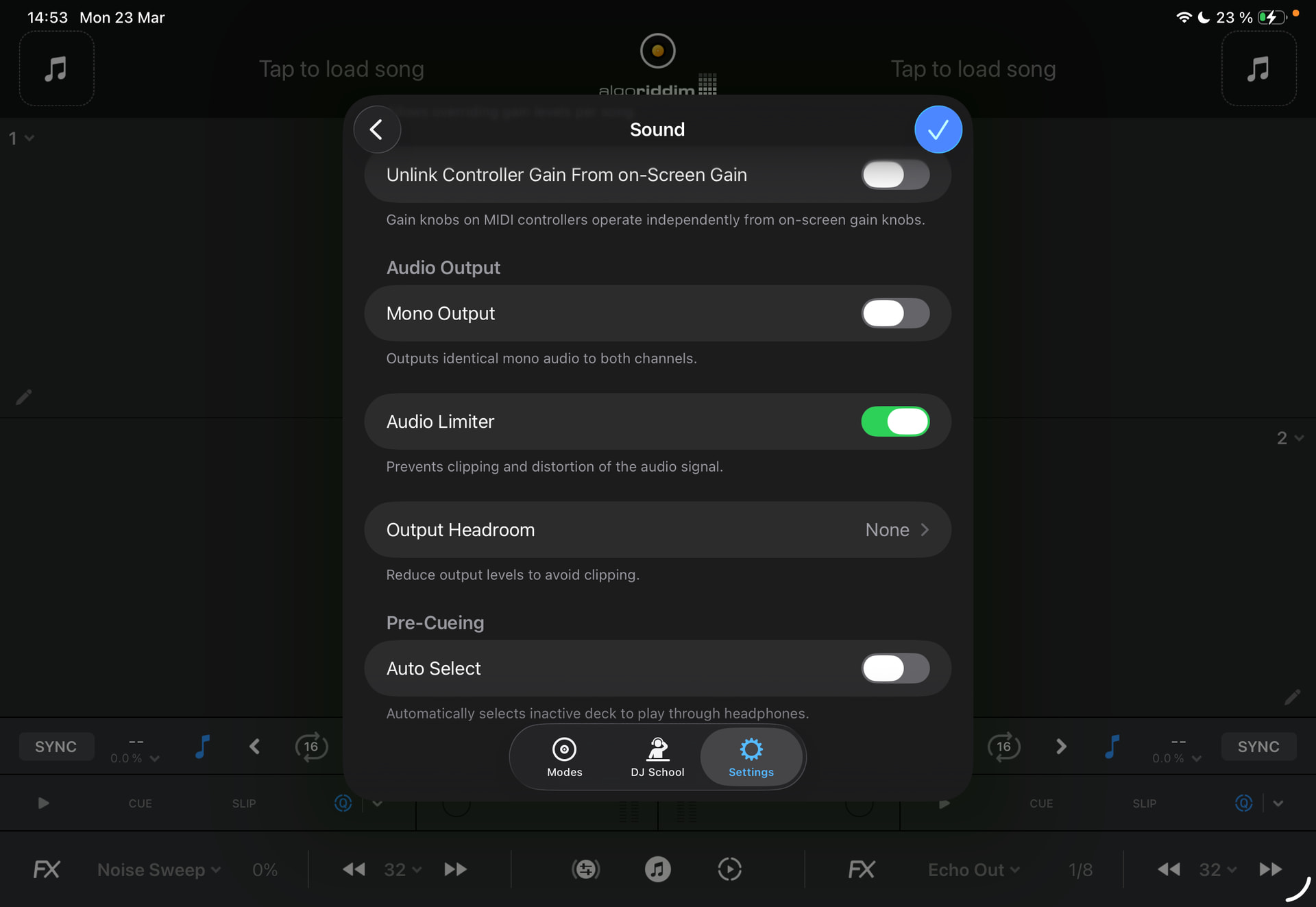
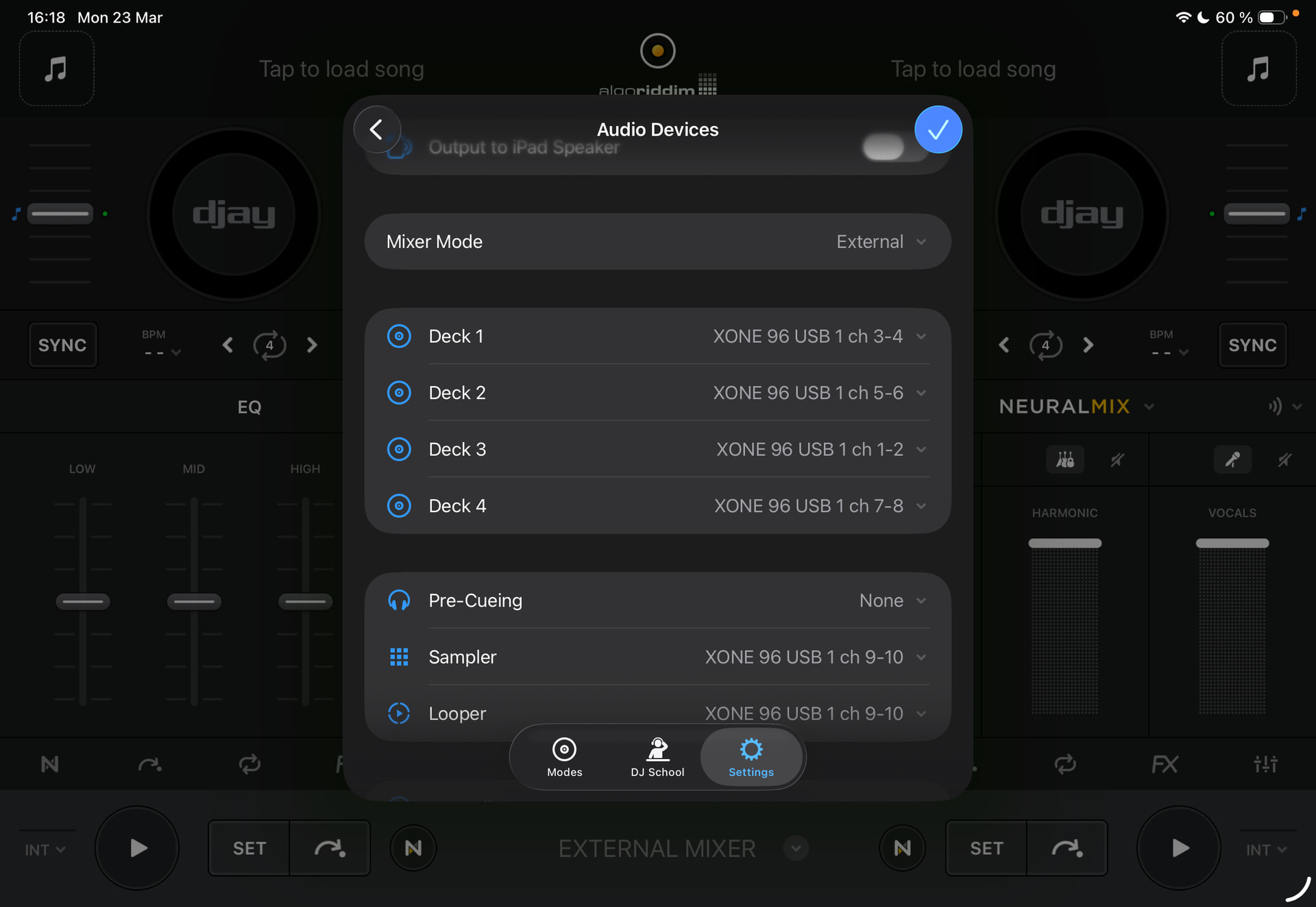
I am experiencing an issue while using my Xone:96 in External Mixer Mode with Djay Pro on iPad.
The Problem:
Even when all EQ knobs on the Xone:96 are fully turned down, a significant amount of audio is still passing through to the Master output. This makes clean transitions impossible.
**
My Current Setup:**
Device model: iPad Pro 11” M4
Version of operating system: 26.3.1 (a)
Version of djay: 5.6.3
Hardware/controllers used: Xone:96 and Xone:K3
Djay Pro Settings: External Mixer Mode is active. All internal software EQs and Gains are set to neutral/center.
Routing: I have assigned the Decks to the corresponding channels of the Xone:96.
Would you have any guidance on the correct audio device routing or MIDI settings for this mixer ?
Hi @amrngv, according to the Xone:96 user guide, this mixer only provides full EQ kill on the High and Low EQs. As this is an External Mixer Mode only device, there are no settings in djay to compensate for this - it is fully built into the hardware.
Hi, thanks for the reply here.
I understand some EQ bleed might happen with this mixer but the behavior I’m experiencing in djay pro is atypical.
I’ve used it with Traktor and the signal cut was quite clear. Here the signal is simply muffled when all EQs are down and about 1/3 is still passing through…
To be noted: I just found out that the same behavior applied to djay internal EQs where signal was only muffled. Changing EQ type to Isolator solved it but issue remains for external mode…
Thanks @amrngv. Can you please share 2 short videos comparing the audio output with the same songs and same EQ setting for djay and Traktor? This would help us to troubleshoot things further. Thanks!
I would try using a different, high-quality, properly shielded USB cable with dual ferrites on either end to connect your iPad and mixer. If you are using a hub or adapter, try connecting directly.