


With the latest djay 5.6.3 release, we have added support for the AlphaTheta DJM-V5 on macOS, iOS and Windows.
I love this mixer. I have a question for iOS: does it work in internal or external mixer mode ?
I would like to make sure the mixer and the filters are from the V5 and not from the software. Thanks
Hi @Herve_DELPLANQUE, it must be used in External Mixer Mode only.
Hi there, I have a question, is it possible to assign the headphones cue channel to the channel normally assigned to the 3rd channel of the mixer? I would like to be able to preview tracks without loading them, so when I am only using 2 channels, I thought about using the 3rd channel as a headphone output. Is that possible?
Thanks
Hi @Herve_DELPLANQUE, just to clarify things, are you wanting to route the Library Preview Player to Channel 3 on the mixer?
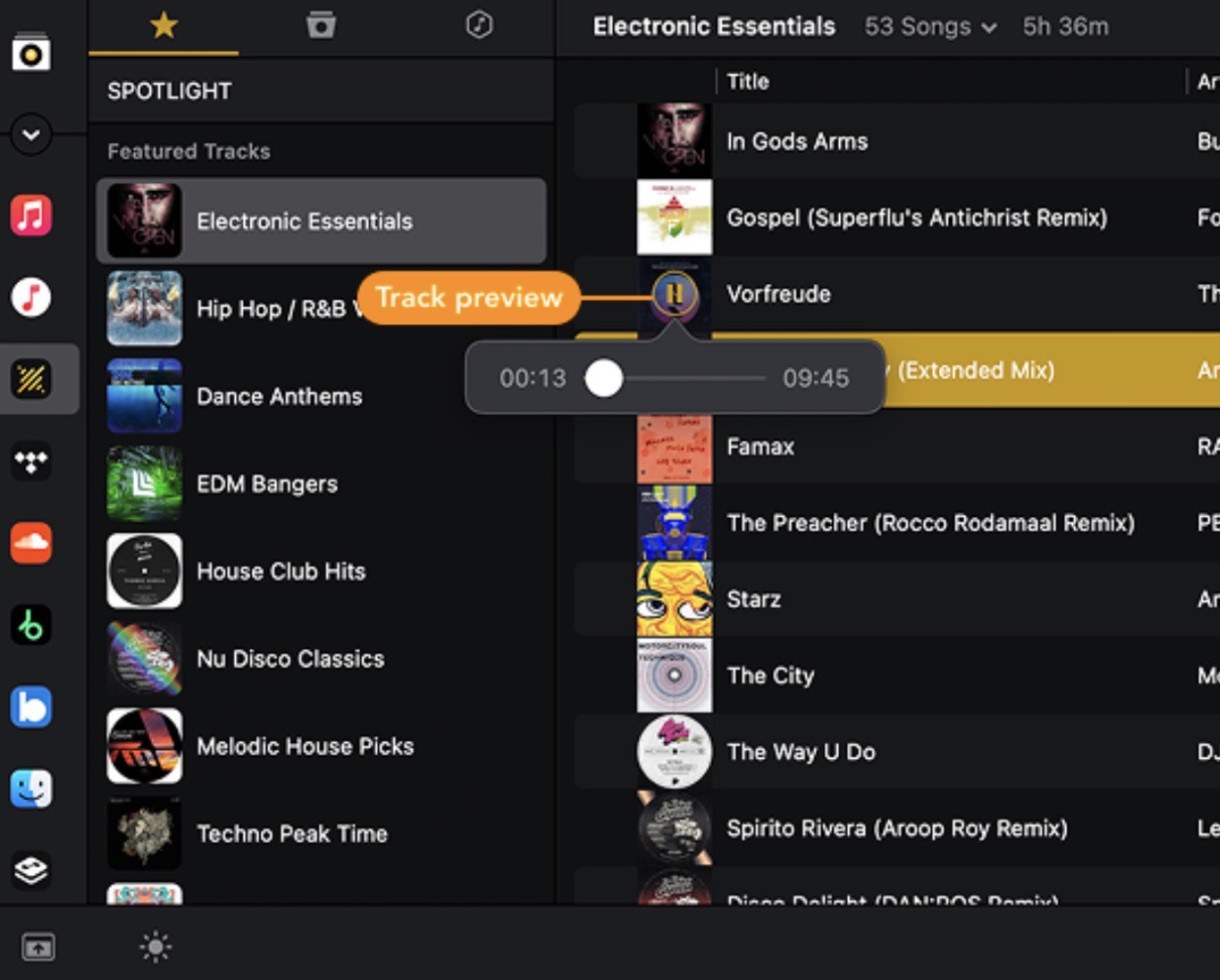
Yes exactly
Thanks for confirming @Herve_DELPLANQUE. The Preview player isn’t independently routable in djay. It always follows whatever output you’ve assigned to Pre-cueing, so you can’t point it at the Deck 3 output directly. What you can do is assign Pre-cueing itself to the output pair that’s feeding CH3 and leave Deck 3 out of the picture entirely.
On iOS:
- Go to Dashboard > Settings > Audio devices and confirm Mixer Mode is set to External.
- Leave Deck 1 and Deck 2 on the outputs feeding CH1 and CH2.
- Set Pre-cueing to the output pair feeding CH3, then tap Apply.
- On the V5, set the CH3 input selector to USB, leave the CH3 fader down, and press the CH3 CUE button.
Then the three-dot menu next to any track in the library browser gives you a play button, and the preview lands in your headphones via CH3.
Worth knowing before you start: library previewing in External Mixer Mode only works when the hardware exposes dedicated pre-cue channels djay can address directly, and I don’t have access to a V5 to confirm if this is the case. Take a look at what actually shows up in that Pre-cueing picker and let me know — that’ll tell us straight away.
If it turns out the option isn’t there, you can get close to the same result by loading tracks to Deck 3 with the CH3 fader down and cueing CH3. Not quite preview-from-the-browser, but it does the same job in practice. I hope that helps!
Thanks a lot. I’ll go to the alpha theta showroom and try.
You’re welcome @Herve_DELPLANQUE


