


Okay, thanks for correcting @Hans_Mulleur. I’ll pass this onto engineering to see if they can reproduce the issue with those hardware specs…
Hi again @Hans_Mulleur, are you editing the song metadata when this issue occurs?
Hi @ Slaw_Jaw, this occurs while on playback.
I understand @Hans_Mulleur, but while playing the song, are you editing the song metadata either within djay or via another app like mp3tag?
Hi @ Slak_Jaw no, not while I am editing the metadata.
Thanks for confirming that you are not editing the metadata while the song is loaded to a deck and playing. We are still not able to reproduce this issue. Can you think of anything else you are doing which might be contributing to the issue?
Hi @ Slak_Jaw would putting on cue points be the cause? This is because once I download my serato crates on djay pro the cue points are sometimes not in the right position and all I do is put them in the right positions. Could this be the cause?
No, this shouldn’t be an issue.
Hi again @Hans_Mulleur, sorry for the delayed reply. Our engineering team has still not been able to reproduce this issue.
- Are you still experiencing this issue? If so, have you discovered a more exact sequence that leads to it?
- Was audio gone on only that deck or globally?
- What exact steps fix the issue? Reload the track? Restart the app? Restart the computer?
- What is the HD format? How much free space is remaining on the HD?
- Was the track already analyzed? Anything that could help us pin point the problem. Thanks.
Hi Slaw_Jaw,
Apologies for my delayed response.
Yes, I am still experiencing the issue. For now, I have had to move back to Serato DJ Pro.
The problem happens when I am using single-deck mode to set my cue points and loops. Because the audio on the single deck cuts out, I am unable to confirm whether the audio goes off globally or only on that deck.
There is plenty of storage space on my laptop, as it has a 1TB drive. The tracks had already been analysed; I was only adding cue points and loops. Each time the issue occurs, I have to close djay Pro completely and reopen it before the audio works again.
Many thanks for all your help and support.
1 Like
Thanks for the follow up @Hans_Mulleur. I’ve shared this additional info with our engineers to see if that helps them to reproduce the issue.
Hi again @Hans_Mulleur, our engineering team has performed additional extensive testing with the exact same setup as you and with the same workflow and they are still not able to reproduce this. There must be something specific to your setup that is causing this issue. The only other thing I can think to suggest is a fresh djay installation.
I suggest that you backup your djay Media Library database and any custom MIDI mappings, then uninstall djay, reboot your device, and reinstall the latest version of djay. You can find the files above in the following locations:
- iOS: using the Files App, navigate to Locations->On My iPhone/iPad->djay->User Data
- macOS: How to find your djay data and move it to a new device | Algoriddim Support
- Windows: How to find your djay data and move it to a new device | Algoriddim Support
- Copy the files to a new location or external drive before uninstalling djay. After reinstallation, you can simply copy these files back to their original locations to maintain your Hot Cues, Saved Loops, My Collection Playlists, History and Queue.
I hope that helps!
Hello! It’s been a week since my last reply. I’m going to consider this topic completed for now so I can focus on others. However, please feel free to respond and we can definitely revisit this. Thanks!
@Slak_Jaw I’m still having the same problem. Just preparing for an event tomorrow and this happened again. I am just struggling to attach the video.
You have permission to upload videos with your account. Can you please be more specific about your struggles with attaching the video? What exactly is the problem.
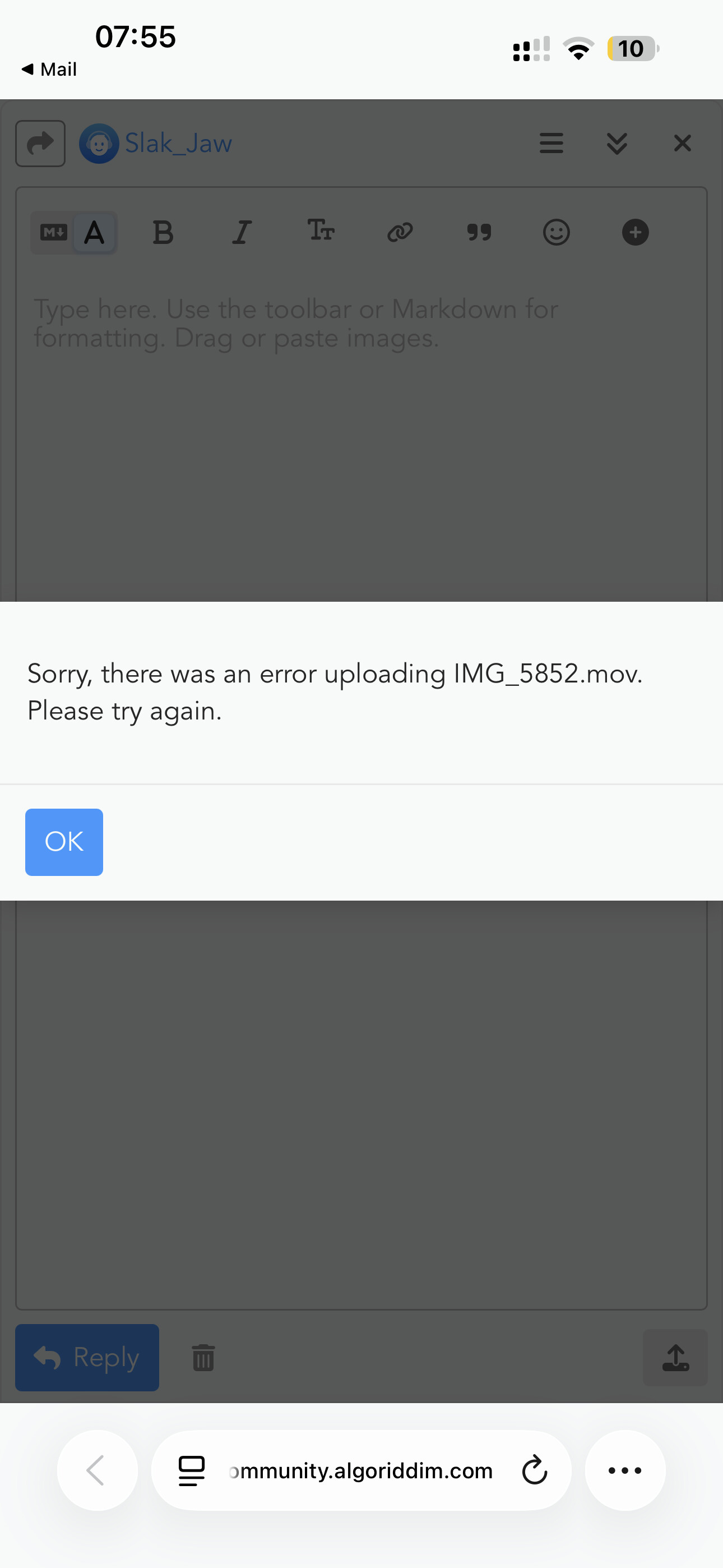
Hmmm… strange. How big is the file? Maybe try a different browser? Otherwise, do you have a YouTube account? If so, you could upload it there and share a link here.
Something close to that has happened to me before where I load a track and I see the waveform fine but then at a random timestamp audio just drops and waveform disappears from the moment the audio dropout happened. If I reload the same song to the same deck, it will play perfectly all the way on the second load. I think it’s a memory leak issue that happens once in a blue moon. Very hard to record because it happens randomly. It’s like catching a Mewtwo Pokemon.
Thanks for the input @megaman24


