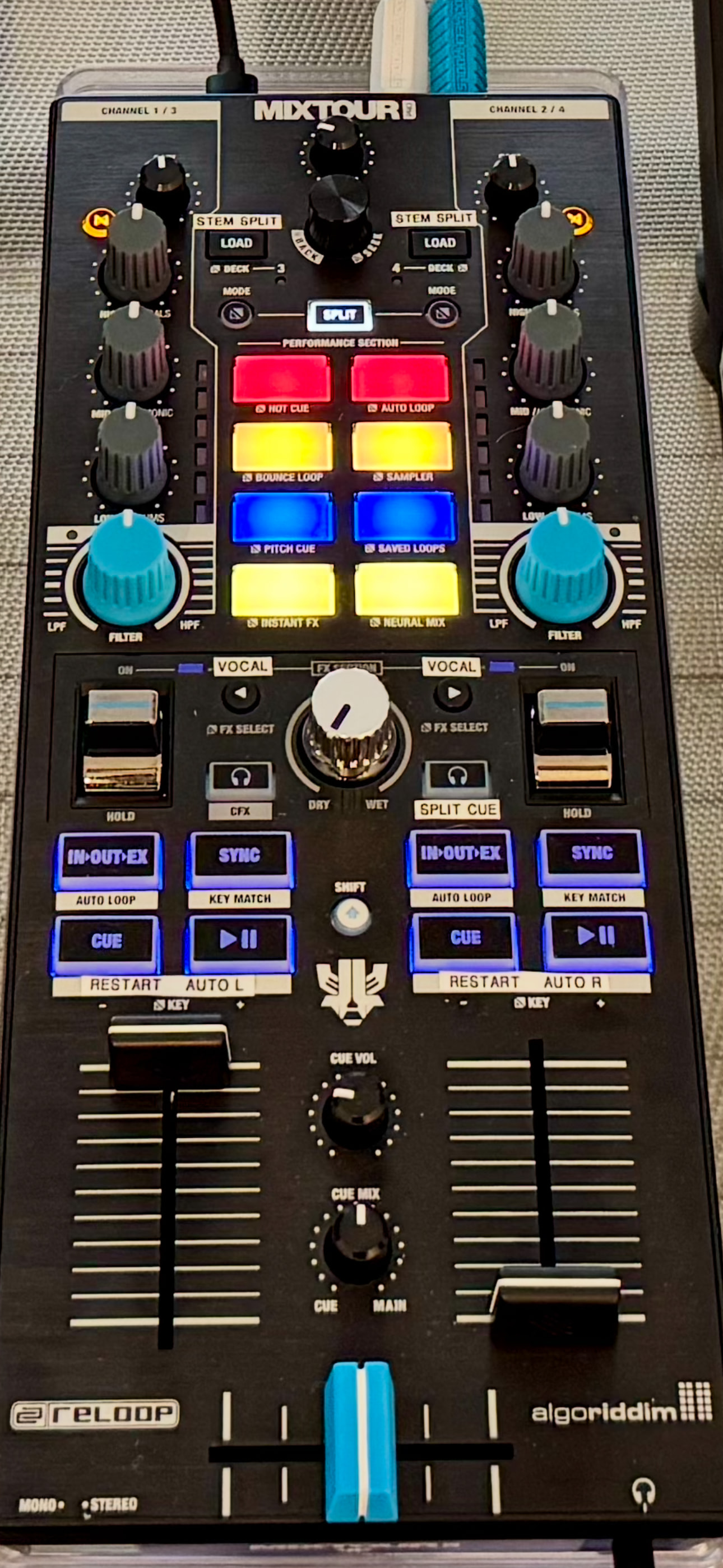
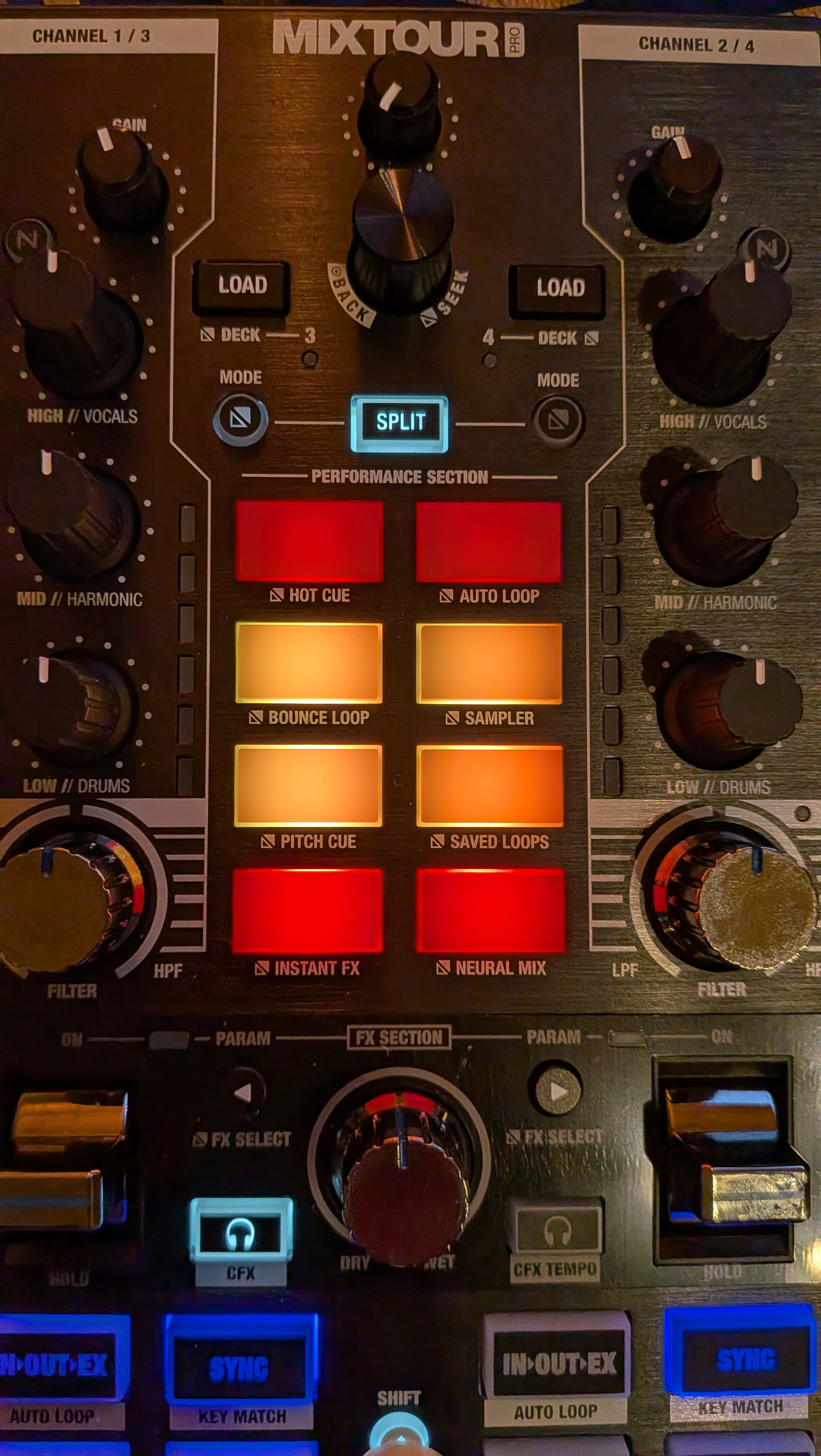
in another thread, @Slak_Jaw shared his beat jump midi customizations and it was a immediate update to my setup. What other customizations have you found useful to streamline your workflows and performances and avoid using the laptop? I am still struggling to find a good pattern to change the active FX type, but have found a workable solution augmenting my mixtour pro with a set of intech grid controllers and faders.
good idea.
but It’s a bit pricey in my opinion, Personally, I’d probably choose the Hercules Starlight as an extra MIDI controller.
Or another device called M-VAVE SMC-Mixer.
FX PARAM buttons have be mapped to change the FX Routing to Vocals Only for FX1 on each deck
SHIFT+DECK 2 Headphone Cue switches my headphone monitoring to Split Cue Mode as I often DJ with IEMs. So, this allows me to monitor the main output in one ear and the pre-cueing in the other ear
SHIFT+CUE jumps to the start of the song for both decks
SHIFT+DECK1 PLAY/PAUSE performs an automatic Transition to Left. Same for Deck 2
how do you find the custom STEM Split operation you’ve mapped on this small controller? I always assumed whilst I’ve been doing my research prior to purchase that I’d stick with two decks when using the Mixtour Pro.
After 1 year with the Mixtour Pro, I start to experiment with custom mapping, inspired by the “skip” mapping to the browser from Slak, I like to use it but when a loop is active, the browse knob control the looplenght instead of the skip function.
Cue Pad Mode:
Pad 1 to 4 = Cuepoints 1/9 to 4/12
Pad 1 to 4 + shift = Cuepoints 5/13 to 8/16
Pad 5 = skip 1 beat back and + shift = skip 1 beat forward
Pad 6 = same as Pad 5 but 4 beats
Pad 7 = same as Pad 5 but 16 beats
Pad 8 = same as Pad 5 but 32 beats
In split mode you have acces to all 16 cue Points with only 4 pads if you switch the cue bank on the screen.
Autogain work very good in djay so I use the gain knobs to control the neural mix 4ch bass, in many cases i prefer to take de bassline away to clean up the mix, then vocal that remain still sound full and natural, instead of turn down bass eq.