Hi @BillPayer, I was also going to suggest Saved Loops for you Mix In/Out points. I used to use these as well. However, pressing these buttons on the hardware only turns the Saved Loops On/Off. It doesn’t jump to the loop like a Hot Cue does. Give it a try.
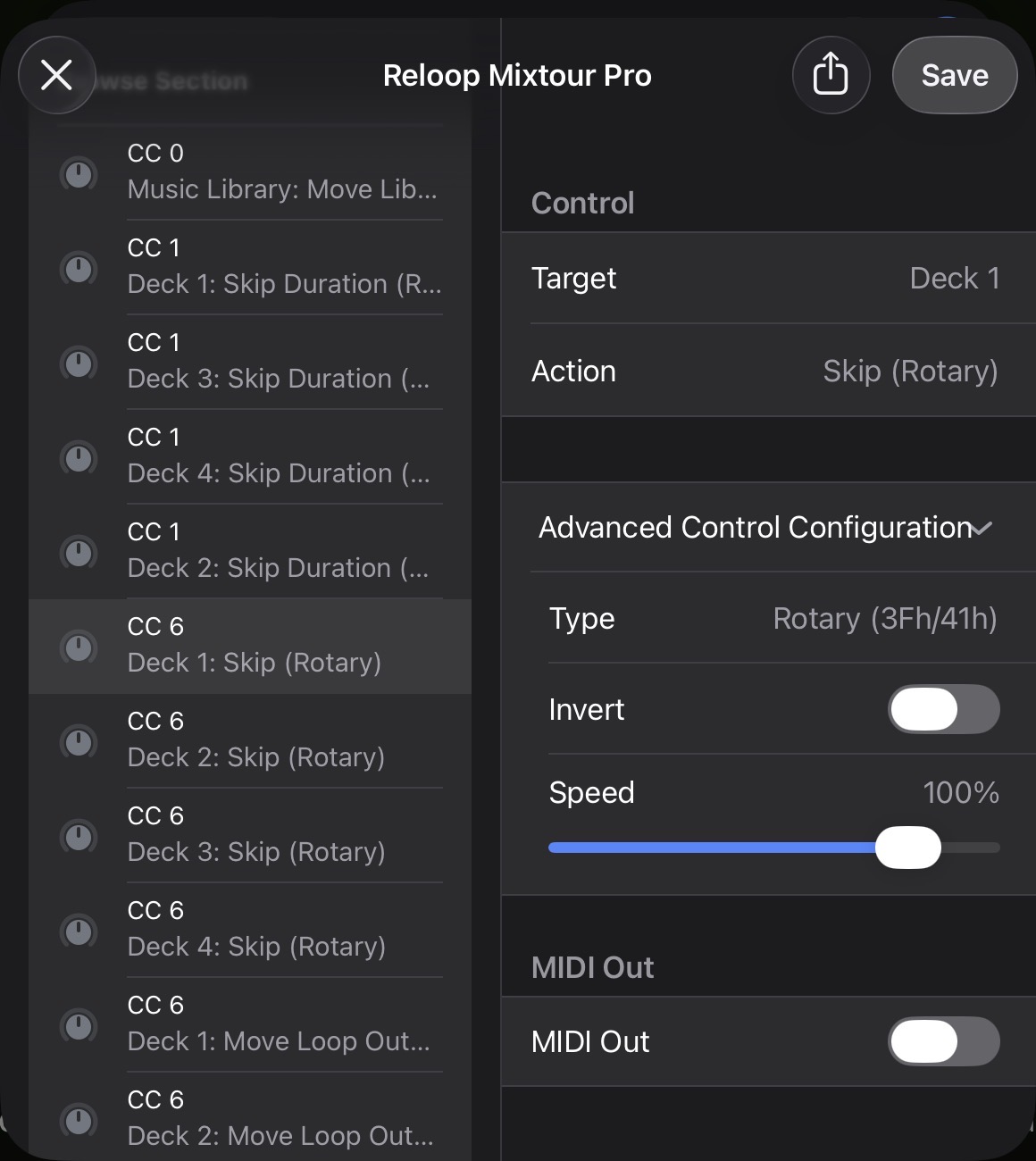
The (built-in) MIDI mapping doesn’t have any controls for Beat Jump/Skip. I also use this function a lot, so I customized my MIDI mapping. I use the Deck 1 MODE+Browse Knob for Deck 1 Skip and the Deck 2 MODE+Browse Knob for Deck 2 Skip. You will have to use the onscreen controls to set the Skip Size or custom map that to some other controls on the Mixtour Pro.