


Hi @jdpstudios, welcome to the Community! I recommend you try mapping the Neural Mix EQ Toggle to Shift+Headphone Cue buttons for each deck.
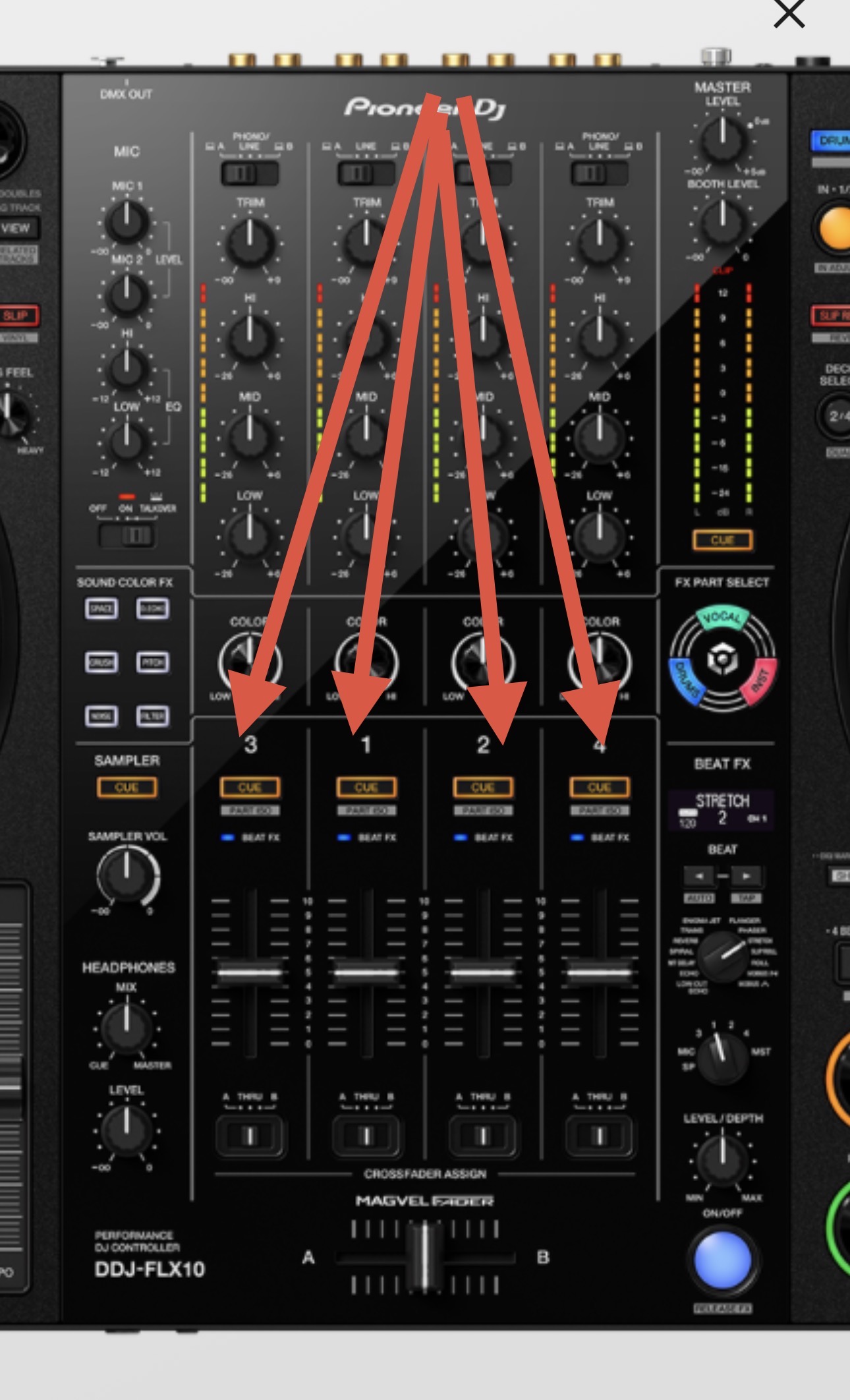
Thanks, it works by default!
1 Like
You’re welcome @jdpstudios
Thanks @Slak_Jaw . It looks like the “Hardware Diagram for DJay Pro” Manual is missing from AlphaTheta’s website. Do you have a copy?
Link to page: DDJ-FLX10 djay - AlphaTheta Help Center
Link to PDF: https://downloads.support.alphatheta.com/software-info/controller/ddj-flx10/ddj-flx10_hardwarediagram_djay_e2.pdf
We do not have a MIDI mapping diagram for the FLX10. Your best option to figure out what a particular button is mapped to is to use the MIDI Learn Tool. While in the MIDI Learn tool with your FLX10 connected, simply press the button you want to check and it will show you the command it is mapped to.
1 Like


