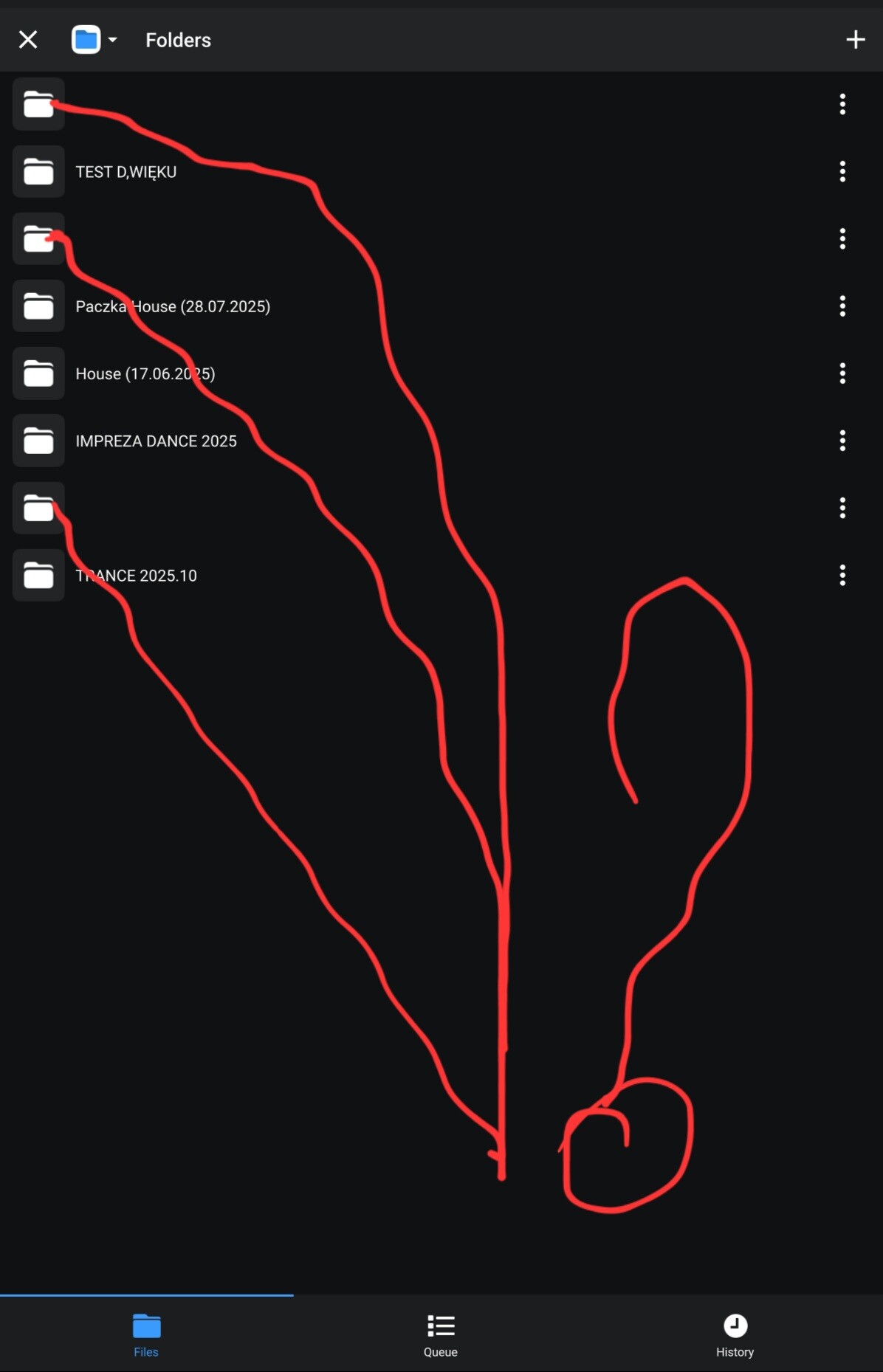
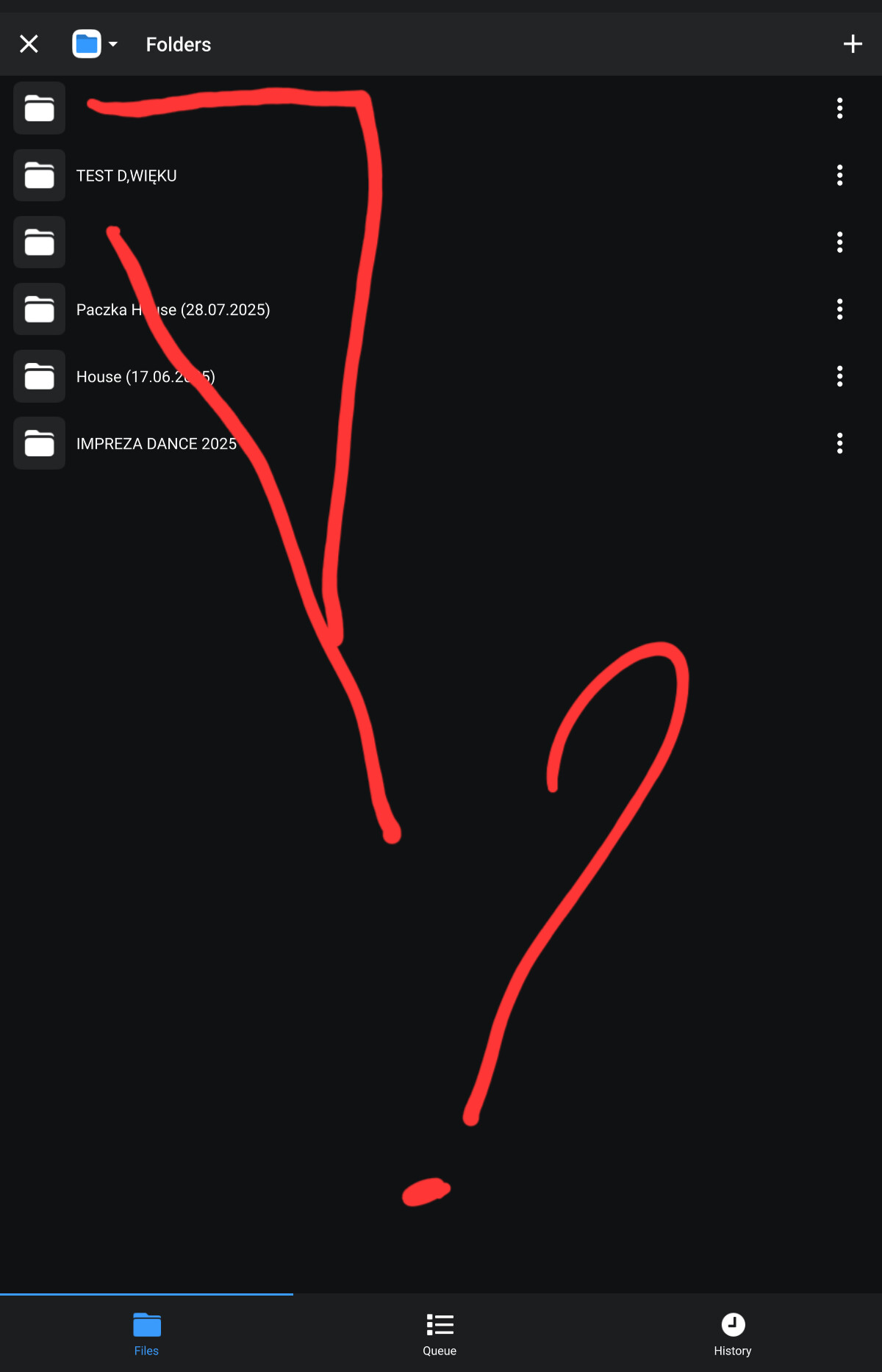
How to effectively remove directories in Djay v 5.5 in meni folders? After removing ANDREOID FILES from internal memory, directories without description remain in Djay, while after removing directly in Djay my folders nothing happens, in earlier versions it worked and it was necessary to remove those empty folders too, HOW MANY OF THESE PUPPY FOLDERS?
After deleting ANDREOID FILES from internal memory, there are directories left in Djay without descriptions, while after deleting my folders directly in Djay, nothing happens. In previous versions it worked and in addition to adding, it also deleted. HOW MANY EMPTINESS FOLDERS ARE THERE?
Doesn’t he understand why it was removed?
Inability to delete folders up to 0
Hi @Jaroslaw_Szkudlarek, can you please share a short screen recording to clarify what is happening here? Thanks!
I lack patience! how to remove it .do you already have any idea we wrote about it .
And I started moving and cleaning and again a big blow: (I can’t remove folders from Djay v 5.5 although I also removed from the card and tablet memory from the trash). Is this a joke, or are you extinguishing Andreoid’s DJ? Hands down: (what a man does not take is mistakes.).
no folder goes to delete only add this last DANCE EVENT 2025 is from the cache the rest of the SD card
Hi @Jaroslaw_Szkudlarek, you cannot delete these folders from within the djay app. You need to delete them via the Files App on your Android device.
Well, that’s what I’m aiming for, they’re removed from the device and the memory card that’s in the device and the two without the name can’t be removed
But I confirm that transferring directories from mp3 to cache from SD card removes problems with SYNC and KEY LOCK all works correctly and smoothly apparently you need quick access to mp3 files to process them - I mark my opinion and I am not a programmer or IT expert
Please make sure they are first deleted using the Android Files App on your device. Then try closing djay and rebooting your Android device.
I’m glad to here that moving the file on device has fixed the other issue for you.
I was deleting Android Files, it only deleted file names in Djay and icons were removed. Delite in Djay does nothing: (I also cleaned in programs, Djay from temporary files and nothing is still
Sorry @Jaroslaw_Szkudlarek, I don’t have any other suggestions for you.
ok I have to deal with it;) I wonder why they put °°° and erasing like it’s about the ass.  it’s a shame, but you’re a crumbling but it shouldn’t look like that we pay a subscription and you have to go alone. Still, thanks a lot for your help. I’m a DJ 36 years old and I didn’t see such things and I thought I played on everything:) Greetings and have a nice weekends
You’re welcome @Jaroslaw_Szkudlarek. Have a good weekend.
Hi @Jaroslaw_Szkudlarek, thanks for the screenshot - this really helps to clarify things. I’ve merged your comments from the other topic into this one to keep the discussion organized and on topic.
As I stated there, I am not able to reproduce this on my Android device. I have passed this onto our engineering team to see if they can reproduce this and offer any suggestions. I’ll report back when I have more news. Thanks!
All right, thanks for now, we’ll see if they suggest anything, thanks again
and applause for updates 5.5.1 these metadata are a long-awaited gajet but nothing has changed in removing unremarkable directories
Hello, I control whether anything is already known with deleting folders in Djayv. 5.5.1 ?
Hi @Jaroslaw_Szkudlarek, our engineering team is still investigating this issue. I’ll share more news here when I have it. In the meantime, perhaps the following information will be helpful.
On Android, you have to create a folder on your device’s internal storage for djay to be able to access it. It’s part of a “security feature”, which gives the device maker the option to loosen or tighten how much access Apps have to your storage. Google added this so Apps would not be able to access your files without permission.
So, when you create a folder on your internal or external storage, you can see it in whatever file manager app you use. However, if you delete that folder from the file manager, I seems that djay believes it’s still there.
Currently, I think the only way to remove those blank folders on Android is to completely erase djay’s app data in your Android settings, not just the cache. Unfortunately, this will also erase all your track data, cue points, My Collection playlists and streaming logins.
I just created a directory on internal memory and I understand that Djay
has a cloth for it, it’s one thing and the other is that removing djay
application data is too drastic for me at least at 700 tracks a step: (
pon., 10 lis 2025, 13:54 użytkownik Slak Jaw via Algoriddim Community
Forums no-reply@algoriddim.com napisał:
1 Like