


You’re welcome @micrologiq, yes, you should be able to map this as well. Assuming of course that “SHIFT+The Loop Encoder” on the T7 sends a unique MIDI Command. Please note that some MIDI controllers do not always allow SHIFT commands for all controls. You will likely also want to MIDI map some controls on the T7 to control the Skip Duration/Size. I hope that helps!
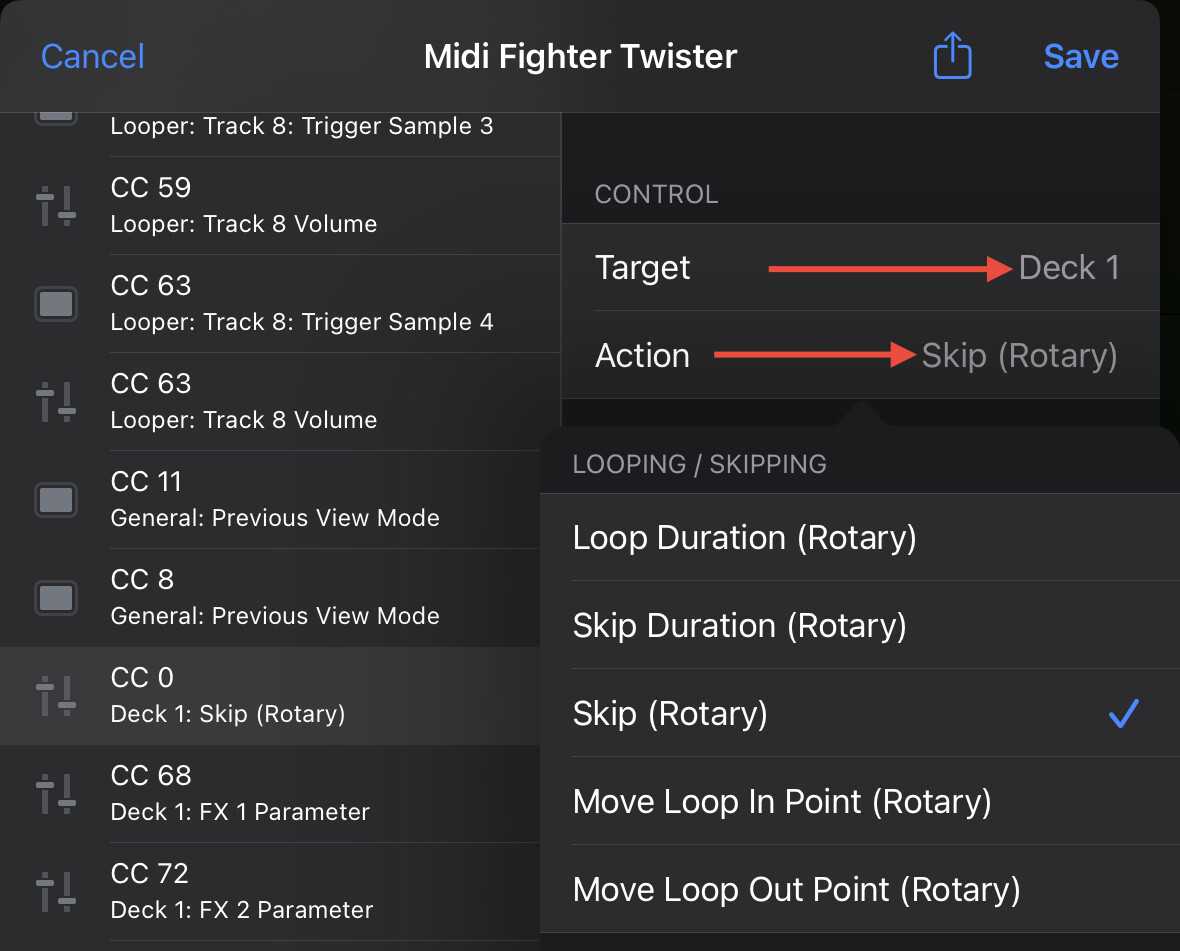
Hello Slak,
Thanks for this quick and detailed response 
1 Like
You’re welcome @micrologiq
I have mapped the backspin effect to two buttons on my Hercules Inpulse T7 in the Mac IOS version of Djay Pro. (I’m using a M1 Mac.) But pressing the mapped button does nothing. Any suggestions?
Can you please share screenshots of your MIDI mapping and a short video of you trying to use the backspin FX? Thanks!
1 Like
Thanks for the video @DaddyDeFunk. Is that button mapped to anything else as well? What is the Back button mapped to when you don’t press Shift? Can you please try mapping it to a different button that doesn’t require pressing Shift first?
It was mapped to the “back” function for the music library. I have tried it both with and without the shift key. I was able to re-map the shift-headphone cue button to toggle between Neural Mix and EQ modes without any issues.
Any other ideas I could try?
Thanks for checking @DaddyDeFunk. Perhaps this is a limitation with spinning platter devices. I don’t have access to a T7 to check for myself so I need to pass this onto engineering. I’ll report back when I have news. Thanks!
Hi again @DaddyDeFunk, I was correct. This is a current limitation with motorized platter controllers.
Thank you for following up, @Slak_Jaw. Any chance your engineers can consider adding a backspin effect in future updates?
You’re welcome @DaddyDeFunk. I’ll pass this onto the dev team for consideration.


