


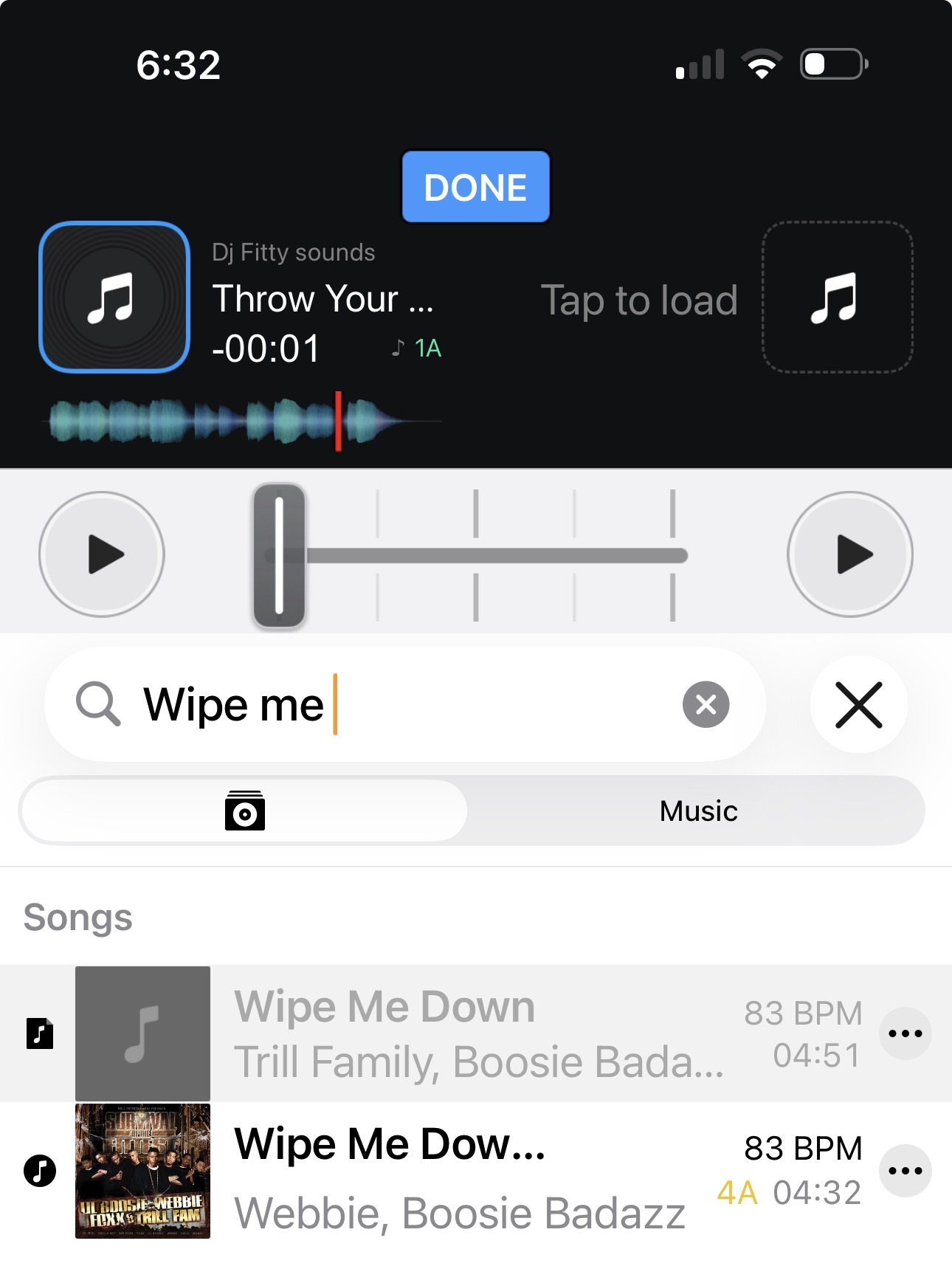
This is something new djay is doing….after updating my iPad it seems Djay will not automatically link my files like it used to . It see’s this file as two different files.. they are both in my collection but looks like different source icons. So thru out my playlist I have missing files all with this same icon & djay on iPad will not automatically link them. It just started doing this with the addition of one Library.. I use iTunes only to transfer music not playlist.
Thanks for sharing @Five-0, let’s continue this discussion in your other topic:
Hi, I’m in a similar situation to yours. I have all my music in a folder on my Mac, and the playlists are on Traktor and synced to DJ Pro on my Mac. I’d like to use my iPhone to find the playlists I have on DJ Pro on my Mac, and also on my iPhone, but I don’t quite understand how to do it from your steps. Could you please explain in detail how you did it? I’d be very grateful. 
Hi @Screma .
I’ve messaged you some info
1 Like
So, this is how I solved it:
I have both Traktor and Rekordbox on my PC because I might need to use USB cards, so I synced the sticks to keep everything up to date.
I then synced the Traktor playlists to DJ Pro on my Mac.
I saved the DJ MEDIA LIBRARY file to the cloud and retrieved it on my iPhone, copying it to the DJ Pro folder in FILE - IPHONE.
Next, I opened DJ Pro on my iPhone, which showed the playlists but obviously couldn’t find the files. So I inserted the USB stick synced with Rekordbox and had DJ Pro access the files from the USB using the OneLibrary sync feature.
In a few minutes, the files were on my phone and the playlists worked perfectly.
2 Likes
Excellent! Thanks for sharing @Screma
1 Like


