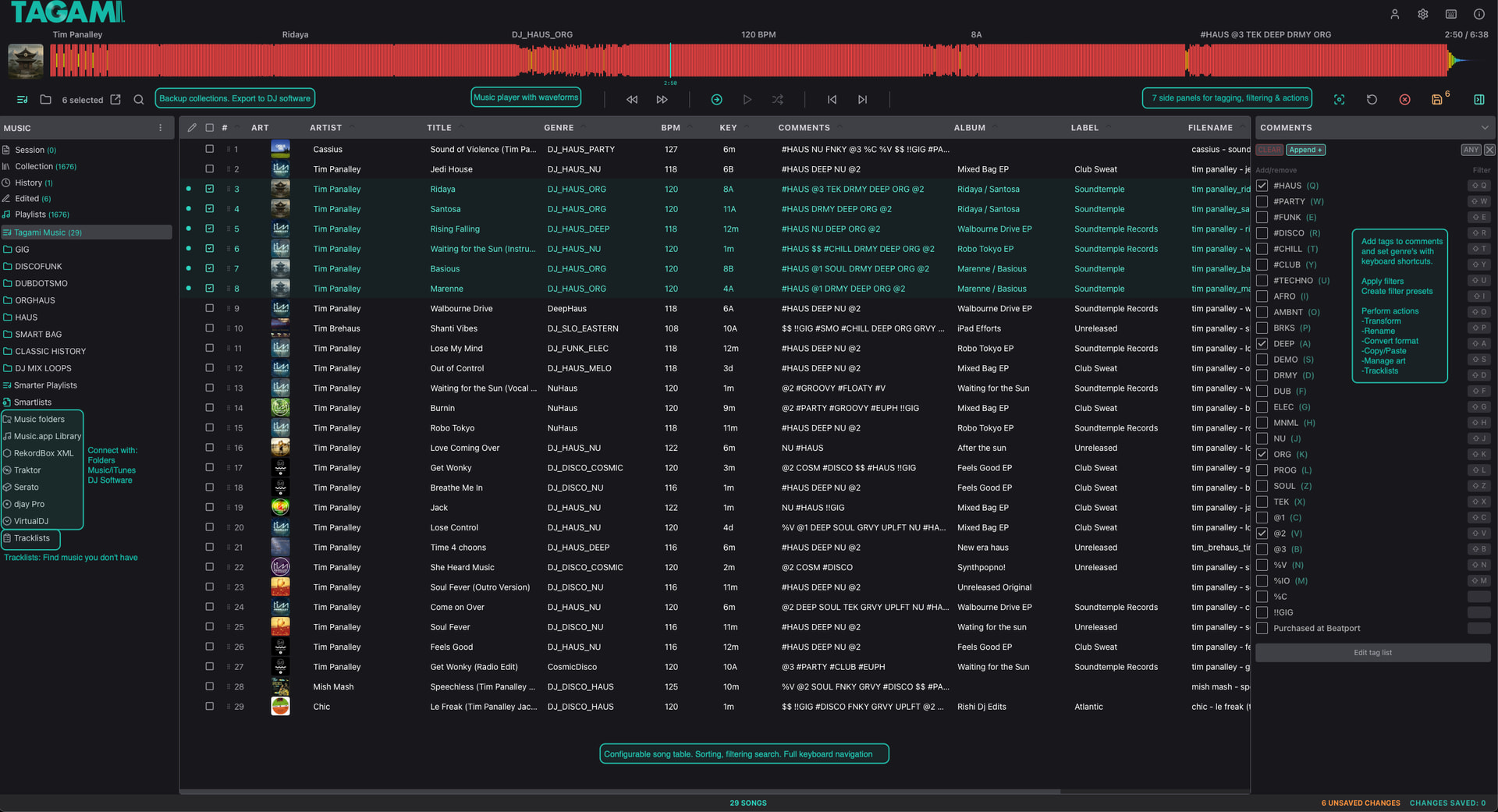
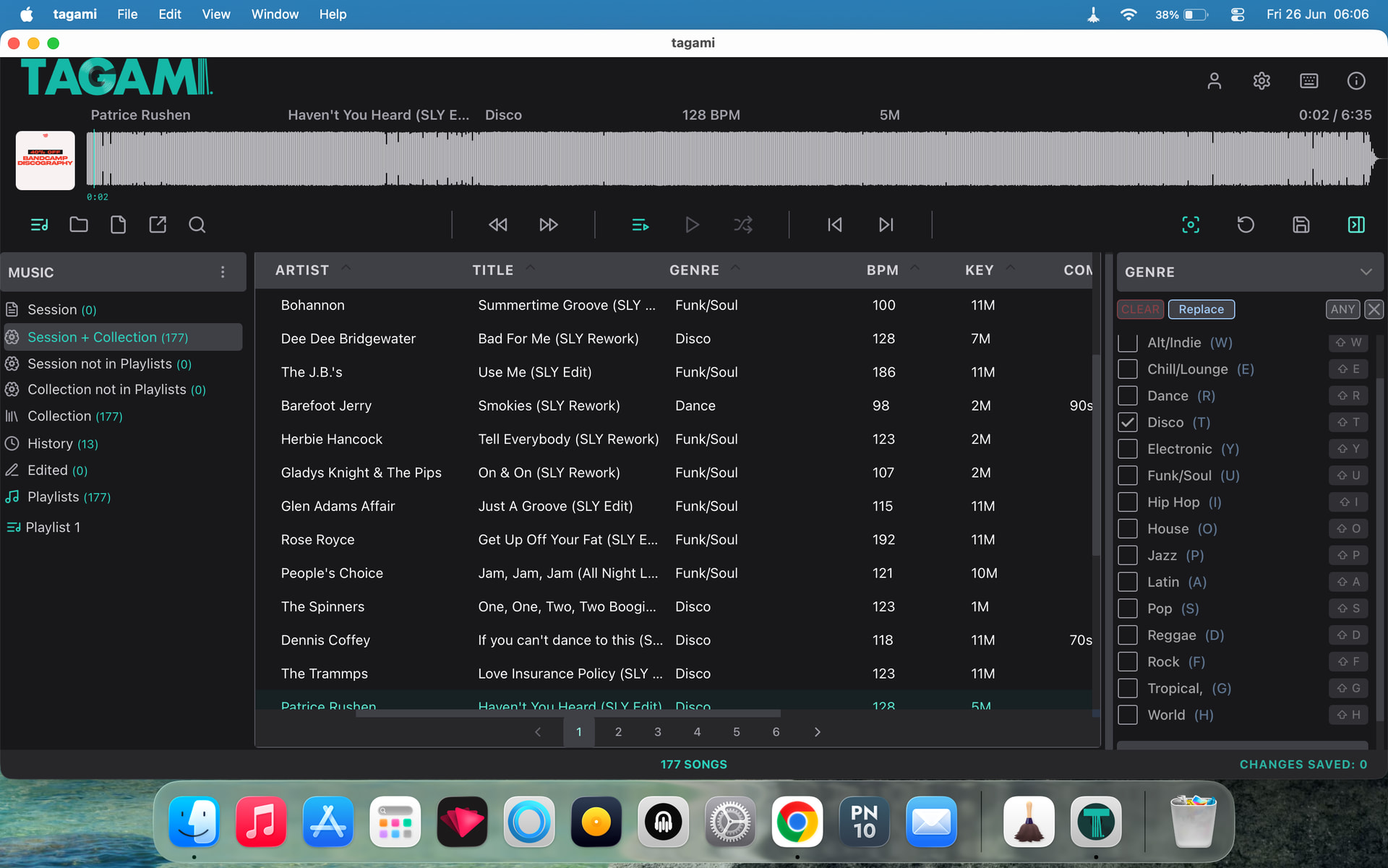
After decades of organising my own DJ library with different tools and methods, I spent the last year building a desktop app called Tagami focused on fast tagging and flexible organisation, built specifically with DJ workflows in mind. I’m here to share and see if these DJ workflows are useful to others in the DJ community.
I love using smart playlists, but prepping new music with tags and genres has always been time consuming and tedious.
Tagami helps by giving you the ability to:
Add Tags to comments and set genres in seconds using a keyboard-driven workflow
Build your own tag system or let Tagami generate tags from existing libraries
View / import your iTunes/Music, MyCollection & other DJ libraries into Tagami
View your Tagami collection in DJAY via external apps
Tagami is a music organisation & tagging companion to DJAY. It leaves DJ functions like beat grids, cues & loops to DJAY.
It’s free to download for macOS and Windows. See tagami.au
I’ve been using it to manage my own library and have reached the point where I’m keen for others try it.
I’d love to hear what features would make library organisation easier for you.
Thanks… @EwoutdeBoer & @daniel_curley Appreciate it — let me know what you think if you do try it. Always keen to hear how it fits (or doesn’t fit) into real djay workflows.
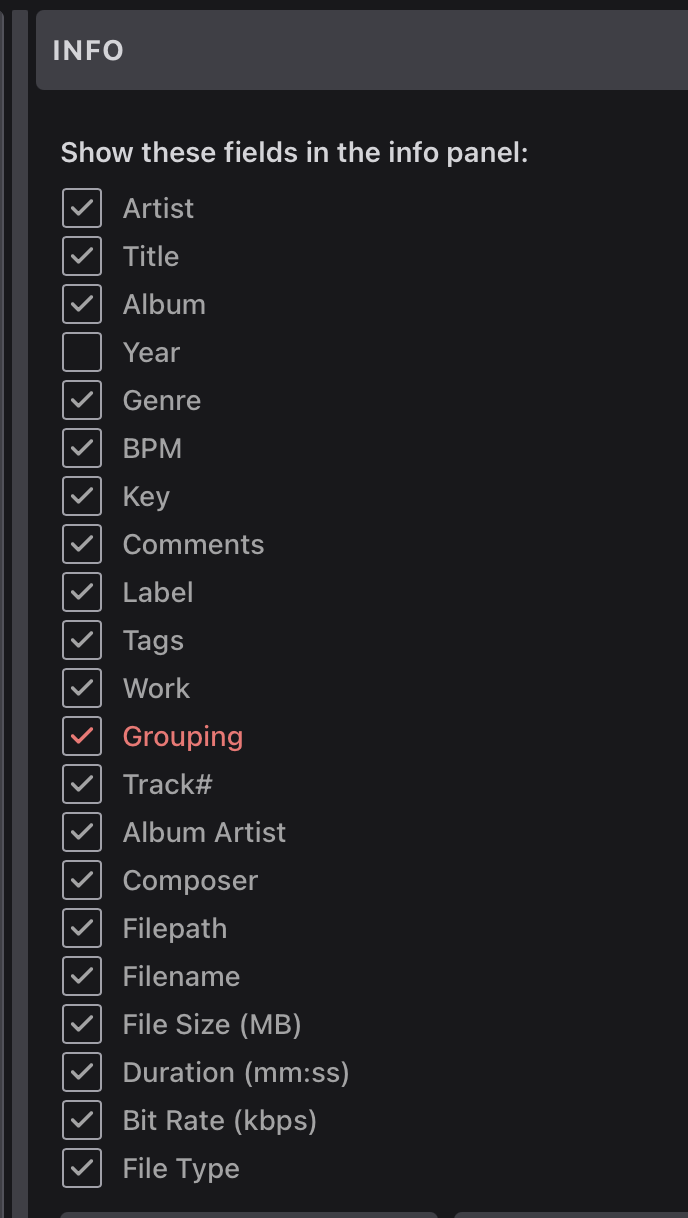
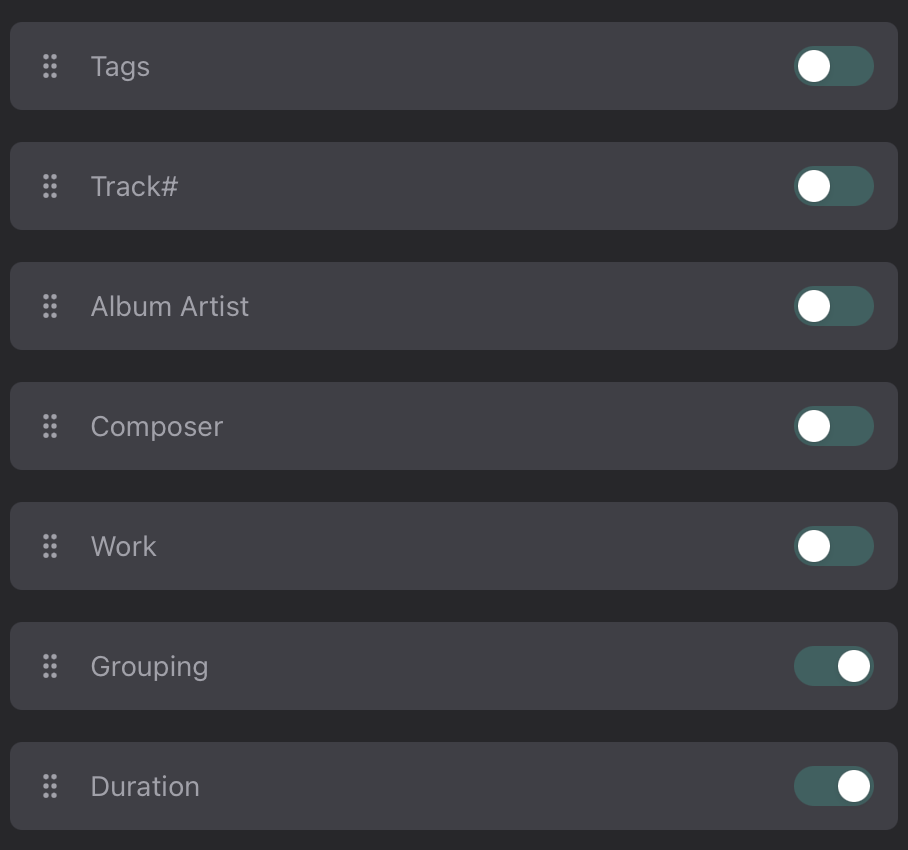
Waveforms aren’t really happening for me with this version @rishi. Macbook Neo, Tahoe 26.5.1 with Bandcamp 320 mp3s. "Show in finder"and “Grouping” options would would be welcome additions imo. Apart from that I like it.
Wow, great job! Not even beta and already much better than other DJ library apps. Looking forward to seeing this project completed. I appreciate:
the solid bread and butter library features
functional interface design
integration with other DJ software
MP3Tag style Actions for cleaning up the library.
keyboard shortcuts for workflow
Notes: would be great if it was accessible in djay Pro as a music Source.
Question: Is it possible to create keyboard shortcuts to add tracks to specific playlists? In Traktor, the “quick access/working” playlists can be mapped to the Function keys (F1, F2, F3 etc.). This makes it easy to quickly add tracks to those playlists.
Thanks for the great feedback @Michael_Wisniewski Much appreciated. It’s been in beta at my place for a year lol!
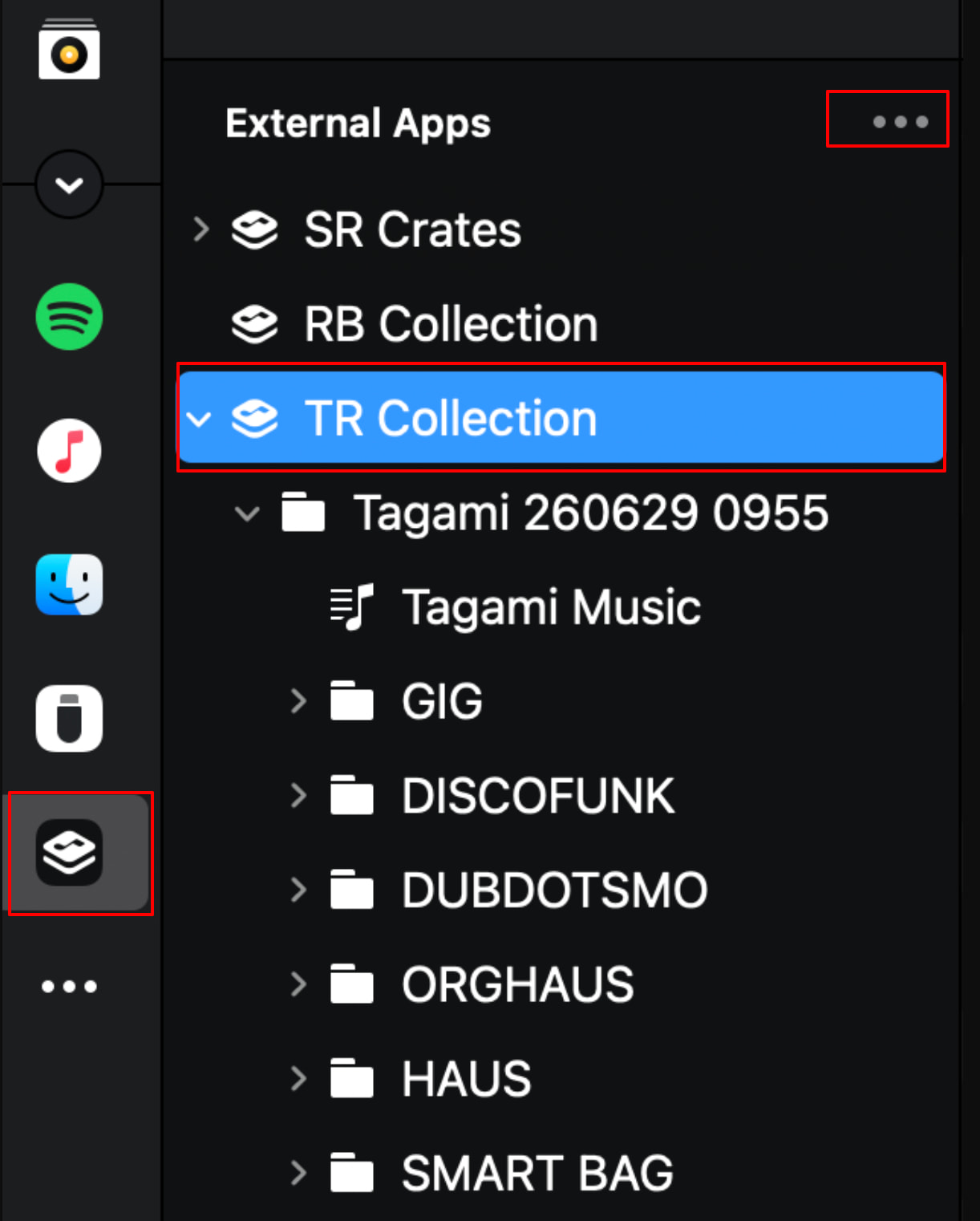
FYI… Tagami is available in DJAY as a music source via external apps
Use the “Export TRC for DJAY Pro” menu item in the Music side panel header to export your Tagami collection to: …/Music/Tagami/TagamiRecordCollection.nml
In DJAY’s external apps section configure this file under TR Collection. Right click and select refresh playlists to see updates.
It’s not currently possible to add songs to “Quick/Working” playlists with keyboard shortcuts. However, I like the feature idea. I used it a lot when I was a Traktor user. So, have put this on the todo list. Thanks for the suggestion.
@AzureArcher Welcome to the DJay Pro community. Thanks for taking the time to look at Tagami!
OneTagger is a great project, and if it does everything you need, that’s fantastic. Tagami is aimed at a slightly different workflow. It’s designed as a music library management tool for DJs, with support for djay, Rekordbox, Traktor, Serato, VirtualDJ and Apple Music, along with Smartlists, playlists, filters, tracklists, bulk actions and a built-in player with waveforms.
The licensing is probably worth clarifying too. Almost everything in Tagami is free to use indefinitely. The paid licence is only required if you want to continue saving metadata changes after the first 200 saves. My thinking was that people should be able to use the app properly before deciding whether it’s worth paying for.
Regarding Linux, I could technically build a Linux version, but I don’t have the capacity to support another platform. Since none of the major DJ applications Tagami integrates with are available natively on Linux (as far as I am aware), I’ve chosen to focus on Windows and macOS.
And yes, the introductory price is 25% off until the end of July, after which it will be USD $59.


 tagami.au