


For now, I would just send me a few example songs with the missing artwork so engineering can have a look at them.
1 Like
Hi Slak.
I’ll update you in a few days.
I decided to transfer my entire library into a single playlist created by iTunes and then try to count which songs don’t have the cover art embedded once everything is transferred to my library.
Let’s see what happens!
Thank you for your interest in my problem.
1 Like
You’re welcome. Okay, sounds good @Sergio1. I’ll wait for your reply.
1 Like
I hope that’s not the case. I thought it was a great feature to be able to view and browse My Collection along with Local Music and Streaming at the same time. It’s like having two browsers!
Unfortunately viewing both never worked 100% so I stopped using it.
I think if you maintain track contents separate it should work fine, i.e, tracks in Music should not be in My Collection and vice versa. The 2 should be separate libraries with different tracks sources, then you can have them both active at the same time.
Once you drag n drop tracks from music into Collections, then you have to disable music and make the full decision to start organizing you sets from collections only, because what you do to a track in Collections does not all get noticed and recorded by Music all the time, and vice versa
1 Like
Good morning, Slak.
Here I am with some results.
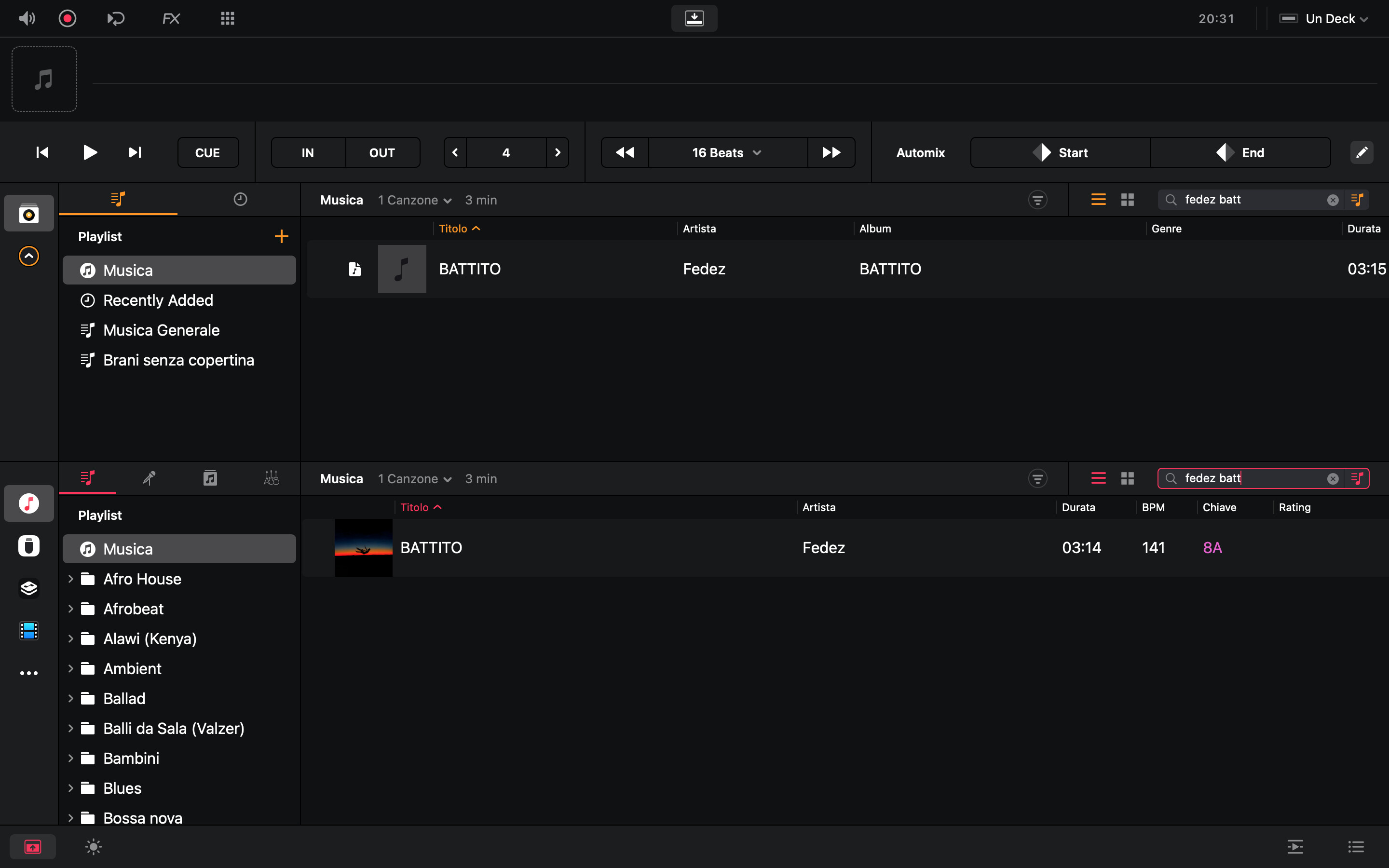
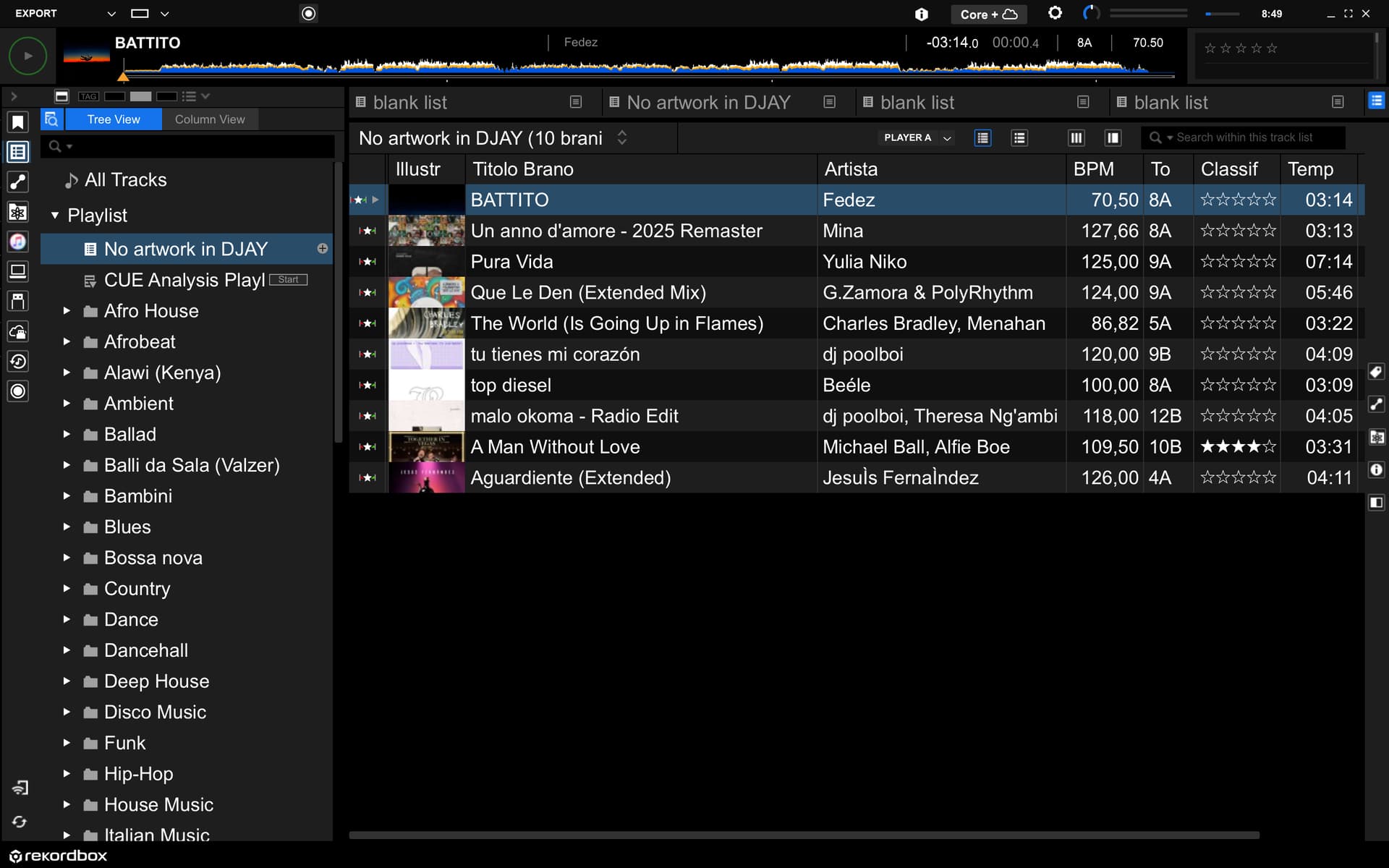
As you can see, it seems that the files without the covers are files it associates with my files as the source.
I have everything disabled, as you can see from the photos.
Unfortunately, I’ve also noticed that the software lags (the rainbow wheel/wait cursor comes into play) when I search for a song.
It takes several minutes for the library to load before it’s populated with covers and ready for playback.
I’m waiting for your response on what to do.
If you need more information or if we want to run other tests, please keep me updated.
Thank you.
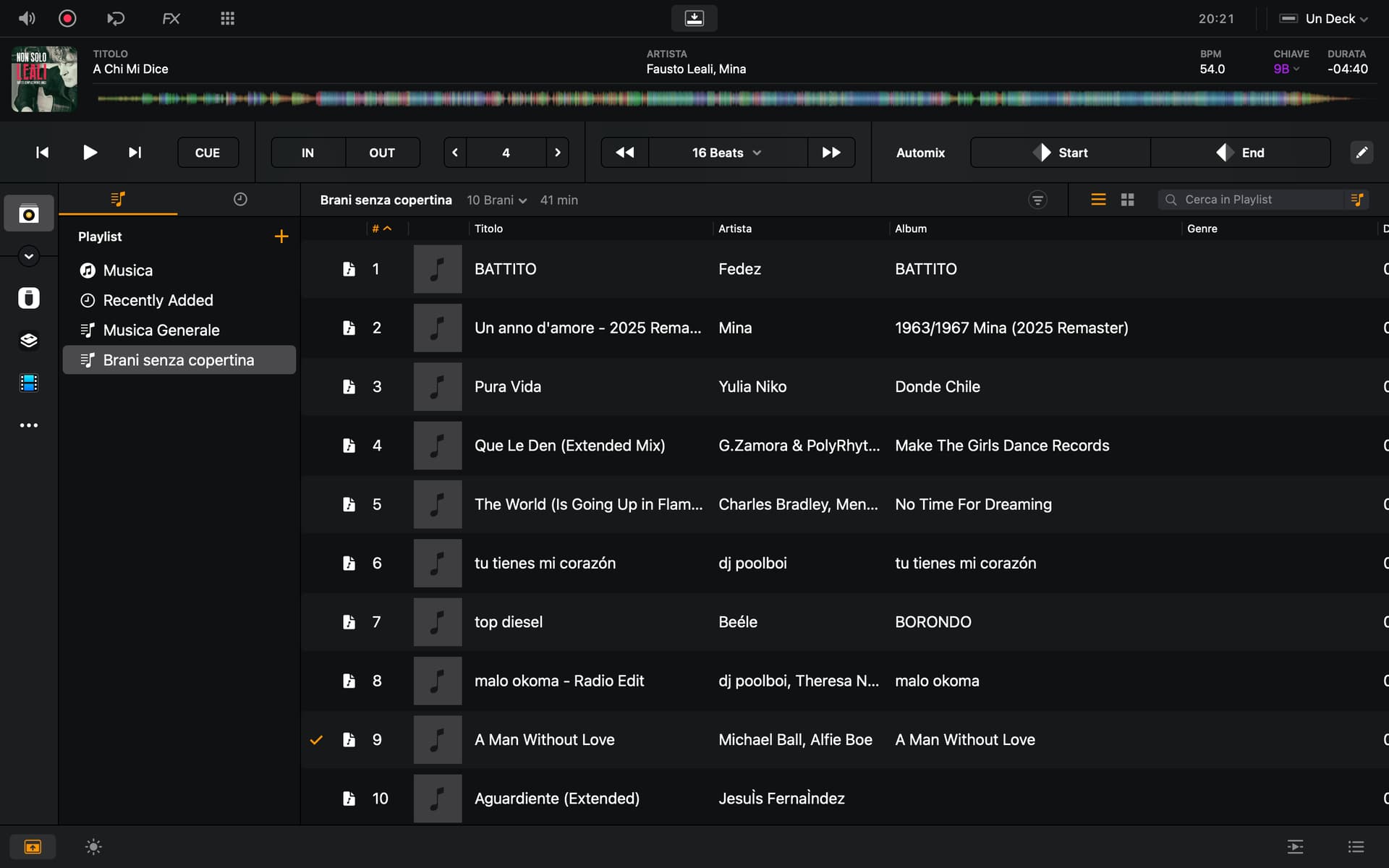
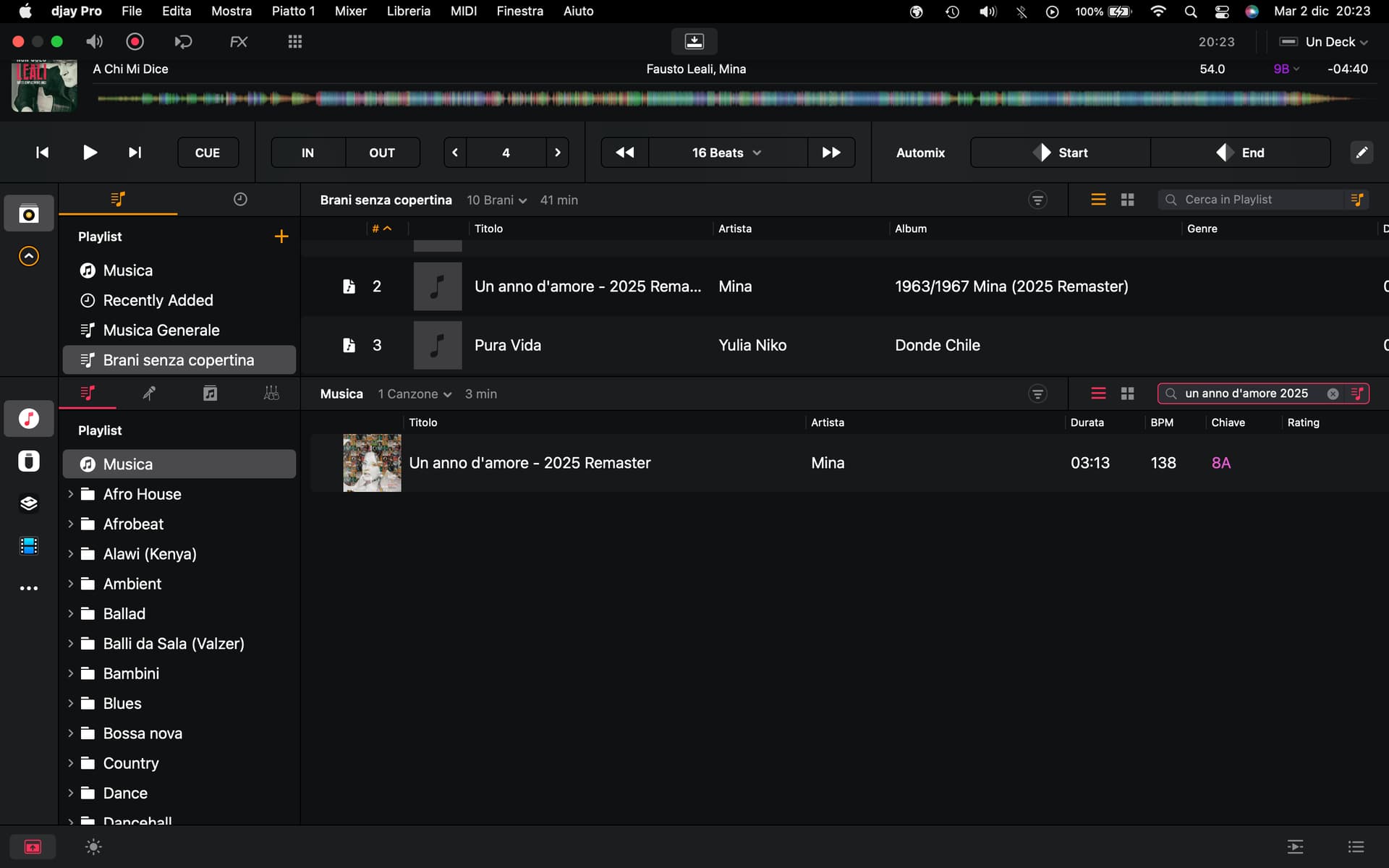
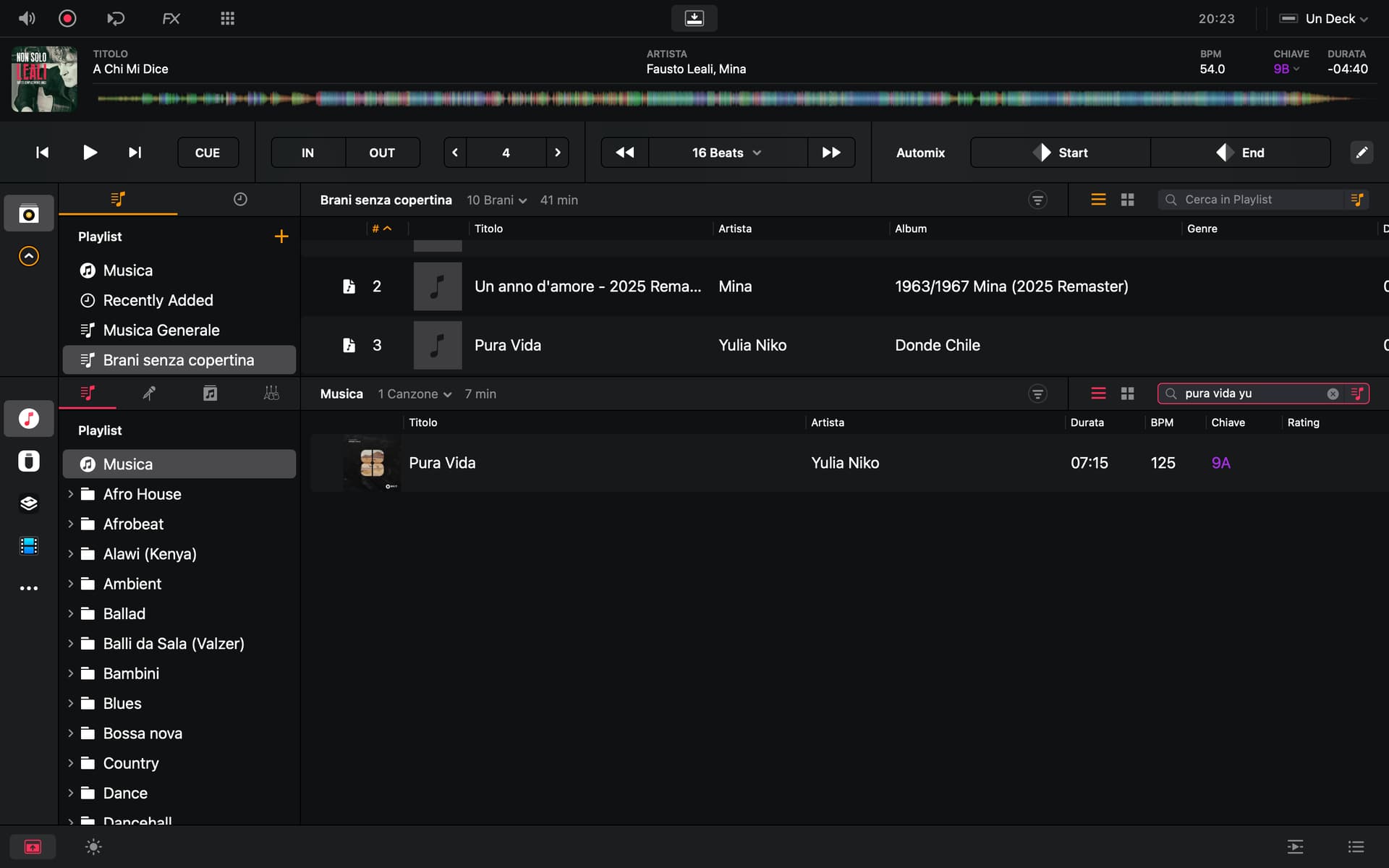
Just my 2 cents..
If you use apple music, iTunes, that app will load the album cover from “internet” or from their own conent delivery network (Content delivery network - Wikipedia).
So it’s a fast as your network download speed.
I.e one thread downloading the actual music file, one thread to read song metadata related to the music file.
So the metadata is downloaded first and then there might be a background thread to download the audio file, just in case you are wanting to play the song. In most cases the audio file doesn’t need to be downloaded at all.
So what happens with your local tunes bought from apple music?
Does they include all tags and covers?
applemusic/iTunes might be implemted so, that even if you have your own local file, the application will read the data from internet, not from the file when your network speed is fast enough.
When you load up an mp3 file, the cover needs to be stored as ID3 tag into the actual file.
This means that all of our apps, which aren’t using data from internet, needs to read that info from a file and eventually that might not be fast to extract the info from the file.
So, if you read a full playlist, you are forced to read album cover one by one from each file.
At the same time, you need to allow the app work with out any issues, ie. if a song is played, it shouldn’t stop. If yuo are using mouse, it should move. If the app is receiving a midi command, it should handl it. All these issues needs to work without interrupting audio and provide a “nice user experience” for the user.
So depending on operating system how to handle multitrhreads, there are limitations i.e how many things can be executed at the same time.
What happens if the cover art is a big chunk of data?
Reading an artist name like 256 ascii and drawing it, will be much faster compared to the issue that album cover might be megabytes big. If the size of album art is bigger than the size in the screen, dj app needs to resize the picuter for the screen. And this without loosing the quality of the actual picture.
So… to get things faster..
One way is to extract the picture from the audio file and store it to the database “mycolletion”.
But then, the database size will grow and eventually it might affect to database performance.
Good morning. Thank you very much for your advice.
My current situation is as shown in the photos. Rekordbox displays album art, but Djay Pro does not.
I look forward to hearing from Slak as soon as possible.
Anyway, thank you very much for your interest.
You can also check the tags with a tool like
Hi @Sergio1, as requested, can you please share some of the actual song files with the missing artwork? Our team would like to examine the actual files. Thanks.
Hi Slak. How would you like me to send you the files? By email?
You can upload them here, send to me in a DM, or upload to your Google Drive/Dropbox and share a link.
1 Like
Thank you @Sergio1, I’ll pass these onto engineering.
Hi again @Sergio1, these files don’t contain any artwork in the metadata tags, so that’s why djay does not display anything. In My Collection djay only uses the artwork stored in the file’s metadata, not iTunes artwork. iTunes can sometimes not save the artwork image into the file’s metadata tag, so you will need to use a 3rd party tagging tool to add the images into the metadata tag, then it should work.
2 Likes
Hi Slak.
Good to hear from you again.
I understand the problem with Djay Pro not reading cover art, a problem Rekordbox doesn’t have.
Thank you very much for your interest, and I apologize for wasting your time.
No problem @Sergio1. You’re welcome.
1 Like
There is no wrong questions around here.
We all are in same boat to understand the complexity of ID3tags and to understand how different apps uses those tags.
The apple music is worst, I’ve seen it written undocumented tags that no other sw understands.
1 Like
Hi dj romy.
I completely agree with what you’re saying.
I’ve been using Rekordbox for decades to prepare USB sticks for use on CDJ players.
I would have liked to try a different software after so many years, since Djay Pro now also lets you create USB sticks.
Unfortunately, I’ve encountered quite a few problems that keep me from using this software professionally.
I should point out that it’s excellent software, perhaps a little immature.
I should purchase tagging software to solve the problem of missing covers, which Djay Pro doesn’t read, unlike Rekordbox.
I’m not even sure what the best tagging software is for this purpose.
I then tried moving all my music from iTunes to my library and then using only my library to create playlists and then transfer them to a USB drive. Here too, I ran into the problem of the MacBook Pro lagging (rainbow wheel) when I searched for songs.
Feeling discouraged, I abandoned the idea of using it for my purpose.
I would have liked to start working with Djay Pro, but apparently I wasn’t so lucky.
I tried this issue a little bit further.
I have ripped some of my old cd’s.
Songs doesn’t include any cover art based by mp3tag or mixedinkey.
What I did
- Imported the song to apple music → cover art was found
- Drag and dropped to recod box → no cover art
- Drag and dropped to djpro → no cover art..
So how does the apple music finds out the cover art?
To be able to do it, apple music needs to have same kind of functionality than the MusicBrainz Picard has.
As I tried MusicBraiz Picard, it found out the missing ID3 tags with cover art correctly.
Even if I didn’t have the ISRC as id3 tag.
MusicBrainz Picard is free 
2 Likes


