


Dope. Already use Touchosc for some things, but wondering if this shows tracks to be selected and loaded? Will definitely subscribe do Djay again if it does.
Hi @deepspace, welcome to the Community! This does not show “tracks to be selected”.
1 Like
@Slak_Jaw thanks, and all good. I’ve just loaded in Touchosc and the UI very pleasing to the eye. Couldn’t load the midi file and configure in Djay so will get a subscription for this alone.
You’re welcome @deepspace
Hi Everyone,
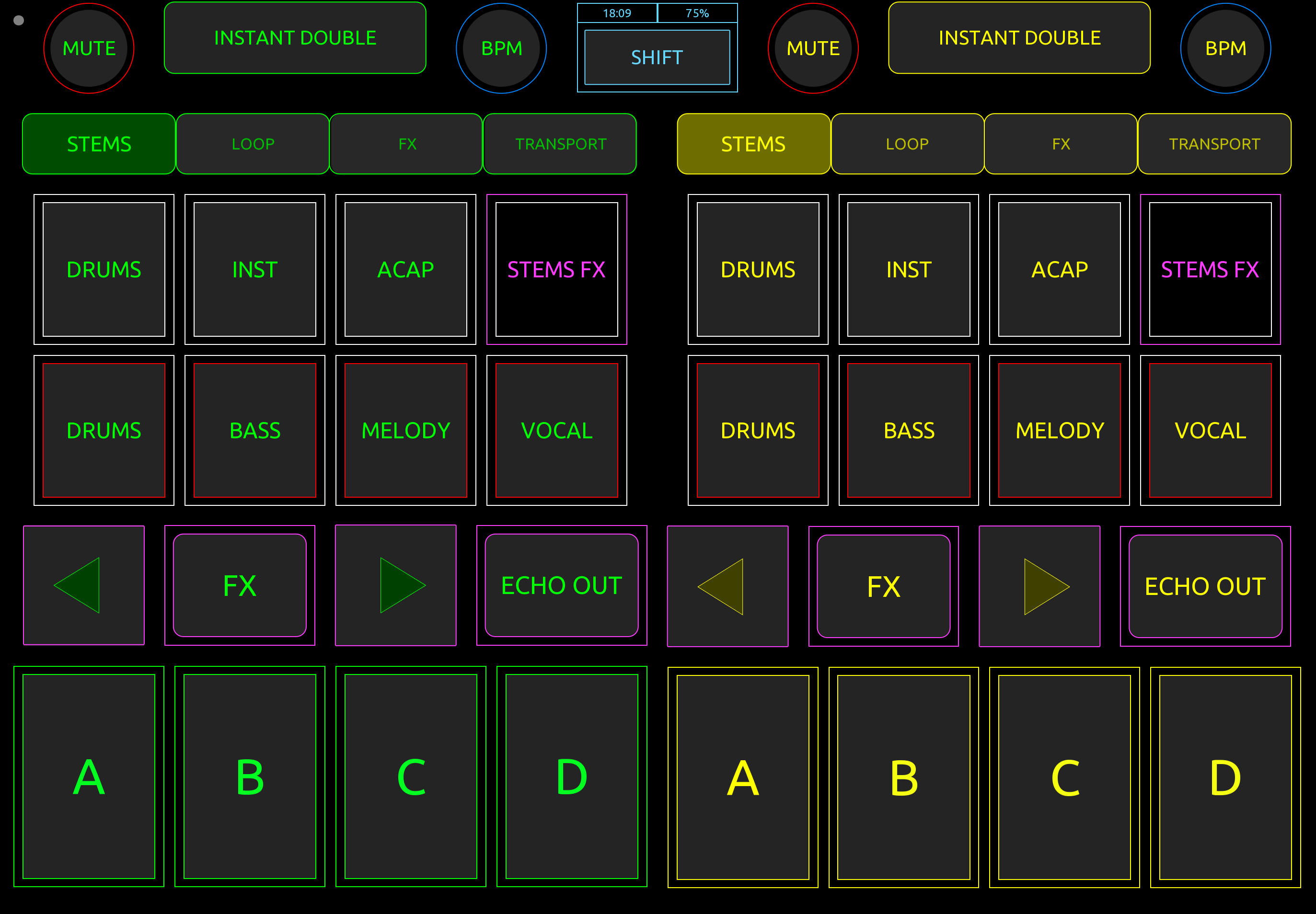
Please allow me to share what i use to control djay pro 5 for my daily use, i run touchosc MK2 on an ipad air, connected via Bluetooth Midi (Very Low Latency) to my Mac
I run Djay on DVS mode, with touchosc handling everything else
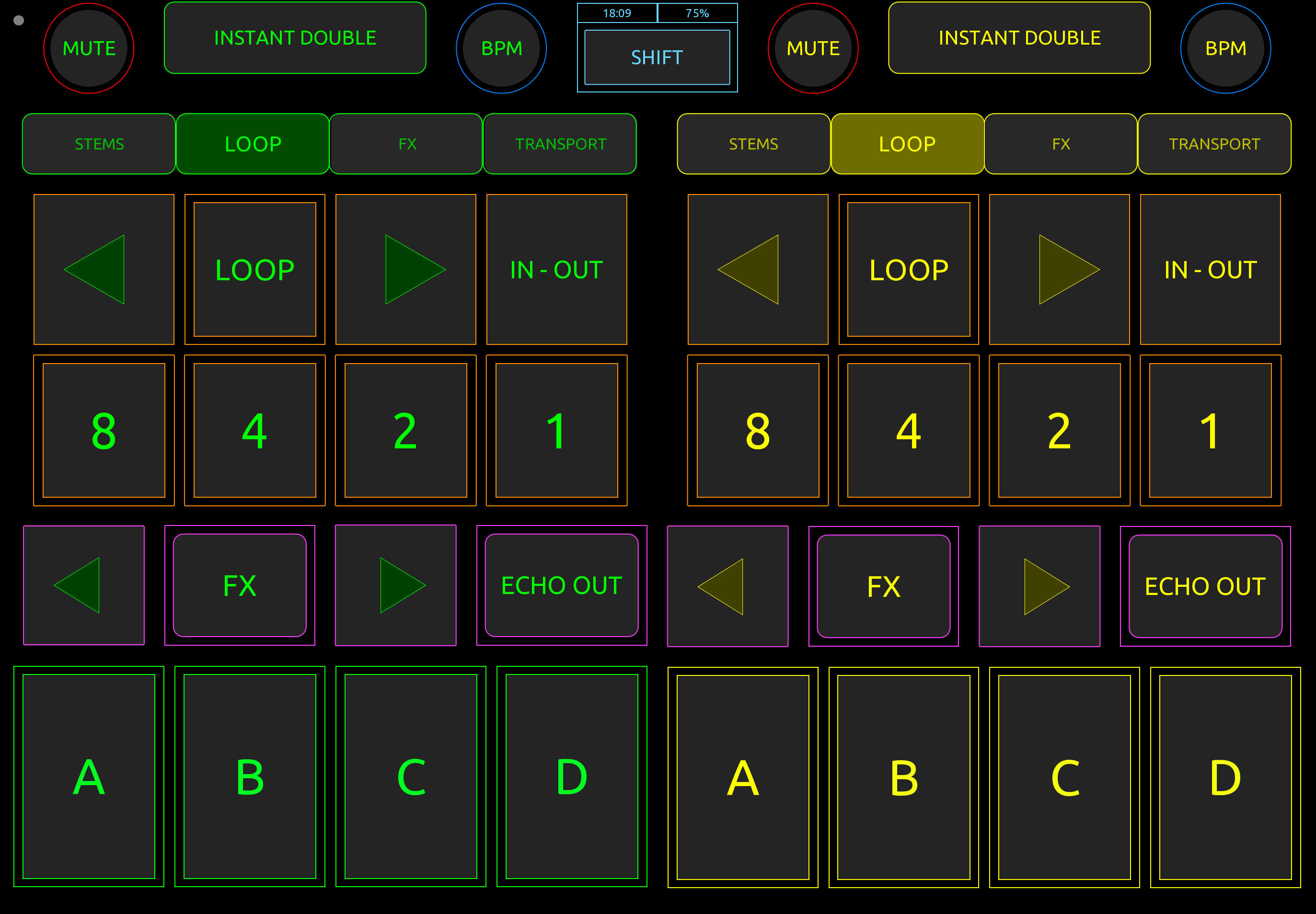
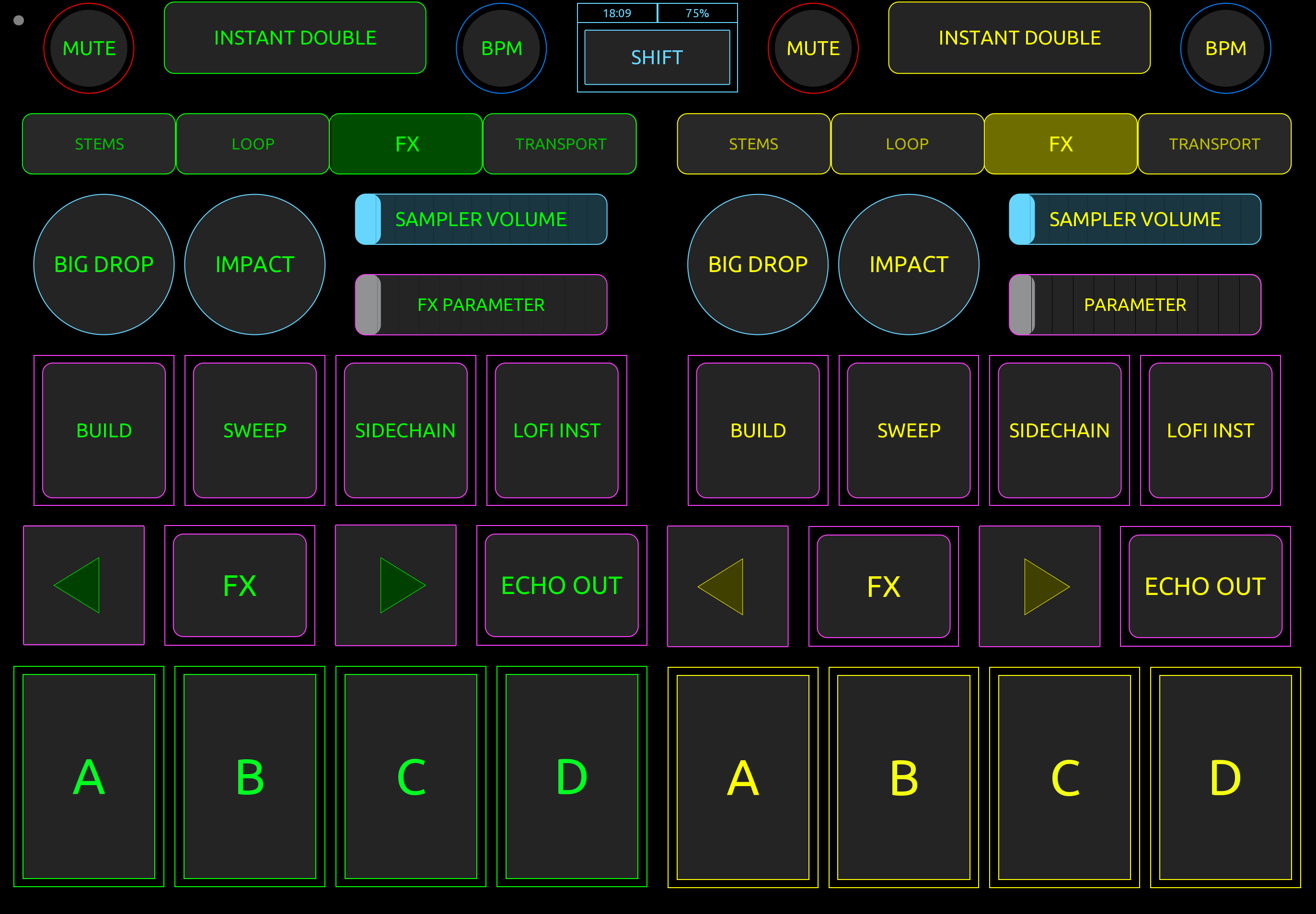
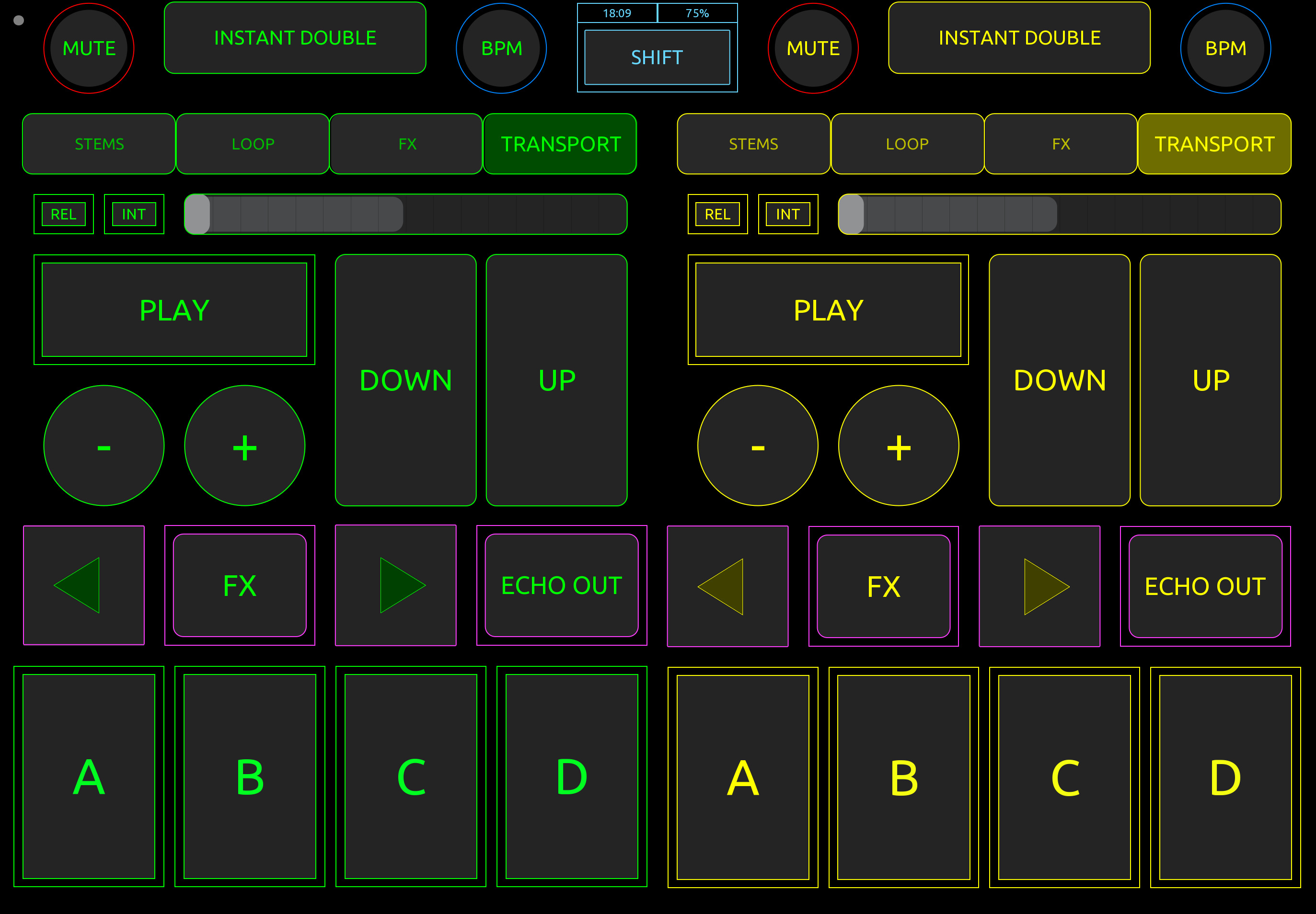
Cue Points, Loops, Sampler, FX, some transport control
This is what works for me, youre welcome to custom it yourself to what works for you
Here is a link to the tosc and mapping file :
Cheers
2 Likes
Nice! Thanks for sharing @echa0361
1 Like
HI! Not working for touchOsc mk1?
Hi @Coceanga_Cornel_DjCo, thanks for the info. Please note that I do not provide support for this. I created this for my own personal use and shared it here to inspire other users. As I’m no longer using it, I have not updated it since 2023. You are welcome to use what I have provided previously and update it to the latest version of TouchOSC as needed. I hope that helps!
1 Like
Thank you!
You’re welcome @Coceanga_Cornel_DjCo
For those interested - Here’s a newer version with some bells and whistles added…
Thanks for sharing @TEEE
1 Like
hi everyone, here is an updated version of my custom touchsoc controller for djay pro
on this google drive link I also share the tosc file and mapping for Mac,ios and iPad,
I connect my iPad to my Mac using bluetooth midi, you need to have midimittr installed on your iPad, and you can use midi connect app on Mac, conji on iOS and iPad to connect bluetooth midi
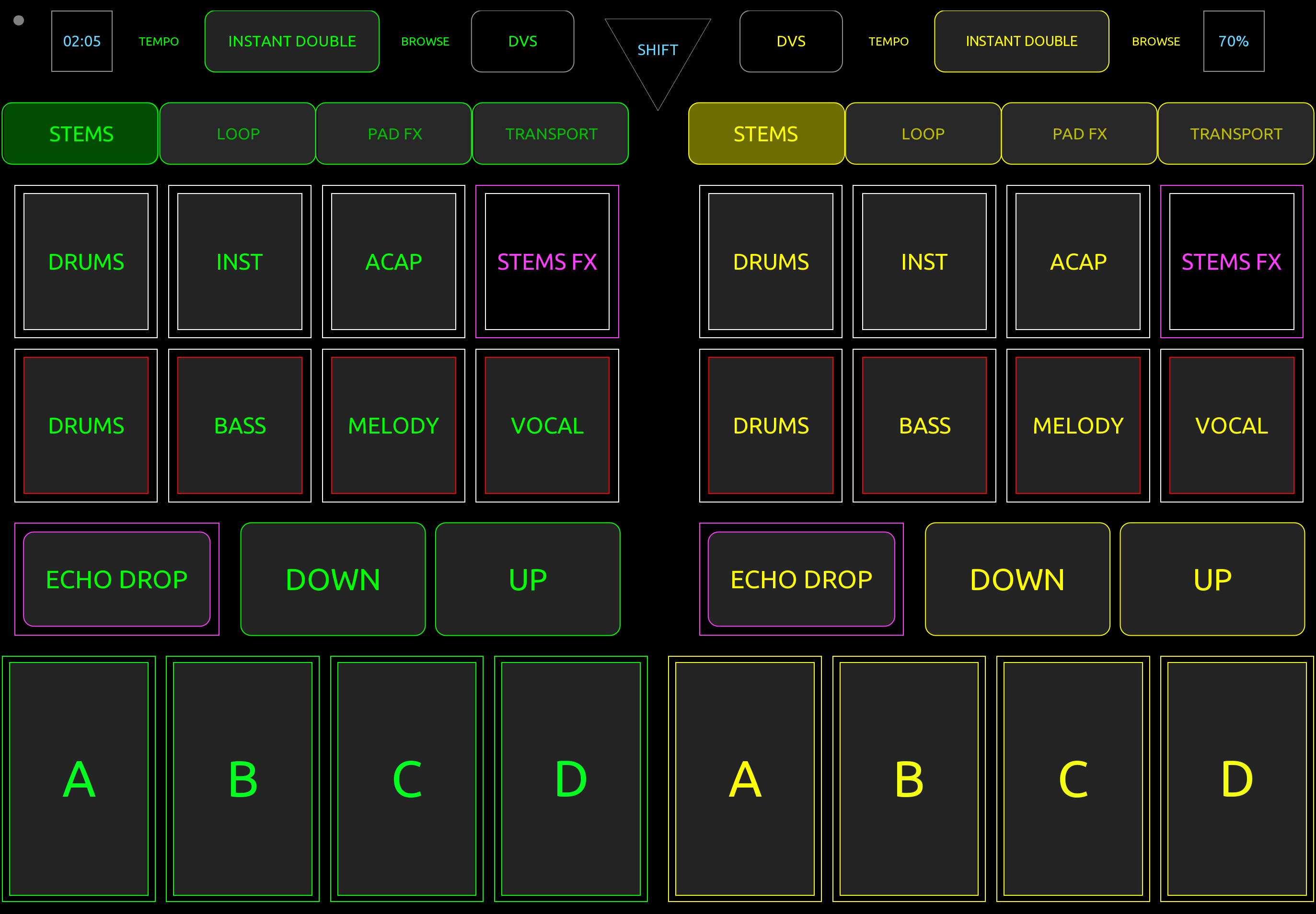
here is the main layout, its design primarly for dvs , so I have cue points, tempo control, stems and instant double upfront and ready for easy access, stems control on the top is for solo, bottom for mute
the upper part comes in layer, but has visual feedback for stems, loops, fx and sync and mute until cue so you know if its active from the main layout
white is for stems, orange for loops, purple for pad fx , blue for sync, and red for mute
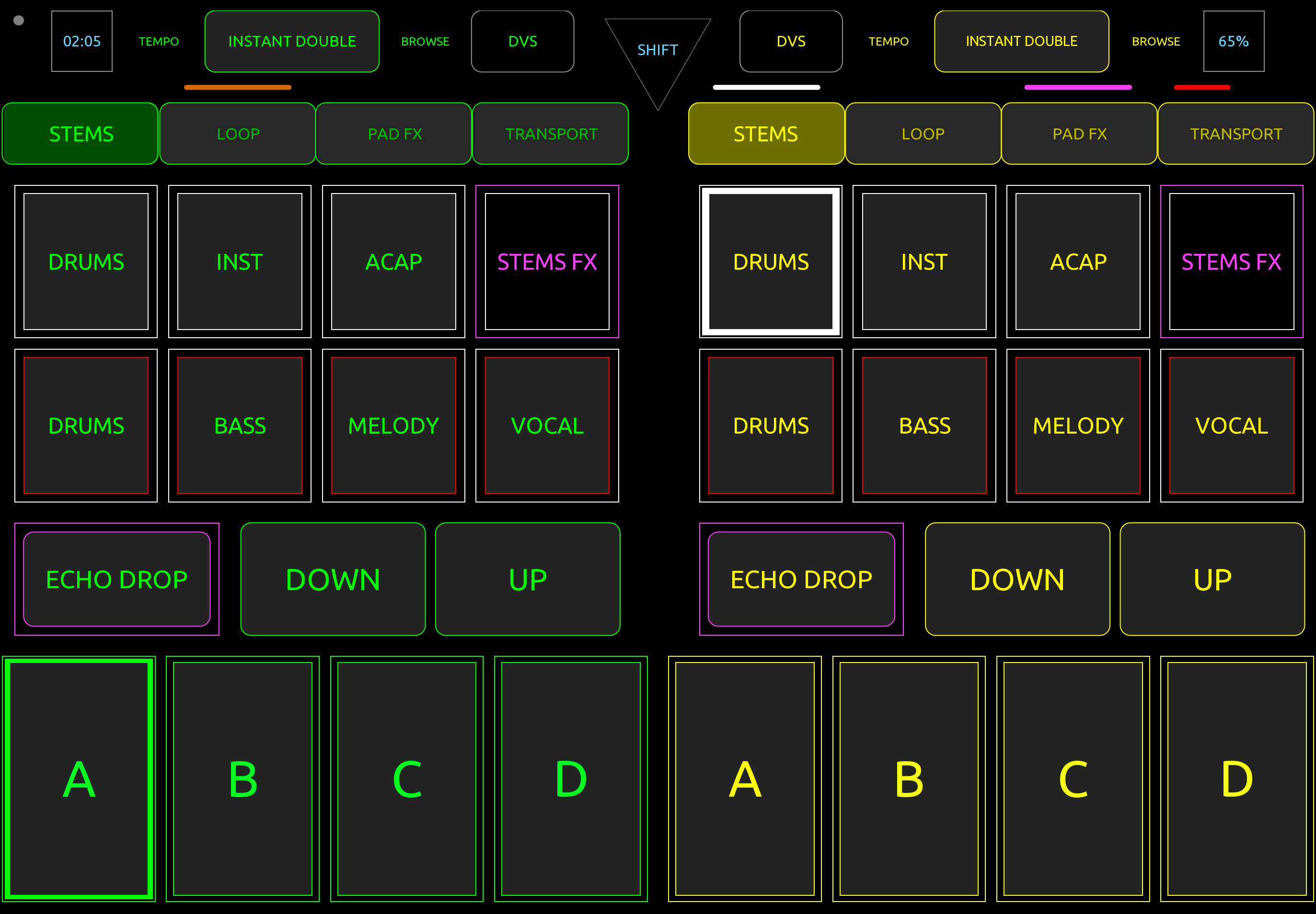
here are the other layers of the controls
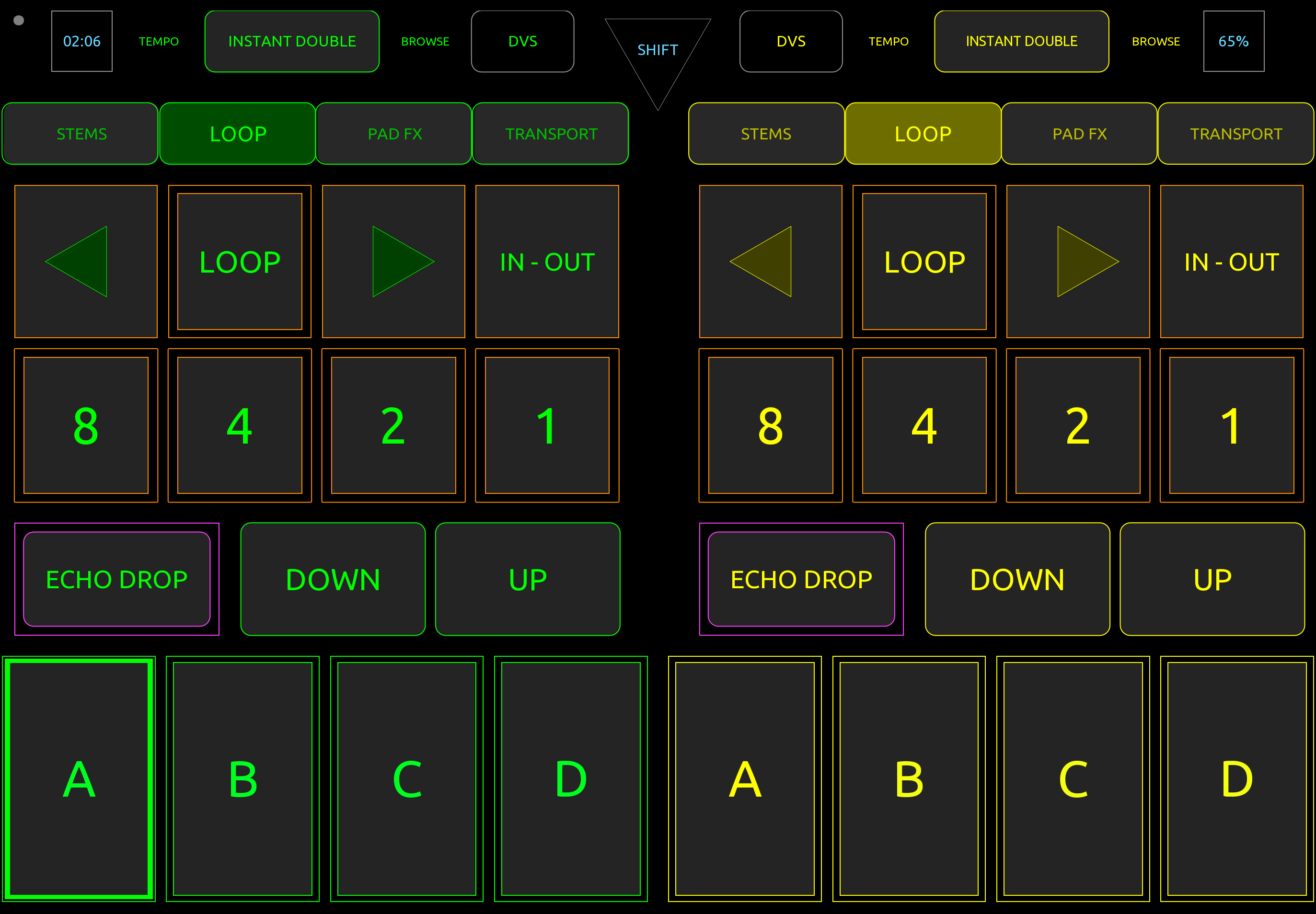
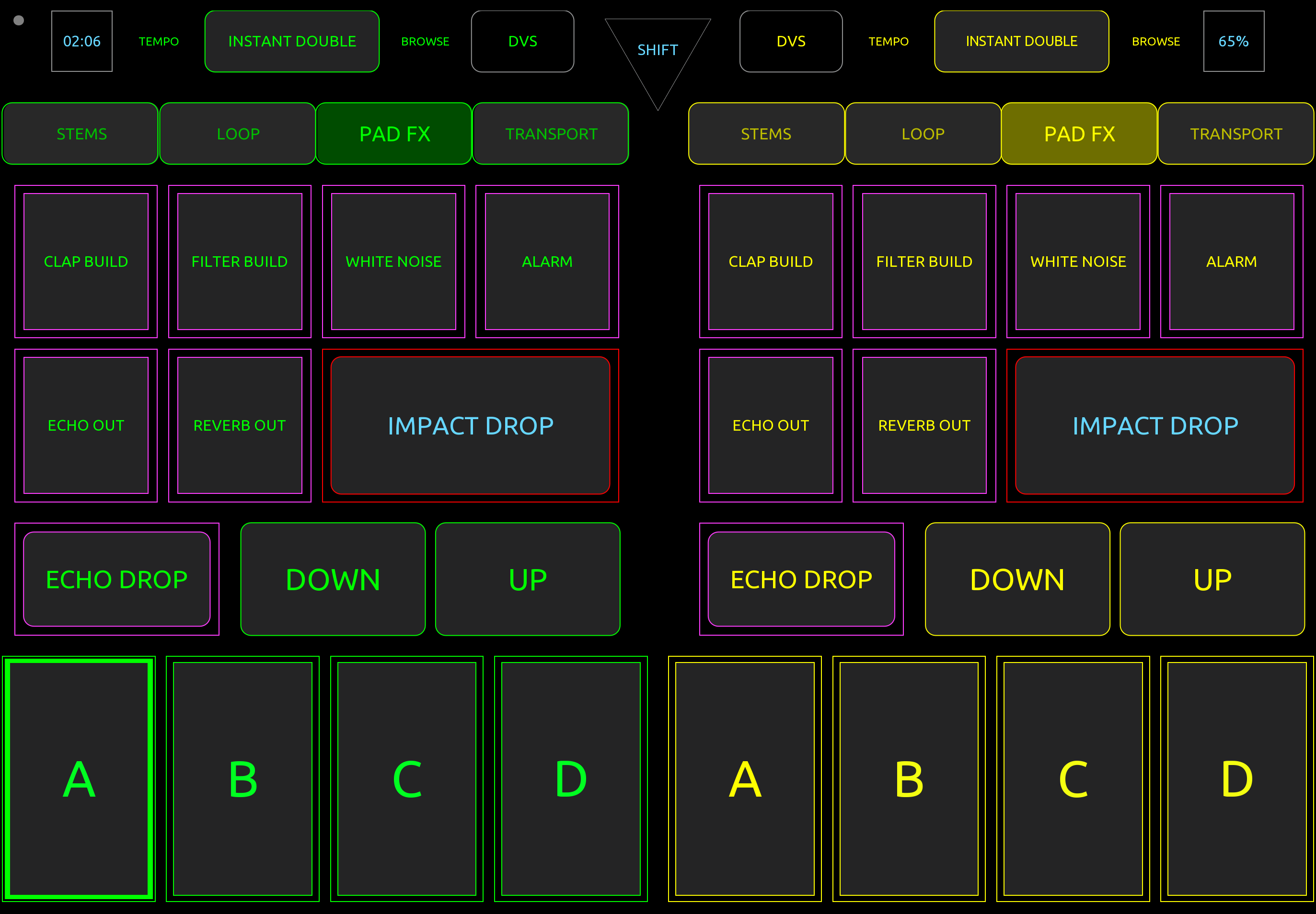
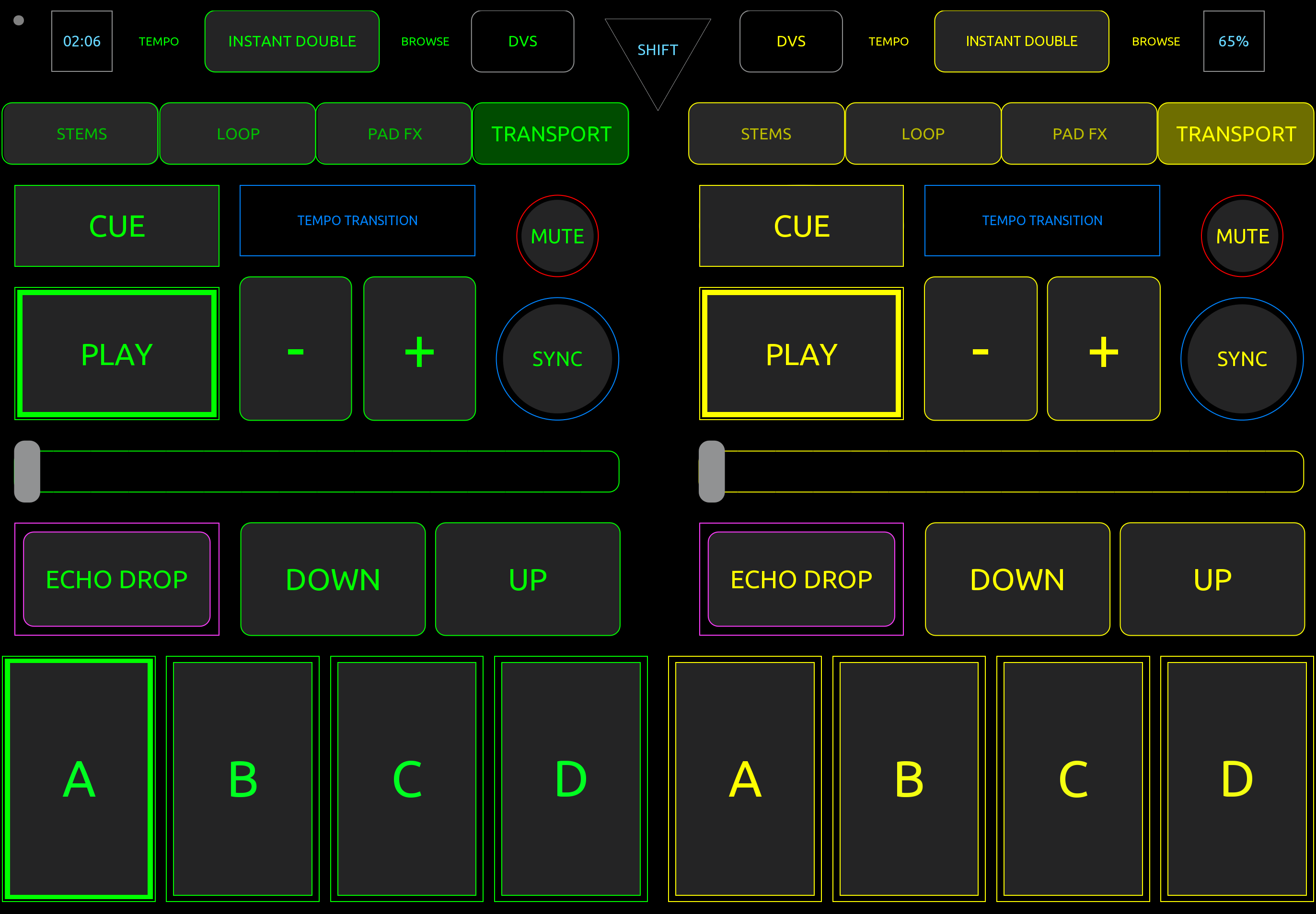
as you can see I have deck controls also, for me its a just incase
here is the google drive link :
cheers
Echa
1 Like
Nice update @echa0361. Thanks for sharing!
1 Like


