Kontrol X1 Mk2 - MIDI Settings for Loop Length LED Display

Device model : Mac Mini M4
Version of operating system : macOS 15.7.3
Version of djay : 5.6.1
Hardware/controllers used : Native Instruments Kontrol X1 Mk2
Hardware firmware version : 1.6

Hi there,

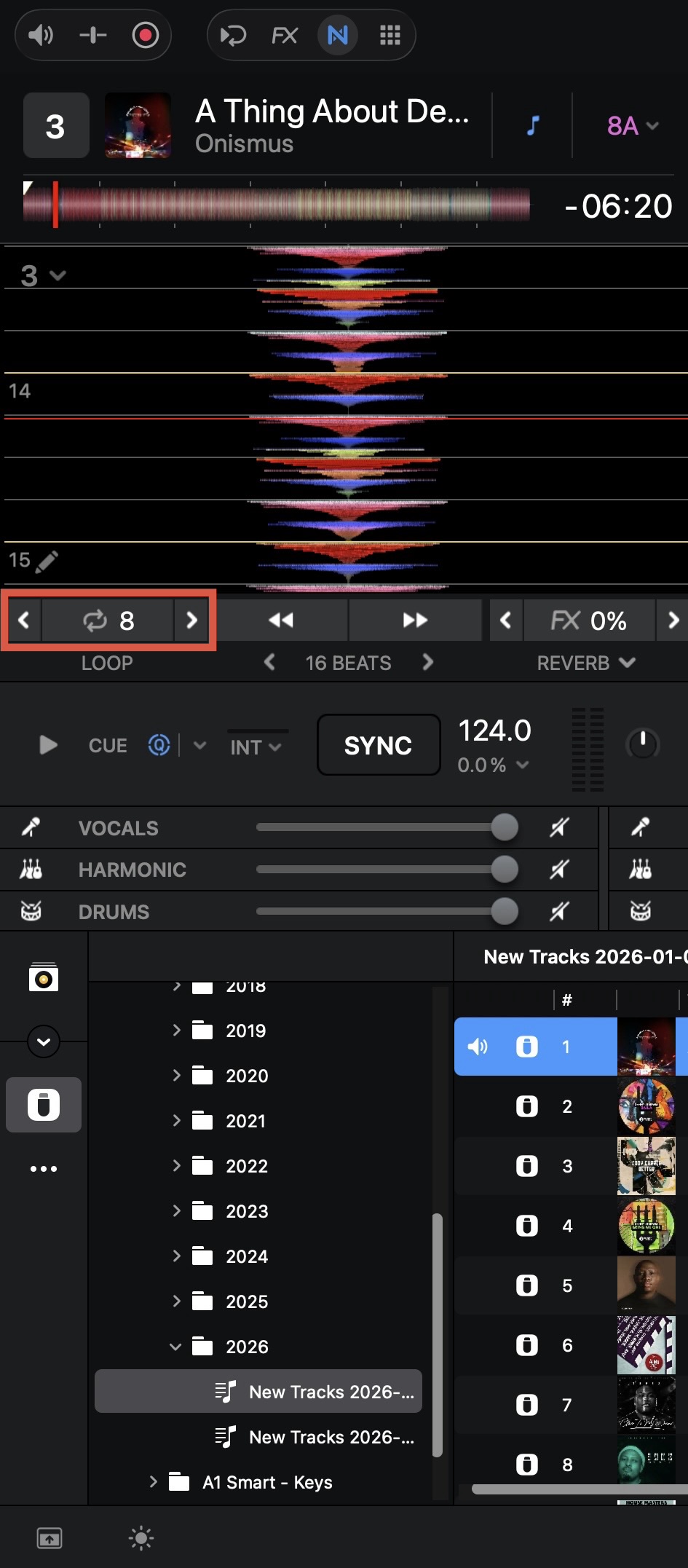
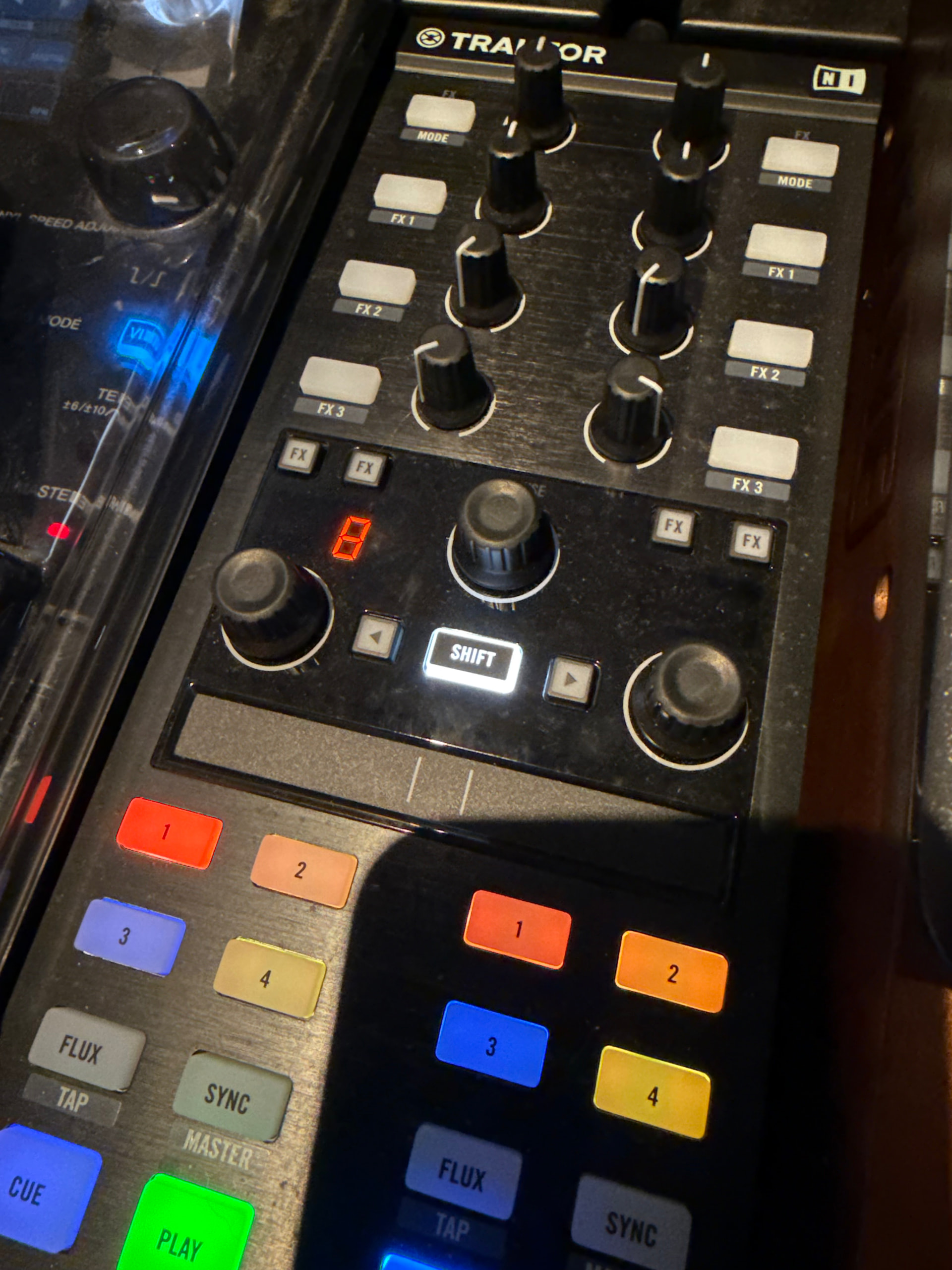
I have been building out a MIDI mapping for the X1, with reasonable results so far. I’ve been able to get nearly all functions working, but the one thing that is eluding me is the LED display for the Loop Length Encoder.

The Loop Length Rotary knobs work no problem at all, you can see the loop length updating in the software (and the XDJ-1000MK2 display which is great!) and you can press the knob to activate the loop. And the “Test” option displays the Midi Out Max value of 127 - which may or may not be a red herring, but at least the display does respond to the Test.

I just don’t know how to make the LED display show the same value for the loop length.

Google AI was saying I had to have multiple entries, one for each loop length value, but it wasn’t clear how to feed in the loop value in order to match to the MIDI Out value. It felt like a Wild Goose Chase.

I know Algoriddm doesn’t/can’t offer MIDI Mapping support, but I thought I would ask the question of the wider community in case anyone else had had any luck.

For clarity, the X1 is in MIDI Mode and I also have the NI Controller Editor running as well, which seems fine.

MIDI Mapping is a dark art, I’m just pleased I’ve gotten this far, if I could get the display working as well it would absolutely fantastic.

Thanks in advance for any help!

Hi @James_Gillies, this is not supported within the MIDI Learn tool of djay. It might be possible to program this through the XML file with a text editor, but honestly I can’t help you there.

Thanks @Slak_Jaw - I’ve made a post on DJ Tech Tools, to get the attention of someone who’s apparently had some luck getting the Tempo to display on the LEDs:

I might have made a baby step forward by adjusting the LED settings in the NI Controller Editor software to state “LED Display on Midi Out” rather than “LED Display on Midi In”.

This has had the effect (when enabling Midi Out for that CC) of changing the display from 1 to 127 based on turning the Loop Length rotary left or right (as-per the Min/Max Midi Out values).

This in of itself might be a Red Herring as it may not lead towards a proper solution, but as I’m learning it’s interesting to at least observe the change in behaviour.

As Google AI suggested, I’m not fully ruling out multiple/duplicate mapping entries if I need to have one per “indent” from 1/32 beat to 128 beats, it’s just a case of understanding how it’s supposed to work.

Why oh why did Native Instruments not publish full (low level) Midi Mapping documentation for their device, like Rane did for the MP 2015?!

If I get any further progress I’ll post it to this thread, someone else might find it of interest. Given I had essentially ignored my X1s due to them not being on the list of supported controllers I’m over the moon to even be where I am already!

That said, there’s very little documentation on the Internet other than already-built mappings posted, which are often encoded.

Cheers!

1 Like

You’re welcome @James_Gillies. Thanks for sharing! Looking forward to hearing more results on this topic. Good luck!