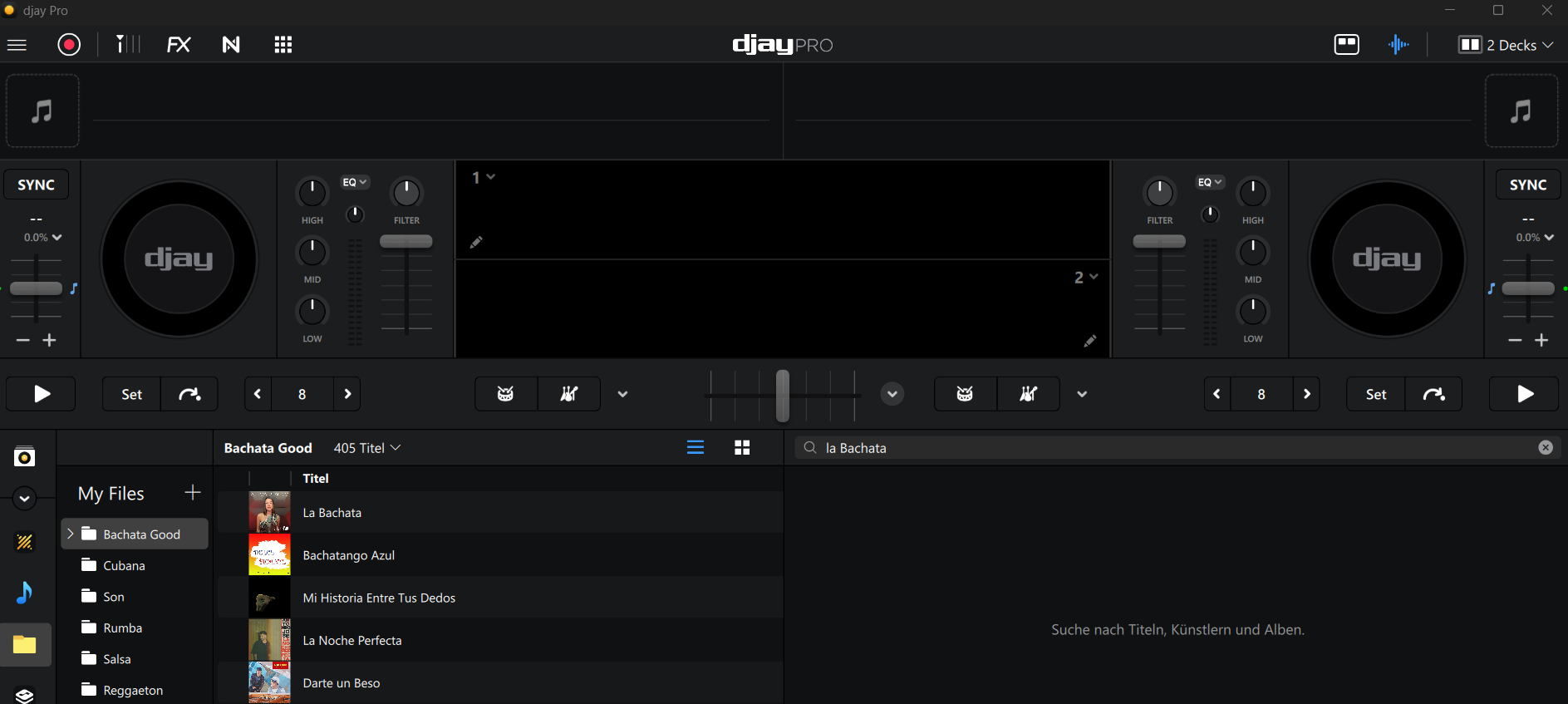
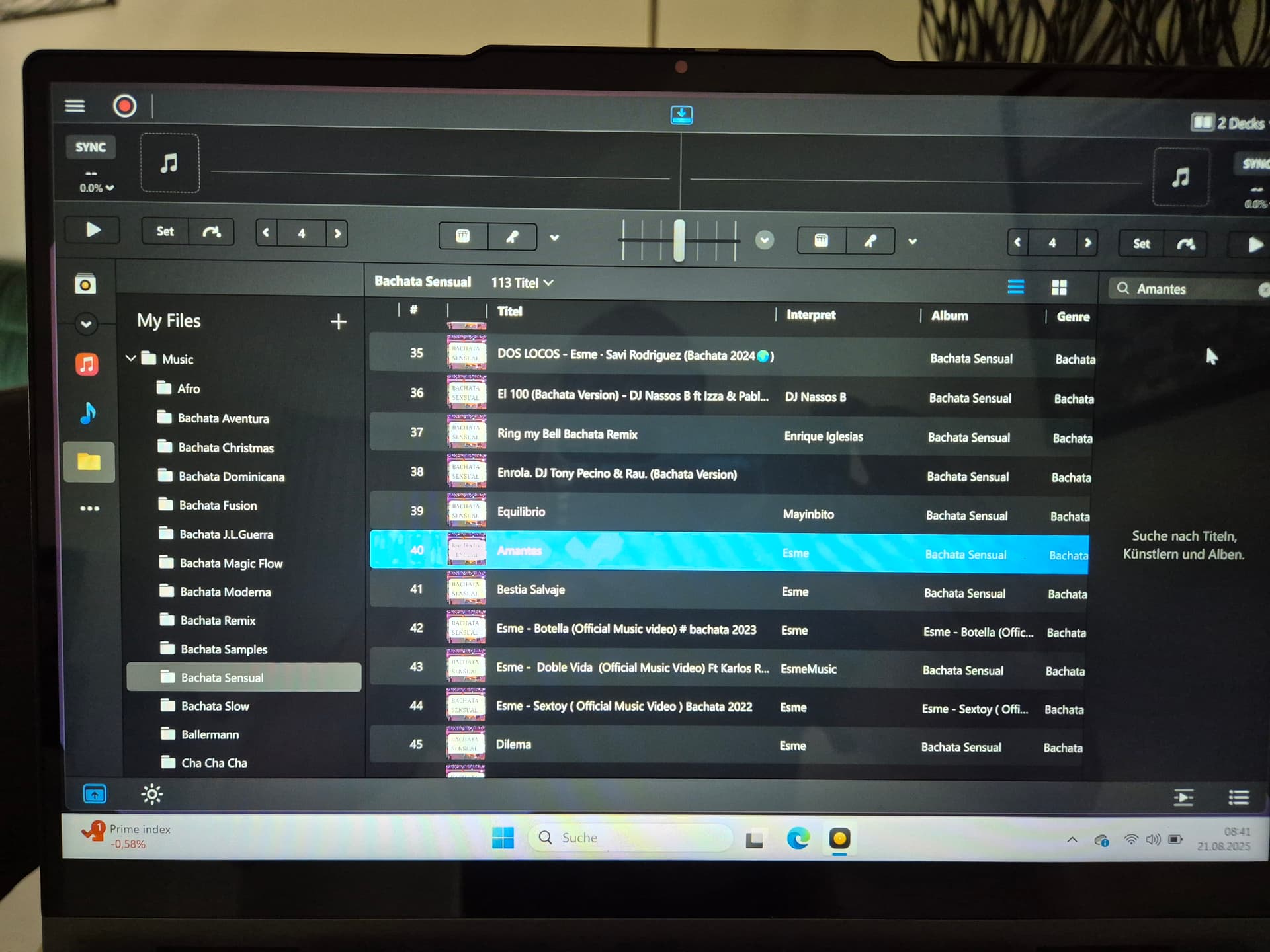
Hi the search bar does not work at all for my local files, I have windows in german version, 2 keyboards configured ( de / en ). Also the search works sometimes with a playlist. I had a gig yesterday and using DJ pro without the searh function is takes a lot of time
Device model (e.g. 2020 iPad Air 4th Gen): HP 15 dk1XXX
Version of operating system (e.g. macOS 14.4.1): Windows 11 24H2
Version of djay (e.g. 5.1.2): 5.4
Hardware/controllers used (e.g. Reloop Mixon 8 Pro): Hercules Inpulse 500
Hello! It’s been more than a week since my last reply. I’m going to consider this topic completed for now so I can focus on others. However, please feel free to respond and we can definitely revisit this. Thanks!
Hi Slak Jack, the files are stored at my internal drive, format mp3 , I send you an image, since one year was working fine, after update 5.4 does not work . Thank you =)
Hey leute,
it is plan a fix ? I have a gig on saturday 23/08/2025, if not I will need to use meanwhile the competition software , I need to prepare the crates, list , hot cues etc
Hi @AlZe, our team is still investigating this. In the meantime, can you please try searching in the Explorer source instead and let me know if you experience the same issue there? Thanks!
Thanks for your reply! You’re absolutely right — it’s still not working, even with version 5.4.2 and the latest hotfix applied. Also, great to see you’re into Latin DJ vibes — bachata, chachachá and more, love it!
As a Pro user, I really expect this basic functionality to work reliably. Hopefully, we can get a fix soon.
Are there any updates regarding this bug? I first encountered the issue a while back, but I initially thought it was a hardware problem. I can perform a partial search by switching to ‘Search Playlist’ and selecting the folder where the search is conducted, but while that workaround helps, it’s still very inconvenient. Do you know when the fix update will be released?
Hi Mr. J,
I decided to cancel my Pro subscription and go back to the DJ software I was using before. Without this feature, preparing for a gig takes much longer and is really inconvenient. I hope this issue gets resolved soon.
Hi @Pedro_Oliveira, welcome to the Community! Since this sounds repeatable, can you please capture and share a short video of the issue to help clarify what’s happening? Thanks!