I’m using a Pioneer XDJ‑RX3 and I’m loving the hardware, but djay Pro (v5.3.3 on Mac) doesn’t recognise the RX3 natively yet. Has anyone heard if official support is coming? It’d be amazing to:
Plug in and have all buttons, jog wheels, pads and mixer just work without faffing around
Use the 3 EQ knobs for djay Pro’s Neural Mix stems (vocals/drums/harmonics)
Switch pad modes on the fly (Hot Cues, Auto‑Loops, FX) like you can on standalone players
In the meantime, I knocked up a custom .djayMidiMapping that:
Maps Deck 1 & 2 transports, tempo faders, loops, track load, etc.
Routes audio through the RX3’s own mixer in External mode
Reassigns the High/Mid/Low knobs to control Neural Mix stems
Puts pads in Hot Cue, Auto‑Loop (various sizes) and FX modes
If you try it, could you let me know:
Which controls feel solid?
Anything acting weird or missing?
Any suggestions on pad mode layouts?
And if anyone from Algoriddim is reading—any word on an official RX3 profile? Would love to see this built‑in!
Great to know! Thank you.
For some reason - also on the IOS version, the inbuilt mixer seems to have issues. What is the case with the compatibility so far?
Thank you!
You’re welcome @adt99uk. This device is not supported on iOS because it is not USB Audio class compliant and therefore not compatible with iOS hardware. It requires drivers to function properly and iOS does not currently support driver installation. I hope that helps!
Hi @adt99uk Neural Mix EQ is not supported on the RX3. NM EQ support is very difficult on external mixer mode devices like the RX3, because it requires the device to physically bypass it’s own hardware EQ. I hope that helps!
Firstly, thanks for making this mapping @adt99uk ! I have tested most of it and it works well. I had to change the volume fader settings but it worked after a tweak. I can not get the monitor cue (headphones) working on both deck 1 and deck 2 on the mixer though.. because when I set the output (in the app) to be external mode, I can only choose the monitor to be channel 1-2 or 3-4… which will either play the deck 1 or deck 2 monitor, but not allow both to be used. Is this a limitation on the audio output settings on the app? I am using RX3 with MacOS app.
hola acabo de comprar la suscripción de djay Pro, me parece EXCELENTE el programa. muy superior a los otros, mi consulta, sigue sin funcionar con RX3? necesito saber porque si no, tengo que dar de baja, ya que es mi controlador actual, saludos a todos. soy de PIRIAPOLIS URUGUAY. felicitaciones por el software
Hello, I just purchased a subscription to djay Pro, and I think the program is EXCELLENT. It’s far superior to the others. My question is, does it still not work with the RX3? I need to know because if not, I’ll have to cancel my subscription, as that’s my current controller. Greetings to everyone. I’m from Piriápolis, Uruguay. Congratulations on the software!
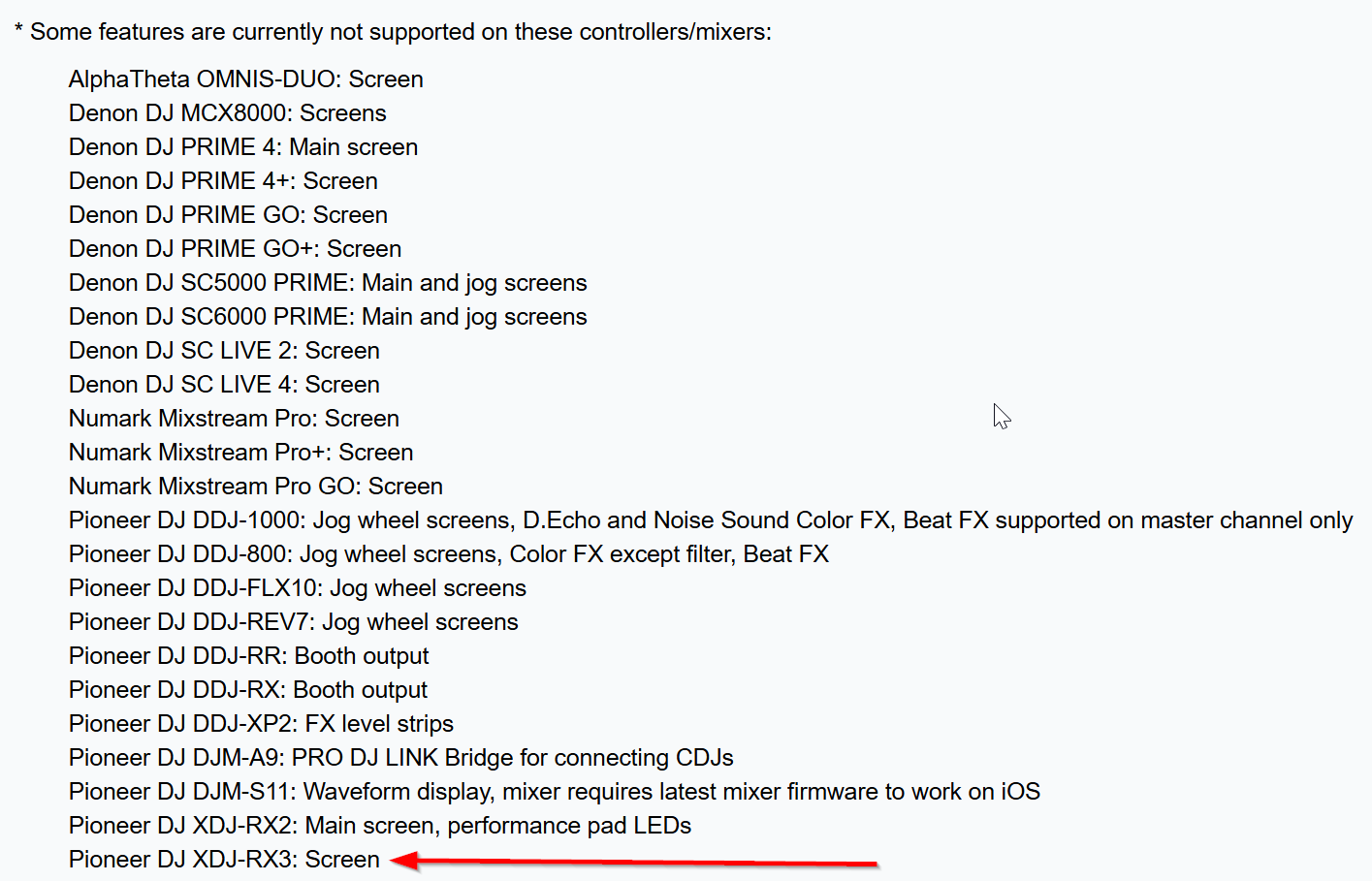
Hi again @djgeral, welcome to the Community! Please use search before creating new topics. I have merged your new topic with this existing one. Yes, the RX3 is supported on macOS. However, please note as mentioned above, that the screen is not currently supported. Thanks!
Hello everyone! I’m happy to report that screen support for this hardware on macOS and Windows has been added in the latest 5.6.2 release which should be rolling out to the various app stores in the next 24-48 hours. Thanks!
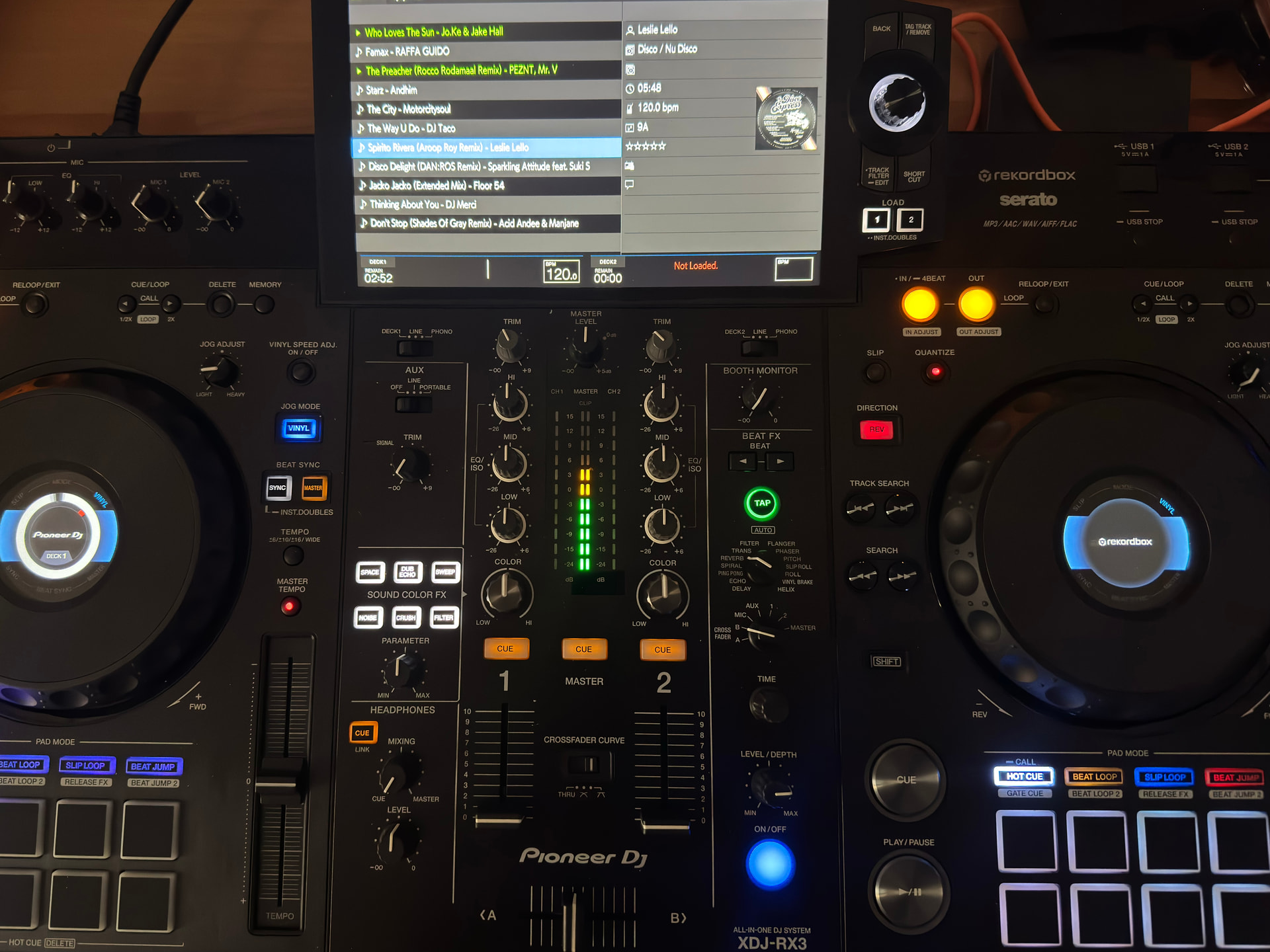
Hey @Slak_Jaw, in this case what does “screen support” mean in this context. I just updated djay on my Mac to 5.6.2 and I see the following on the screen when connected.
When selecting a playlist I see the track list on the screen but no waveform or whatsoever. Is this intended?
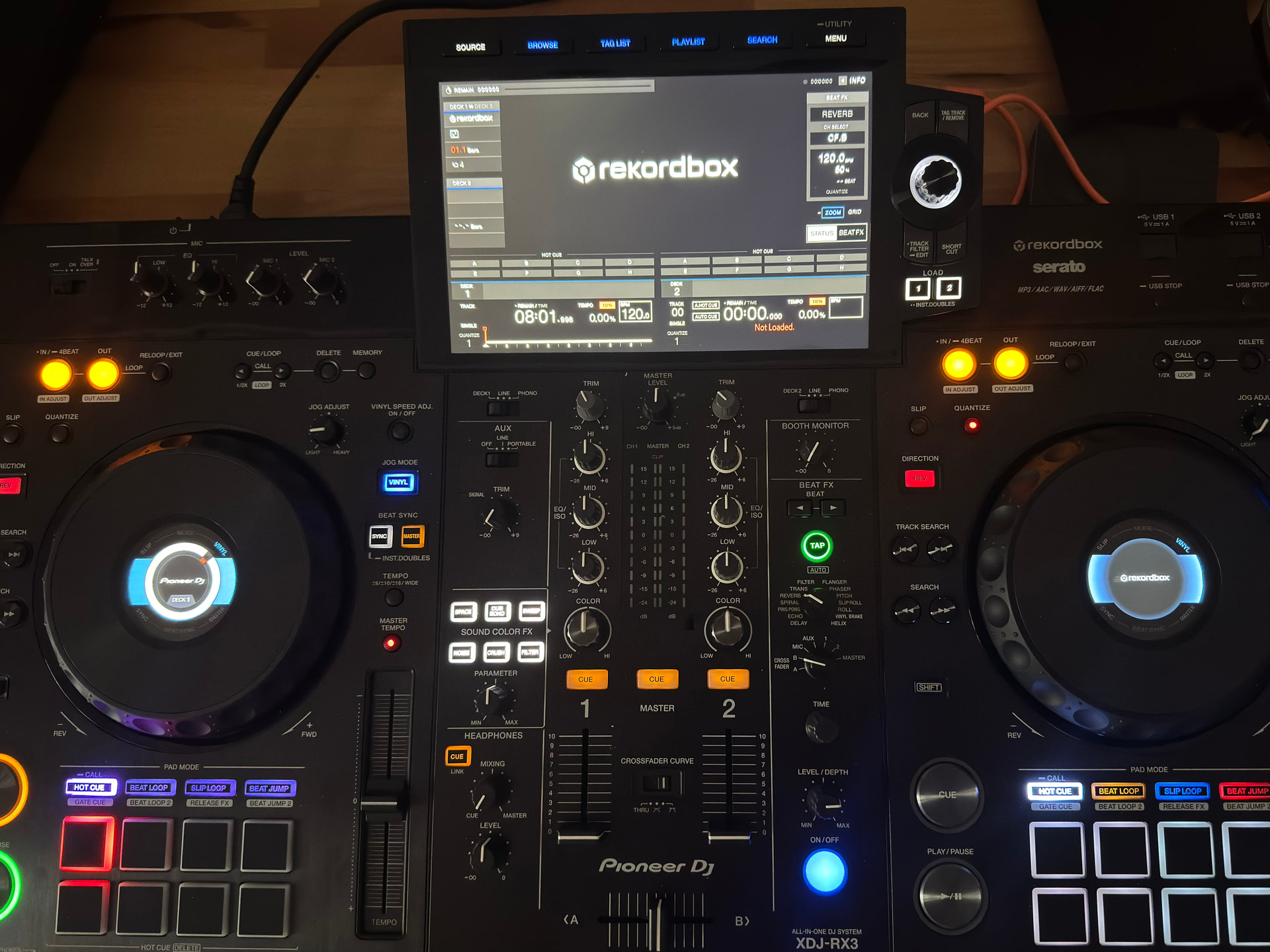
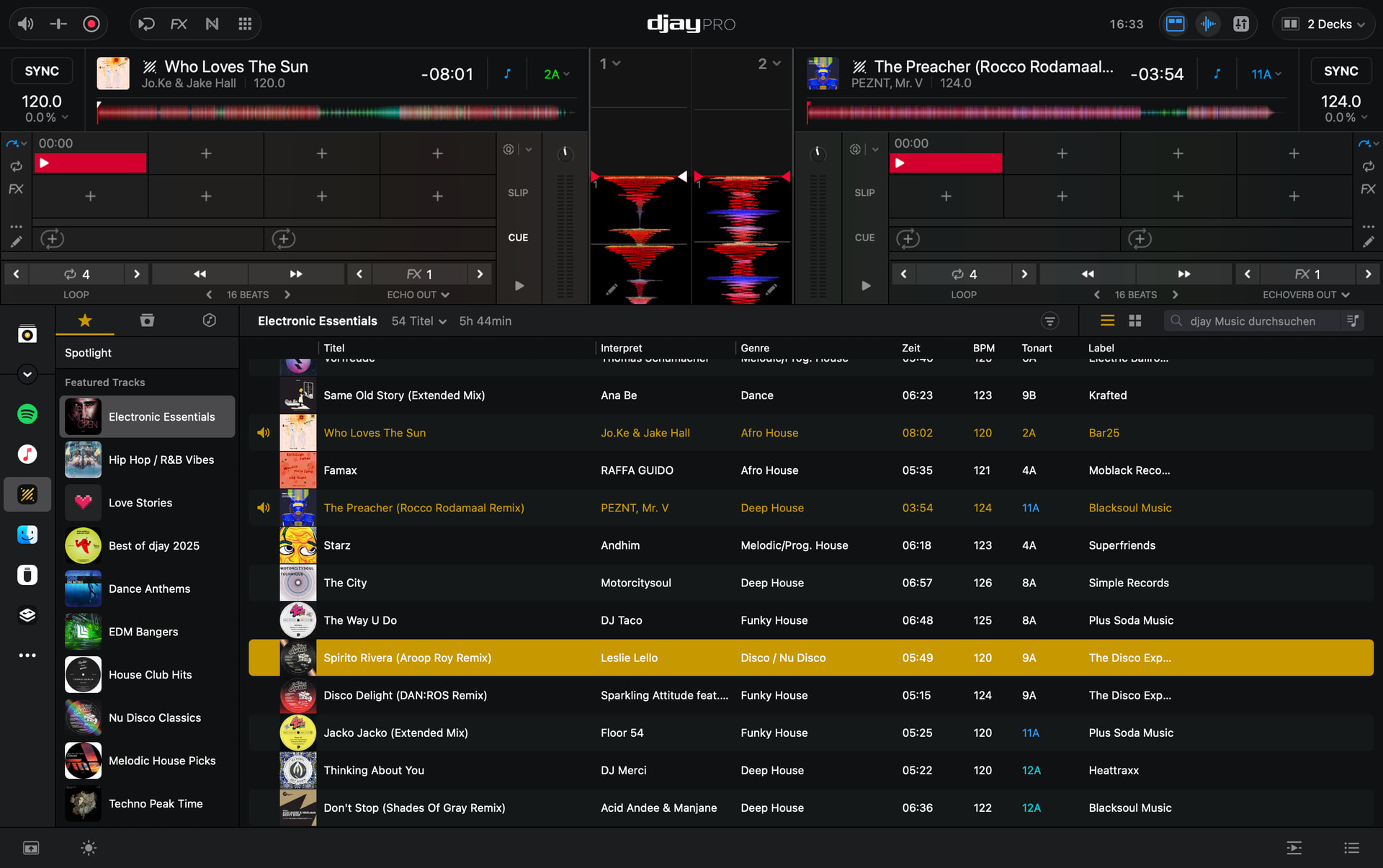
In this case I am also not so sure what this actually means. When I plug in my XDJ-RX3 on deck 1 I can indeed play a song and see assigned hot cues. However on deck 2 thats not the case. Am I doing something wrong?
You can see that the hot cue 1 from the track on deck 2 is not showing up on deck 2 of the controller. Nor can I use the play or cue button.
Here a screenshot of what I am facing when connected to my MacBook:
I borrowed a RX3 as I have a gig soon where this device is installed.
I tried to get the RX3 running on Macbook M4 and Djaypro 5.6.2 but I am struggeling to get it running.
Can I use the RX3 in External Mode only? If I do so, I can load tracks out of DjayPro including Cue Points but the there is no option to use Neural Mix, right? Further, software faders and knobs are not moving when I use the hardware buttons.
If I try Internal Mode, the Faders do not work as normal. I did not change the MIDI settings or is this required?
Hi @turbopussy, the RX3 must be used in External Mixer mode only. Please use the Reset To Defaults in the popup menu at the bottom of the Audio Devices settings. Also, make sure to download and install the latest RX3 firmware from Pioneer.
Thanks @Slak_Jaw but strange: Setting this up with Rekordbox software worked (Internal mixer mode, midi-mapping Stems to the EQ knobs and Pads, faders working, FX working, …) Looks like I am forced to use RB again for this gig though I wanted to avoid that …
Yes, it was already up to date (1.19) … nevertheless I couldn’t figure out to get it running with djay including stems, working crossfaders and headphones