I’ve noticed that the Neural Mix faders depend on the setting of the regular crossfader - that is, Cut, Linear, Standard, etc. Can this be adjusted separately? I generally don’t need the crossfader, or only very rarely, so I usually set the crossfader curve to “Cut” to prevent the volume from changing if I accidentally bump into it. I’d like to use the Neural Mix Faders to blend stems together more often, but not from 0 to 100.
Or is there a setting like that and I just haven’t found it?
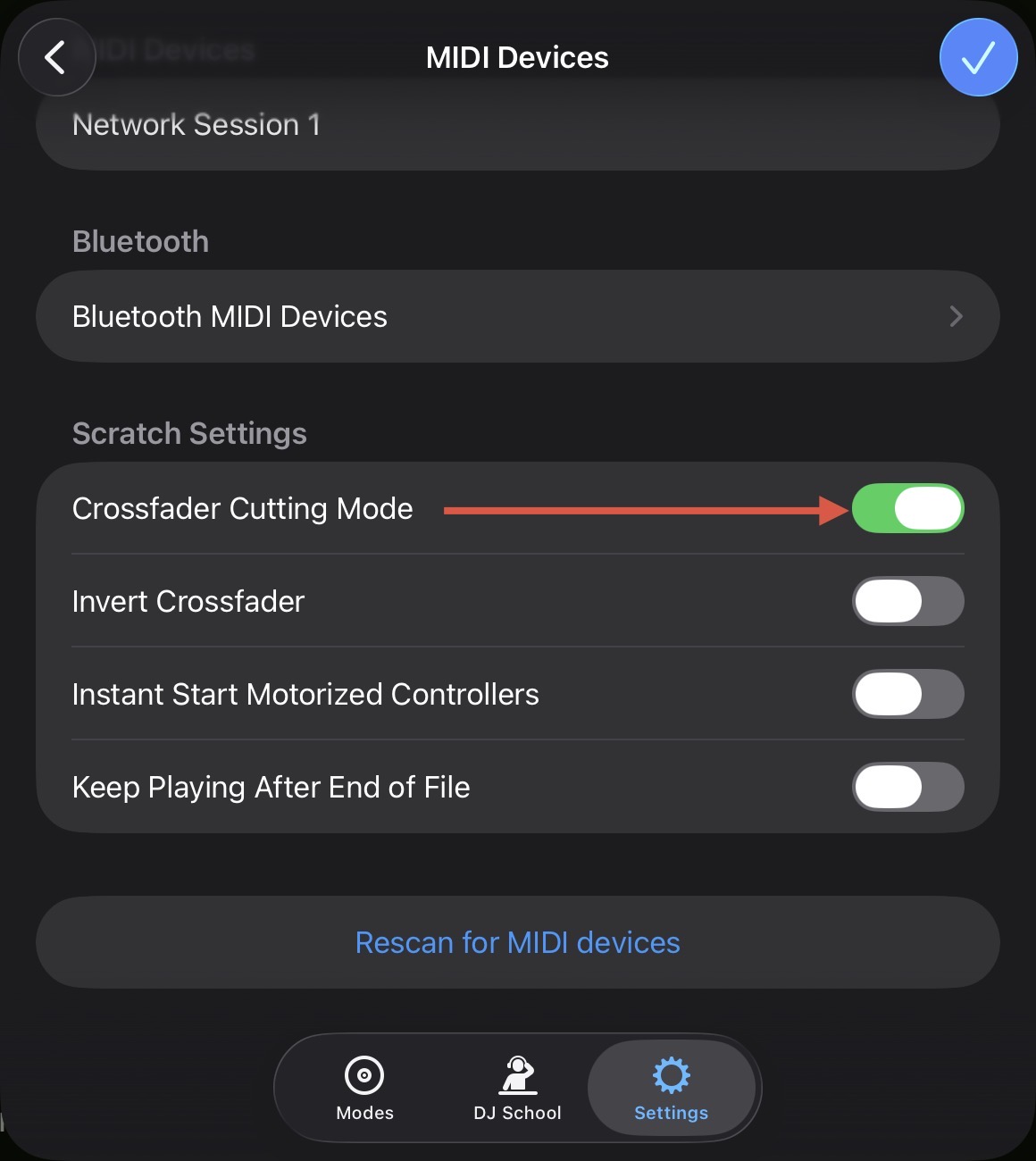
Hi @Chris_R. I’ll try to test this out later today to confirm, but I thought CFX was independent of the Crossfader Curve settings. In the meantime, have you tried setting the Crossfader Curve to Default, while enabling Crossfader Cutting Mode in the djay Settings>MIDI Devices?
I’m not talking about the CFX, but rather the Neural Mix faders. But I tried it as described, and it actually works that way in essence. For me, I also had to adjust the Crossfader Curve setting on the controller. Then it works pretty much the way I wanted it to. But if you accidentally move the crossfader a little, it “overwrites” the position of the Neural Mix faders. Still, it’s definitely better than before, so thanks a lot!
Maybe a follow up on this question. I would like a ‘Disable crossafader‘ option in the settings, like as the topmost item in the screenshot posted above by Slak_Jaw. I also don’t use the crossfader and like stated above that if you accidentally touch it, you have unexpected things happen. When disabling it completely you avoid this and it will solve the issue mentioned by Chris_R as well