NOTE: Please use the search function above before posting to avoid creating duplicate topics.
Device model Macbook
Version of operating system Big Sur
Version of djay (e.g. 5.1.2): Latest
Hardware/controllers used Hercules 500
Hardware firmware version (e.g. 1.0.1):
Please consider sharing a short video or screenshots to help clarify your question
YOUR QUESTION:
Hi. I’m aiming to use One Library but can’t find an answer to this: I do Silent Discos and want to organise four different playlists on my main (Mac) laptop then transfer them to 3 other (windows) laptops. I understand that One Library will transfer the files, playlists, cue points etc but my question is: If I already have some of those songs on my other machines will it duplicate them? Likewise if I make small additions to my music library in my main laptop and then transfer via One Library will it move the whole library again or just the changes?
Notes:
If you changed any metatags (title, artist, genre, comments, etc.), you must use Copy files to internal storage to update the library in My Collection.
Copy files to internal storage copies ALL files in a USB playlist → Macbook (it does not look for changes). If a file already exists on the Macbook, it will be overwritten with the USB file.
One Library only transfers files that aren’t already on the target computer. So it won’t duplicate your existing songs. If you add new tracks or make changes on your primary laptop, it only transfers new or updated files and playlists, not your entire library again.
After copying my one library usb drive, if I want to copy again after adding more tracks, the app creat duplicate copy of files on my phone. Any easy way to get this problem solved?
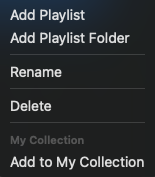
One way is to delete all music from my collection and then individually delete all the playlists and then copy again from usb
Hi @DjSasha_DelhiDevils, I’ve merged your new topic with this existing one. What option did you select when copying the OneLibrary files the second time?
Thanks for sharing more info @DjSasha_DelhiDevils. This sounds like an edge case due to the unexpected screen lock. I suspect it will perform as expected going forward though and not creat duplicate files. If not, please let me know. Thanks!
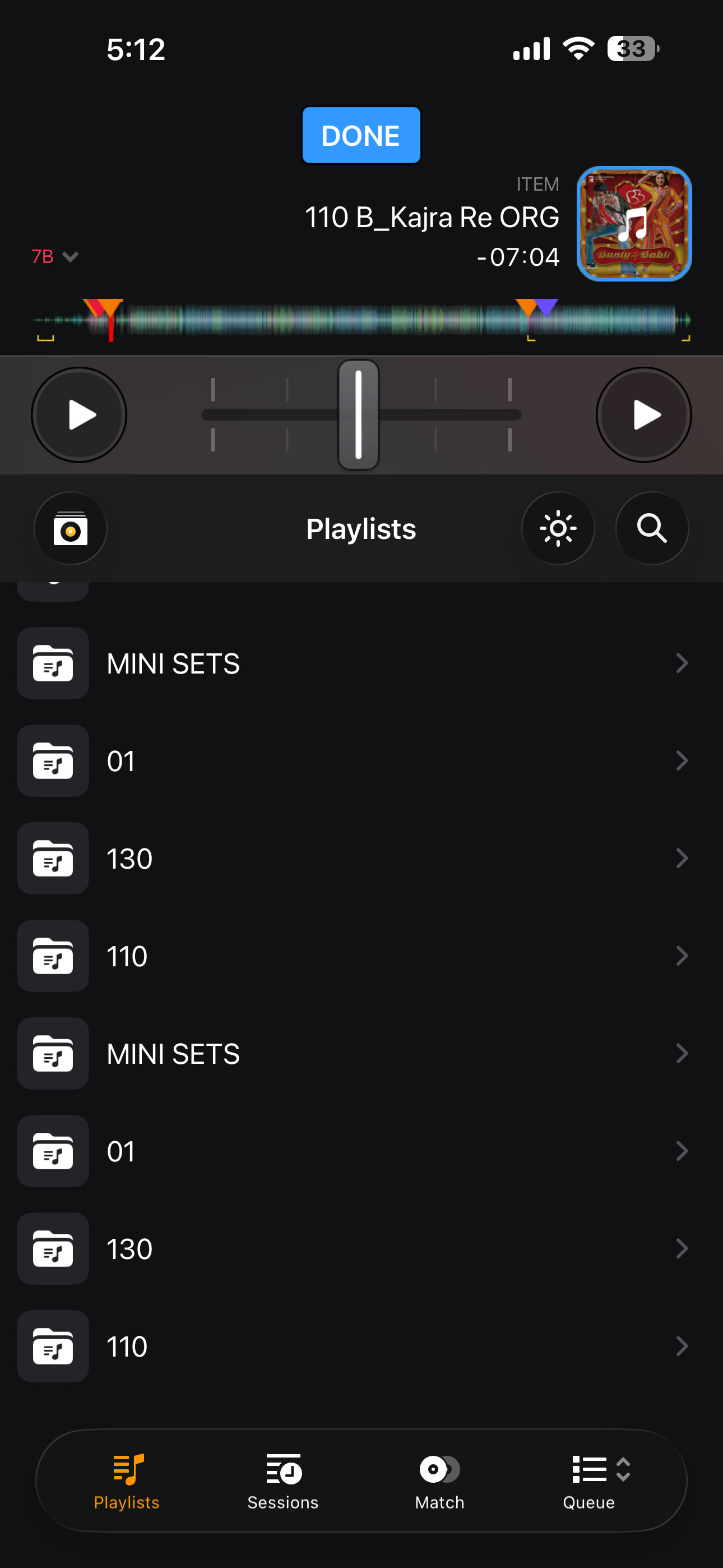
As seen in the pic duplicate playlists created when i copy my updated usb to my phone.
What’s the procedure so that this not happens.
Also , some tracks are not being updated after i copy them into my collection.
I have selected both the options copy to internal and overwrite cue etc
Another observation, not all the tracks from my one lib usb are correctly copied to internel storage on my iphone, some tracks have incorrect titles and are not updating even after copying again
Thanks for the details @DjSasha_DelhiDevils. I’m going to share this with our engineering team on Monday for review and comment. I’ll report back when I have more news. Thanks!
Hi again @DjSasha_DelhiDevils, I checked with our dev team this morning. Currently, the duplicate folders/playlists are expected on iOS. They are looking into options for the future, but have no timeline to share. In the meantime, the recommended procedure is to delete the folders and/or playlists in My Collection before you add them again from your OneLibrary USB.
Ok. After deleting data from phone and again importing the updated usb, still some tracks are not correctly taged ,
I have deleted all the tracks from my collection and all
The playlists also.
I am sure the dev are looking into this. It’s very convenient to use my iphone
I hope in future collection sharing gets perfect
My main library is on rekordbox so this becomes my only option to use usb one library
Thanks for the additional info @DjSasha_DelhiDevils. Can you share some screenshots to illustrate the missing tags between the original files and the ones copies to My Collection?