


- Device model: iPad Pro M2 11"
- Version of operating system: 18.7.2
- Version of djay: 5.5.2
A) SUMMARY OF ISSUE:
If I use an AUv3 plugin as the Main Output Effect, its GUI is not fully shown in the dialog window. Some portion at the top is hidden.
This bug can be reproduced using the TB Spectrogram (free) and FabFilter Pro-Q 4 (paid) plugins as the main output effect. When using the same plugins in GarageBand, the GUI is fully shown and usable.
There was a previous bug report of this issue. In that bug report, another plugin was used — RoughRider3. The previous bug report was filed in the Suggestion category and closed due to inactivity.
B) DETAILED STEPS TO REPRODUCE:
Load TB Spectrogram as a main output effect. Compare what is shown in the dialog window in djay with the same plugin loaded in GarageBand or running as a standalone app.
C) EXPECTED RESULTS:
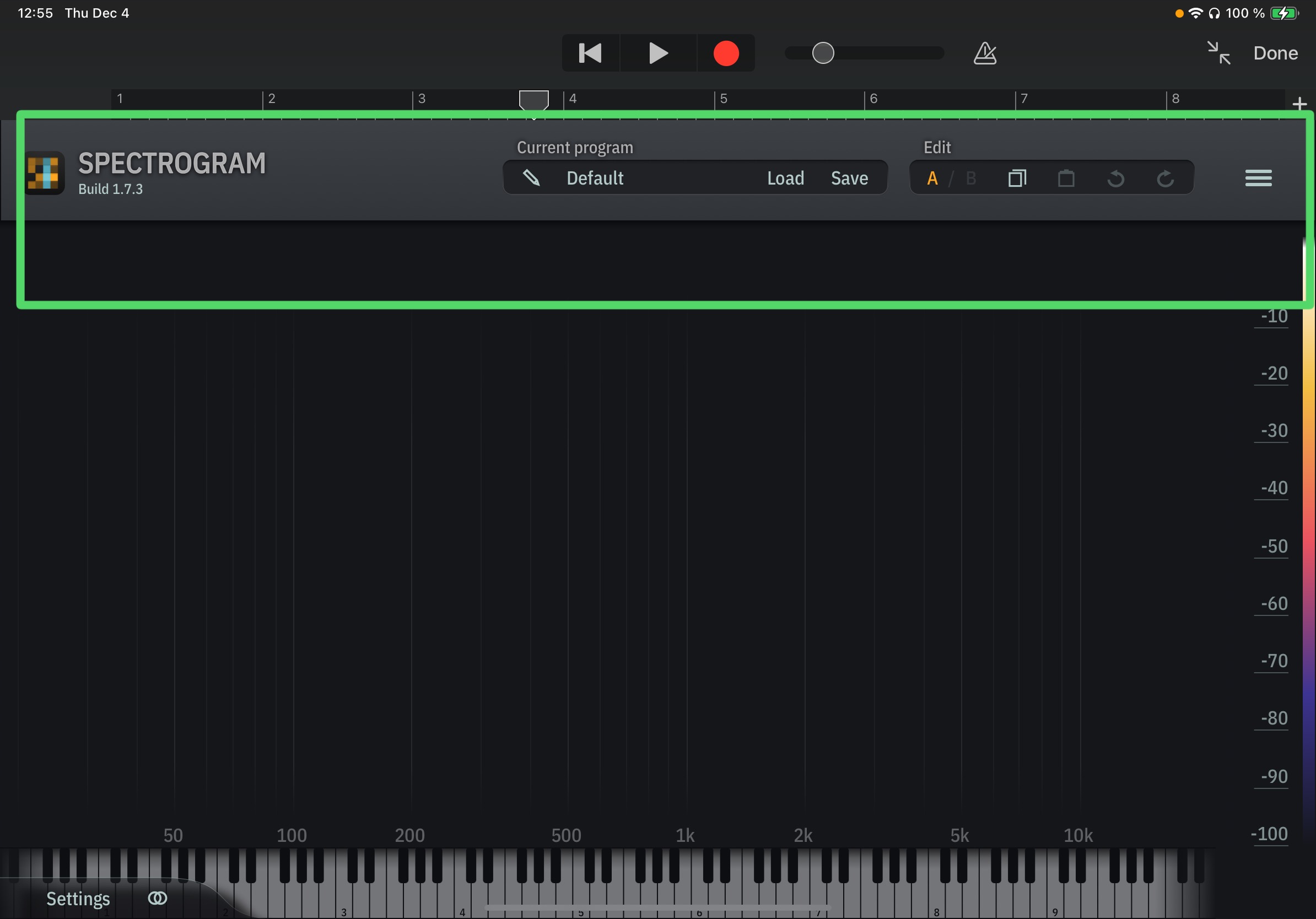
The plugin’s GUI is shown entirely, and all UI elements can be used. Here’s how TB Spectrogram looks when loaded in GarageBand.
D) ACTUAL RESULTS:
The top portion of the plugin’s GUI is not visible.


