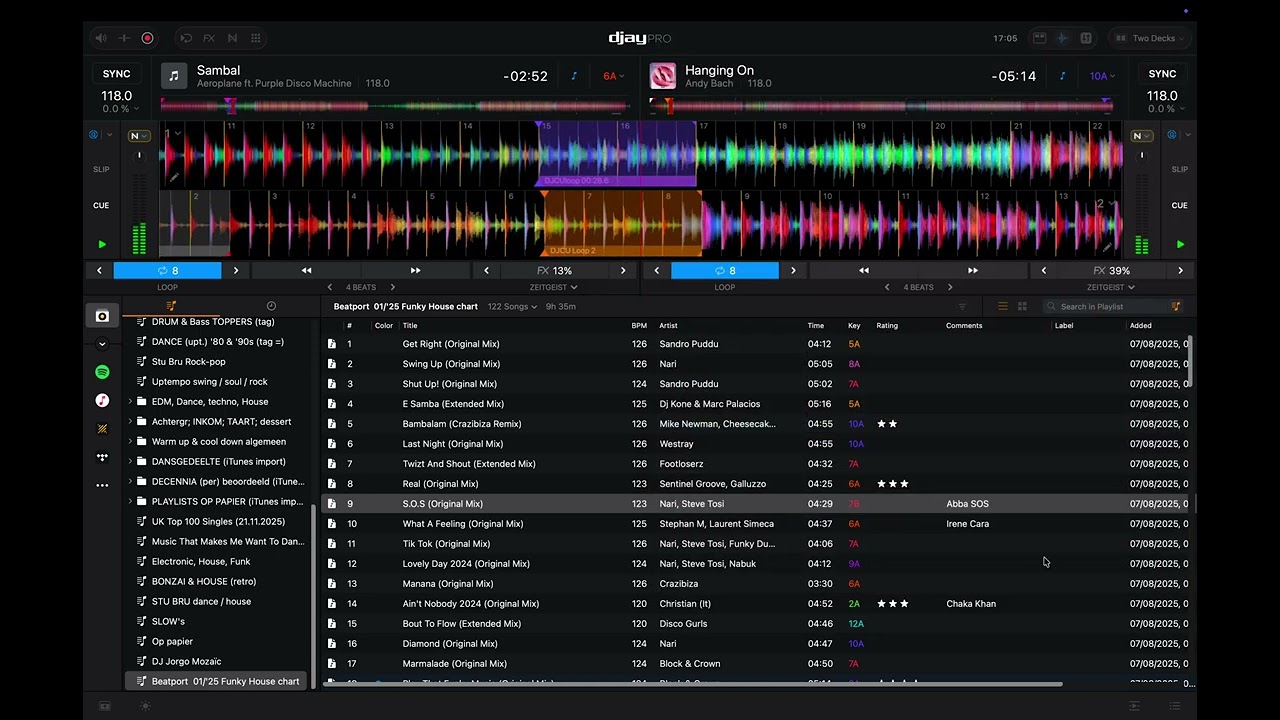
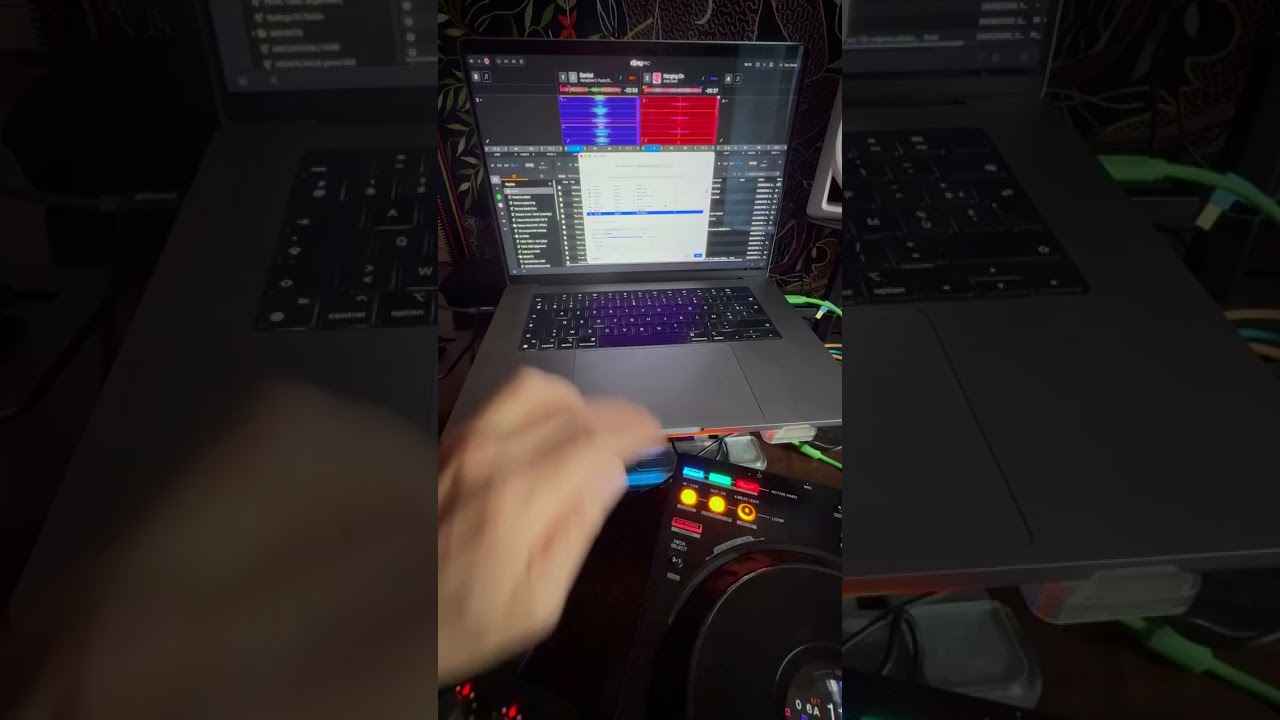
I’m working with the latest DJay-Pro version and three XDJ-700 Pioneers and am trying to change the pitch bend direction of the Jog wheels in the correct forward (clockwise) direction and can’t find how to do this.
The weird thing is that the forward direction is correct in the VERTICAL Waveforms layout but NOT in the HORIZONTAL waveforms layout, which I’m working in…
In the HORIZONTAL waveforms the pitch bend direction is backwards and thus counter-intuitive.
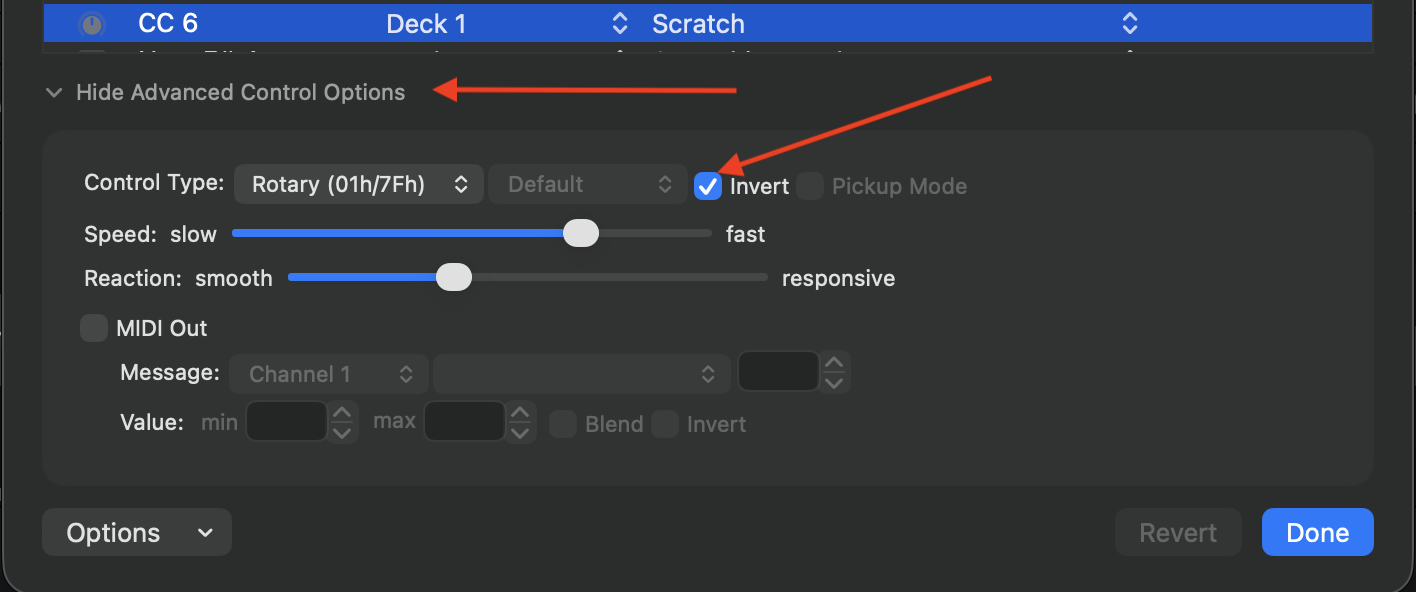
Hi @djbo, while in the MIDI Learn tool on macOS, please use the jogwheel nudge on your hardware, then expand the Advanced Control Options and select the Invert check box.
Hi Slak_Jaw, was looking in the club ( just home now from a gig ) for that ‘ invert’ option but couldn’t find it. When i touched the side of the jog wheel and moved it nothing happened / was selected in the MIDI Configuration.
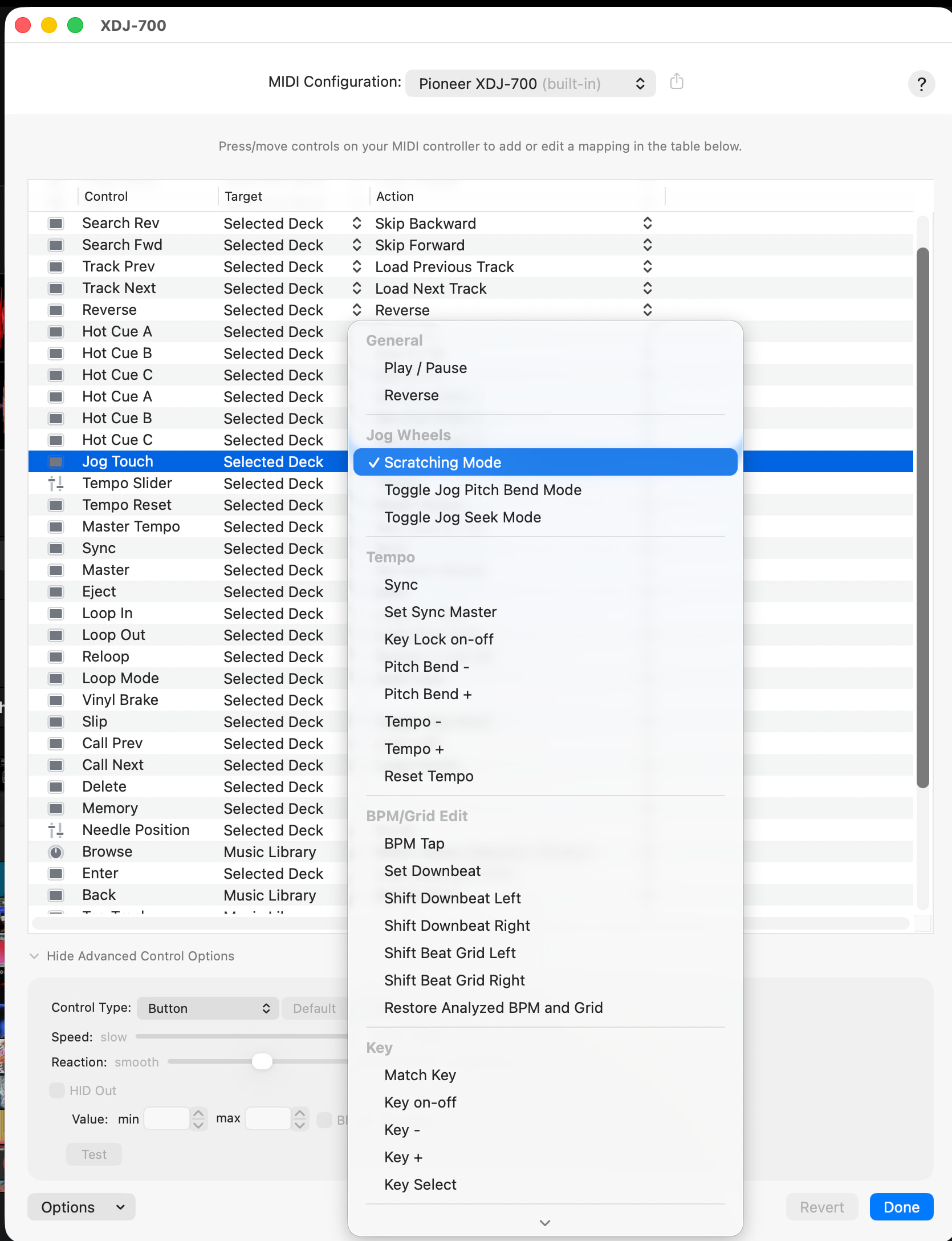
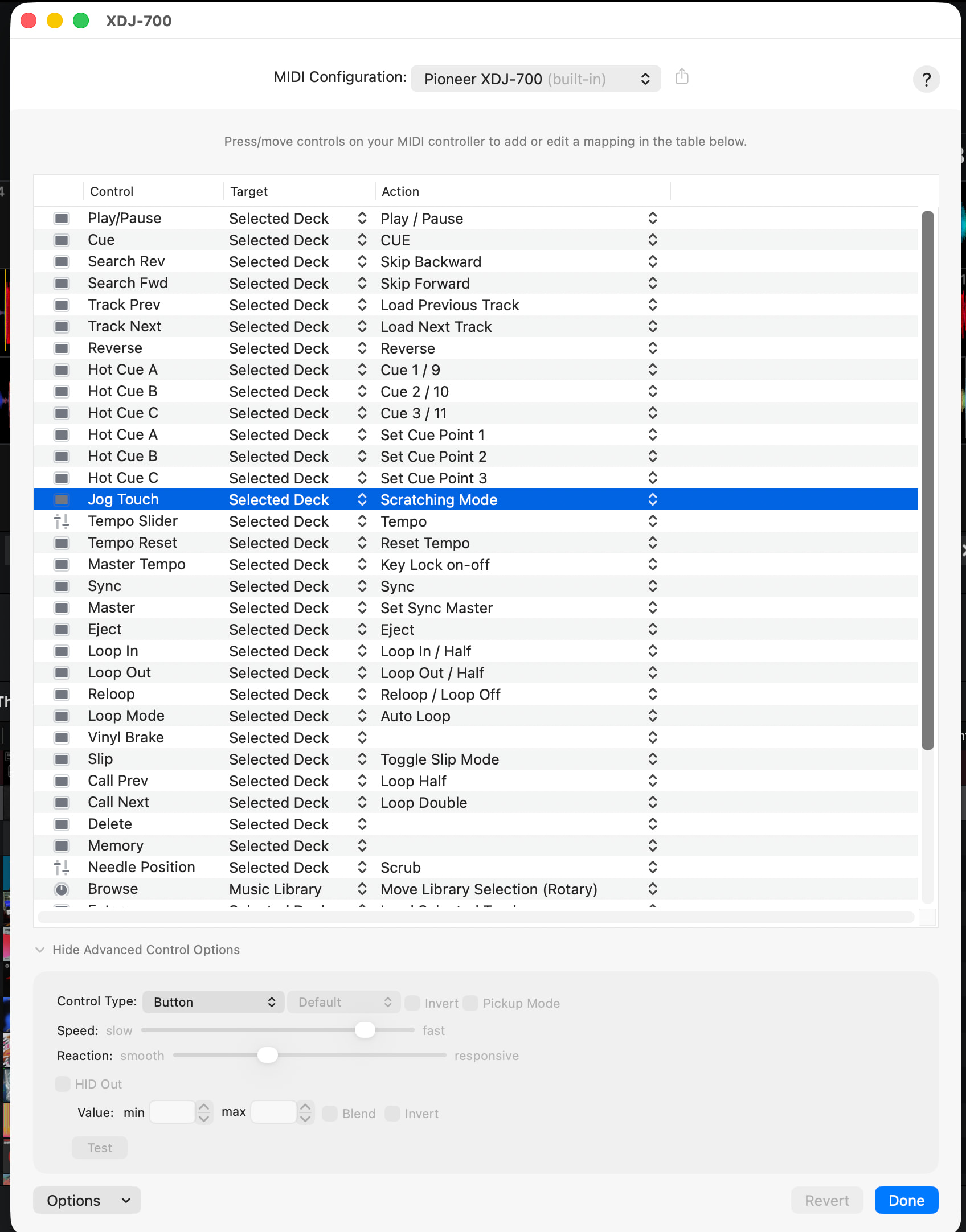
Only when i press on top of the jogwheel “Jog Touch” is selected in MIDI Configuration (See screenshots), but there is only a greyed out invert.
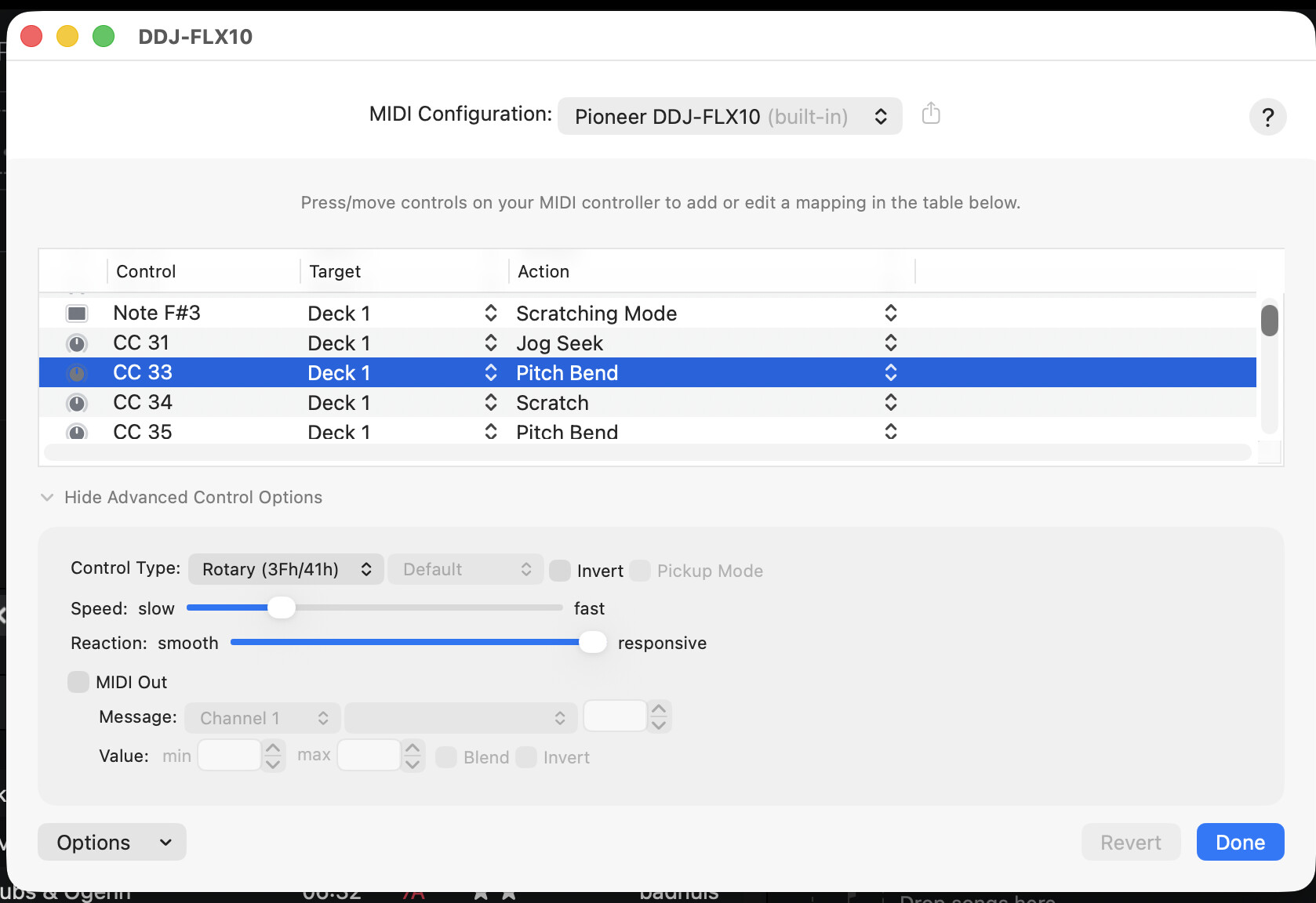
Aha, just Touched the side of the jog wheel and moved it on my FLX10 at home and immediately saw the Pitch bend (and invert box) in MIDI-configuration ( see screenshot ).
Thanks for the detailed follow up @djbo. Nudge on the XDJ-700 might be handled outside of the MIDI Learn tool then. Can you please confirm if nudge on the FLX10 works in the same or the opposite direction to the XDJ-700? Then I can pass this onto our hardware team for further review.
Hi Slak_Jaw, (i just woke up) good question, The same issue occurs on my FLX10.
In HORIZONTAL waveforms layout the pitch bend direction is backwards and thus counter-intuitive. In VERTICAL waveforms it’s the correct forward (clockwise) direction.
Now, since i can check the ‘invert’ box in the MIDI mappings on my FLX10, the opposite happens (what i expected):
In HORIZONTAL waveforms layout the pitch bend direction is the correct forward (clockwise). In VERTICAL waveforms it’s backwards and thus counter-intuitive.
Thanks for the second video @djbo. This clarifies things. Something unusual is definitely happening here. On all of my hardware, nudging the jogwheel counter-clockwise slows the track down and nudging clock-wise speeds the track up. This is the same in both horizontal and vertical waveform orientation.
This shouldn’t affect nudging, but please confirm if you are using Invert Slider in the djay Settings>General>Tempo section.
Please make sure you are using the (built-in) MIDI Mapping for the FLX10 and not a custom edit.
Good to read this, that’s the logical way it should work but is not the case here. My pitch bend direction differs in horizontal and vertical waveform orientation as you can see in my video.
Yes i am using Invert Slider in the djay Settings>General>Tempo section. I checked the box empty now for a test but that makes no difference.
I’m using the (built-in) MIDI Mapping for the FLX10 and not a custom edit.
I’m using the latest 5.6.4 version of DJay.
I’m using the latest maOS Tahoe 26.4.1 on a MacBook Pro 16 inch M1.
My FLX10 is running the latest firmware ver.1.14 Update [NEW] (Algoriddim’s djay Pro for Mac and djay Pro for Windows are now supported)
As a double check i connected my backup laptop, a 15 inch Macbook Air M4 with all latest versions as well, to my FLX10. Same story.
I discovered this pitch bend direction difference in horizontal and vertical waveform orientation first with my XDJ-700’s in the club because i use those on a weekly basis.
The fact this happens with “old” XDJ-700’s and a recent controller like the FLX10 makes me think this is software and not hardware related.
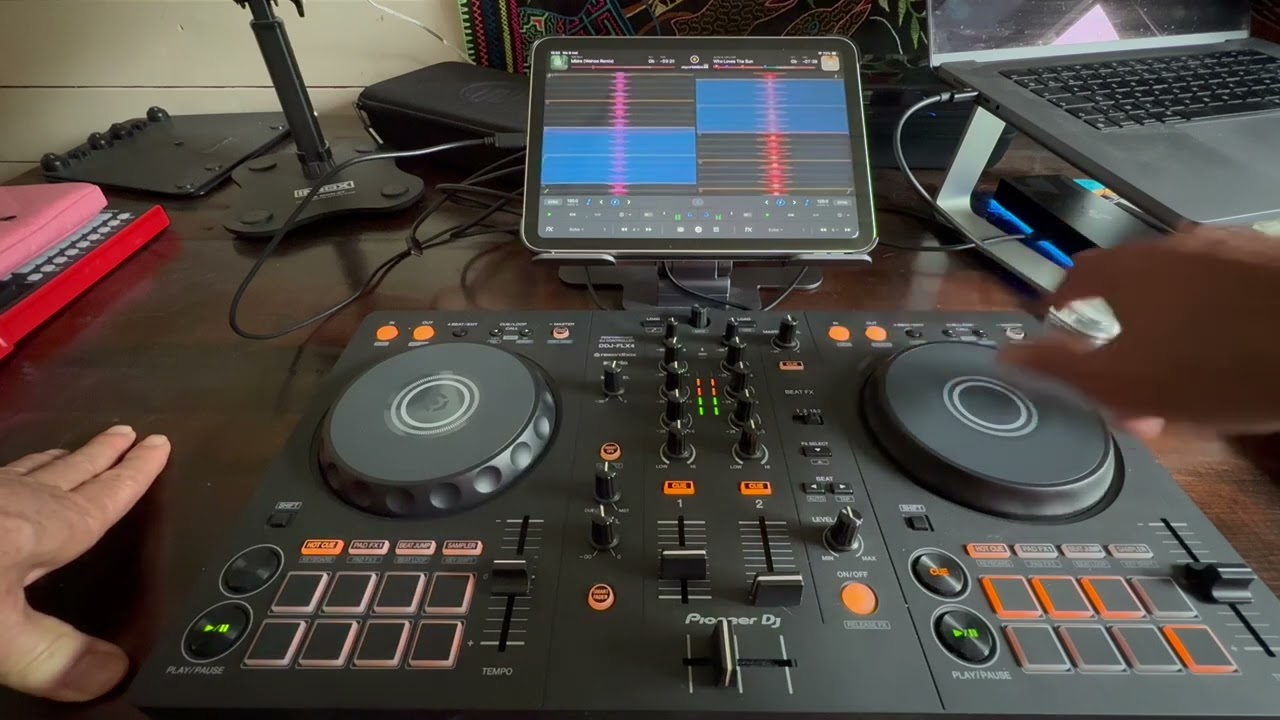
I’ve tested it with my Macbook 16” M1 connected to my DDJ-FLX4 as well and same story.
And now the most interesting part:
I’ve connected for the first time my iPad (A16 with latest 26.4.2) via cable to my FLX4 which proves this pitch bend direction inconsistency in the horizontal versus vertical waveforms is software, not hardware related.
See Video:
I am very curious now what hardware and software-versions you are using where this pitch bend direction inconsistency in the horizontal versus vertical waveforms i’m experiencing with the latest versions of Djay, macOS and iPadOS is not happening.
In your video everything works as expected. You have got an thought error. If you move clockwise it goes forward, but forward in horizontal view is from right to left.