


I have the performer and the one mkII. I’m considering going back to serato also The stem fx are awesome, but when you echo out the instrumental or acapella the quality is noticeably less in djay compared to serato. Once the stem is running, I do find djays stem quality to be superior to serato, but there’s definitely a disconnect between the hardware and software. And the fact there is still a delay with stems and key lock is unacceptable. Other than that I like the appearance and library management better on djay pro. Crossfader fusion is cool, but I feel like they’re putting the cart before the horse in many areas. The amount of time I put into cue points in djay (I mainly use beatsource) was staggering since I made the switch about a year ago. The thought of throwing away all that time is giving me heart failure lol.
Stem fx work but something isn’t quite right with them imo.
Thanks for the feedback @jmoak311
**
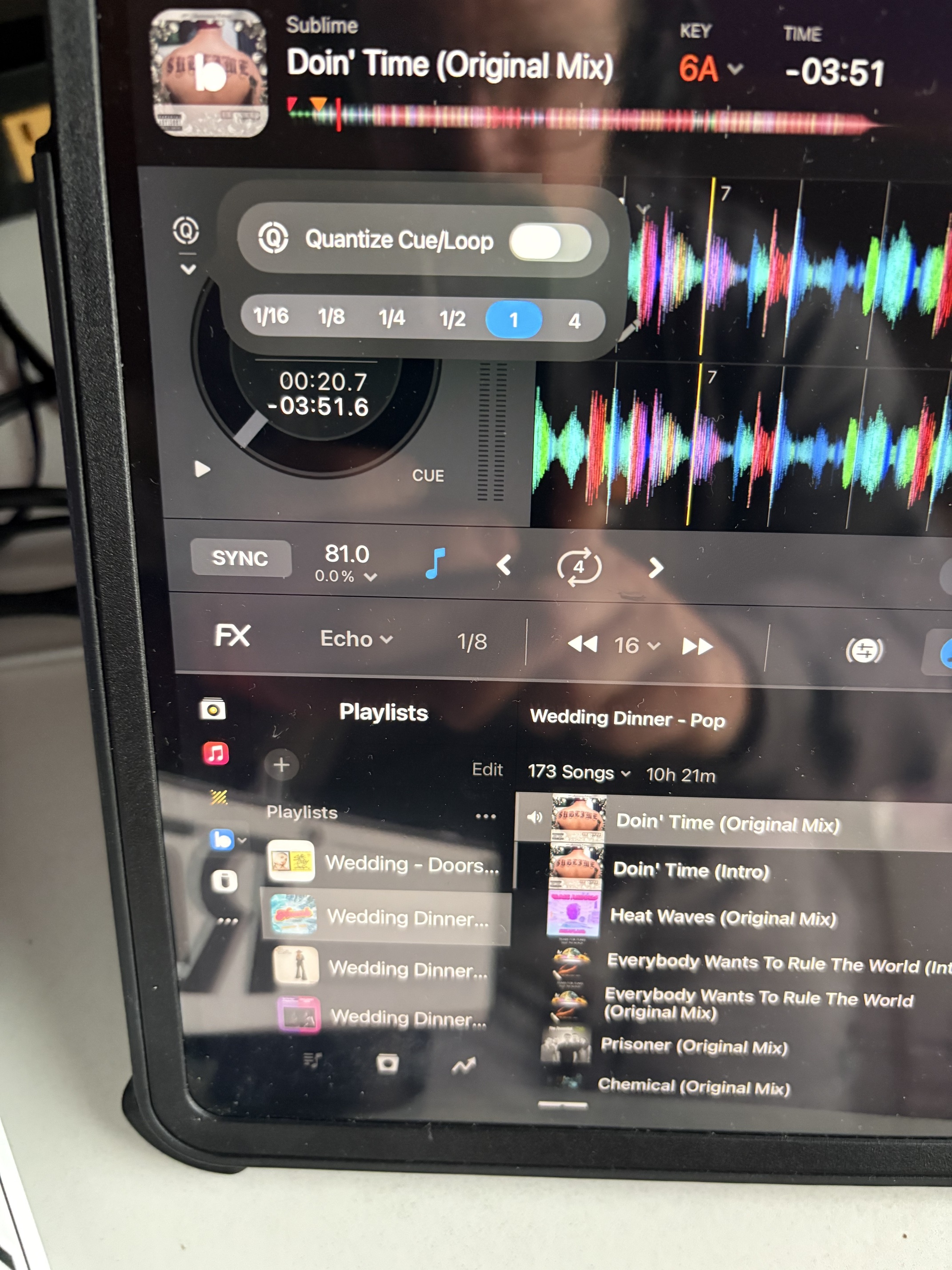
**if you disable the quantize cue/loop feature this will get rid of the lag you’re talking about in iOS and macOS.
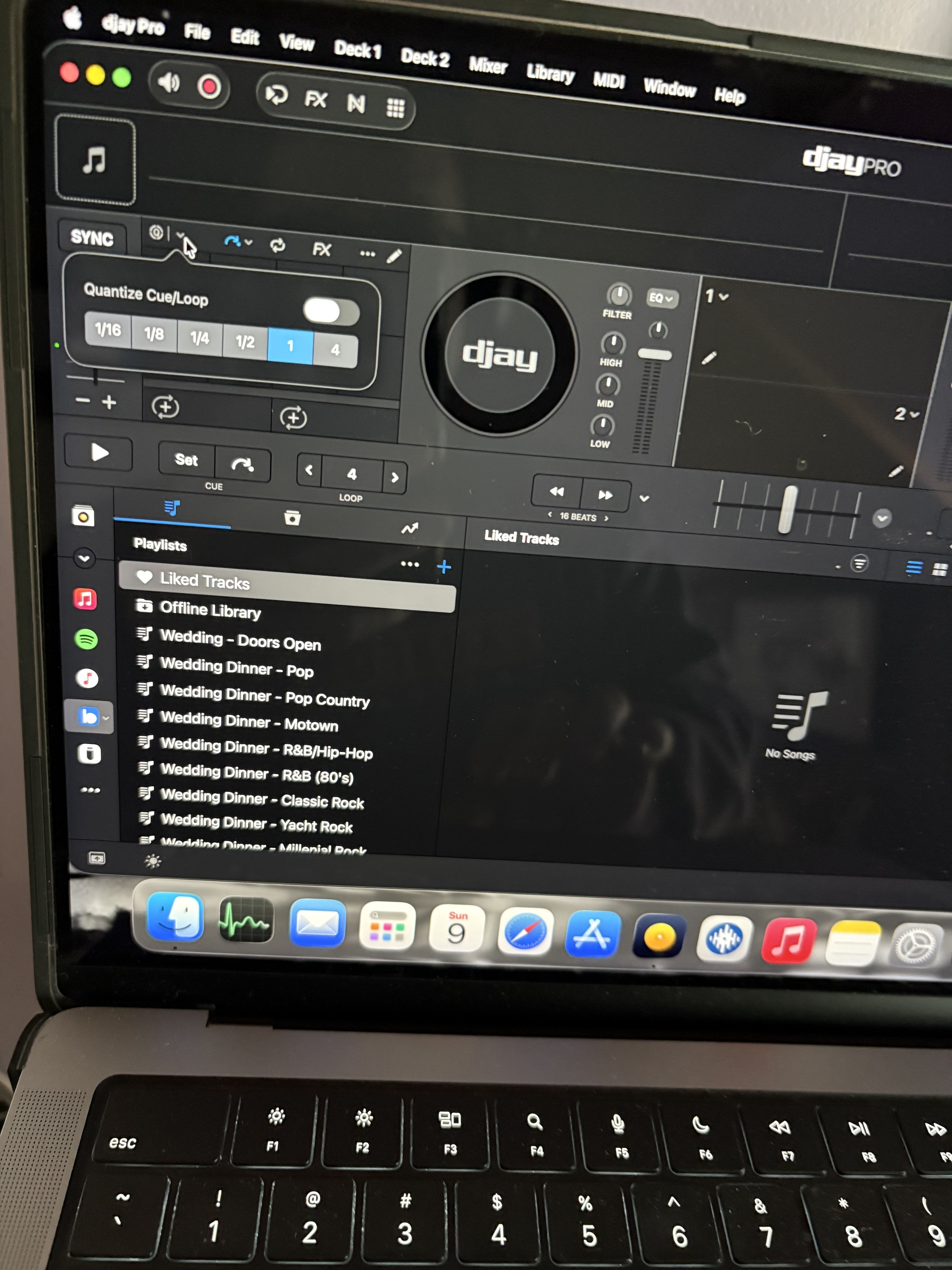
Might have to try that. What else did you change?
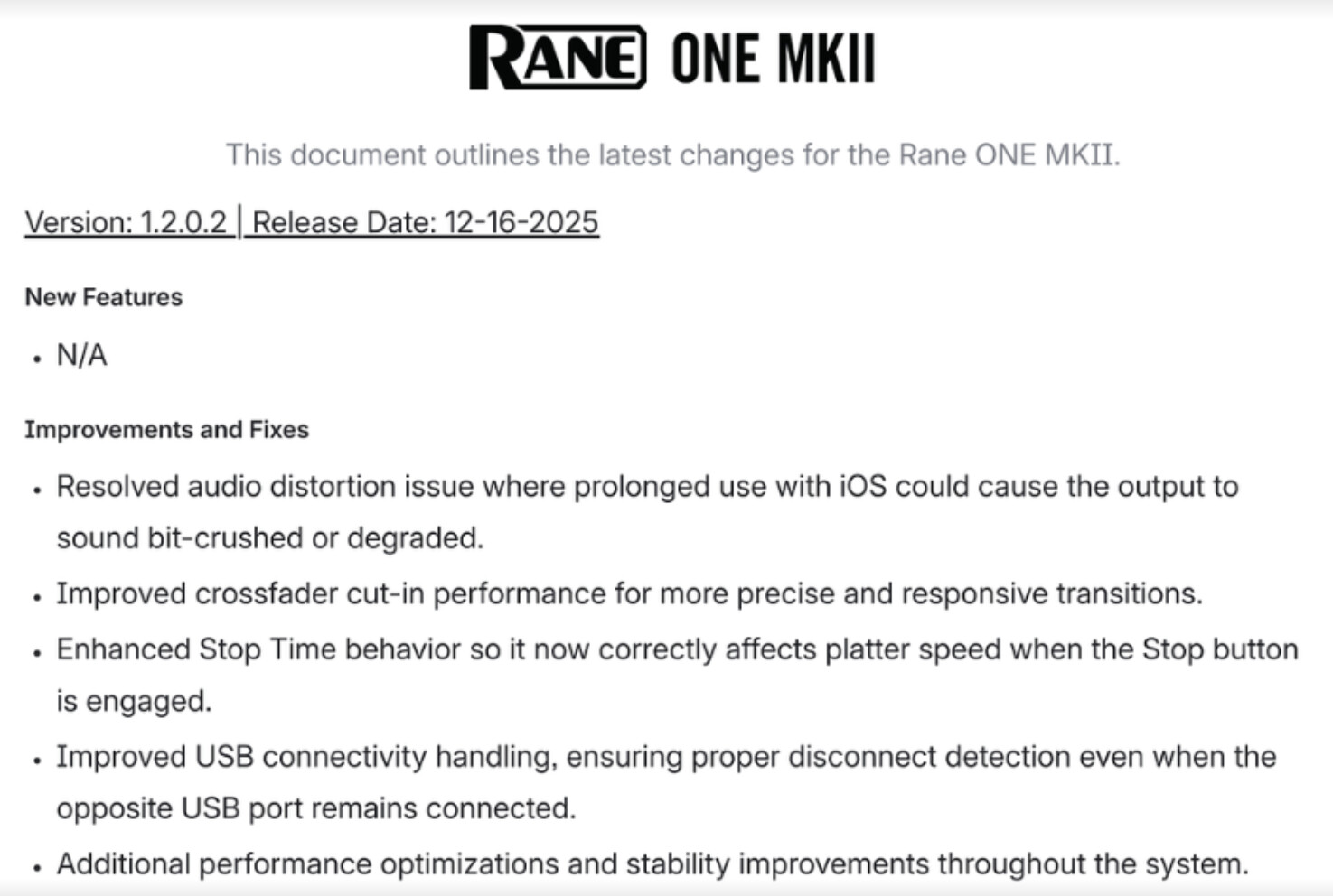
Rane One MK2 is an amazing tool — thank you for supporting in my point of view the best controller in 2026.
You’re welcome @Julien_Apruzzese. Thanks for the feedback.
I created a topic for the following question — maybe it’s best to post here.
Cue Loop is not mapped natively on the Rane One MK2 — it was on the previous Rane One.
But I am not able to find the option for midi mapping manually on Mac OS.
Is there a way to do it ?
If not, please add this function as it is my number one tool (instead of using Saved Loop).
I saw your other post and will answer it there.
Hi all Rane One Mk2 owners. Could you share what the midi mapping is like? Are there secondary pads at least available to be midi mapped? Did they manage to get stem effects included? I’m thinking of getting one as additional device to fix 10. Any detail will be appreciated. Can you alternate between software and hardware fx?
Hey @Dysfunk_DJ, I don’t have access to a RANE One MK2 to check for myself, but I did have a look through the XML MIDI mapping file and this is what I was able to find. Hopefully some other users can chime in to confirm and provide additional feedback.
1. Secondary pads:
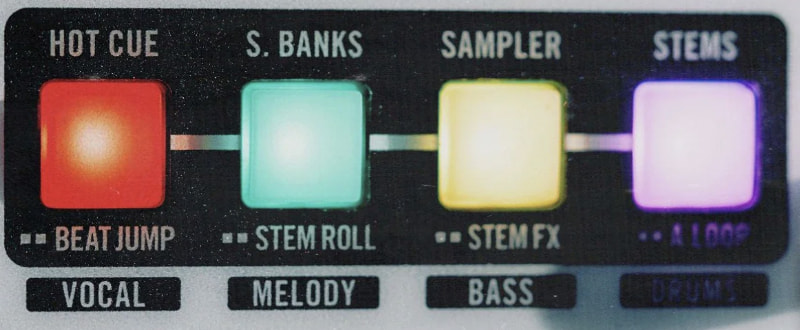
- The MKII’s secondary performance pads appear to be fully mapped with their own modes: Hot Cue, Slicer (instead of Scratch Banks), Sampler, STEMS, Beat Jump, STEM Roll, STEM FX (Echo Out, Reverb Out, Braker, Delay) and Auto Loop. Hopefully someone in the Community can confirm.
2. Neural Mix:
- Yes, natively supported. Activate via the STEMS pad mode (top row toggles each stem on/off, bottom row solos a stem)
- Dedicated Acapella/Instrumental
- Neural Mix EQ toggle switch that maps drums/melody/vocals onto the channel EQ knobs.
- SHIFT + Acapella/Instrumental routes the current software FX onto that STEM/NM Part.
3. Software vs hardware FX:
- I believe the FX section can drive djay’s Software FX, and there’s a Software-FX toggle so you can switch over to the ONE MKII’s onboard Hardware FX. I’m not 100% sure on this though.
On thing to note about the RANE One MKII; it’s an external-mixer-mode device (mixing happens inside the hardware), so the channel faders, crossfader, EQs behave differently than they do on the FLX10. This also means that Library Preview in the headphones is not supported on the MKII. I hope that helps!
Awwww thanks mate for this detail. Mapping looks very comprehensive. External devices now support Crossfader fx which I love. I also love the fact it’s compliant across iOS devices like flx 10. Sounds like it’s my next purchase. Thanks again for detailed reply. Really helpful.
You’re welcome @Dysfunk_DJ! Glad that helped.
Did you manage to assign channel fx to djay pro software?
I use the one mkII exclusively with djay pro. I still update my serato but haven’t used it in years. I like it so much I sold my performer and have a second one in my bedroom.
ATM, the only channel fx you can have is filter. On the performer you could have others. I think it’s more a rane issue than djay pro.
Oh that’s interesting. Thank You. Was the screen issue identified by the engineers?
screens on the performer? They went away if you disabled library mode. Sorry if that’s not what you’re talking about lol.
Yes. That’s what I meant lol. Really good you found a device that works for you. I do like the fact mk2 also works with iOS.


