RB External Apps collection not loading

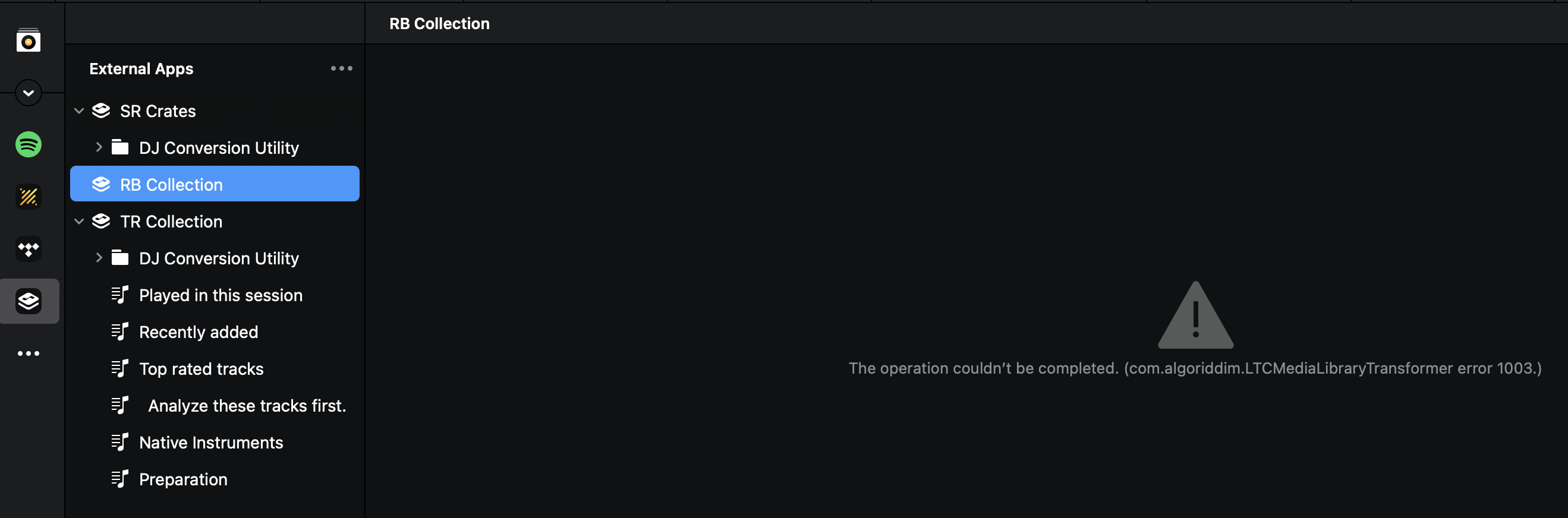
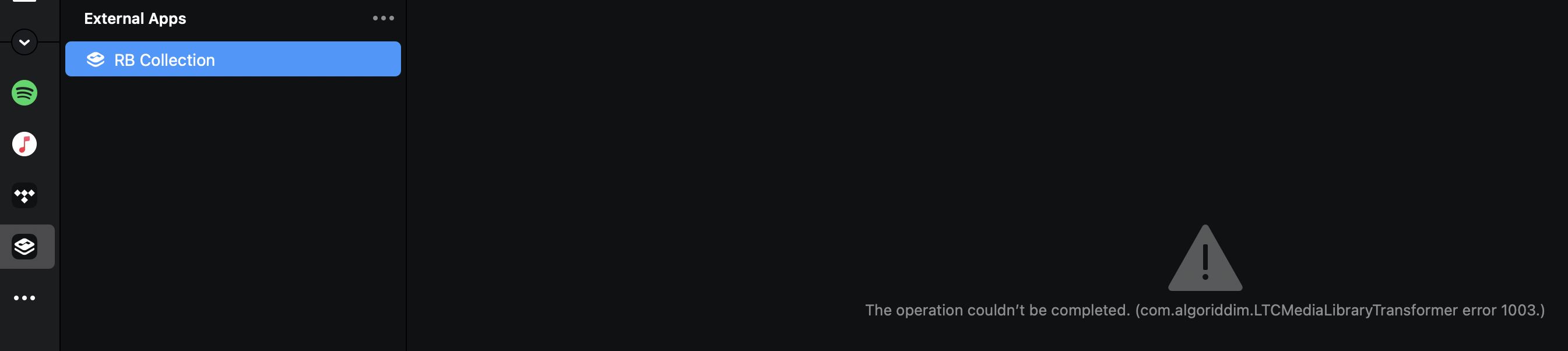
Can somebody explain to me why in external apps RB collection is not loading?
It does work with SR Crates and TR collection.

I’m using the latest DJay 5.5.2 version, latest Rekordbox 7.2.8 version and latest macOS on Apple Silicon M1 and M4 laptops.

(can’t find here how to upload a screenshot)

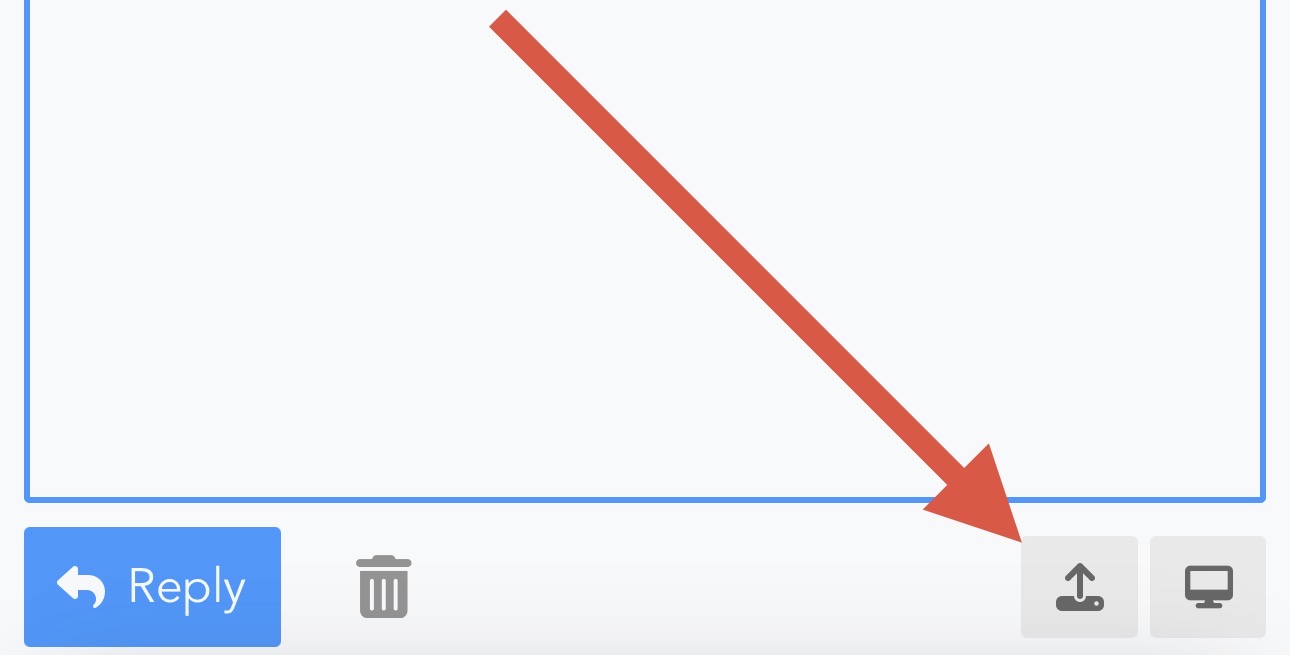
Hi @djbo, please capture and share a short video. You can attach it to your comment using the upload icon.

thanks Slak, didn’t see that icon while writing my starting post. Here is the screenshot…

1 Like

Hi @djbo, thanks for the screenshot.

  1. Can you please confirm if you were able to perform the initial RB Collection configuration or not?
  2. Or did you receive this error message from the start?
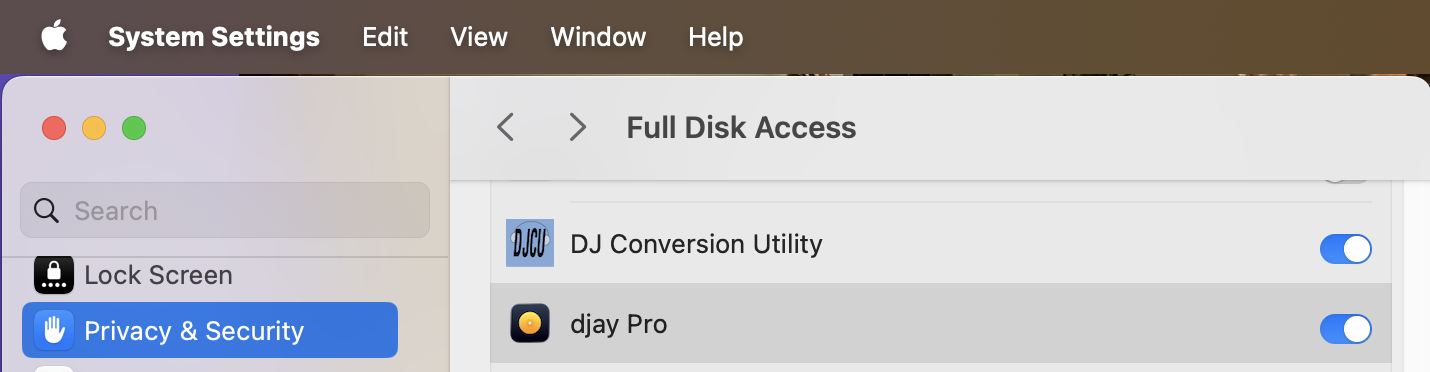
  3. Can you please confirm that djay has full access to the drive and folder on your Mac that contains your RB Collection?

Hi @djbo,

Just to rule out the most common cause with RB 6/7 integrations:

Keep in mind that Djay cannot read the native Rekordbox database directly (unlike Serato or Traktor); it relies entirely on the rekordbox.xml bridge file. Since Rekordbox 6/7, this file typically does not sync automatically.

Even if you have the latest versions, if the XML file is missing or the path in Djay settings points to an old location (especially after migrating to a new Mac), nothing will load.

Could you try this to verify?

  1. In Rekordbox, go to File > Export Collection in xml format and save it to your Documents folder (or overwrite the existing one).
  2. In Djay, check the Library settings to ensure it’s pointing to that exact newly created XML file.

If you’ve already done this and it still fails, then it might indeed be a bug with the 5.5.2 update on Sequoia

1 Like

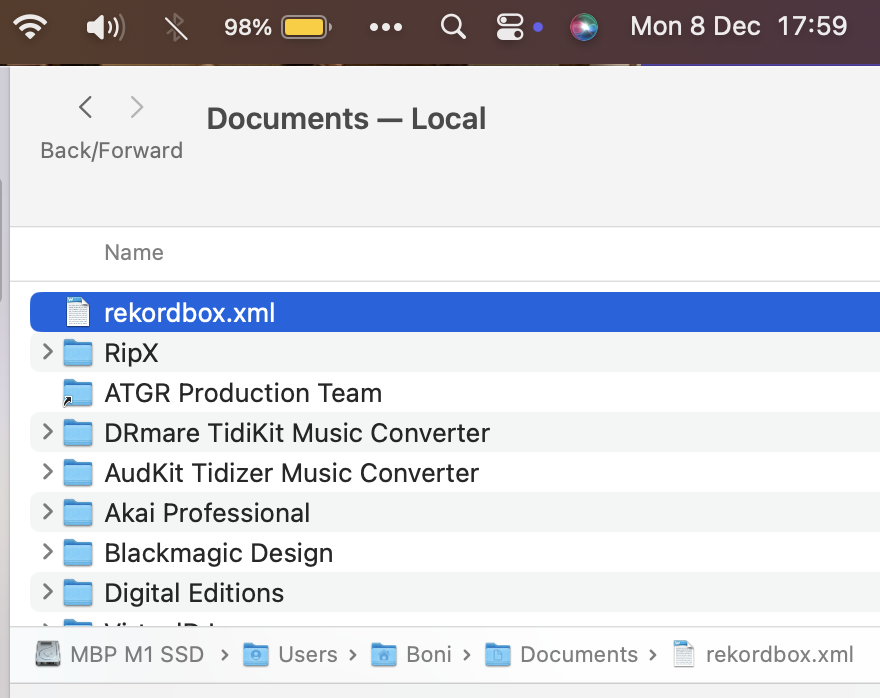
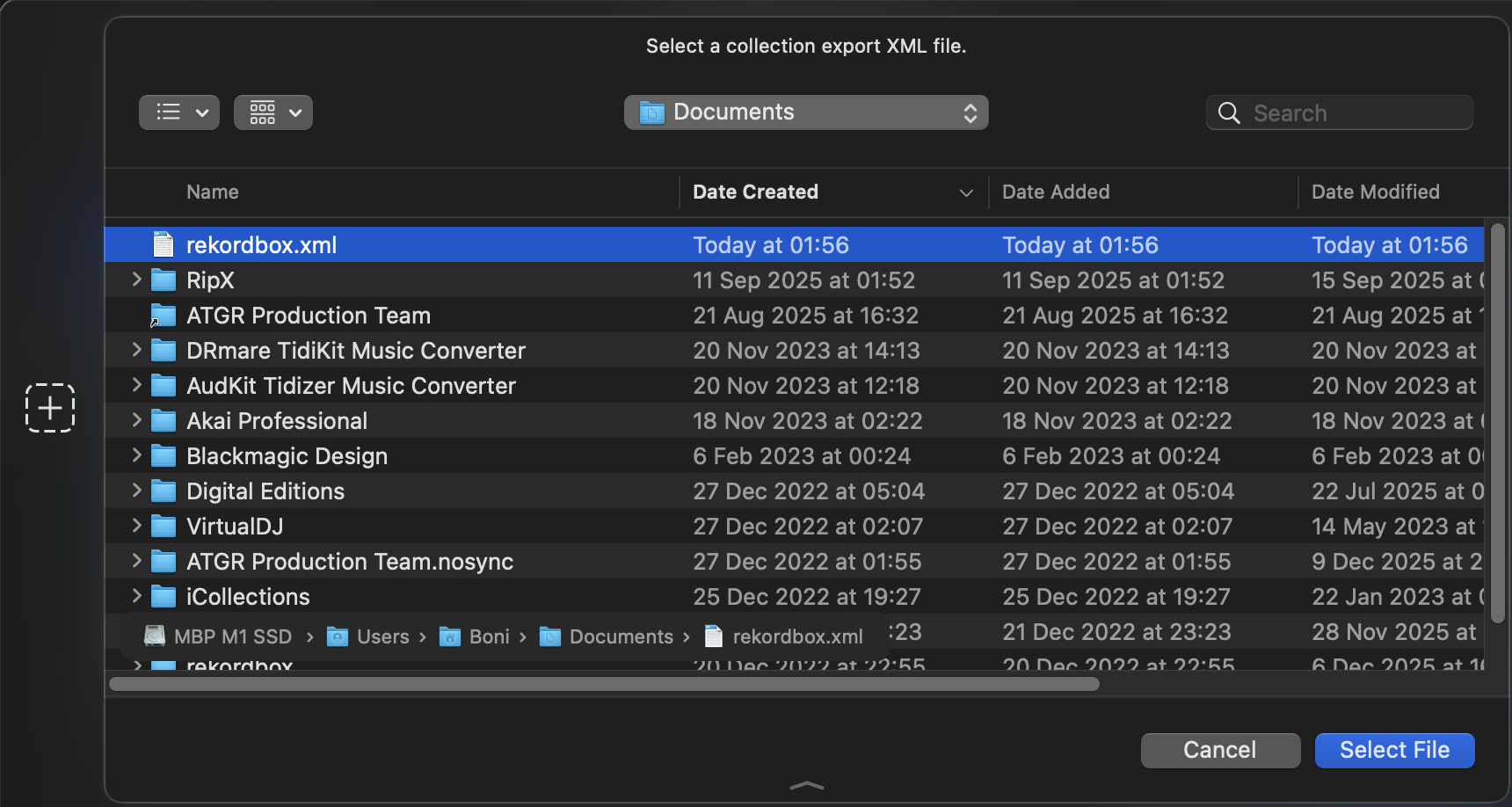
Hi Albert, I’m exporting my rekordbox Collection in xml format on a regular base for use with “DJ Conversion Utility”. I just did it again on my MacBook Pro M1 with latest macOS Sequoia version 15.7.2 (see screenshot ) and on my other Macbook Air M1 with latest macOS Tahoe 26.1 and it doesn’t make any difference for Djay.

What do you mean by “In Djay, check the Library settings to ensure it’s pointing to that exact newly created XML file.” ? I don’t see anywhere such a setting.

1 Like

Thanks for the additional info @djbo. Can you please answer my questions above as well?

Hi slak, it worked before, see my earlier post > Hot Cues & Loops shift with External Apps

I don’t know exactly when it stopped working sinds rekordbox is still my first choice.

djay has Full Disk Access. See screenshot.

1 Like

Thanks for the additional info and screenshot @djbo. I am unable to reproduce this on my setup, so I’ve passed it onto our engineering team for review. I’ll report back when I have more news.

1 Like

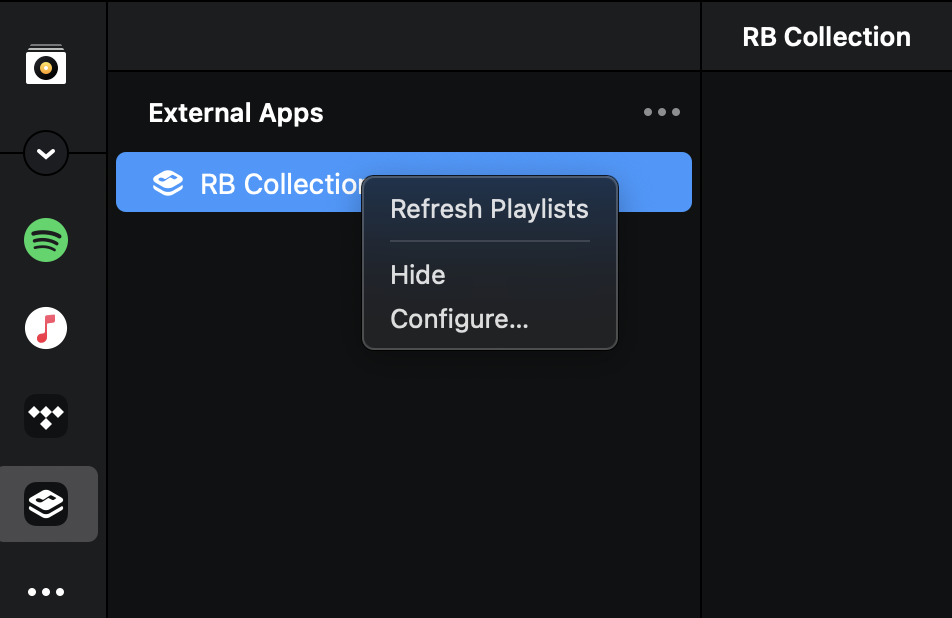
Found it myself (again) > ‘Djay / right-click RB / configure…’ see screenshot, but doesn’t work, also not in the latest 5.6 release.


Could be unrelated but wouldn’t hurt to check….
In my serato, when i enable “Show iTunes library” in serato library settings, djay external apps fails to load SR crates no matter what.
As soon as I disable this, SR crates loads.
Could this be the same with rekordbox? I haven’t tested

1 Like

@ Armigo, i did the test, disabled everything in rekordbox’s mediabrower, exported XML again, disabled everything in DJay as well, restarted even the computer. Chose again the new XML in djay. Makes no difference.

Thanks for the additional info @djbo. I’ll share this with the team.

1 Like

Hi again @djbo, can you please share your Rekordbox XML file so our engineers can investigate further? Thanks!

sure, you can download my XML file here https://www.dropbox.com/scl/fi/0i2omio5gpznxlcaymw5l/rekordbox.xml.zip?rlkey=hrjzb4vpfjdomn1wjzfww1yw2&dl=0

Thanks for the link @djbo

1 Like

Hi @djbo, our engineering team analyzed your RB XML file. It looks like RB is generating invalid XML, so the XML parser is failing in djay…

parser error : Char 0xD83C out of allowed range
        <NODE Name="Lounge Music &apos;25 - soft house �" Type="1" KeyType="0"
  • If you remove the emoji from this playlist name in RB and export again it will probably work ok.
  • You should also report this to Rekordbox support as ideally the app should handle these cases. I hope that helps!

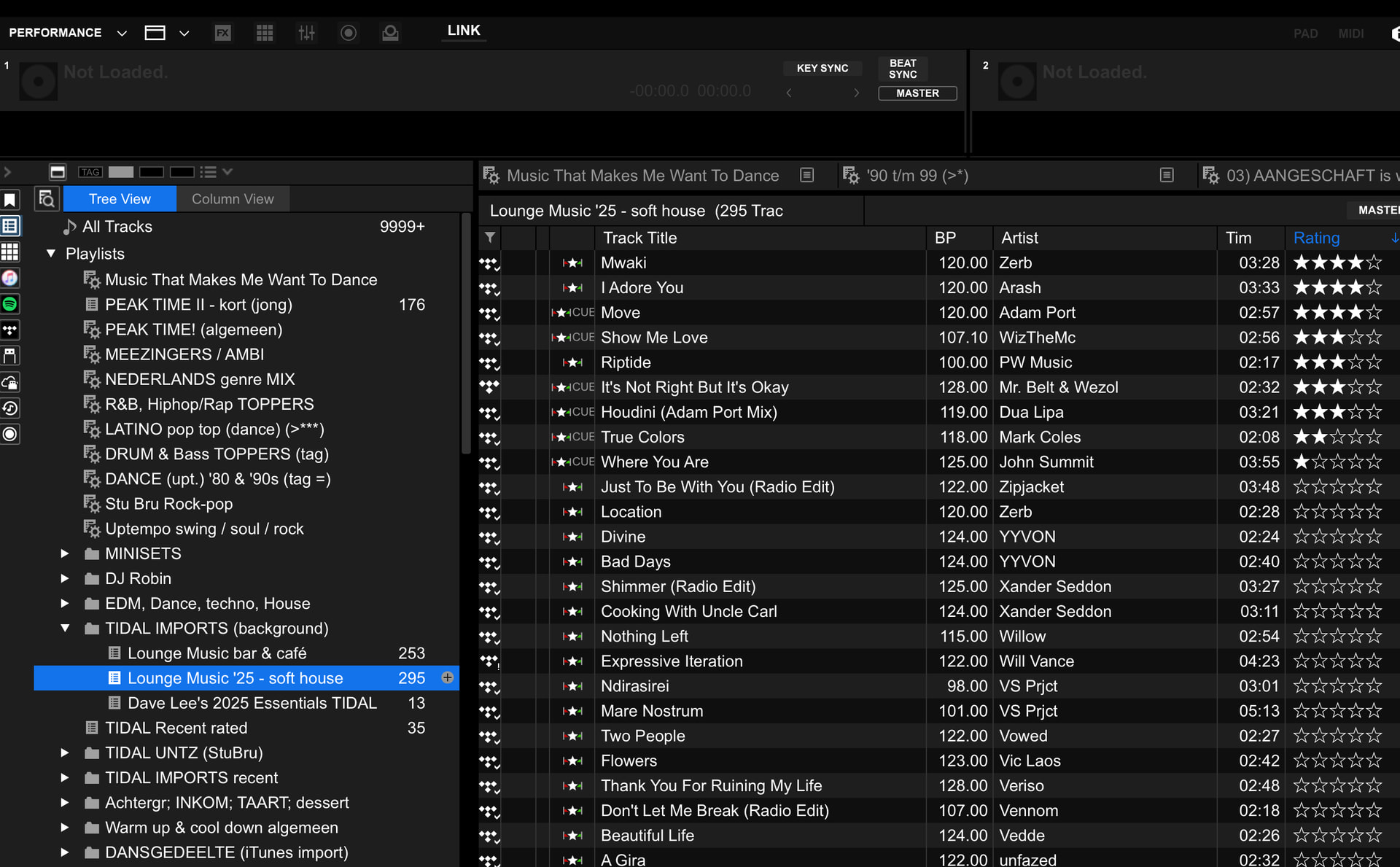
Hi Slak, there was no emoji in my ‘Lounge Music ‘25 - soft house’ playlist (see djay Pro Screenshot 1), but simply deleting the list (after copying the tracks’s in into a new playlist) was the solution! Thanks for the fix!

You’re welcome @djbo. Glad that solved it. Thanks for the follow up.

1 Like