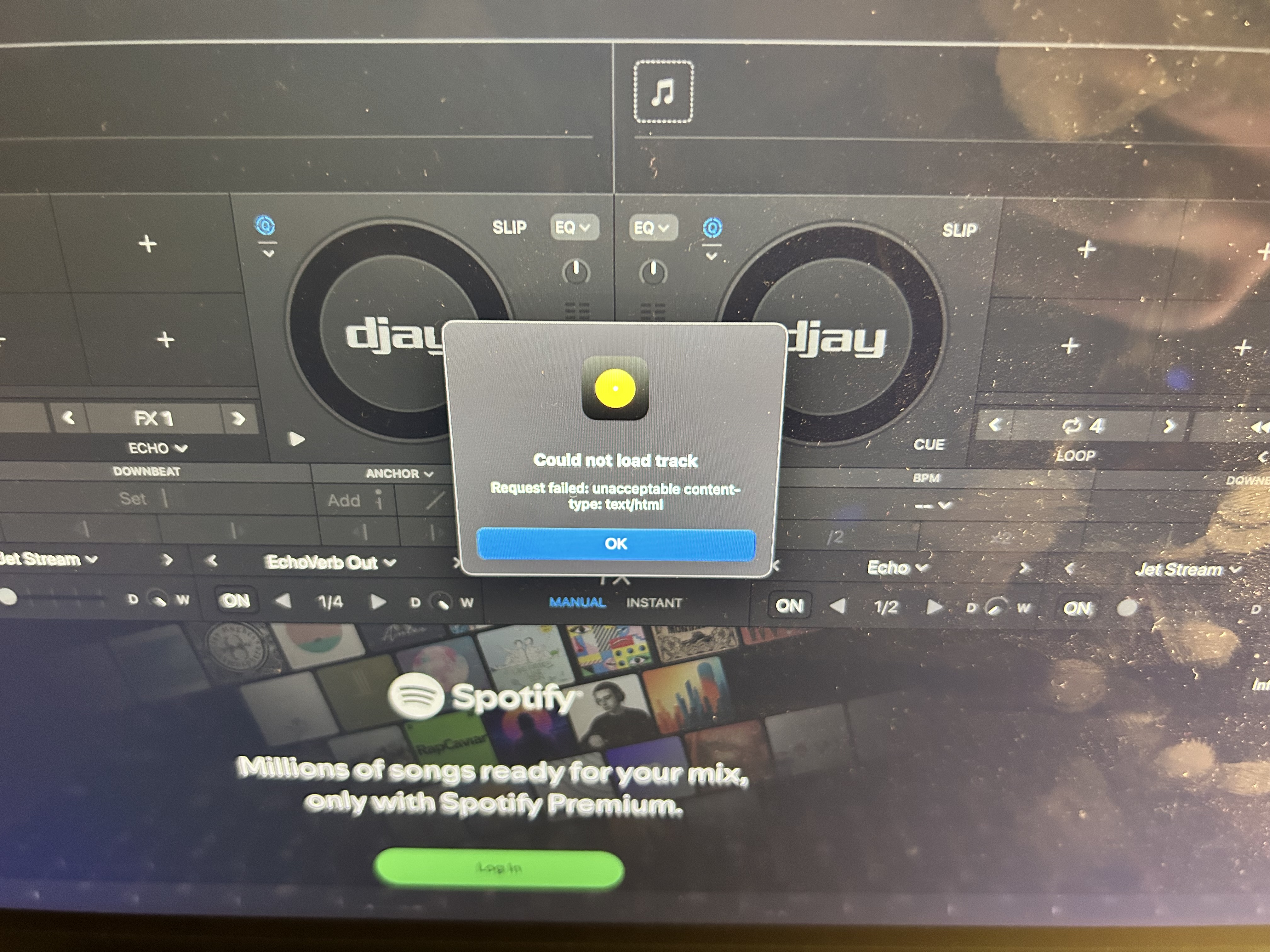
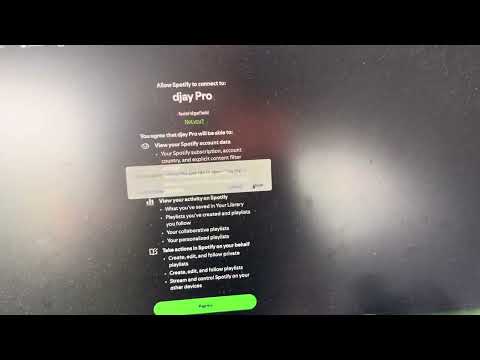
Hi @Christopher_Whitten, Thanks for the details about the issue and your setup. I was unable to replicate this on my setup. Since this sounds repeatable, can you please capture and share a short video of the issue? Thanks!
uploaded an unlisted video to my channel, thanks for looking into this. happens with different accounts on different devices (i should say that they’re both part of the same family plan, despite being unique accounts.)
@Basoak can you please share the full details of your setup as well?
Device Model (ex. 2020 iPad Air 4th Gen): Version of operating system (ex. iOS 17.3.1): Version of djay (ex. 5.1.3): Hardware/controllers used (ex. Reloop Ready): Hardware Firmware Version (ex. 2.7):
It doesn’t matter if I try to load a track from within a playlist, or generally search spotify’s library. 100% of the songs I try to play via Spotify triggers this problem, as such, I have not been able to use Spotify with djay at all since its reintegration
Thanks for the additional info @Christopher_Whitten. I will pass this onto our engineering team to see if this helps at all to replicate the issue on their setups.
I really appreciate the effort put into fixing this. If it can be helpful, I’m happy to furnish any logs that djay might generate (I just don’t know where to find them.) They’re also welcome to contact me to setup time for something like a Zoom screen share and I can demonstrate in real time.
I’m not seeing other commentary about this issue on the forums so I’m guessing it’s an unfortunately unique issue.
Please collect a log output from Console.app on macOS while replicating the issue in djay. NOTE: Make sure your user profile has Administrator Privaleges.
Open Console.app: It’s located in Applications>Utilities or simply type Console in the Spotlight search.
Set Up Console: In the sidebar, select your Mac under “Devices.” Click “Start” in the toolbar to stream logs in real-time.
Replicate the Issue: Open djay and perform the actions that trigger the issue. Note the exact time of the issue. Once the issue is reproduced, click “Pause” in the toolbar to pause logging.
Filter djay Logs: In the Console search bar, type “djay” to filter logs related to the djay software.
Copy the Logs: Shift select the relevant log entries, the press Command (⌘) + C to copy the log text to the clipboard.
Save the Logs to a Text File: Open the TextEdit App, create a new document, then press Command (⌘) + V to paste the Logs. Now go to File>Save and name it something like “djay_console_log.txt”.
Share with Support: Upload the .txt file to your Google Drive/Dropbox, enable sharing permissions, then share a link to the file here.
Hi there - I was three hours into a mix on the weekend, working from Spotify now that it’s integrated again, and the program abruptly logged me out of Spotify, causing the track I was playing to seize and music stop. I quickly moved into crates I have on my laptop, but it was not an ideal thing to have happen at a paying gig!
NOTE: Please use the search function above before posting to avoid creating duplicate topics.
Device model (e.g. 2020 iPad Air 4th Gen):
Version of operating system (e.g. macOS 14.4.1):
Version of djay (e.g. 5.1.2):
Hardware/controllers used (e.g. Reloop Mixon 8 Pro):
Hi @summerwitch, welcome to the Community! Sorry to hear you’re experiencing this issue. I’ve merged your new topic with this existing one. Can you please confirm if there was an issue with WiFi or not? Are you able to replicate this? If so, please follow the steps above to collect a console log. Thanks!
Hi @deepspace, Spotify is supported with the free version of djay. Can you please also follow the steps above to collect a log output from the Console.app? Thanks!
…well. interestingly, I don’t usually use a VPN, but I did try djay via a VPN on the network where I’m having the problem and it works. It immediately had the problem again when I turned the VPN off.
I’ve recently noticed I have this same issue with logging into one US gov’t website for my business. I’m checking my network settings, there’s no firewall or VPN turned on at the router level.
What particular error message or text line from the console log made this question come up? I’m going to reach out to my ISP, perhaps that can help them figure out what’s happening.
Thanks for the additional info @Christopher_Whitten. Could you send me your public IP address from this website https://whatismyipaddress.com/ in a DM so we can possibly do some more enquiries on our side? Thanks!