


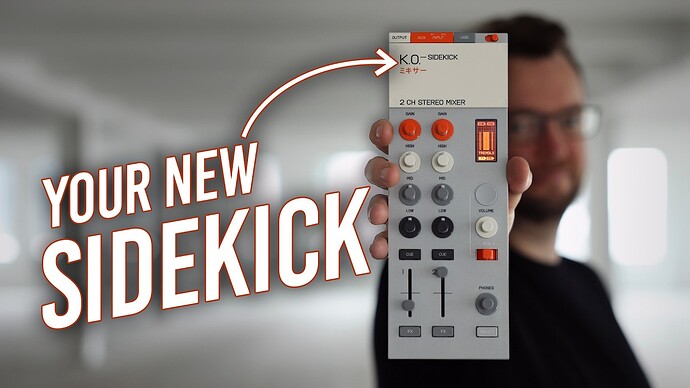
What do you think about the new Teenage Engineering EP-136 K.O. Sidekick Mixer together with DJPro (on iPad) as a small mobile solution?
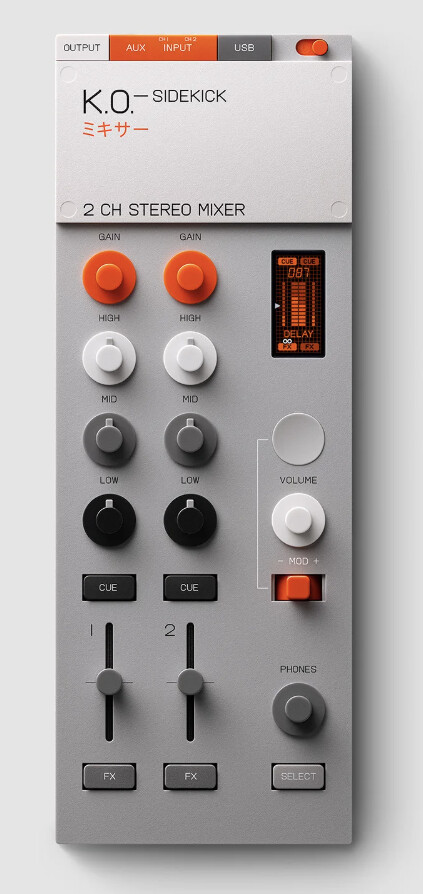
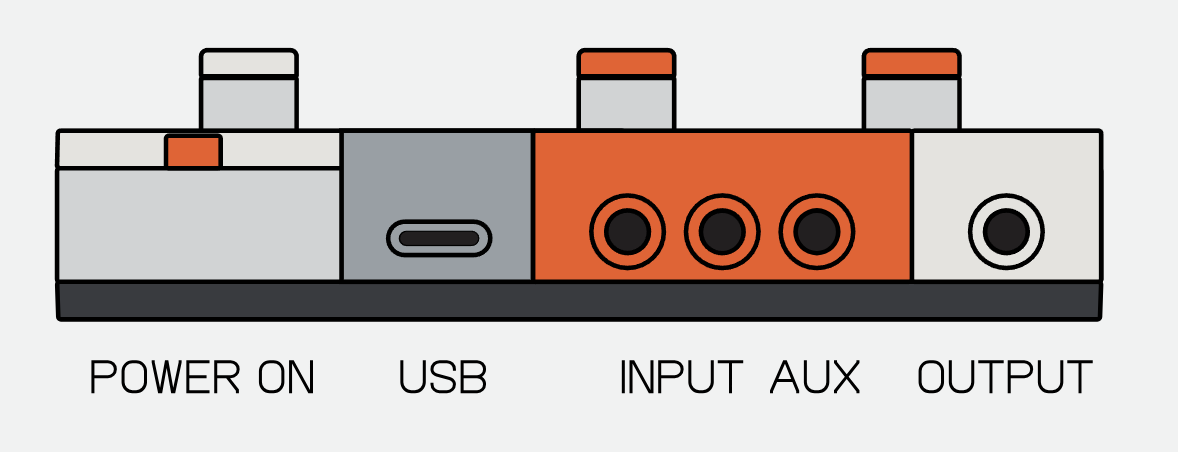
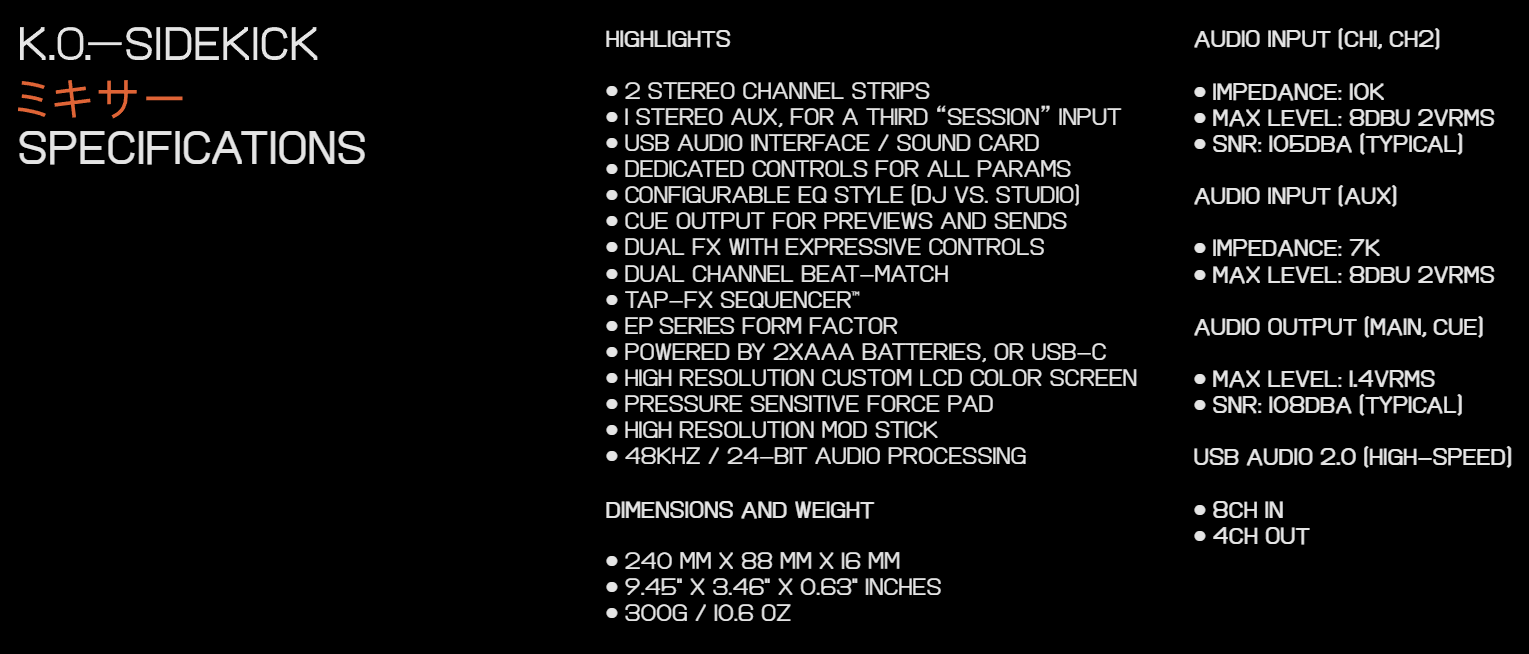
You can also join them together via little connectors on the sides, and line inputs work simultaneously alongside USB audio.
1 Like
Looks like a powerful little device for sure. Not a lot of MIDI mappable controls though.
1 Like
It’s not a controller though. It’s a mixer.
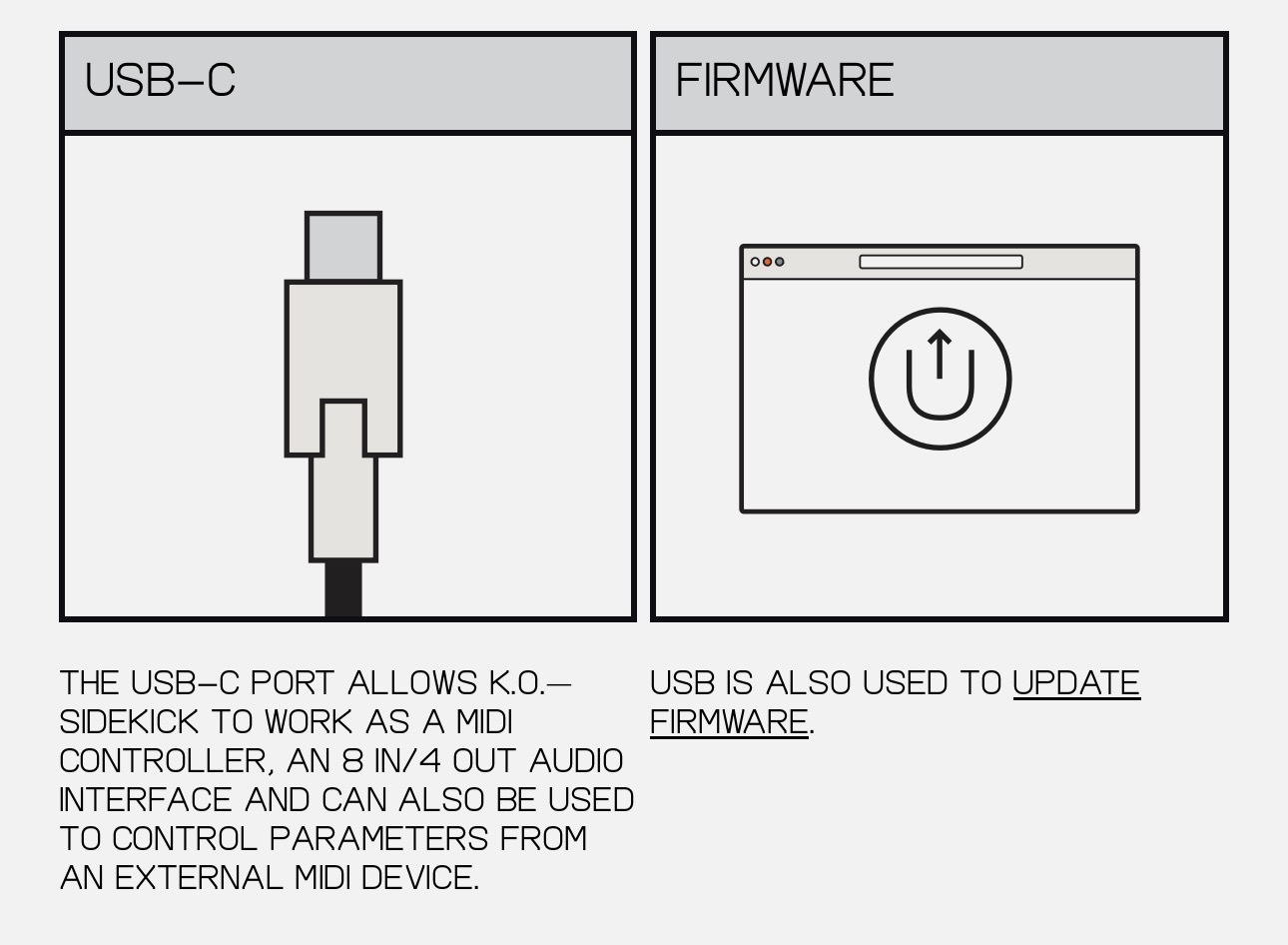

according to TE you are officially supported as a partner, But I don’t see anything on here about it. I want to map some controls or I was hoping these came pre mapped
Hi @jniiiice, welcome to the Community! We don’t have any specifics to share at the moment. However, you can share your support by voting at the top left of this page. Thanks!
Thank you! Voted.
1 Like
You’re welcome @jniiiice
I have the sidekick and have tested the unit with Djay on iOS
It seems the device will only send Midi in its Controller mode, when it is in Controller mode it ceases to operate as an audio mixer.
1 Like
Thanks for sharing @Jamie_O_Neill
I have the Sidekick as well and a small DDJ-200 controller hooked up…and for the life of me I can’t get Djay to route the precue audio correctly. The mixer shows up in the software as only have 2 lanes to interface with, 1-2 and 3-4….and you cannot separate or designate a specific lane in the software to route individual channels. The resulting problem is even when running the USB mode in multi, you cannot precue each individual deck properly and only channel 1 on the sidekick. I’m beginning to think it’s Djay software issue with it not recognizing each of the sidekicks individual lanes (ie missing 5-6 and 7-8).
Hi @Terrill_Marshall1 and @Jamie_O_Neill, I don’t yet have access to this hardware myself, so I can’t really suggest much at this point. Have either of you contacted Teenage Engineering Support? I’ve seen a couple of videos of them using this with djay on iOS, so perhaps they can provide some guidance?
1 Like
My guess… as Sidekick is an external hardware mixer then it should set up that way - left deck to channels 1&2, right deck to channels 3&4. You don’t set djay up with a cue signal as the cueing is done on the hardware.
3 Likes
Good suggestion @PKtheDJ. Thanks!
Hi all. You need to set the sidekick to USB ‘Multi’ mode in the Sidekick settings menu
In Djay settings, set mixer mode to external.
Set Deck 1 to Ep-136. 1-2
Set Deck 2 to Ep-136 3-4
Leave everything else as none
2 Likes
Thanks @Jamie_O_Neill
One last tip for when you have it working. To cue the main output through headphones, push and hold the two cue buttons together for a short time.
3 Likes


