


For me I am going to have to subscribe to Virtual DJ for a month to cover this weekends gigs unless they can find a fix, Tidal works on Virtual DJ also.
1 Like
It doesnt work on serato either so id imagine virtual DJ will have the same issue. As for karaoke, I’d use an ipad and screen record the video off youtube.. its time consuming but a fix if its that important.
1 Like
Thanks for sharing @Jaynique
ho lo stesso problema con MacBook Pro M3pro
I have the same problem with MacBook Pro M3pro
Hi @Carmine_Capone, welcome to the Community! Thanks for the info.
Reply from Tidal support
Gian Carlo T. (TIDAL)
Nov 7, 2025, 4:01 PM EST
Hi Terry,
Thanks for your patience while we took a closer look. From what we can see, this issue seems to be connected to something outside of TIDAL. We recommend reaching out to the device manufacturer or platform support for the best next steps.
If anything else comes up with your TIDAL account, we’re always here to help!
Thanks for sharing @Terry_Timlin
In the same boat here. I have the Tidal DJ and DJay subscriptions so I can use music videos in DJay Pro but as others have stated I can only load less than 10% of the music videos. This behavior started for me when updating to DJay 5.5 on both MacBook Pro M1 and iPad Pro. However I checked my older MacBook Pro running DJay 5.2 and the same error message happens.
Tidal videos loaded and worked as normal on an October 25th gig for me and then on my Halloween gig Oct 31st the videos stopped loading with error message. So something happened between Oct 25 and 31st to make this error start occurring on multiple platforms with different updates including the l 5.5.1.
I can confirm that all Tidal music videos load and play on Virtual DJ and in the Tidal app itself.
NOTE: Please use the search function above before posting to avoid creating duplicate topics.
-
Device model *(e.g. Macbook Pro
-
Version of operating system (e.g. macOS 15.6):
-
Version of djay (e.g. 5.5.1):
-
Hardware/controllers used *(
-
Hardware firmware version *(
-
Please consider sharing a short video or screenshots to help clarify your question
YOUR QUESTION:
Nov 8, 2025, 23:56 GMT+2
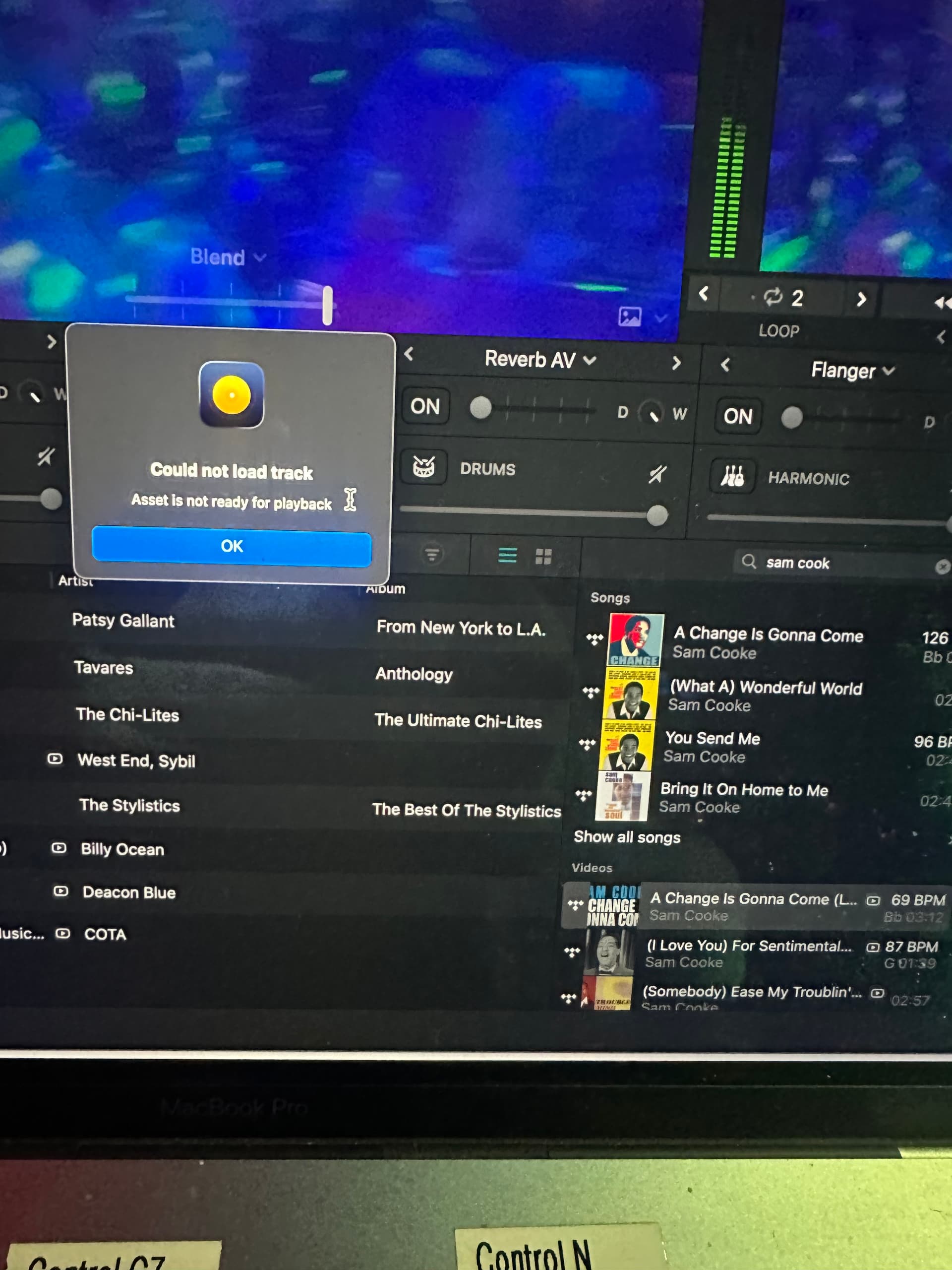
I’m using Tidal DJ Version and my videos from tidal will not load onto DJAY Pro i am using the latest version of DJAY Pro. it will only play the sound tracks and not play the video tracks.
The error i’m getting is:
Could not load track
Asset is not ready for playback
I have tried logging out of tidal, reinstalling Djay Pro updated to latest version, still not working
Could anybody help please.
Hi @Twisterpro, welcome to the Community! Please use search before creating new topics. I have merged your new topic with this existing one. This is a known issue. Please see above for more info. Thanks.
???
Was this an update on this issue we having
Is there any update on this issue? vdj maybe the way I have to go as well.
We’ve been told by Tidal that they’ve identified the issue and are working on a fix. When I have more details, I share them here. Thanks!
4 Likes
Hello,
I hope you are well.
I have currently run into an issue when trying to play Videos from Tidal.
When I try to load the video into the deck I get a message on the screen saying
“Could not load track. Asset is not ready for playback”
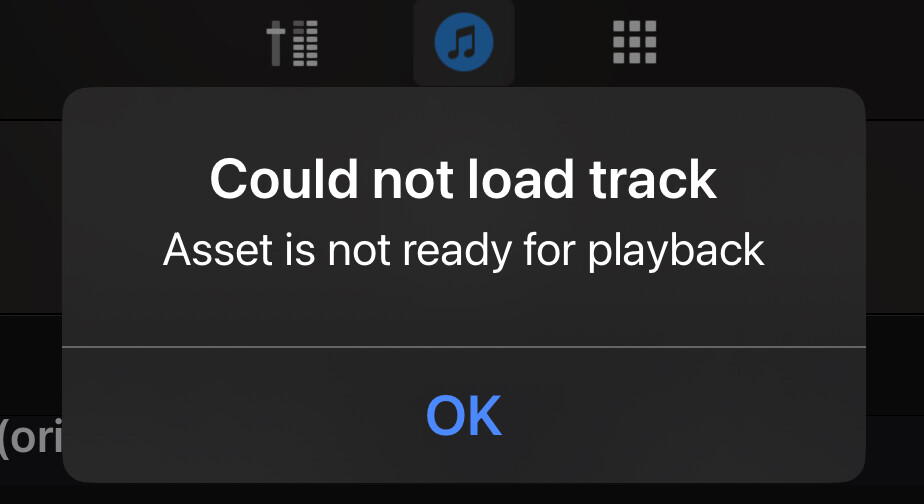
These videos worked fine just before the release of 5.5 but since then I have run into this issue with most videos I try to load from Tidal.
I am using 5.5.1
iOS 18
iPad Air 2024
The issue happens when connected to a controller and also without but for reference I am using a Pioneer DDJSX2
D) ACTUAL RESULTS:
Hi @FITDJc, please use search before creating new topics. I have merged your new topic with this existing one. This is a known issue. Please see above for more details. Thanks!
Any updates? It has been a long time now and alternative subscriptions are adding up. If not is it possible to give us a rough timeline of expected progress? Thank you.
Thanks for checking in @Terry_Timlin. We don’t have any updates or a timeline from Tidal yet. When I have news I will share it here. Thanks!
Still getting the error message when trying to add video tracks after the latest update a few days ago. Can we get an update or an estimate of when the issue will be fixed?
Hi @Brian_Hughes, welcome to the Community! Sorry to hear you’re experiencing this issue. Unfortunately, this issue is on Tidal’s side of things and beyond our control to remedy at the moment. I recommend that you reach out to Tidal support for more details. Sorry I couldn’t be of more help.
Its really bad from Tidal to not have this issue fixed by now over 4 weeks…!!!
I have found that when using Tidal tracks that all the audio tracks load. You can search the same songs video on tidal on drop just the video only on top of the audio and it will work. Essentially searching the same song twice. Might help others out…YES you may encounter Sync issue on some Videos tracks… Hope they get this sorted soon.


