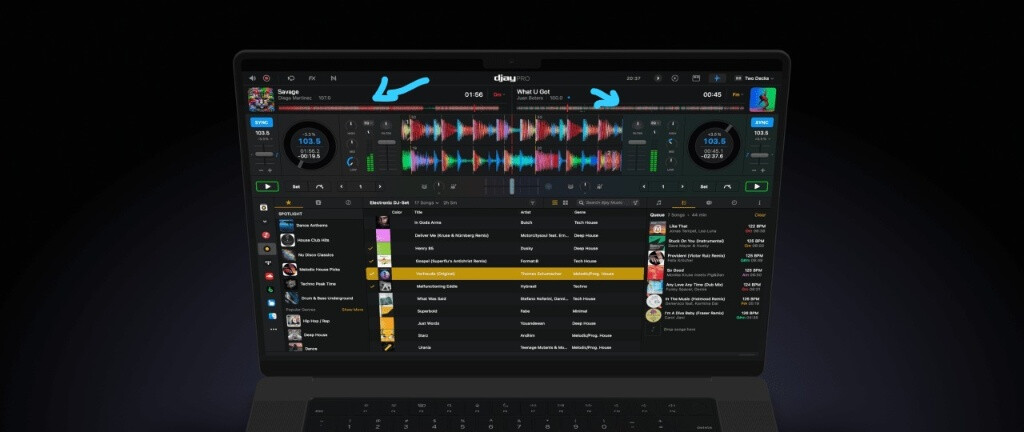
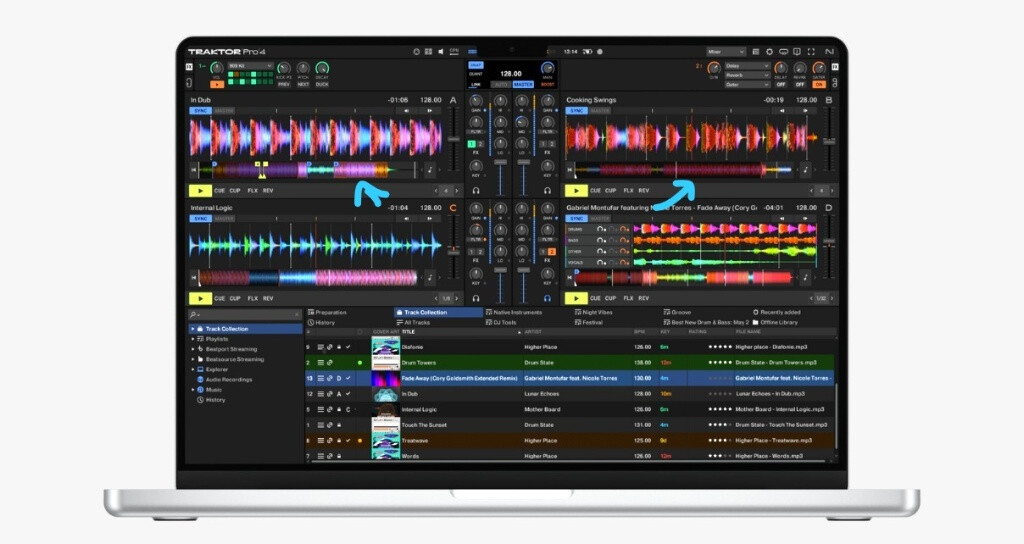
We need screen support for the S8. Probably the best controller ever made.
4 Likes
It could, But having a touch screen has its pros and cons.
Dude, these with a v10 would be killer. Get the D2’s
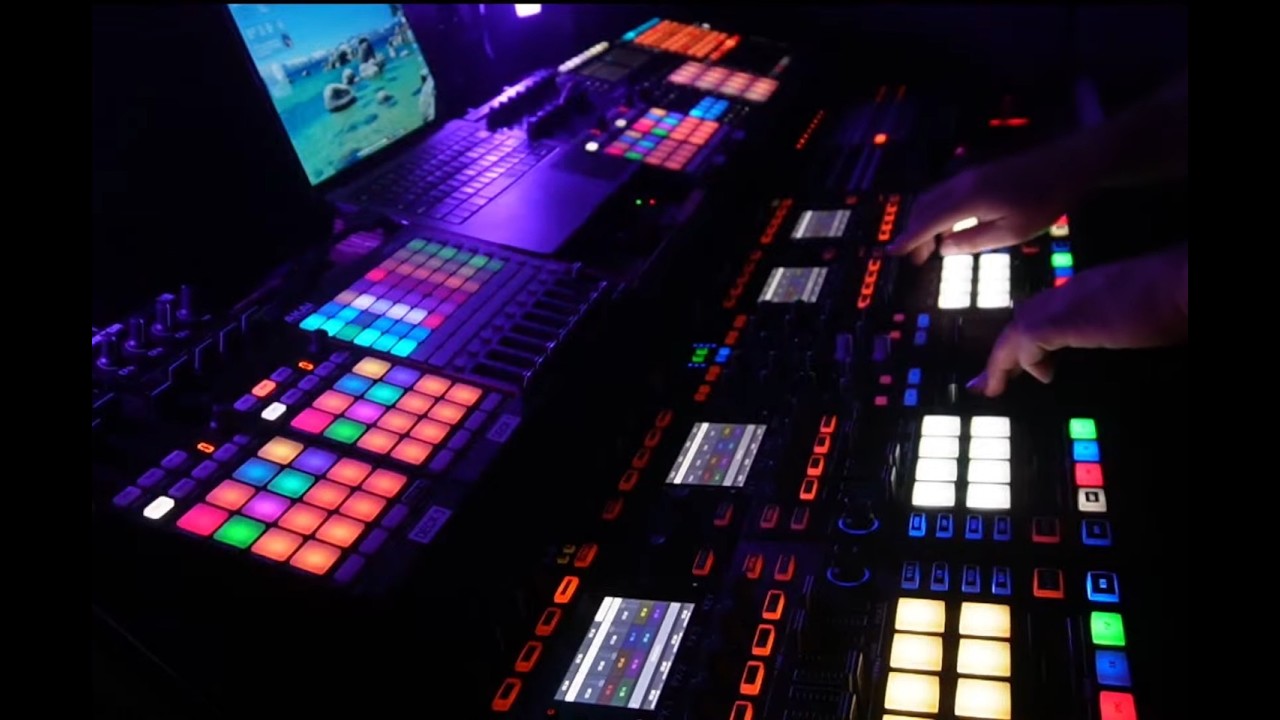
I got it to stream. Added an EQ plug in. This is NOT a prearranged set, no headphones either. Just testing the audio. Tell me how it sounds? Get some good headphones on. The bass was a little extra.
2 Likes
Hey Uncle Tony, this is the same guy from the YouTube comments. Is V2 the latest edition of your mapping? I’m liking the setup while working with just the S8 but having trouble switching the FXs on the fly with the S8. Haven’t tried changing anything in midi mapping yet.
Welcome to the community @BlakeSurf
1 Like
I spent the entire Sunday trying to install that mapping and it was impossible. When I double-click it, djay Pro asks if I want to add it, but when I go to the mapping tab, it shows completely empty. I’m using Windows 11, I even formatted the PC thinking that was the issue, and still nothing. The software detects the S8, but it doesn’t load the mapping. Any Solutions? No matters which version of mapping.
Hi @Francisco_Concepcion, welcome to the Community!
- Make sure the S8 in switched into MIDI Mode. These are the instructions for the S2 and S3 so they may be of use: How to set up the Traktor Kontrol S2 MK3 or S3 with djay | Algoriddim Support
- If you recently updated to Windows 11 25H2 there are some known MIDI issues. Please refer to this help article: My controller is not working correctly after updating Windows | Algoriddim Support
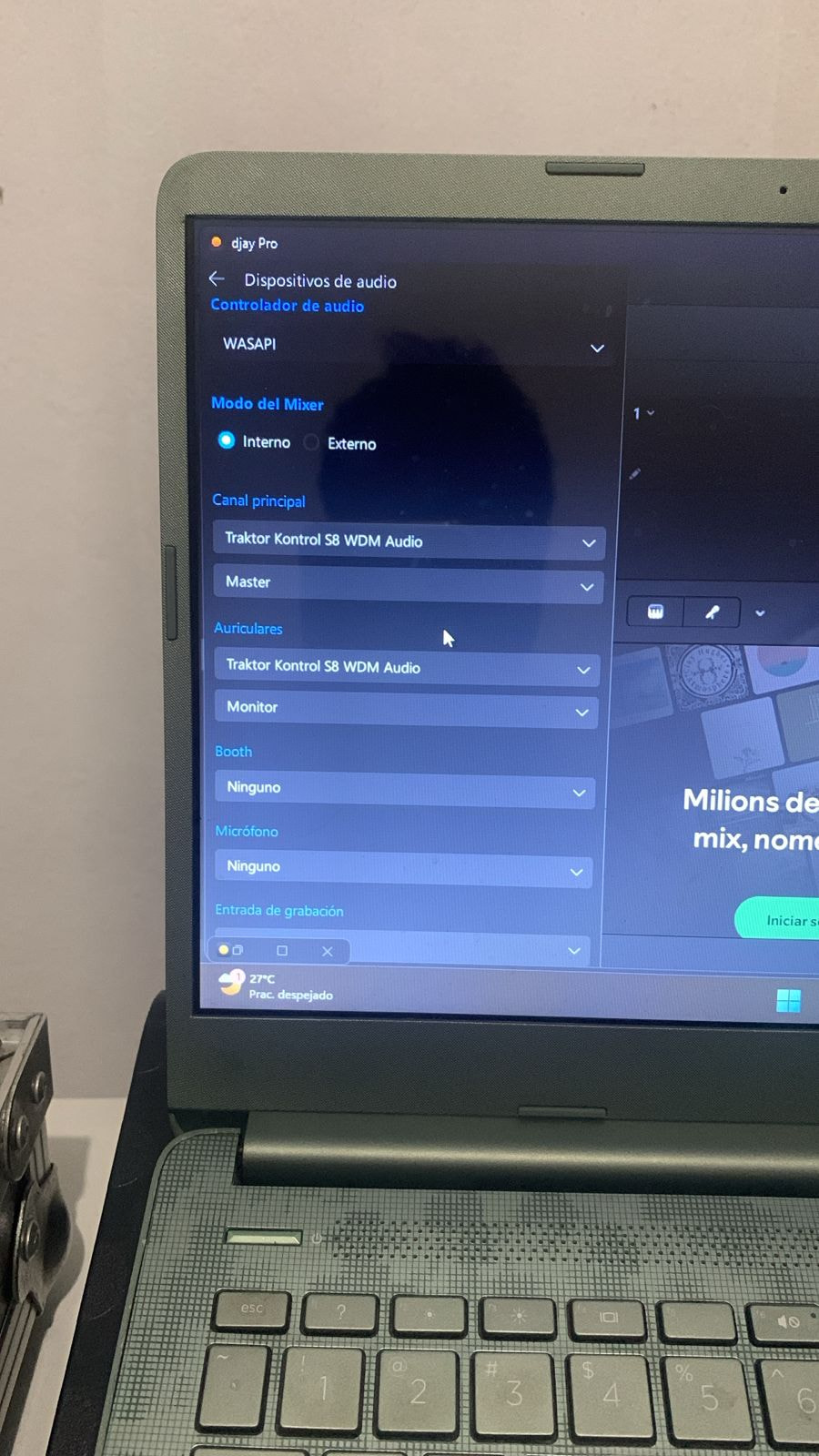
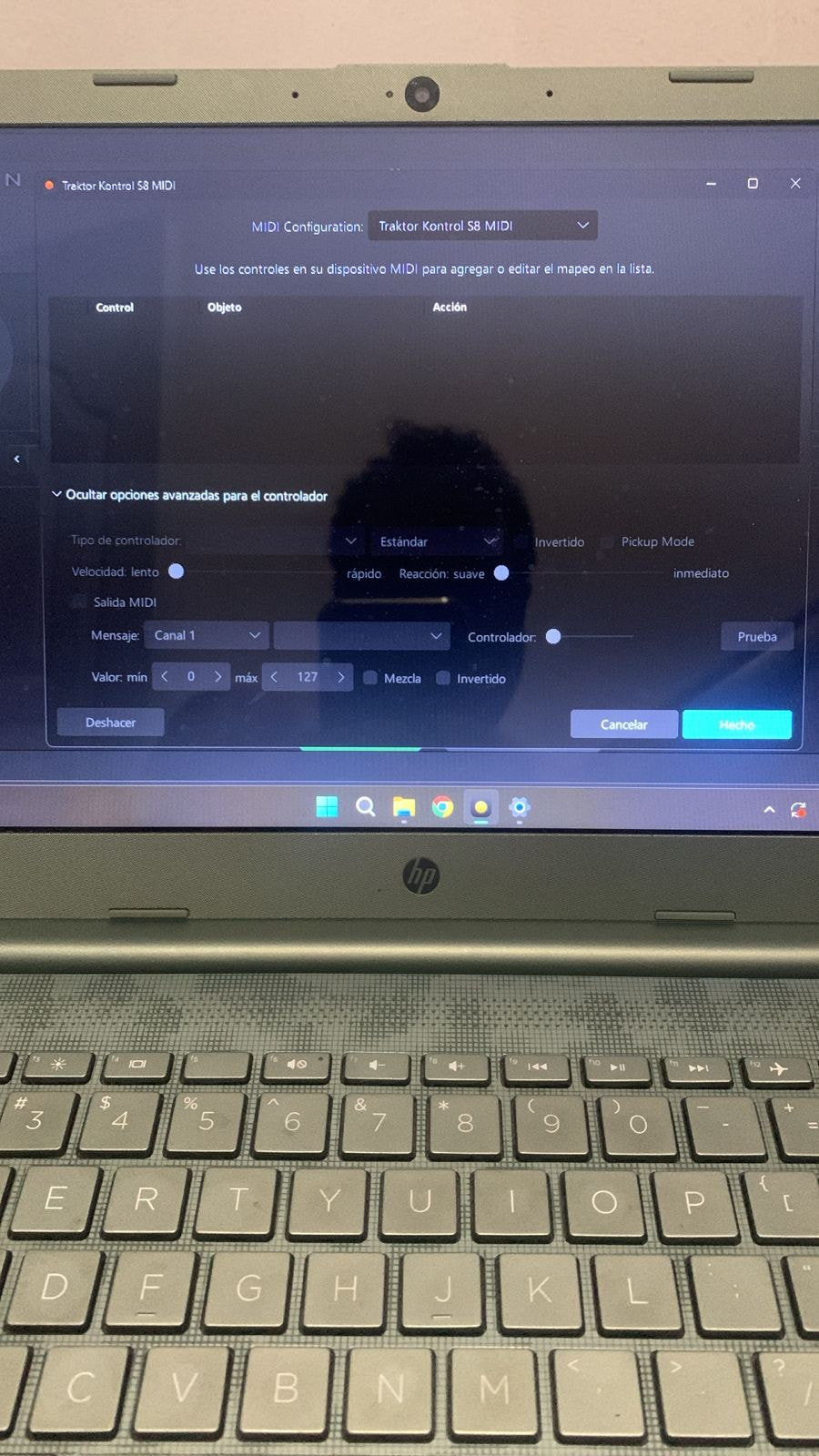
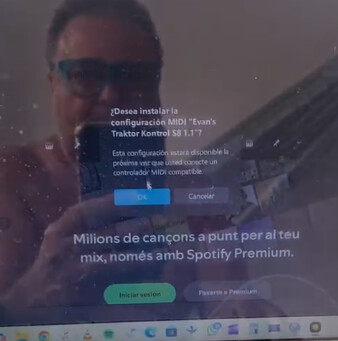
I have the 7-day trial version, I don’t know if that has anything to do with it.
Hi @Francisco_Concepcion, yes, you need a djay Pro subscription to use unsupported MIDI hardware.

I have the suscripcion for 7 days then i will pay for one year. All the feature are unlock. Even ill try with friend account with the same result.
I recommend you review the Windows 11 25H2 topic that I shared earlier then. Since this hardware is not officially supported and I don’t have access to the device myself, there isn’t much more support I can offer unfortunately.
I spent the entire Sunday trying to install that mapping and it was impossible. When I double-click it, djay Pro asks if I want to add it, but when I go to the mapping tab, it shows completely empty. I’m using Windows 11, I even formatted the PC thinking that was the issue, and still nothing. The software detects the S8, but it doesn’t load the mapping. Any Solutions?
I’ve tried everything except manually placing it in that directory. The craziest part is that it works on a friend’s PC, but not on mine. I’ve downloaded other mappings from DJ TechTools and it’s the same story every time. It doesn’t even recognize them. The mapping section just shows up blank.
Hi @Francisco_Concepcion, please switch the S8
Into MIDI mode by holding "SHIFT + “BACK” when you power it on. Then try double clicking on the mapping file.
I did and dont work
Thanks for confirming @Francisco_Concepcion. Please try manually copying the MIDI mapping file to the %HOMEPATH%>Music>djay>MIDI Mappings folder on your PC.
I finally figured out the issue, and it turned out to be something really simple that never even crossed my mind. I renamed the mapping file to exactly match the controller name that djay detects for the S8, which in my case was “TRAKTOR KONTROL S8 MIDI”. The moment I did that, everything started working perfectly.
I think this could help with any controller. If you go into the MIDI section and the mapping appears blank or doesn’t show up at all, make sure the mapping file has the exact same name as the controller name shown by the software. That was the key in my case.
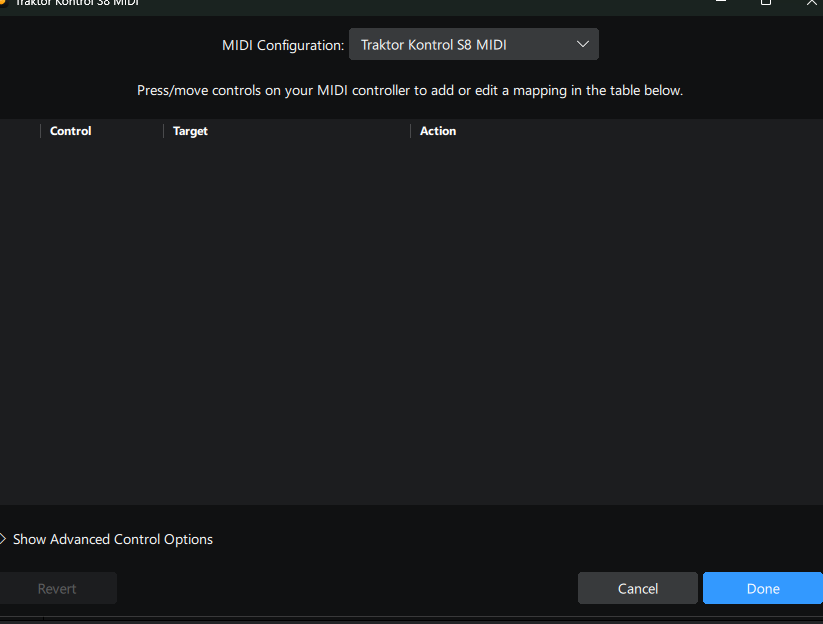
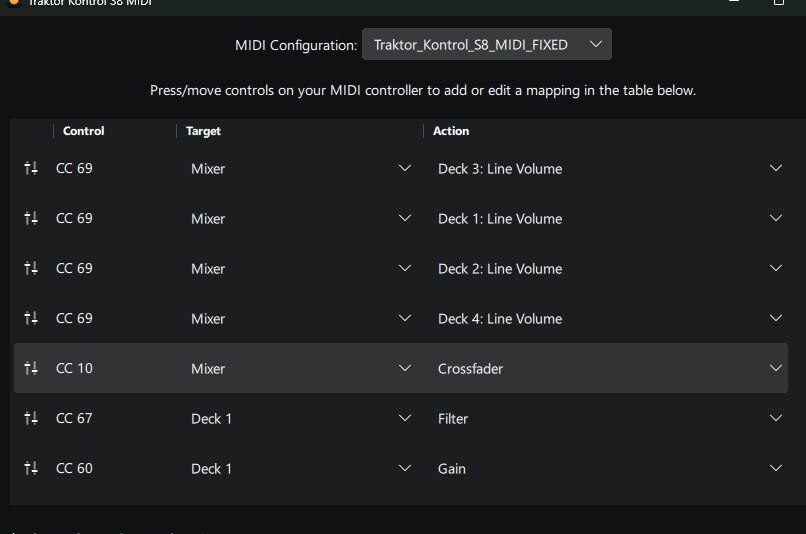

1 Like
Excellent! Glad you were able to sort it out @Francisco_Concepcion. Thanks for the follow up.
Is there a way to change the full track waveform so it appears larger and more detailed, similar to Traktor Pro? I mean the overview waveform that lets you see the entire structure of the track at a glance, including cue points and playback position, not the moving waveform.
Because in Traktor Pro you can practically read the entire structure of the track as if it were a map.