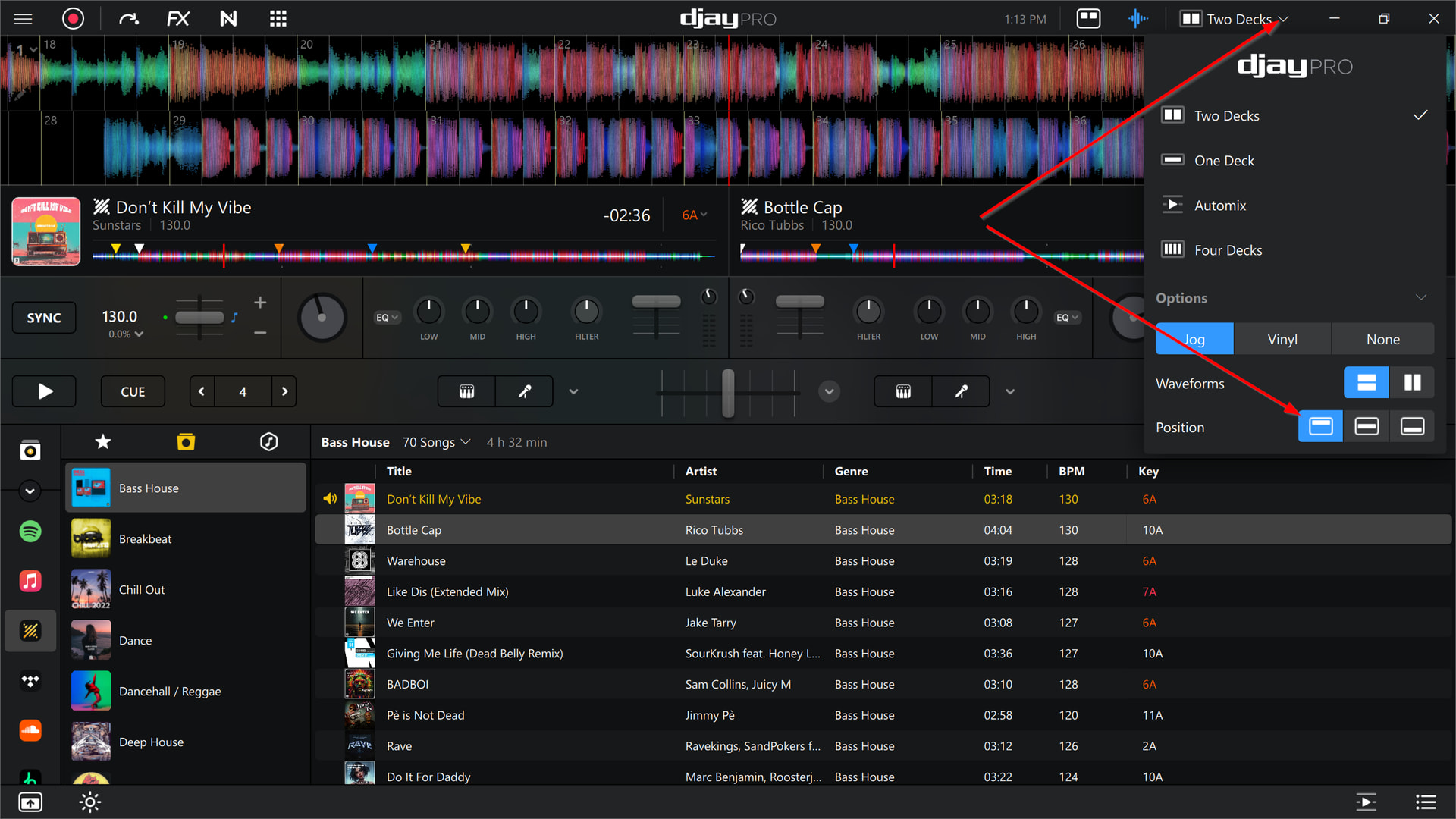
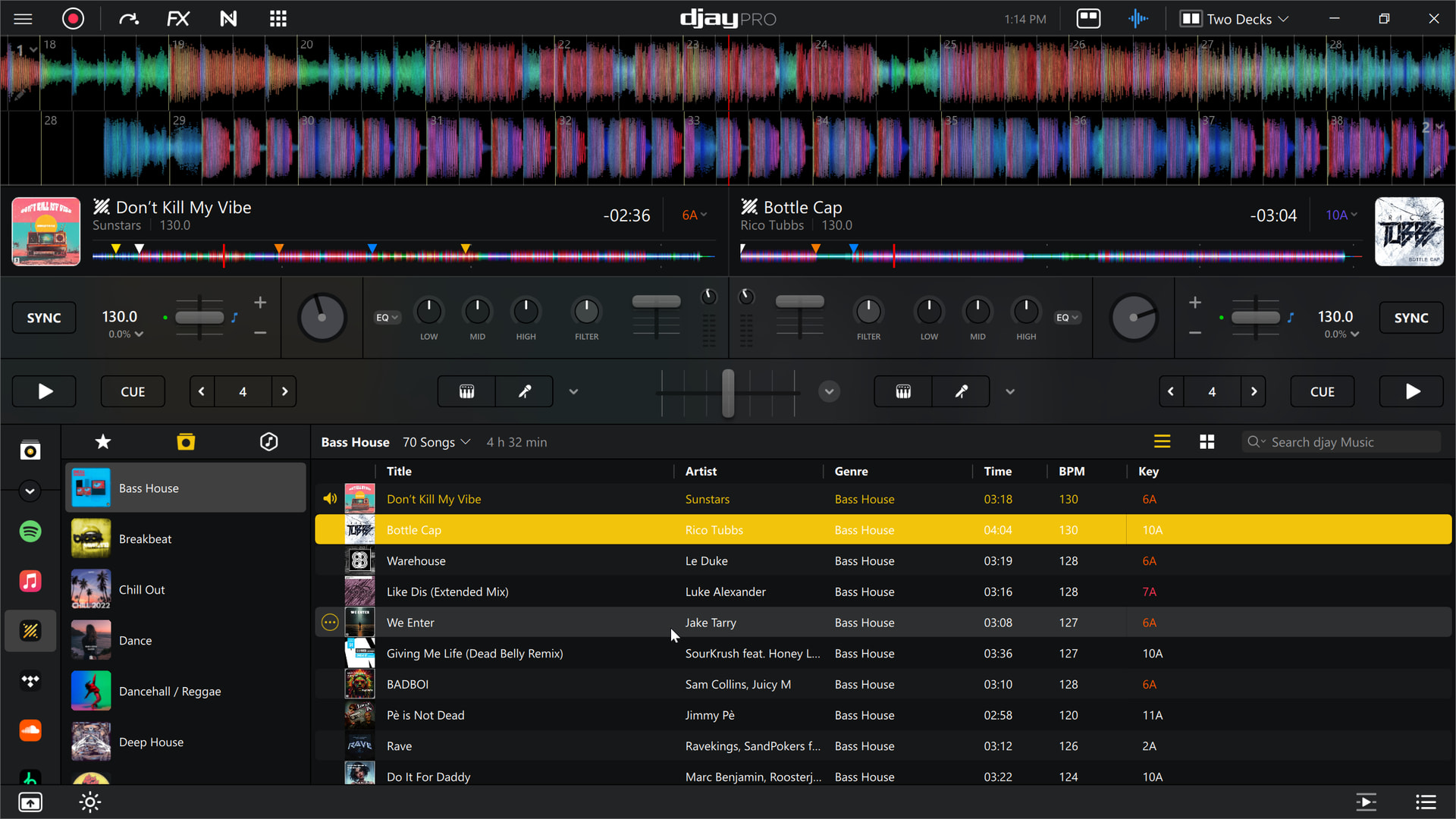
Hi @Francisco_Concepcion, you cannot change the display of the overview waveforms. However, you can move the main waveforms to the top of the screen instead of the middle between the Jogwheels.
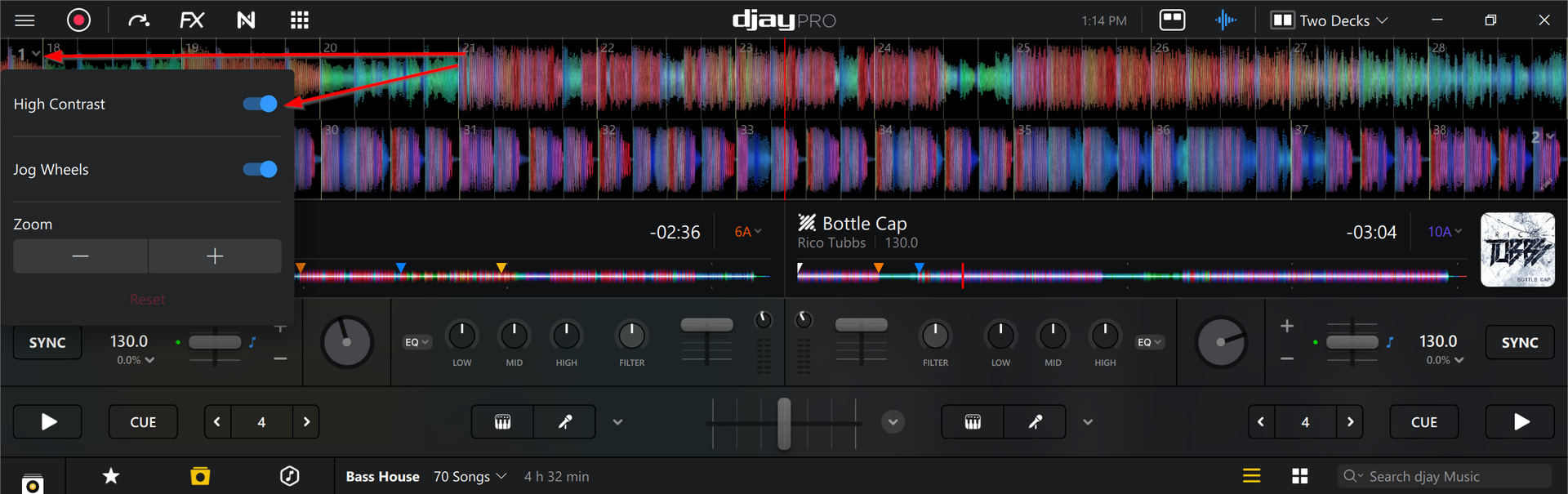
You can also change to High Contrast on the main waveforms.
You’re welcome @Francisco_Concepcion. Happy to help!
how to analyze all collection songs djay pro for windows. Not the file folder one by one.
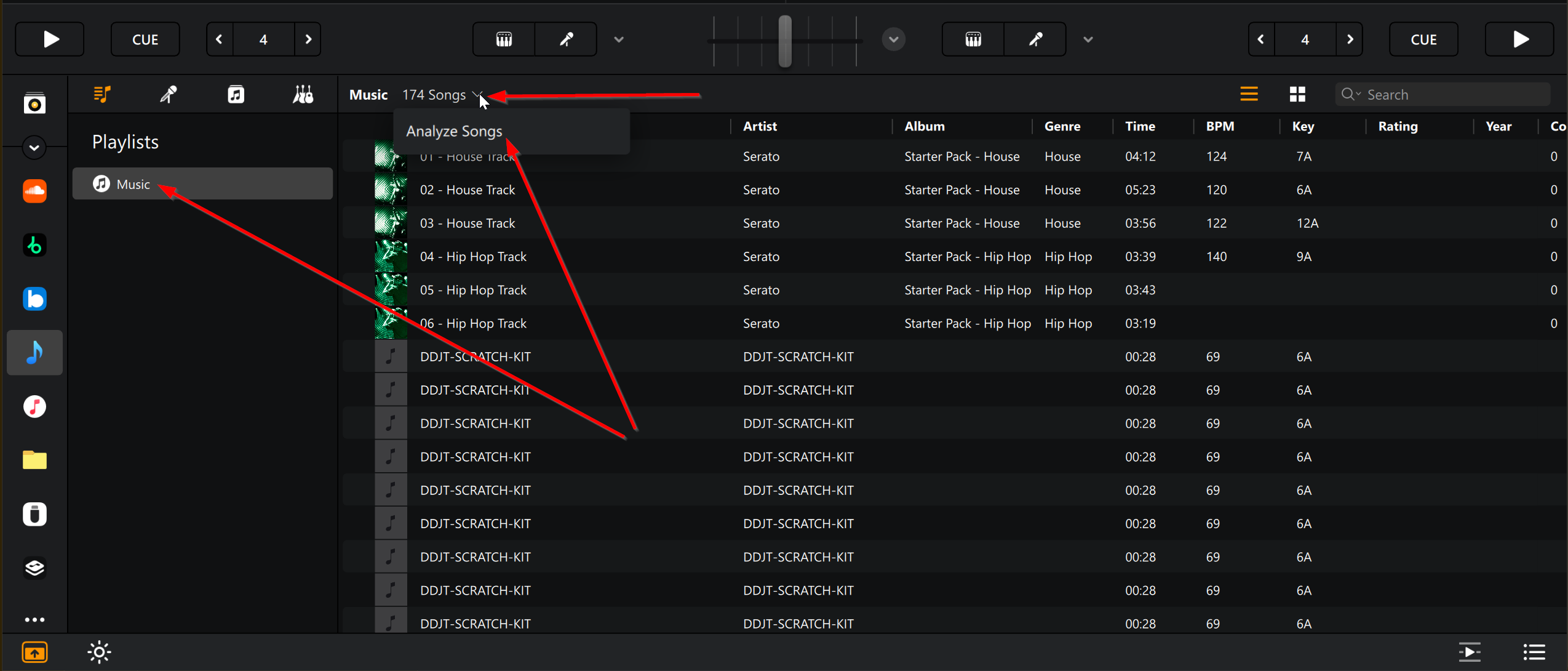
Hi @Francisco_Concepcion, try adding all your songs to the main Music playlist then selecting Analyze Songs from the dropdown menu at the top of the playlist.
does pad modes work on these mappings?
1 Like
Hi @hardbea7, this is another unsupported device that I don’t have access to so I can’t say if the pad modes work or not. Perhaps someone in this thread with the hardware can answer this question for you.
Are you using Djay? All I see is the D2’s in what looks like Traktor’s loop decks.
Are you syncing Djay and Traktor, or what are we really looking at here?
I think we’re all hoping (and looking) for a Kontrol S5/S8 mapping.
Hi.
This a midi mapping for Kontrol 8.
@Anthony_Ramirez your setup and your videos are amazing! Any chance to get the v4 download link? On the djtechtools website is still v2 available… huge fan! Looking forward to a message!
1 Like
same here, i just got the S8 this weekend and would love to check out v4 @Anthony_Ramirez
thanks in advance
2 Likes
yes! I have it all mapped and its complimented with F-1 for each controller.
1 Like
I have both for the D2 and the S8. I’ll upload the newest map here soon.
1 Like
I have the newest - and some more video of how it works. Work has been hectic, but I have other DJs testing it out and they are tripping! It is way too much fun and the sound is very clean. DM me your email and I can send you what I have so far.
3 Likes
Thanks for sharing @Anthony_Ramirez. You can also upload djay MIDI mapping files here directly if you want to.