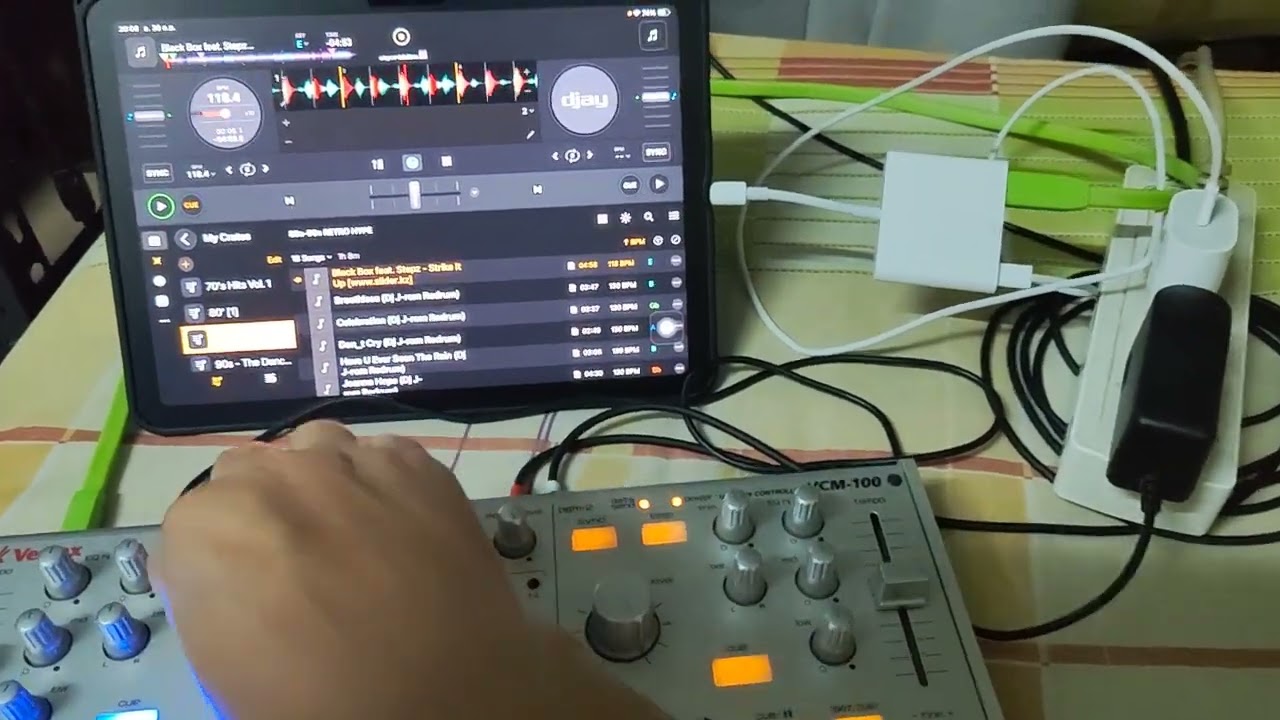
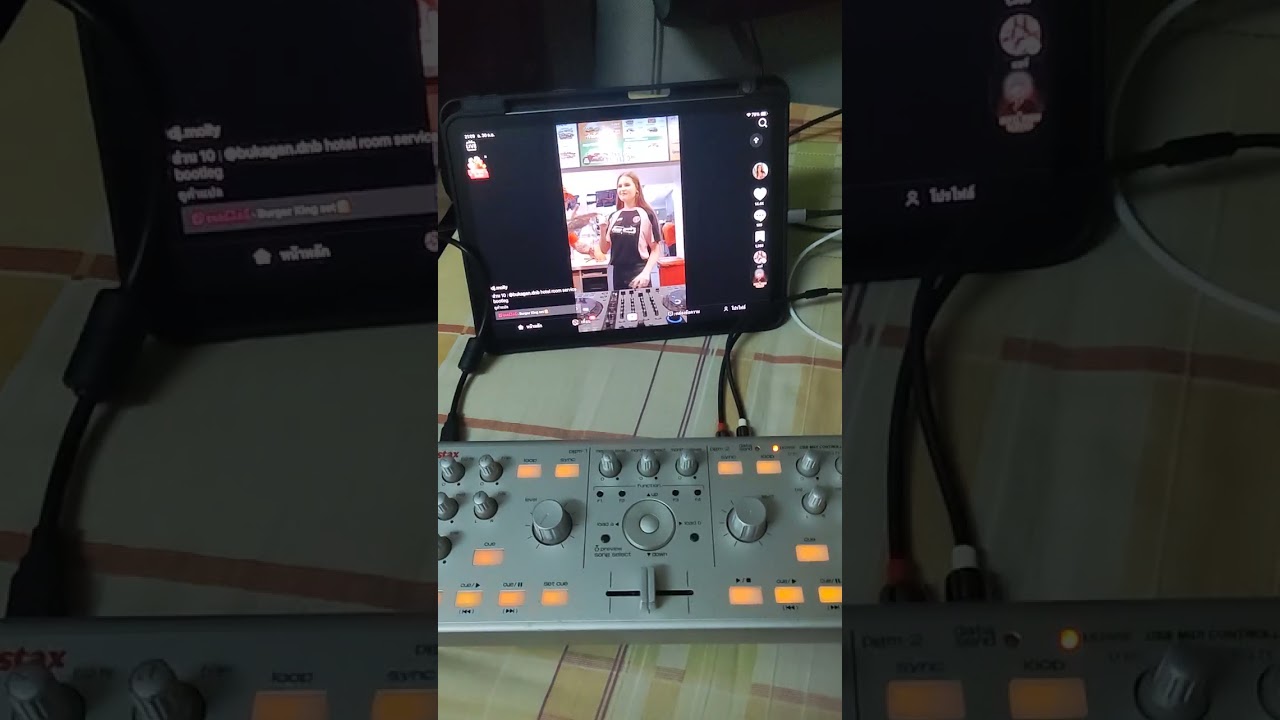
I recently got a Vestax VCM-100. It works perfectly with my MacBook — the mapping functions work great, and the audio output is normal.
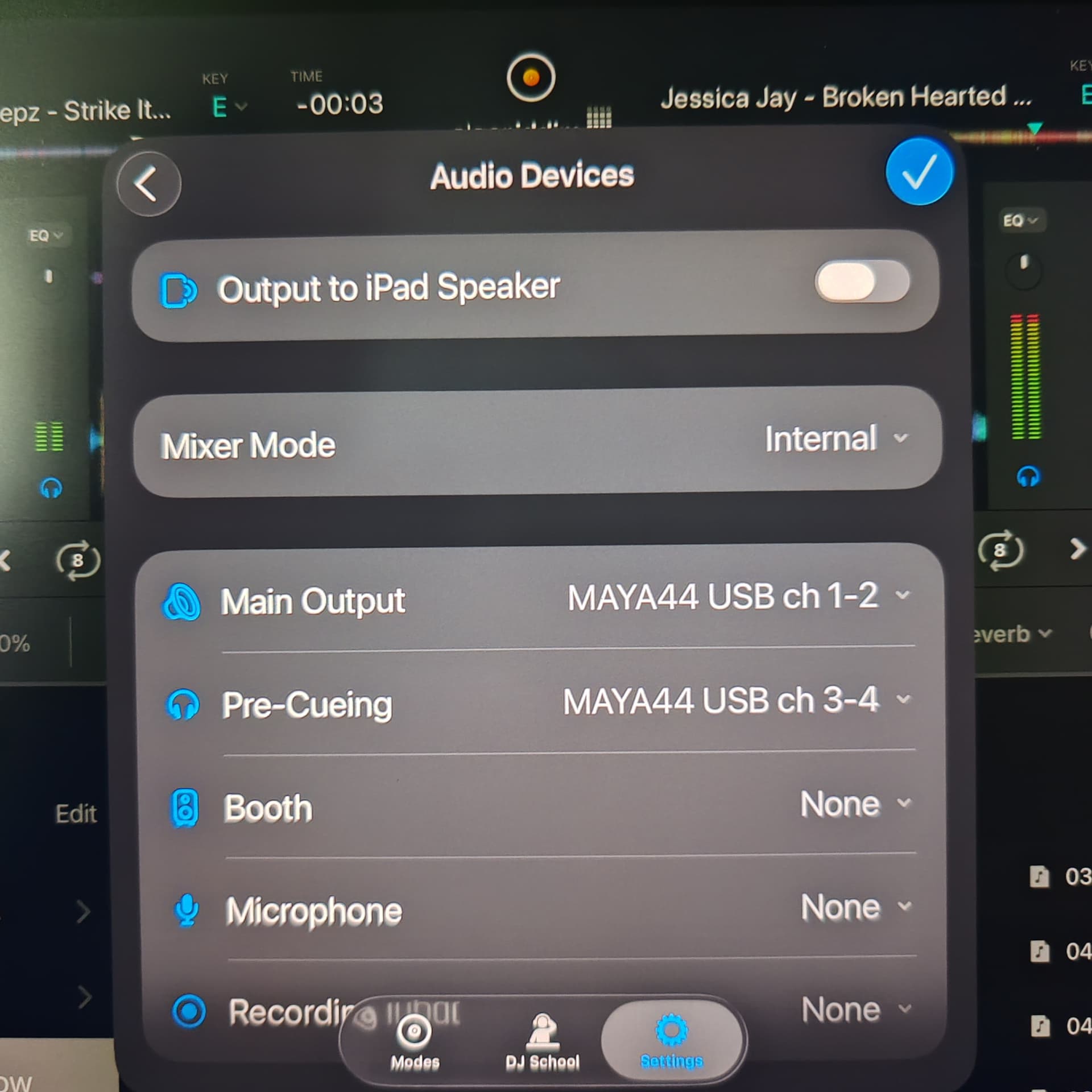
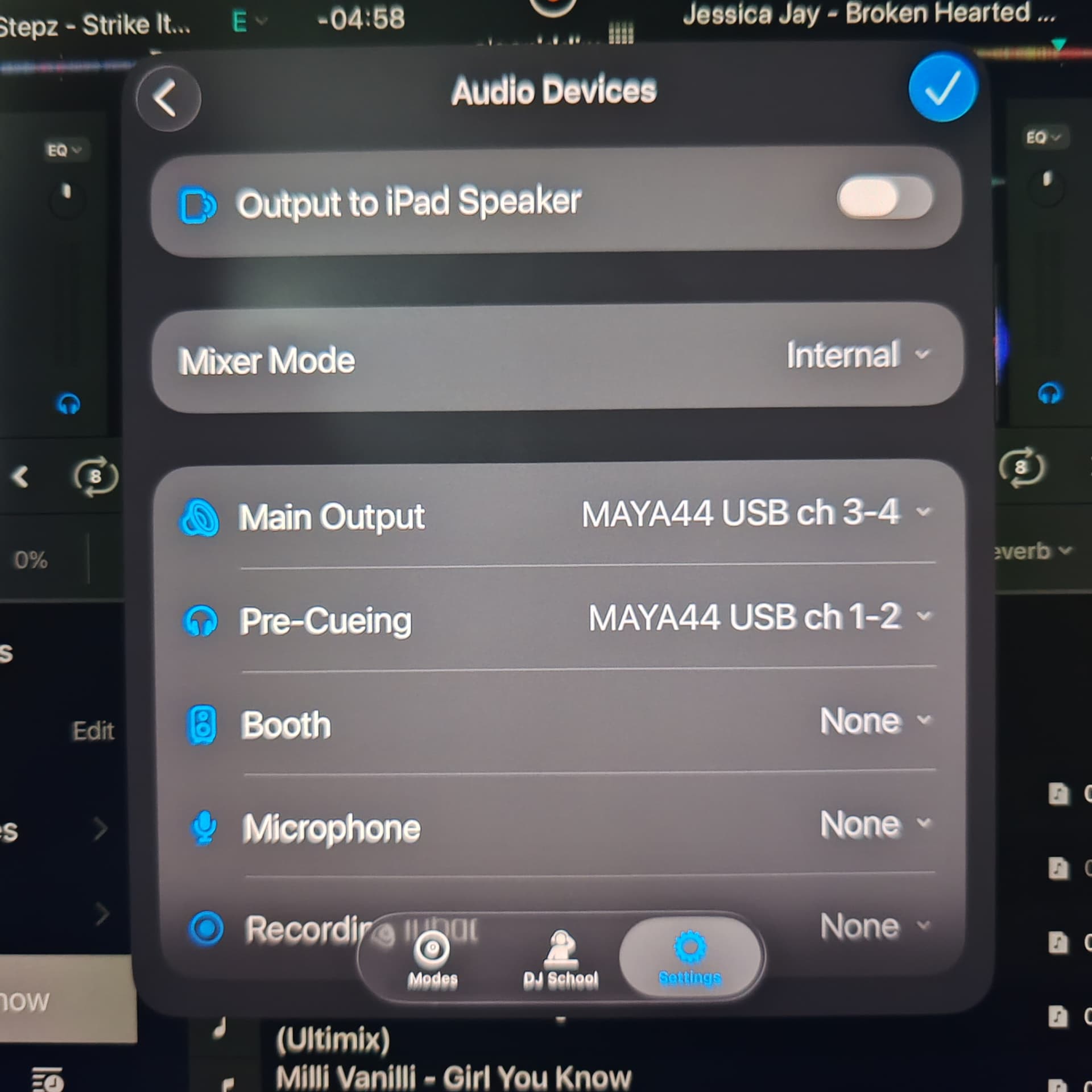
However, I can’t get it to work properly with my iPad Air 7. The main issue is that there’s no sound coming out from the output channels at all.
I’ve already tried switching the output channels, but the sound still doesn’t come out. I also tried connecting a 9V power adapter, but it made no difference.
The controller itself seems to respond correctly on the iPad, but the audio output just doesn’t work.
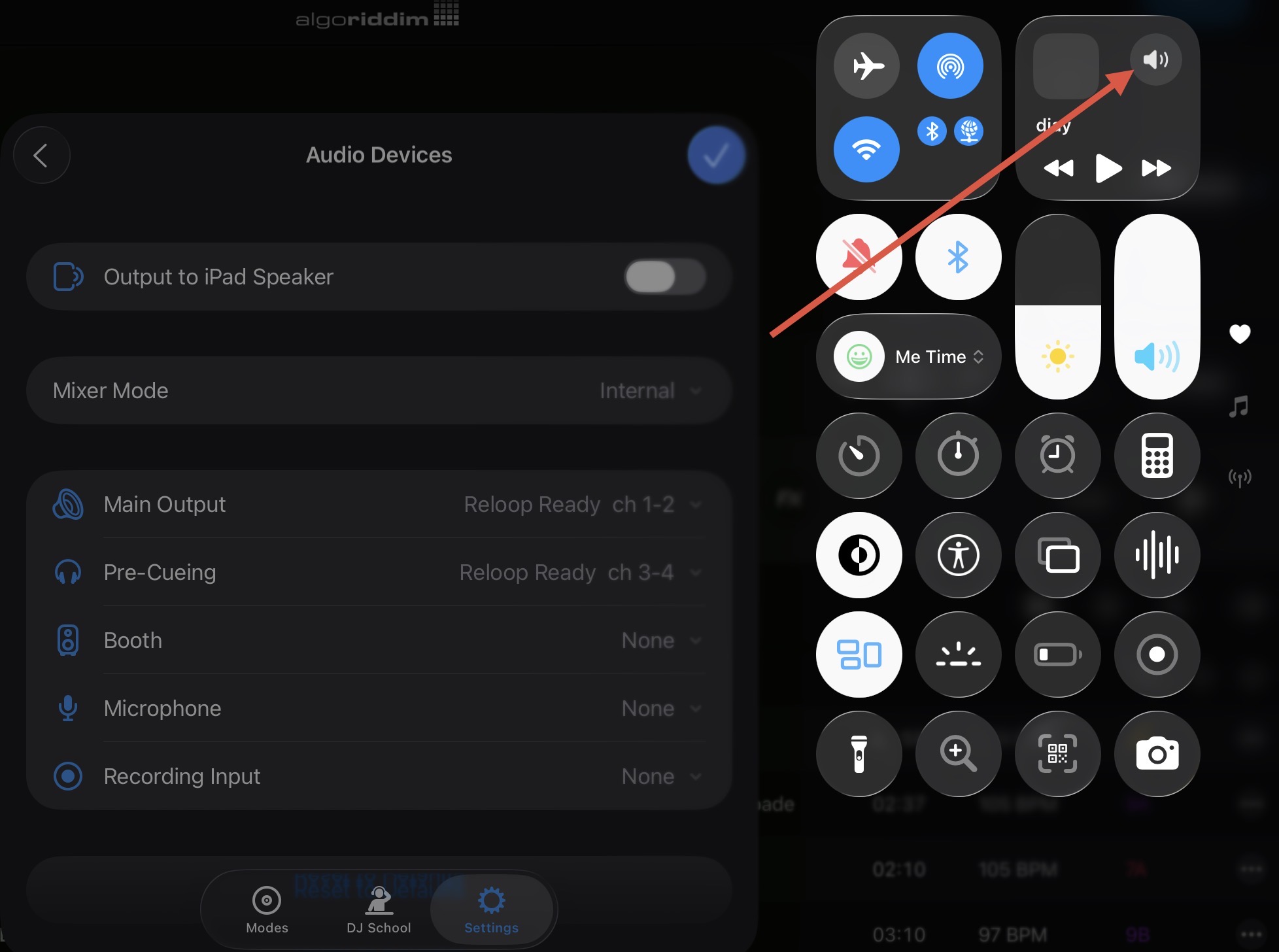
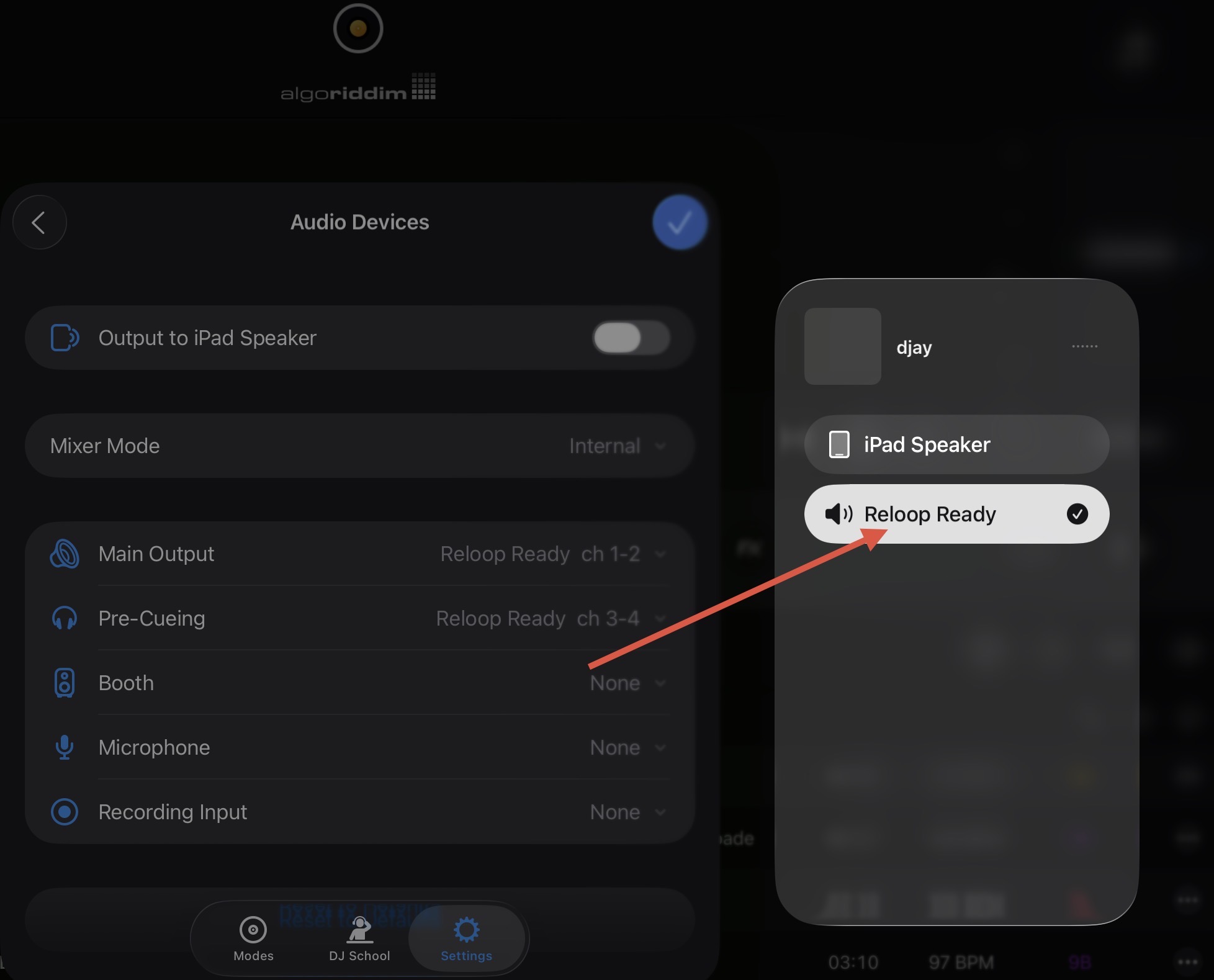
Swipe down from the top right of your iPad screen to reveal the Control Center, then select the speaker icon and make sure that the audio output is set to your MAYA44 USB or VCM-100 device.
I also use the VCM-100 with an iPad Pro 12.9-inch (6th generation).
Like basskaa, I often experience no sound output, but changing the order—either launching djay first then connecting the USB, or connecting the USB first then launching djay—allows it to connect successfully.
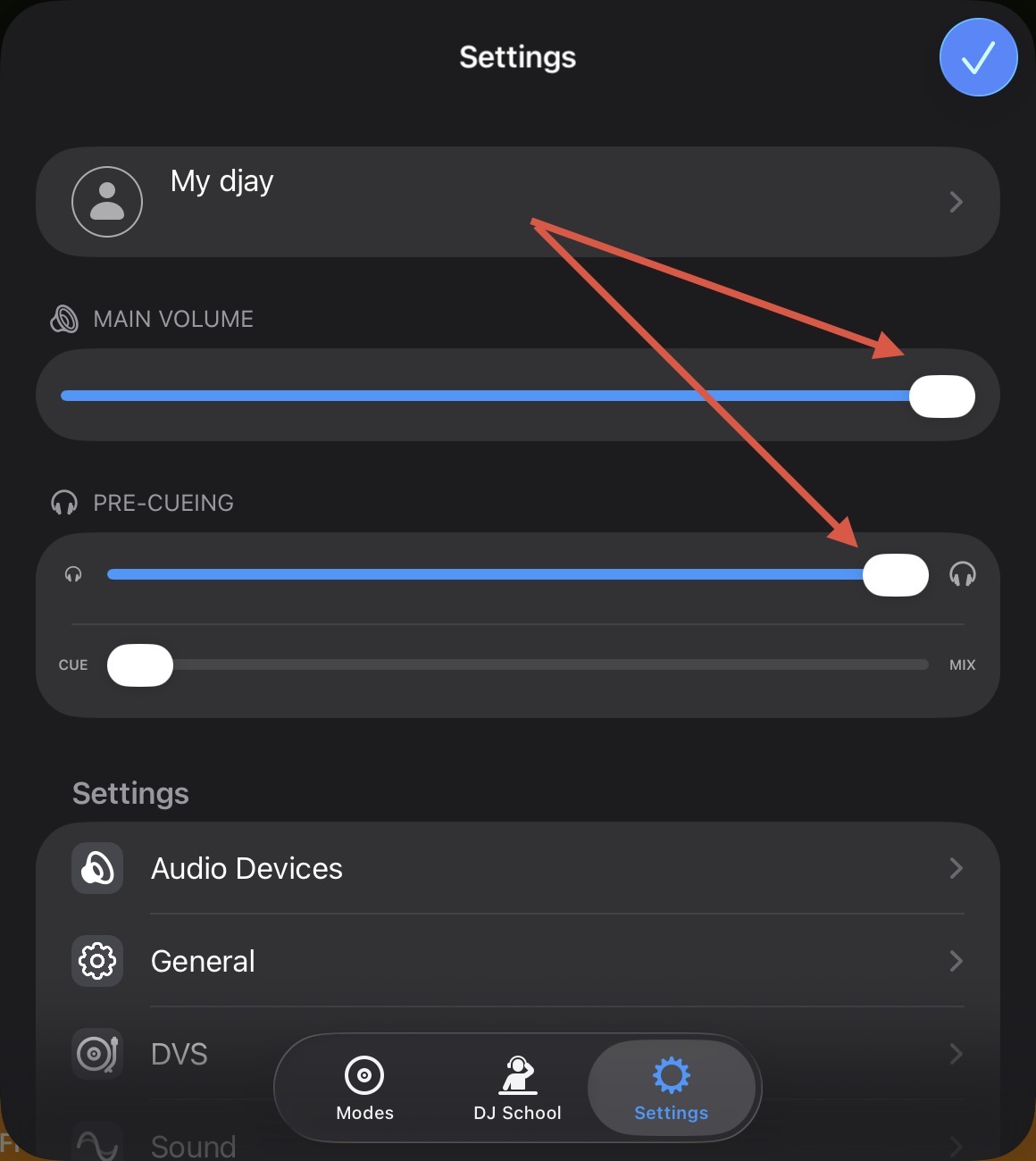
For some reason, the sound won’t come out unless I max out the volume on my iPad. It’s a USB audio interface, yet it’s weird lol.
Hi @basskaa, your description sounds like a connection issue. I would try a different, high quality USB cable with dual ferrites. Also try connecting to a different USB socket on your device and eliminating any hubs or adapters in your connection path.
I’ve been tracking how many audio interfaces does this with Djay. What is being described is exactly what has happened to my akai amx and certain other audio interfaces. A cable that works with your computer should work with your iOS/android device. A cable and a hub that works with other apps on your iOS/android devices should work with the Djay software also.
Pls check if your setup with your cables work with other apps on your iOS/adroid device. If it works with what you have now with other apps then there’s no reason why it should not work with the Djay app unless it’s a bug in the Djay app. Hope this helps.
After restarting, connect your powered Apple USB-C Digital AV Multiport Adapter to your iPad and confirm there is a blue peripheral icon in the top right of your iPad screen.
Connect your original Apple charger and cable to the USB-C AV Adapter and confirm that your iPad is charging.
Connect your DJ controller to the USB hub using a high-quality USB cable (ideally with dual ferrites on either end).
Confirm that your DJ controller powers up.
Launch djay.
Open the djay Settings>MIDI Devices and confirm that your controller is shown under MIDI DEVICES.
If not, scroll down to the bottom and press Rescan for MIDI Devices.
If this doesn’t work, unplug the USB cable from your DJ controller for a second then plug it back in.
Okay, thanks for confirming @basskaa. I’m going to pass this onto our hardware team to see if we still have one of these devices in the office to test and try to replicate the issue. I’ll report back when I have news. Thanks!
Hi @basskaa, unfortunately we no longer have one of these devices to test with. I can’t think of anything else to suggest. Sorry I couldn’t be of more help.
After deleting the app from the iPhone or iPad and reinstalling it, the app works with the Vestax VCM-100. However, once several playlists are created, the controller starts behaving abnormally — for example, it intermittently fails to connect to the controller, even when using a USB cable with ferrite cores on both ends. When it does manage to connect, the audio output begins to distort after a short period of use. But if only a small number of playlists are created, these issues do not occur.