I Just tried this and DJay just froze, I didnt get my crate dropdown,
when I configured SR app I only get my external hard drive as an option. I allowed access, but it didnt work
I Just tried this and DJay just froze, I didnt get my crate dropdown,
when I configured SR app I only get my external hard drive as an option. I allowed access, but it didnt work
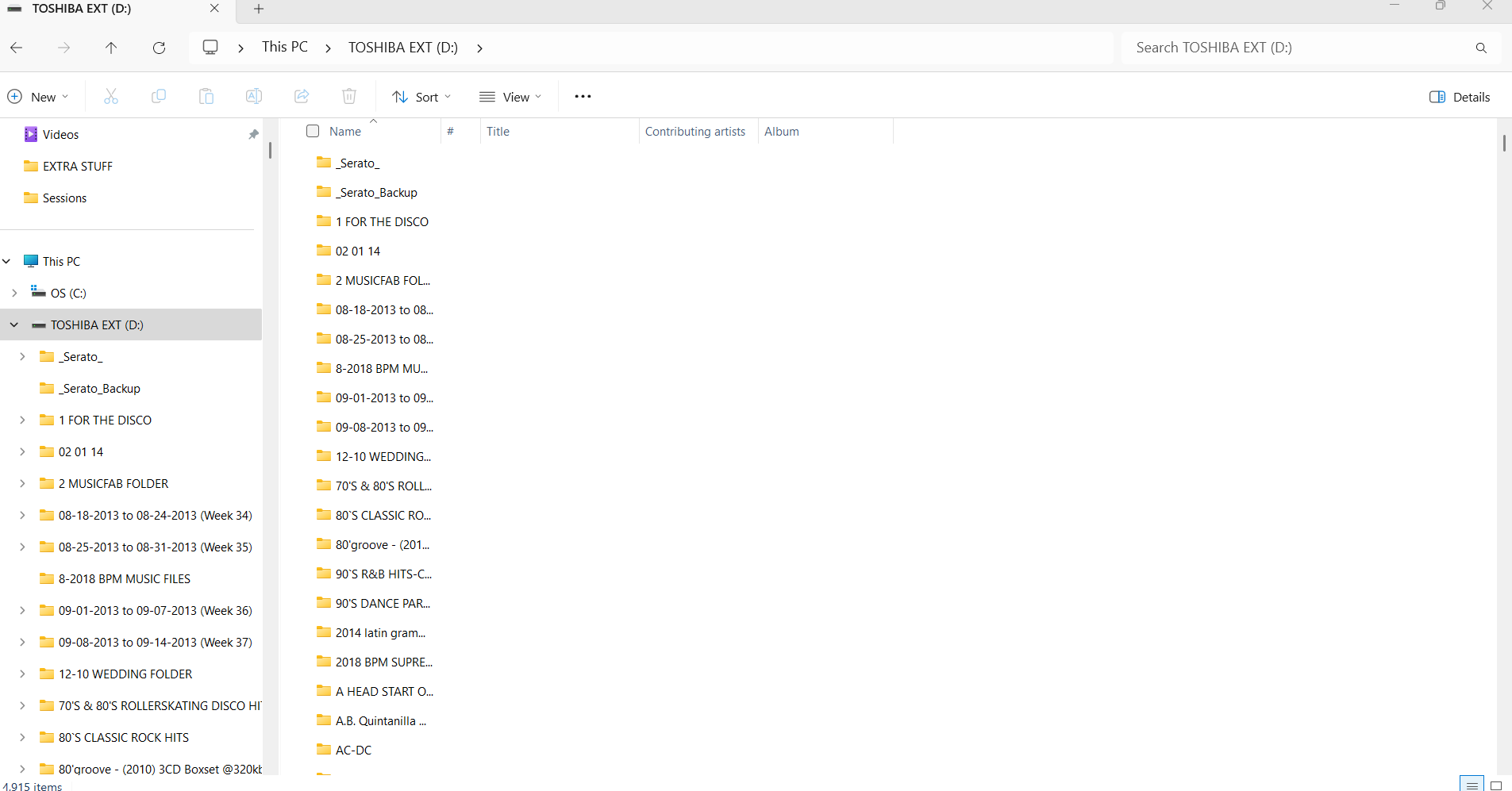
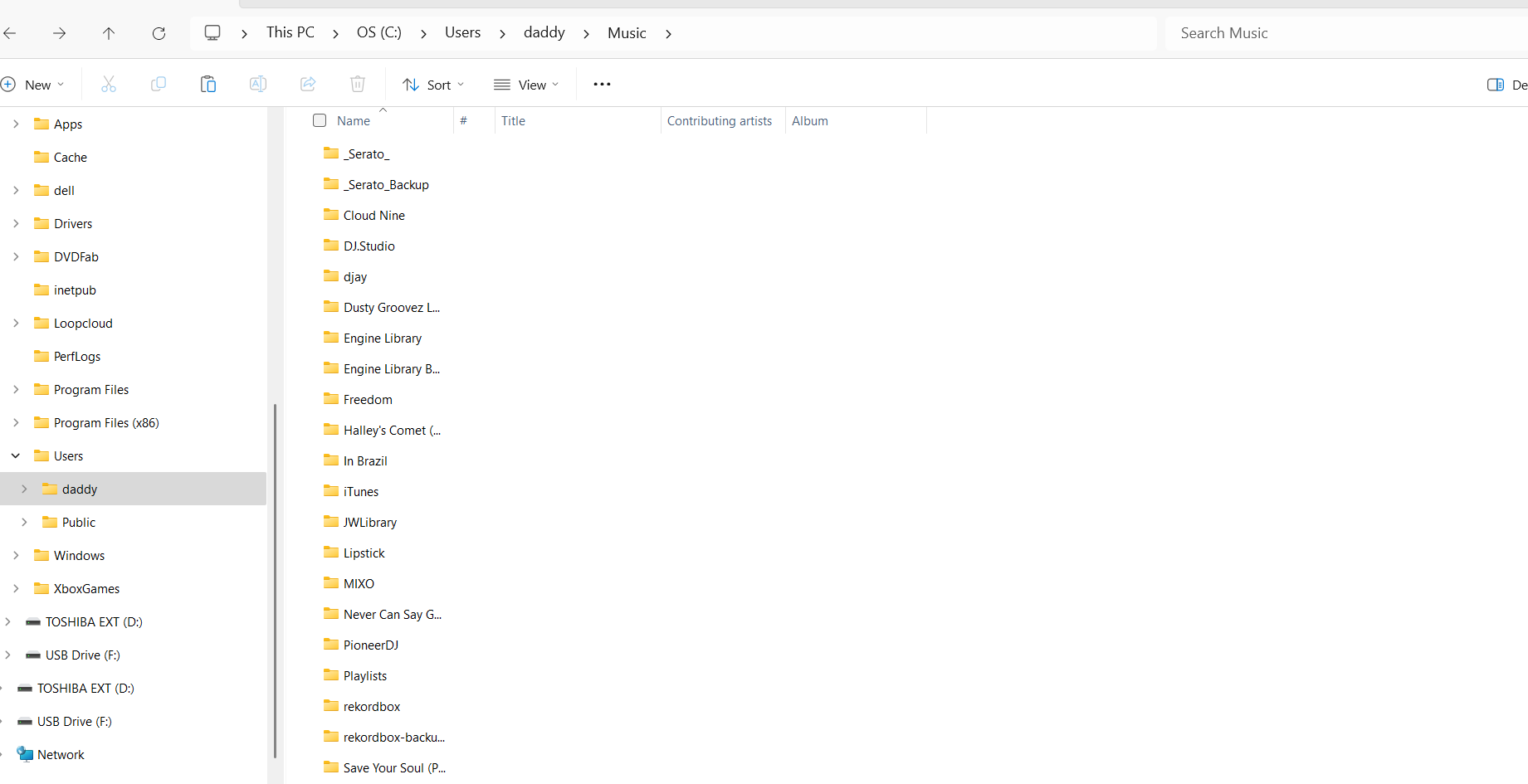
Good day, please see attached screenshots, one from the internal OS Serato folder and one from the external drive folder of Serato where all my DJ Music is stored. I wonder if this could be the real issue with the error message I get when I try to use the external crates function in Serato? Thanks again for your help.
I agree, I think DJay Pro caters more for internal drives and has lack of support for external drives.
the old “Crates” only supports internal hard drives and not for external drives.
Indeed, I hope this will be addressed in a future update because Djay is a great program for DJ’s.
Hi @BRYAN_SINGLETON, thanks for the additional info. This is very helpful. I’ve passed it onto engineering.
Thanks for your support! Have a great day.
You’re welcome! You too @BRYAN_SINGLETON
Hi again @BRYAN_SINGLETON, the team has identified the issue and is working on a fix. Your Serato library contains some tracks without titles, which causes the bug on our side on Windows. As a workaround in the meantime you could make sure that all tracks in your Serato library have a title.
Thanks, I’ll check on this today and report back with the results.
A quick question, when you say some songs in my Serato Library don’t have titles do you mean generic titles like Track 1 or are you referring to missing or tracks that are no longer in my library? Thanks again for your help.
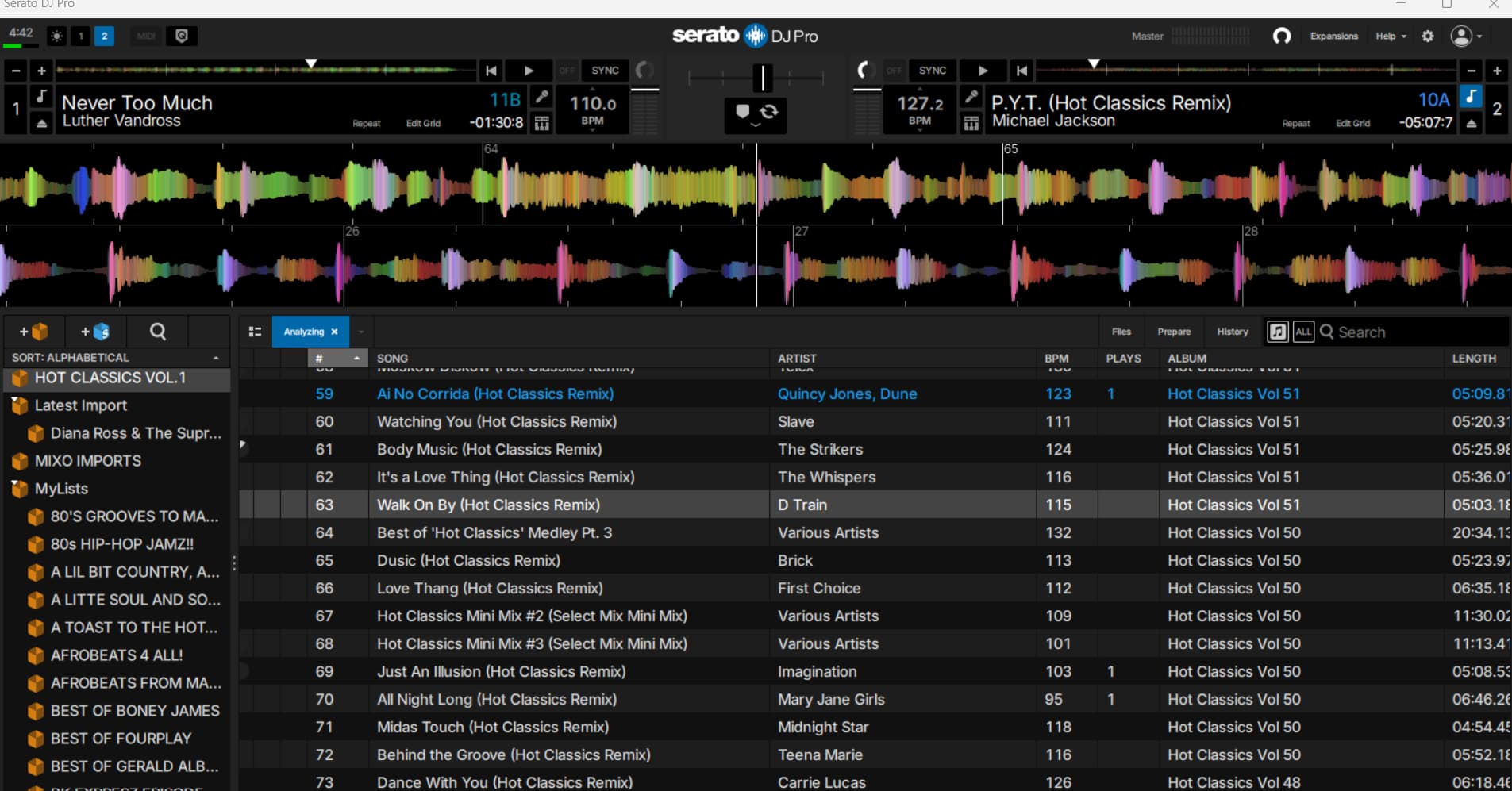
Thanks for the feedback, so if I understand you correctly a program like mp3 tag editor would help correct the errors in my library? I would definitely give that a try. However I rarely manually type entries as most DJ programs will will show a title, artist, album, track, length, etc. when displaying on the decks so as mentioned by slak_jaw there appears to be a bug in the External Crates feature of DJ pro. I have included a screen shot of some songs as they appear in Serato after track analying is complete.
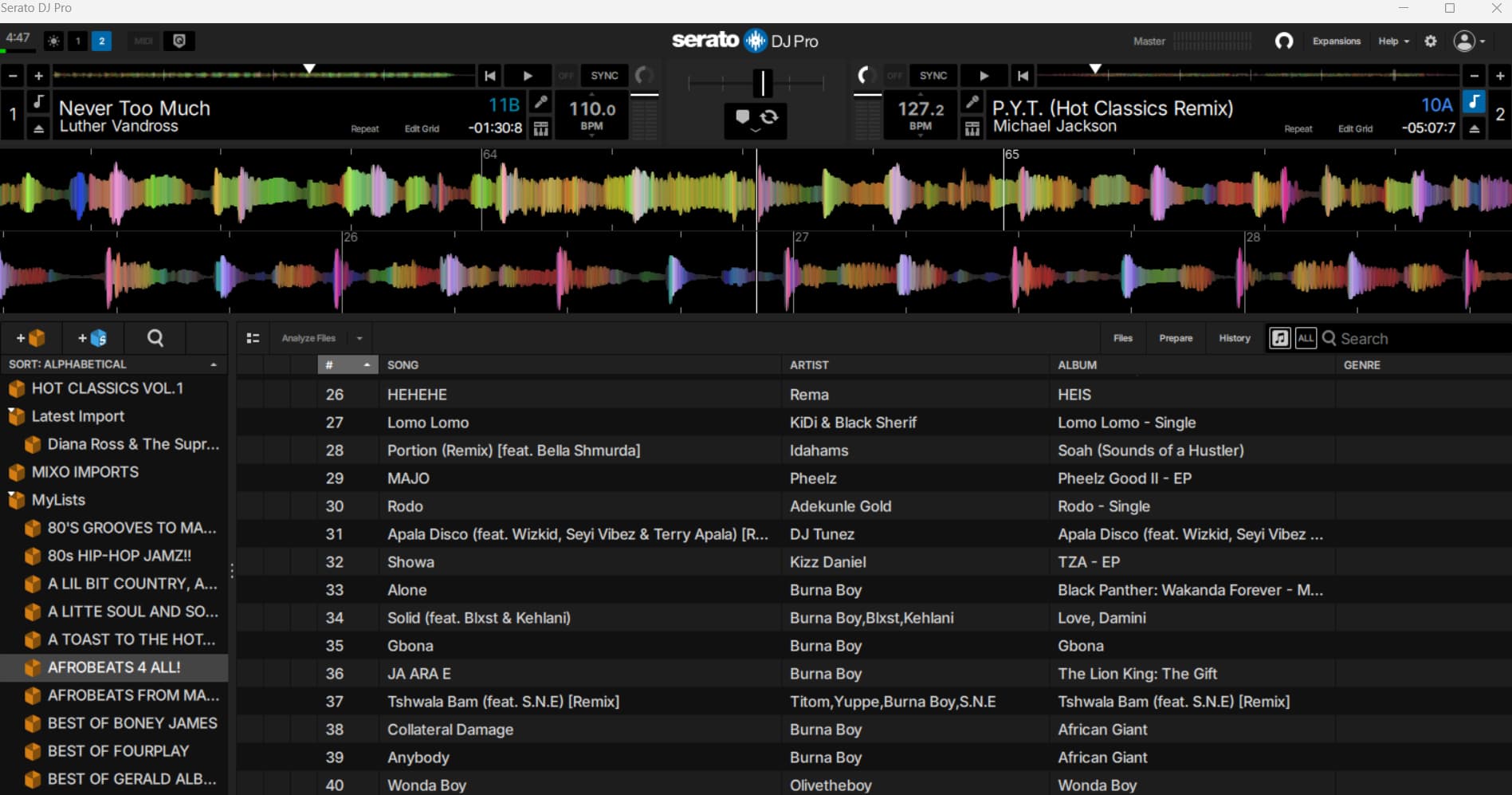
Here is on more screen shot and the tags are missing the genre field in Serato so I think this illustrate what you are talking about concerning
my bad - i was wrong. i mounted your library wrongly and it led me to erroneously believe you had incomplete metadata. Your metadata are perfect - shouldn’t necessarily trip djay, so it has to be some bug for windows. Hopefully they work on it soon.
No worries, I appreciate the feedback and tips. This is the best forum I have seen when it comes to info for DJ’s so again thanks for your assistance.
It tracks that have no title value set. If it helps it was this track C:/POOL TRACKS YEAH BOYEEEEE!!!!!/Caribbean Series December 2017/LESLIE GRACE F. WISIN - DULCE 323 REGGAETON.mp3 that was causing the problem.
Thanks, I’ll check on that when I get a chance and report back.
put all your music through Mp3_Tag and you will see tracks that have no names.
Good suggestion @eecy_cee
Thanks, I appreciate everyone who has commented and shared advice on this topic. I will probably just wait for the update to the External apps function in DJay Pro. Thanks
You’re welcome @BRYAN_SINGLETON