


Yes the album art on the screens is a must. Please vote for that:
2 Likes
I still think we have a problem with stems on Djay with our Performers. I still have a delay when engaging them. I don’t have a delay on any other DJ software when engaging stems. It’s really frustrating because otherwise I wanna be on Djay permanently, but really can’t be because of this…and the screen drop-out situation (which DOES appear to be fixed on mine currently! Even when using stems)
UPDATE - No, Performer right screen still glitching. : (
1 Like
Rane Four has the same BUG.
1 Like
Don’t take this as something definitive, but I use a MacBook Air M1 (8GB RAM) and a MacBook Pro M4 Pro (24GB RAM). The M1 had minor performance issues with stems and Serato worked really poorly, while DJay Pro seemed to run fine — except when pressing the Stems Split on the Performer, where it struggled.
This past weekend was the first time I used the M4 Pro extensively, and although I didn’t use the Performer’s Stems Split option (I do mix with stems, but using the EQ buttons), I didn’t experience any problems. I used around 300 songs over the two days, and another relevant detail is that I only had to use 8 tracks from Apple Music — the rest were on the internal hard drive.
I hope this information is helpful to you.
1 Like
It’s really bizarre because Stems work perfectly on my INTEL MacBook Pro. No delay at all. Zero. But not with Djay. Yet Djay runs much more efficiently than Serato in every other respect (well minus the screen thing). And as noted by Cleveland Terry he still has a delay with Stems on his M4 using the Performer. It’s all over the place.
1 Like
I’ve always had a delay with stems and djay pro. If you disengage key lock the delay disappears. And although I rarely mix outside of + or - 8 bpm, I keep key lock on always. I’m thinking of disengaging it this weekend. A few of my favorite djs don’t use key lock.
Stem split is the problem for me. With the new update, the screens on the jogs have not disappeared, but when enabling stem split I get a quick drop in audio. It didn’t seem the audience picked up on it but I did. I have not tried stem split with key lock off. This weekend I will give it a shot.
Yes my screens were acting up this week. I started the event on day mode then switched back once the sun went down. After that the screens were all over the place. Not sure why this has been such a problem.
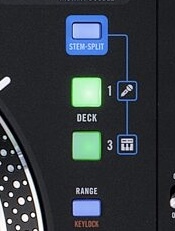
When you guys are referring to “stem split” is this the button youre activating that is causing these issues or is it on the 8 pads below the jog wheels?
1 Like
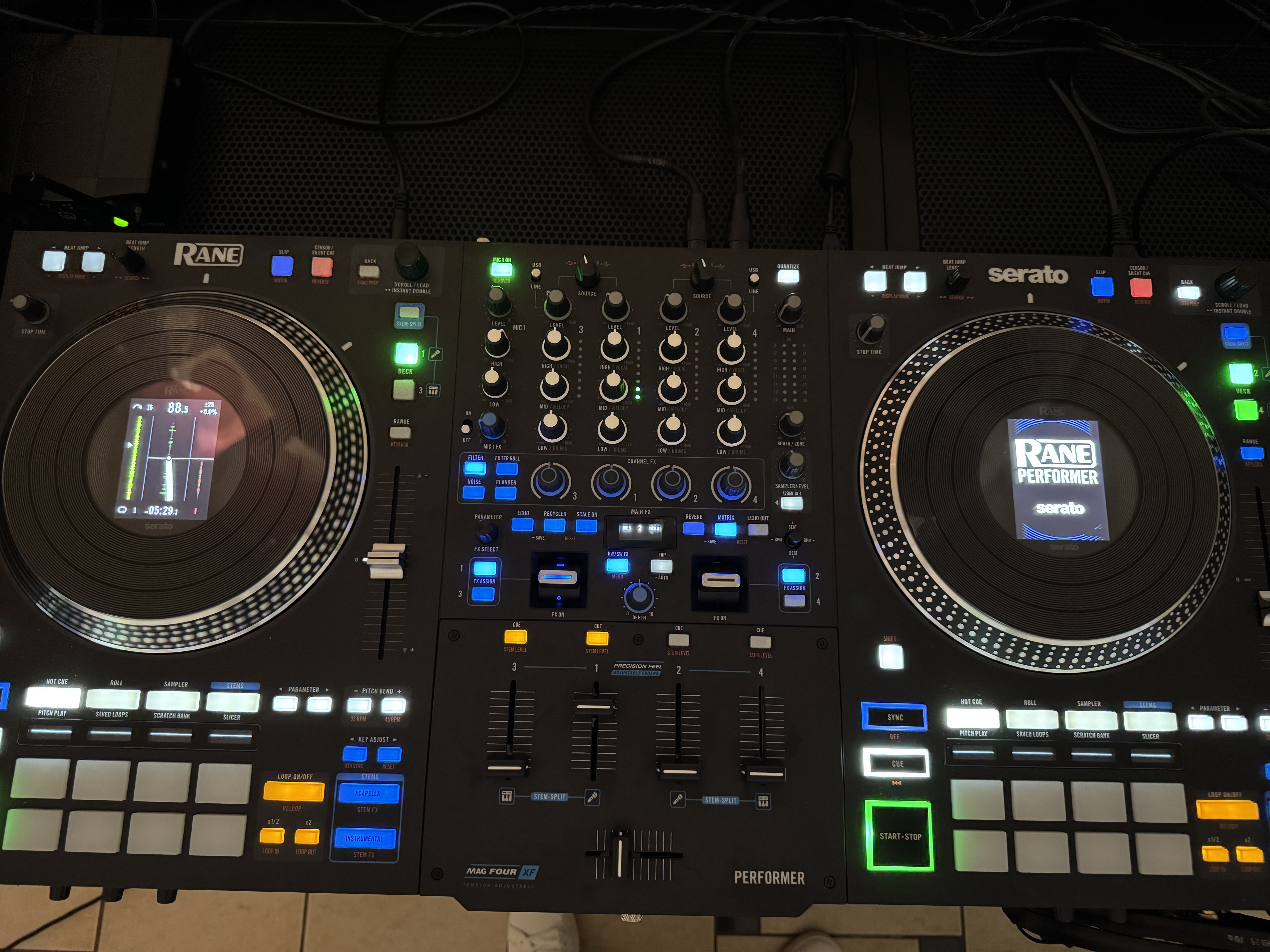
When you press this button (stem Split) while separating vocal tracks, it produces a Delay effect, and when you turn off this button, the music gets cut for a short moment. Also, the problem with the right screen is still present — yesterday, before the evening started, this problem occurred five times, but then I disabled the track selection display in the settings, and the entire night, this problem did not occur again.
4 Likes
Yes this button right here. Happened last night and every night. Wicked delay when activating stem split, and it makes the screens on the jogs get all whacked out.
Conspiracy theory (for fun): they won’t fix the issue so they force us into the crossfader fx. I know you can achieve a similar effect, so to speak, using the neural mix crossfader fx.
What is the “track selection display” you turned off to fix this? I had two events this weekend and the screens were a disaster. I decided to take the stickers of the vinyl jog and use the digital needle. This proved to be a mistake as the needle randomly disappears and you have to reactivate this. I wish the Performer had the jogs of the Rane 1. I could care less about the screens but when they’re going whacky it’s really distracting. Also, I noticed slip mode doesn’t always work. I don’t use it often, but it doesn’t engage right away. You try to do a start stop to give. A delay effect and it doesn’t engage until the third time you press it. Going on months of this screen issue.
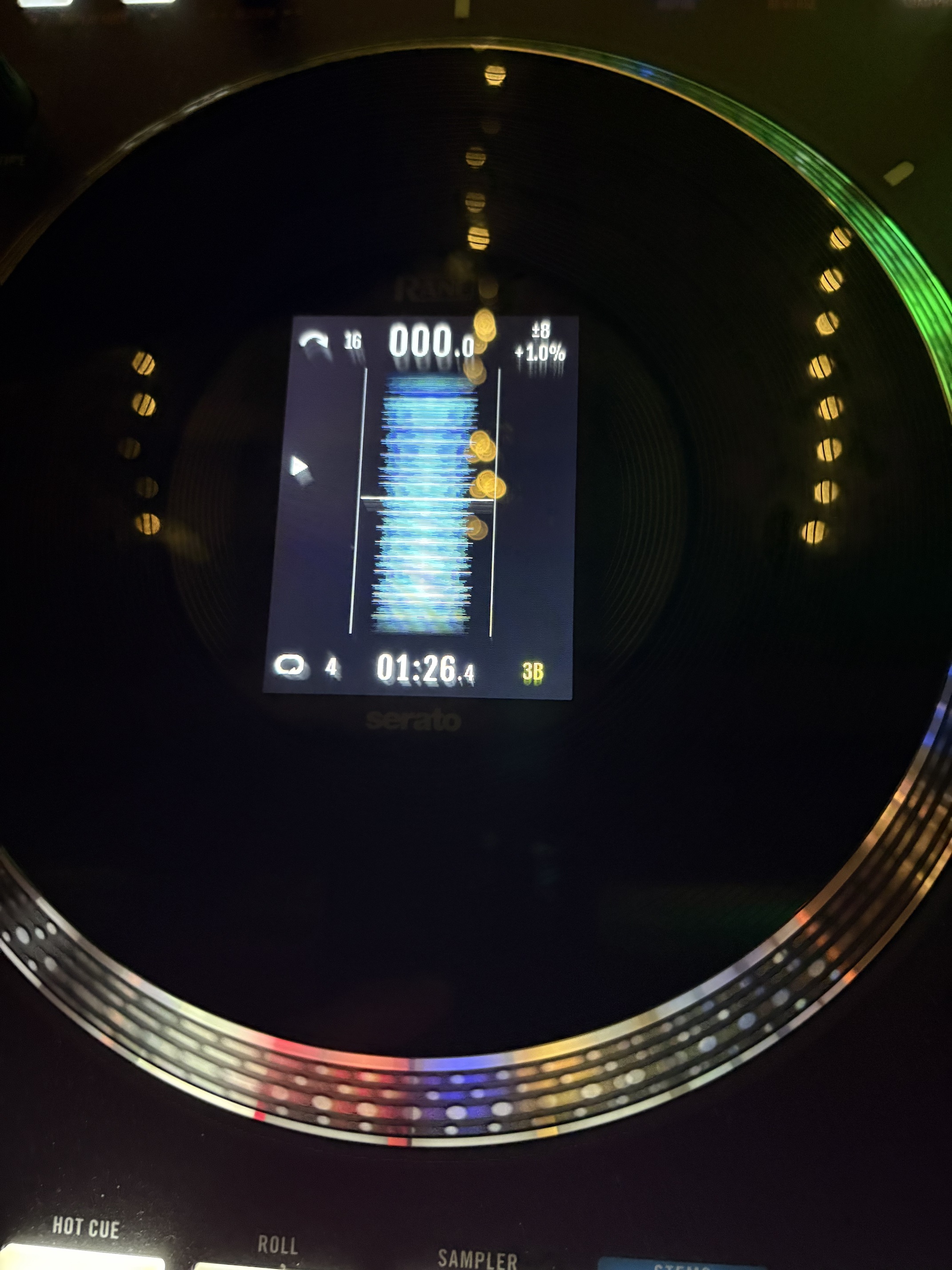
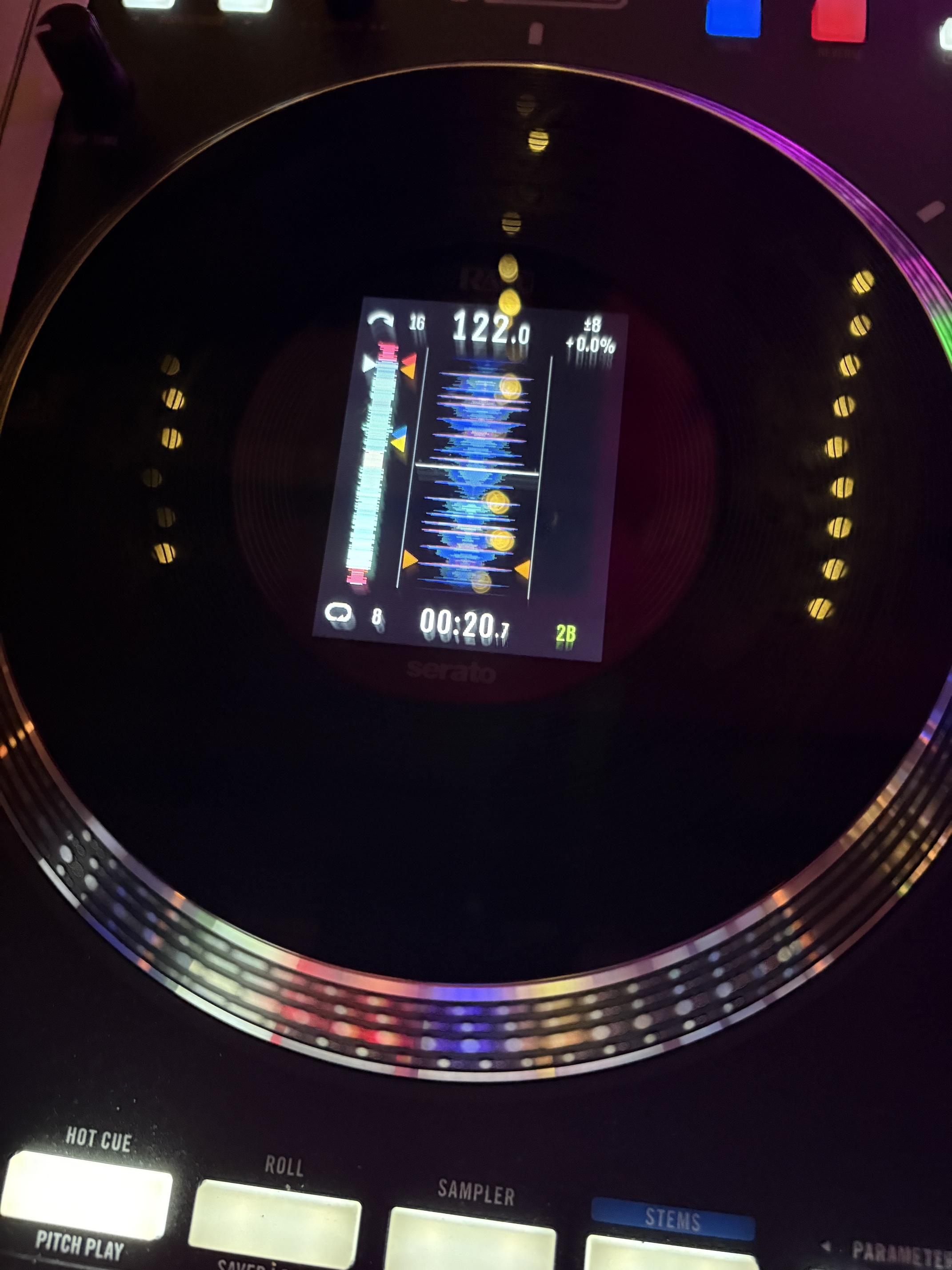
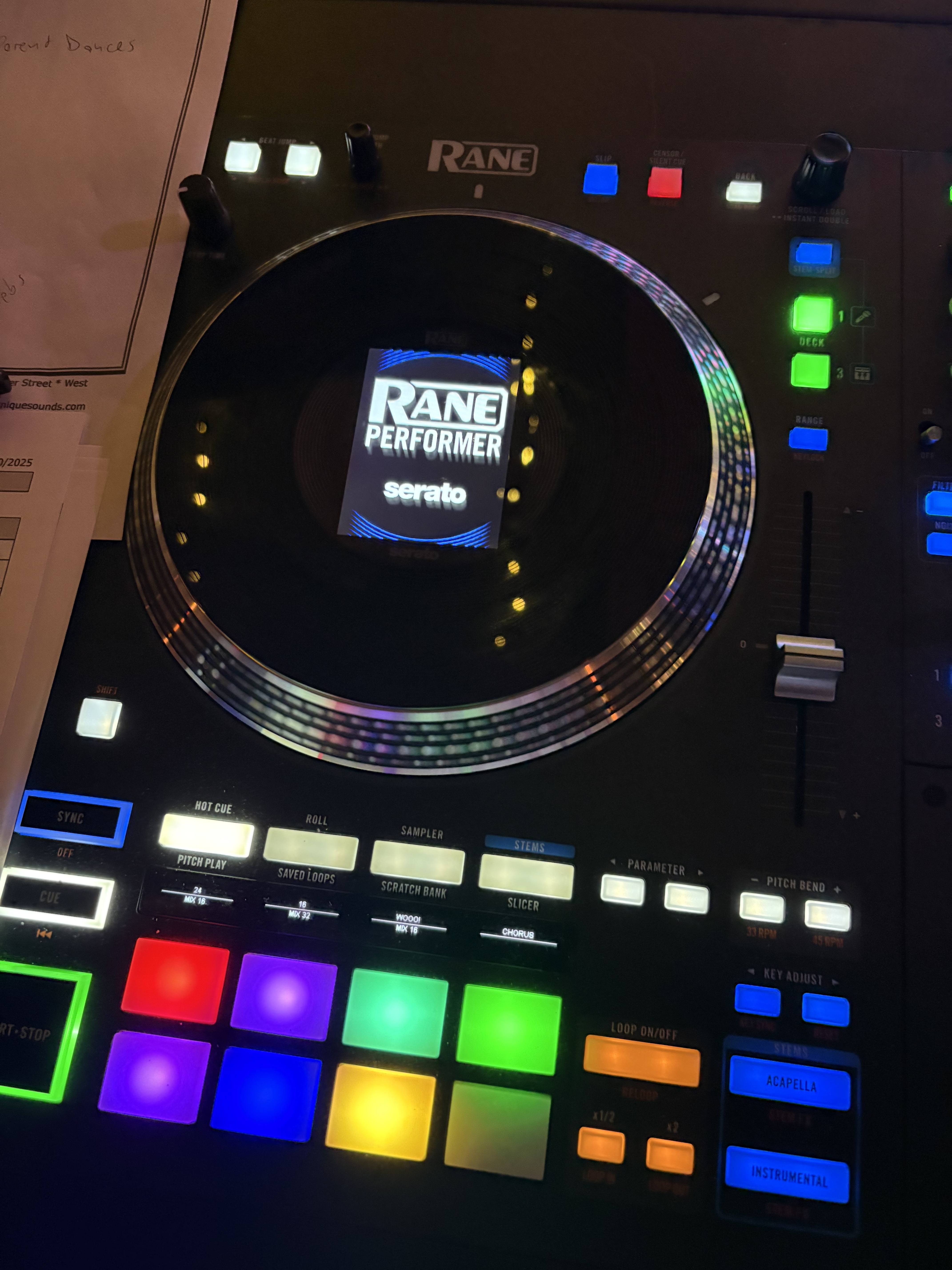
Thanks for the additional pictures and videos @jmoak311. I have passed these onto the engineering team.
1 Like
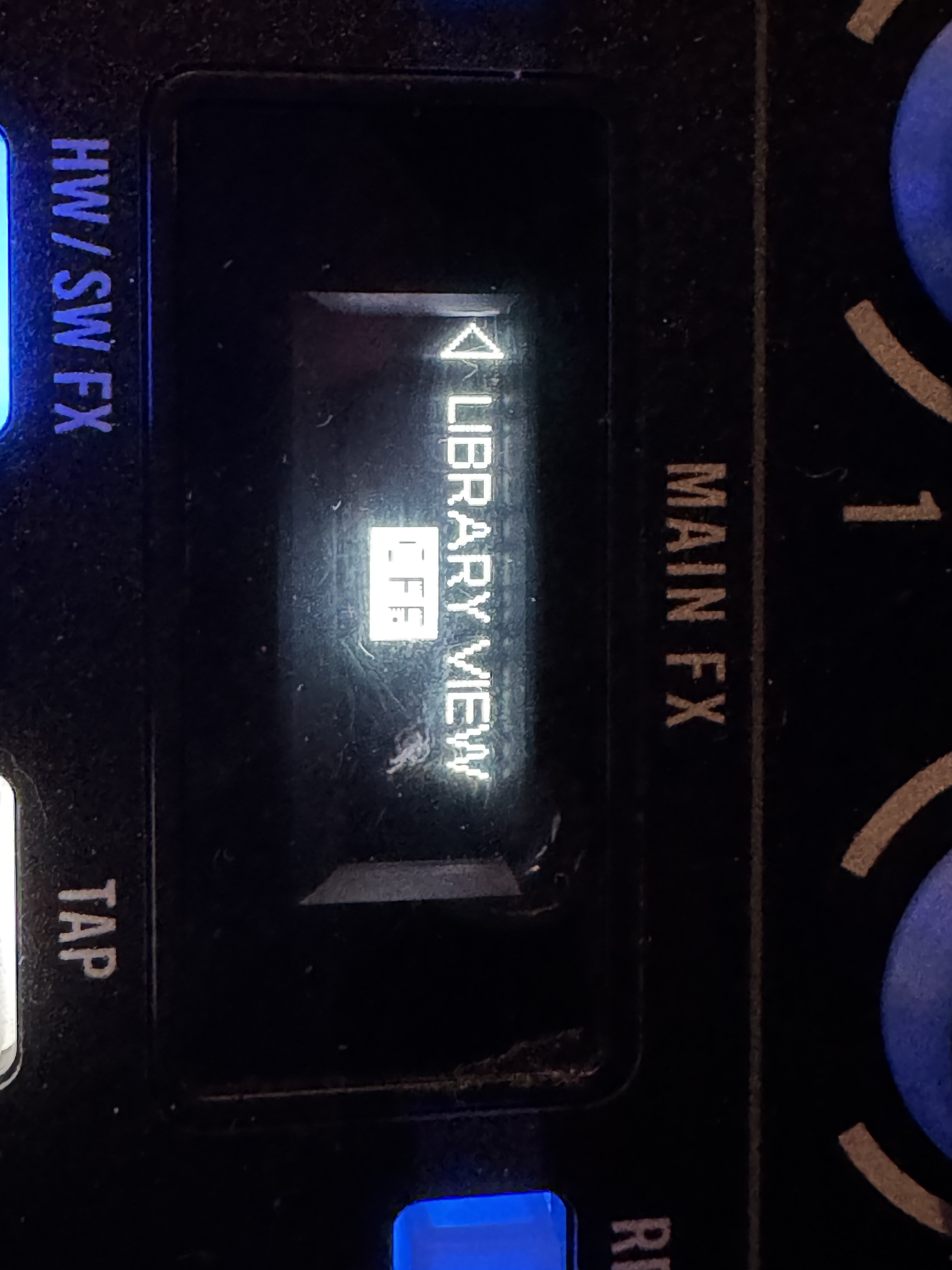
This might sound dumb, but I assume turning this off doesn’t let you view your library on the jogs? I’ve grown to quite like that lol.
unfortunately yes. better not to see the list of songs than not to see anything. this is a djay pro error. there are many other problems that need to be fixed. i don’t know if programmers read my comments they can contact me and i can show them everything
1 Like
Thanks @Zauri_Purtselatze , doing what you said has allowed me to use stem split on my Rane performer and not lose screen access. I do miss the library scroll feature a bit, but will stick to your method until they maybe fix it. I still get a delay with key lock on however. Maybe I need to go back to djing without it 
2 Likes
My Performer had the left screen blank issue again yesterday. I was able to recover it with the USB A/B switch “workaround” but definitely it is not solved. And yes, the stem split causes delays/breaks in the sound if you activate it in playing deck.
3 Likes
I’m just not sure why these things aren’t fixed yet. And I know it’s not because they don’t have a good relationship with Rane, seeing as the One MKII was supported before the unit was even released.
2 Likes
I have disabled library view as @Zauri_Purtselatze mentioned and I have had 0 issues with the screens since. Aside from, of course not be able to view the library, but I’ve decided to sacrifice that for the screens not going haywire.
Last night stem split on my left deck caused the track to go entirely acapella and I couldn’t get it back. Once that happened all of the pads lost their color and turned blank white. I was too afraid to try it on the right deck so I just opted to abort stem split all together. Either way, for what I charge for a private event it sucks that you can’t count in your hardware software connection, whether or not the Performer was intended for serato at first not djay pro.
If I knew stem split wasn’t going to work I would have waited for the Rane one mkII to drop since the 4 decks for me is now useless. I would have also saved $500.
4 Likes
Wow wow, no fun to experience.
I haven’t bought the Performer yet, but it is on the top of my list with one of the top reasons being multiple faders for stem control (i now use traktor kontrol F1 on the side for this).
I’m sure the dev team will crack this. Remember this is the team that made the most advanced grid/sync on the planet. Another thing is : they don’t produce hardware so the incentive to support hardware is always there. It is mostly a matter of priority: who / what should get the first support.
Let’s shout together: RANE RANE RANE 

Thanks so much for sharing your experience.
1 Like


