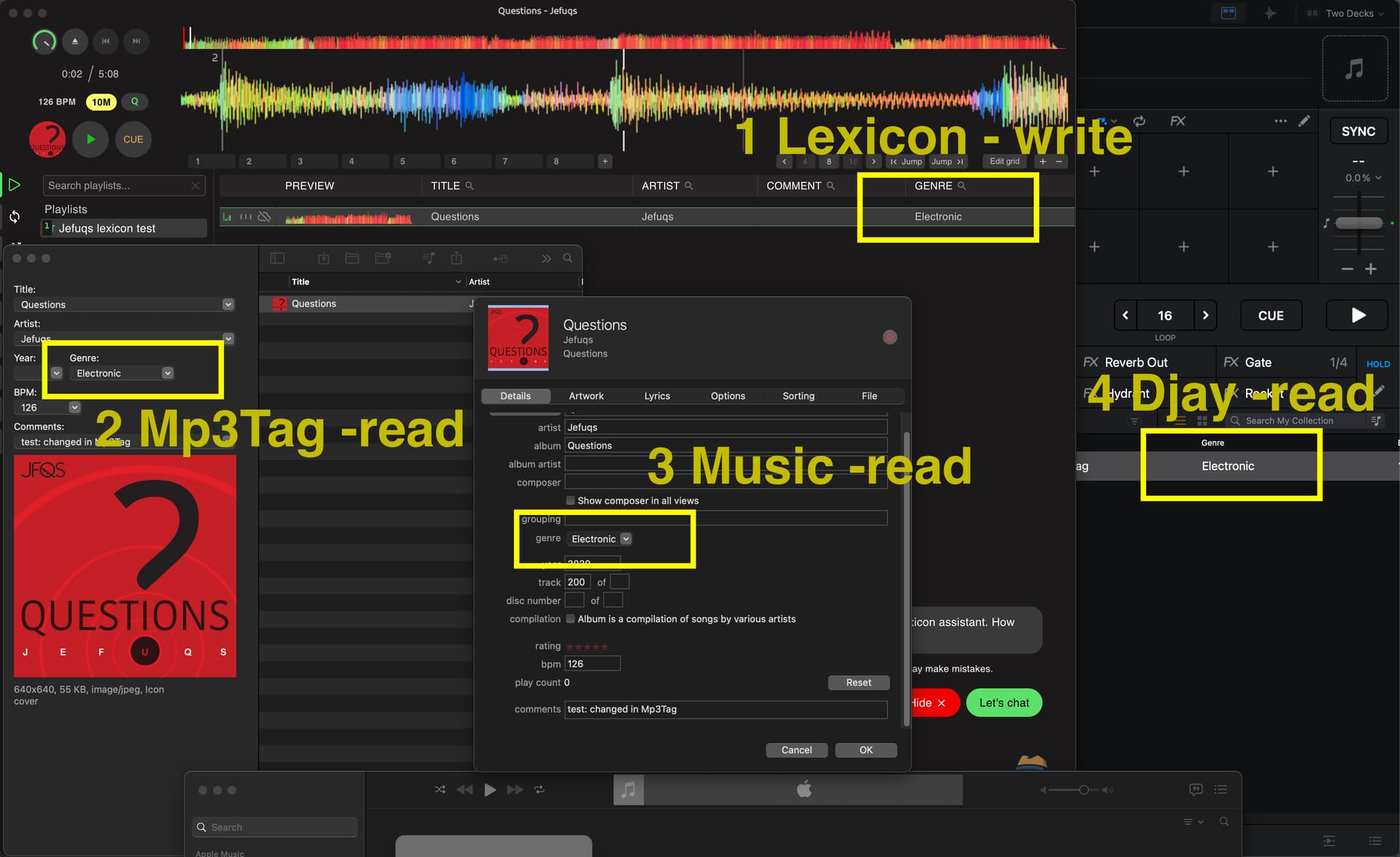
macos seq./sonoma, djay pro 5.5.2, lexixon dj
What is a proven process when: you want to use a 3rd party to update meta data like comment field, and have Djay Pro read / reload the updated meta data?
Current method:
single music folder with all music files
using lexicon dj to clean all comment fields and fix genre tags.
not using sync with Djay Pro option in lexicon (because of beta status)
writing tags to files
opening Djay Pro, comment and genre fields still contain old meta data.
Analyze track does not result in a reload of meta data from file.
I tried suggestions in other posts but did not work. Got a large music collection.
Removing thousands of files and adding them back is a enormous task plus how would i know what tracks i should remove? I would have to make a playlist in Lexicon and get that into Djay Pro so i no which tracks to remove BUT: from a playlist you can not remove tracks from your collection. I could of course in that playlist inside Djay Pro use one of the meta data fields i do not use and put somethinig in there and then see in the main My Collection if i can sort on date modified.
But seems a lot of hassle, all i want is for Djay to reload the meta data.
This sounds like a regular user sharing helpful advice.
"I wasn’t familiar with KID3 or Lexicon, but I’ll definitely check them out. Thanks!
I personally use Mp3Tag. Once I set up the specific field values, I can edit all my track metadata without needing to touch any DJ software at all—which is exactly what I wanted. I do use Djay Pro for playlists (I only use Smart Playlists), but that works fine for me.
By the way, I wrote about my workflow with metadata, Mp3Tag, and Djay Pro in this post: “Release Date” and other metadata tags not reading correctly. I know it’s not the exact same software, but it might still be useful to you, even though you mentioned you’ve already tried a few different options."
Correct. Until you play a track in Music app, it won’t update. And this ties to my comment about your library sources too. Share 1 track here we confirm if the tag actually exist in the track or not
It doesn’t work because the software doesn’t write or access the information in real-time. I actually mentioned this in my post. The solution that works 99% of the time for me is:
Close and reopen Djay Pro if it was open while changing metadata in the external software, and then re-analyze the track.
Or, make sure Djay Pro is closed before editing data externally. Then, open it and analyze the track.
I’m currently backing up my database and I’m going to give Lexicon a try.
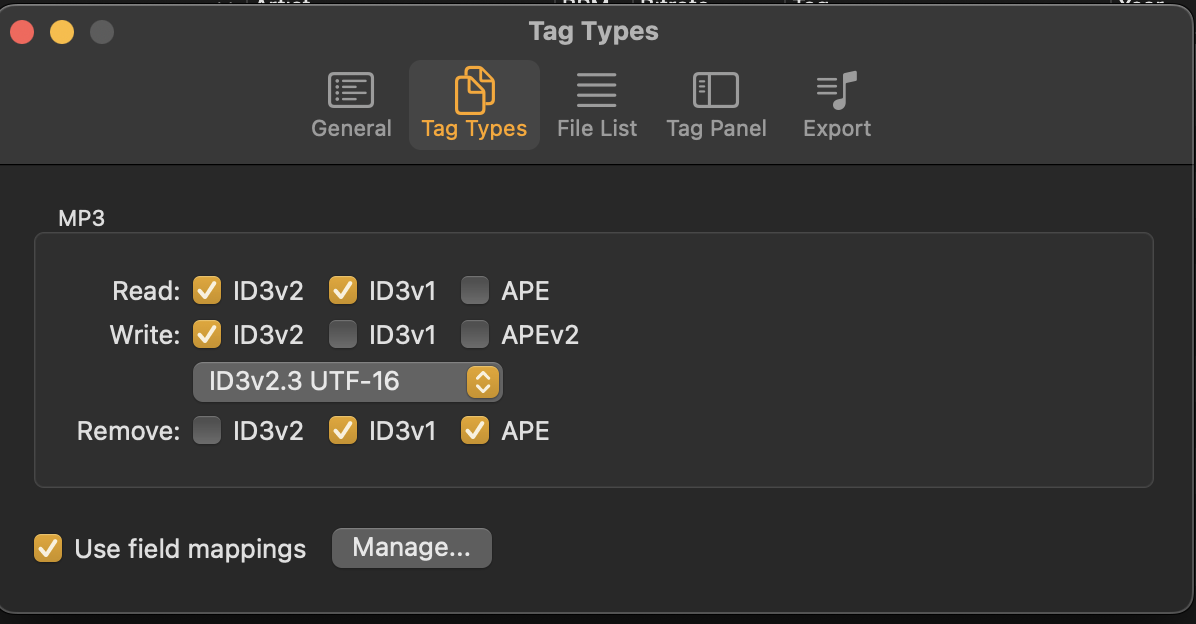
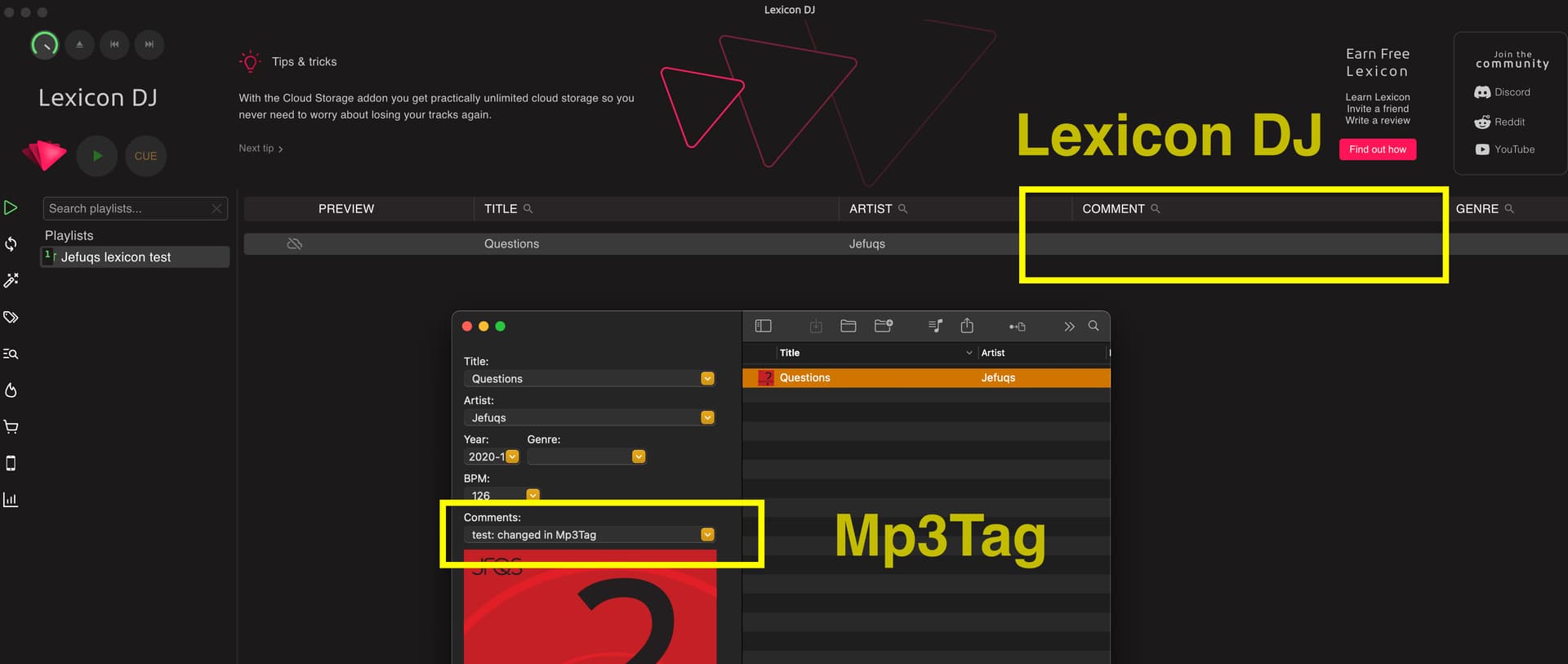
What you noticed is actually due to the value of the COMMENT field in Mp3Tag. Check your settings or take a look at the post I linked earlier; you might see it more clearly there
hi @Albert_Maro, i did close djay pro when i was using lexicon. I even first tried their beta sync. All of course carefully backing up my files and Djay Pro Library. Most of the time i use test files.
This was all yesterday.
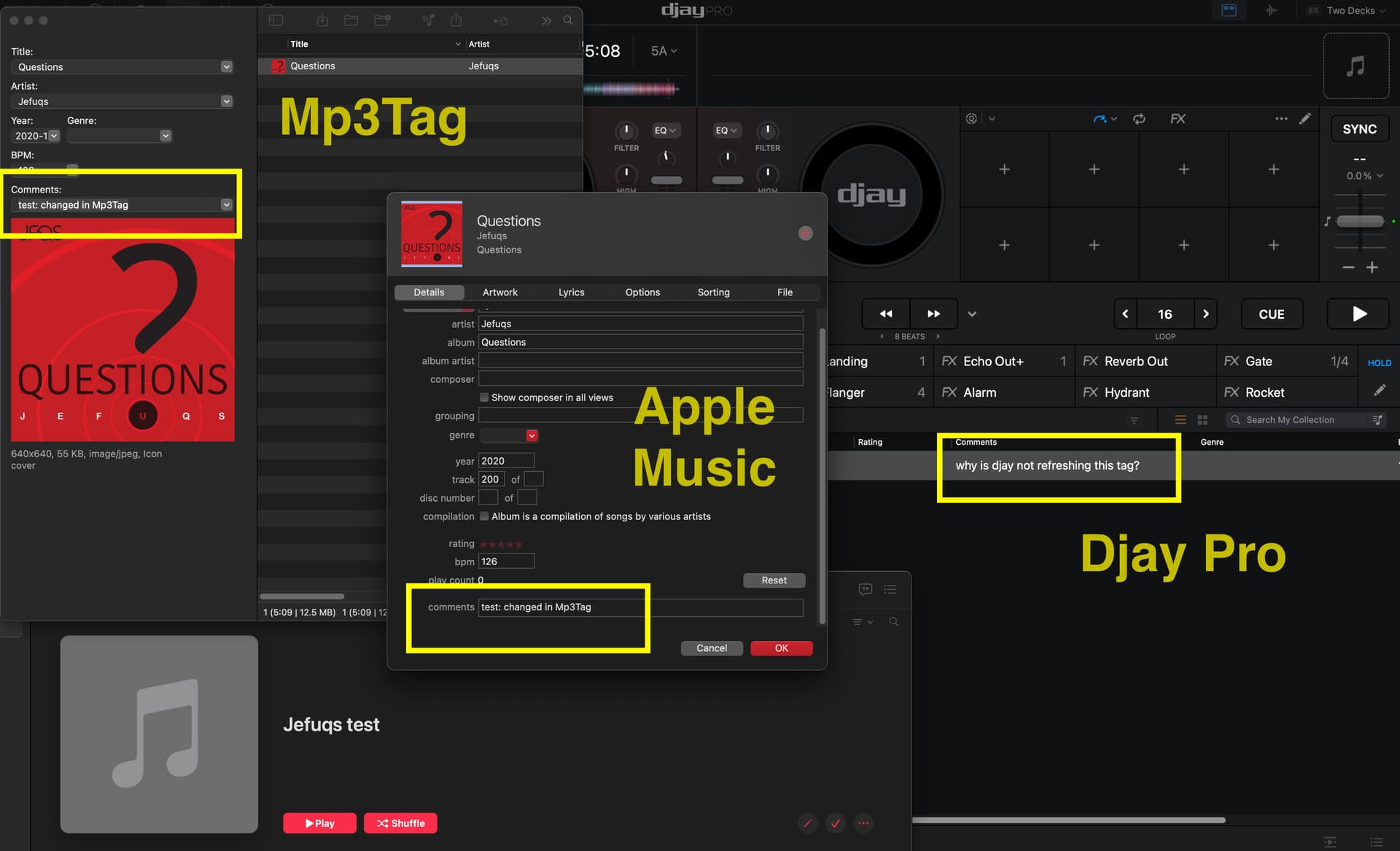
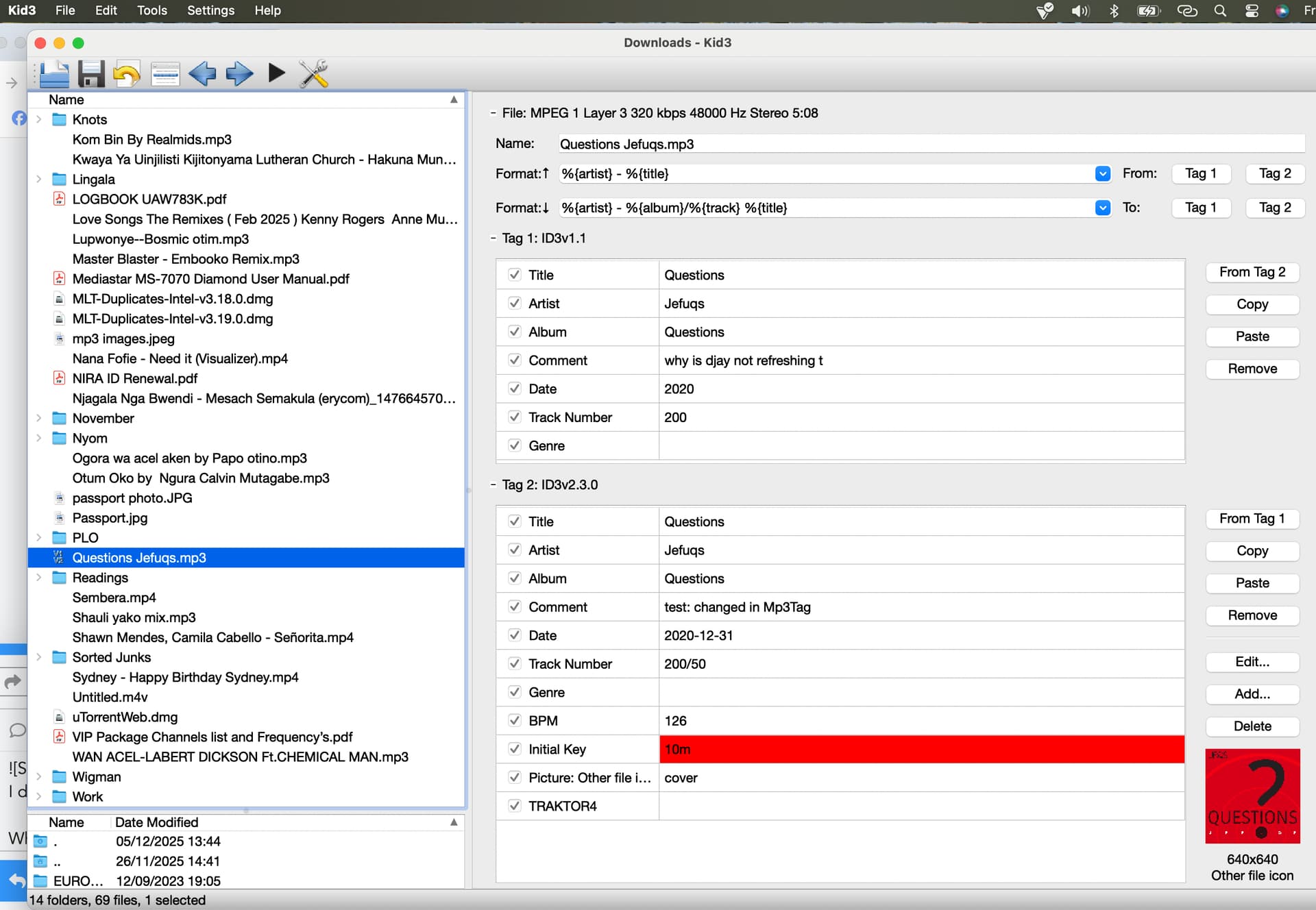
Today i’m trying one file, which i shared to see what happens between the several programs.
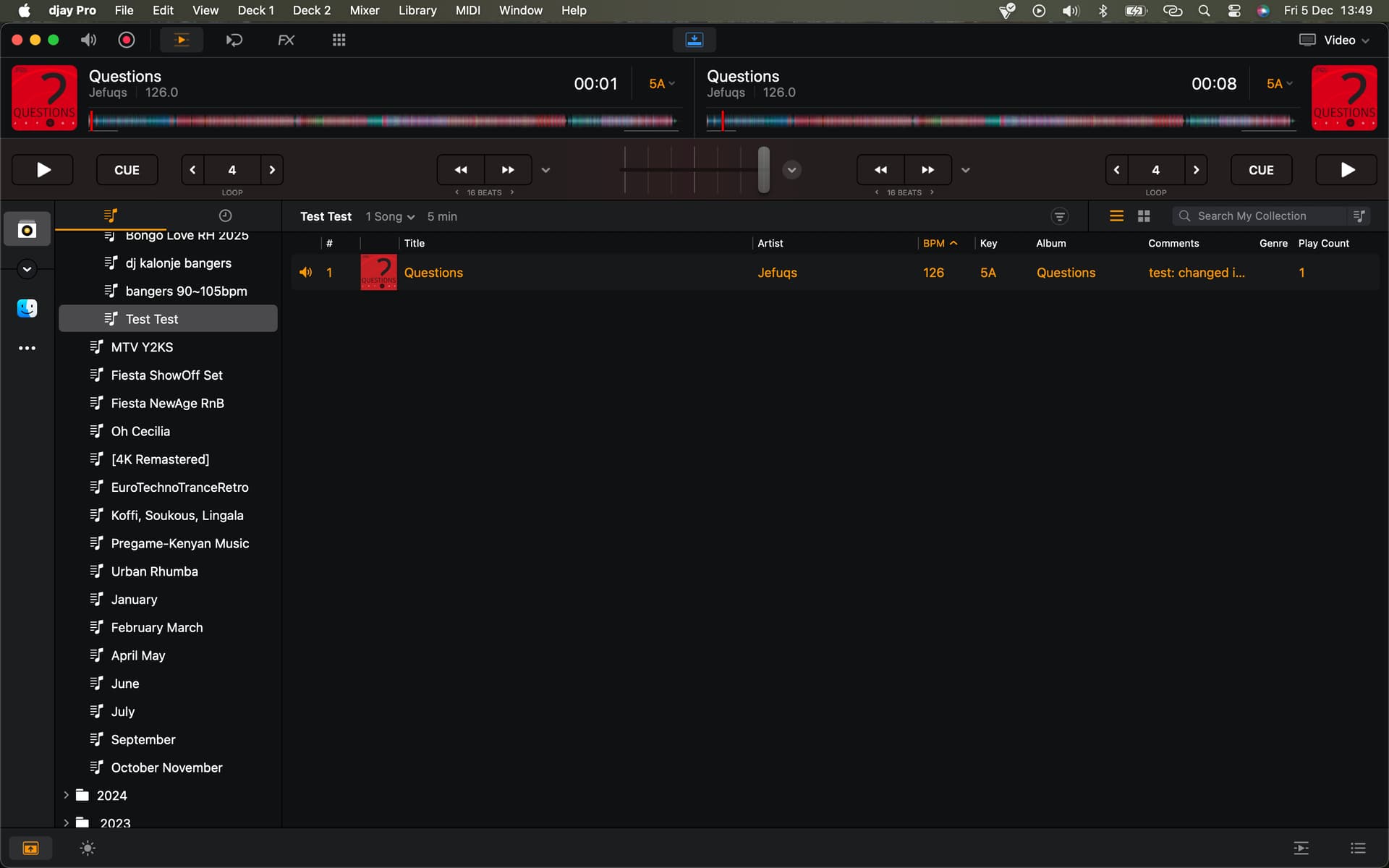
Djay Pro
Apple Music
Lexicon DJ
Mp3Tag
kid3
I understand Djay Pro has it’s own closed database. So it’s logical Djay Pro will always prefer to get data from it’s own database.
But if metadata can be updated with 3rd party apps and Djay Pro can read the updated metadata, i just want to understand how.
Cause again: i used lexicon to update metadata and Djay Pro was not running at that time.
When i update metadata of a track in Lexicon is end with “Write tags” so the update is written into the file itself. Then i close Lexicon, open Djay and this Analyze.
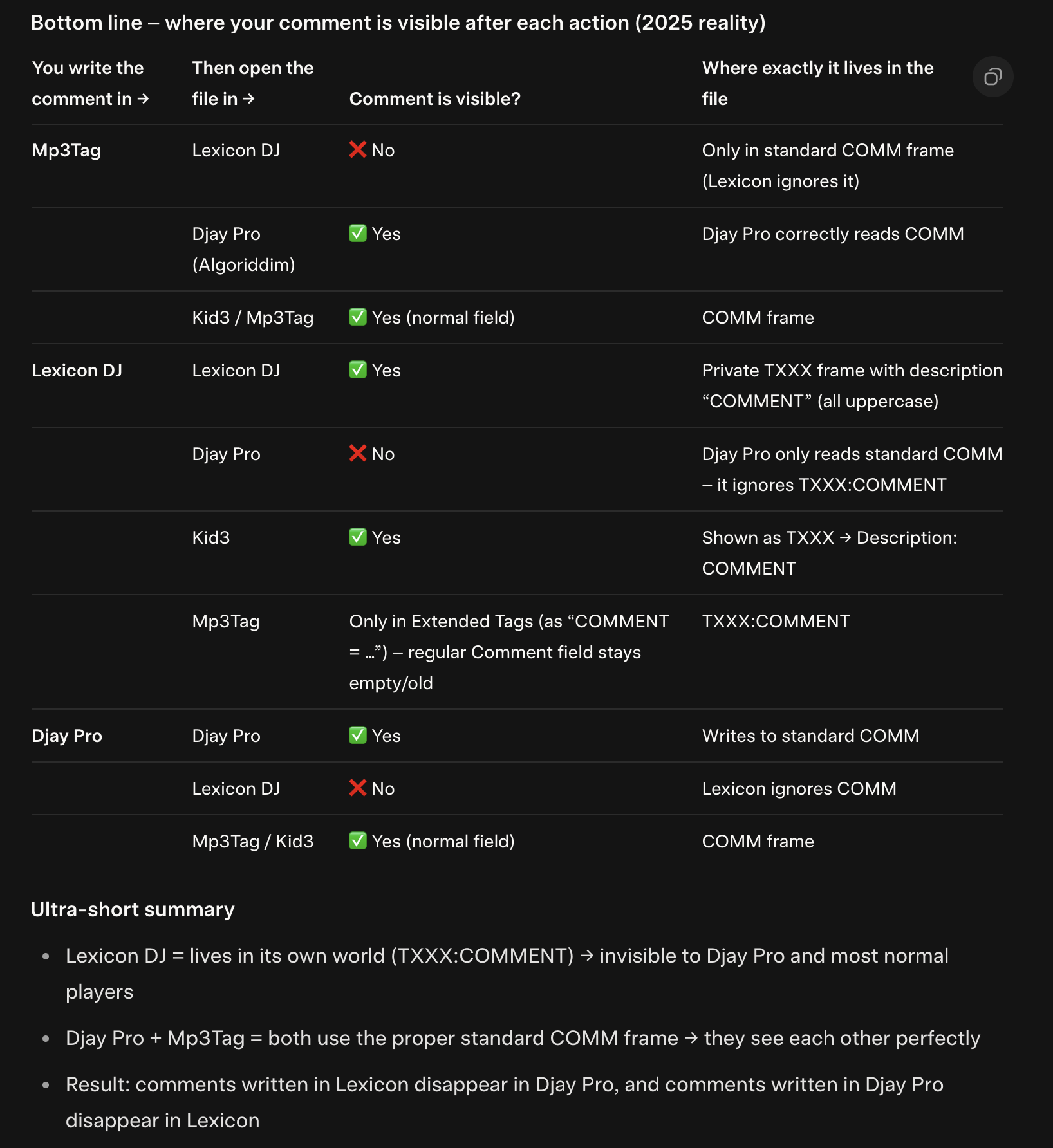
good suggestion, thanks. i the mean time i asked grok whats going on.
Guess i better test on Genre field Ultra-short summary
Lexicon DJ = lives in its own world (TXXX:COMMENT) → invisible to Djay Pro and most normal players
Djay Pro + Mp3Tag = both use the proper standard COMM frame → they see each other perfectly
Result: comments written in Lexicon disappear in Djay Pro, and comments written in Djay Pro disappear in Lexicon
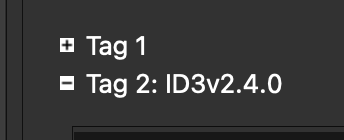
Only reliable fix that makes the comment visible in all three programs at the same time Use Kid3 and keep both fields in sync: COMM ↔ TXXX with description “COMMENT” (or just pick one program as your “source of truth” and convert the whole library once).
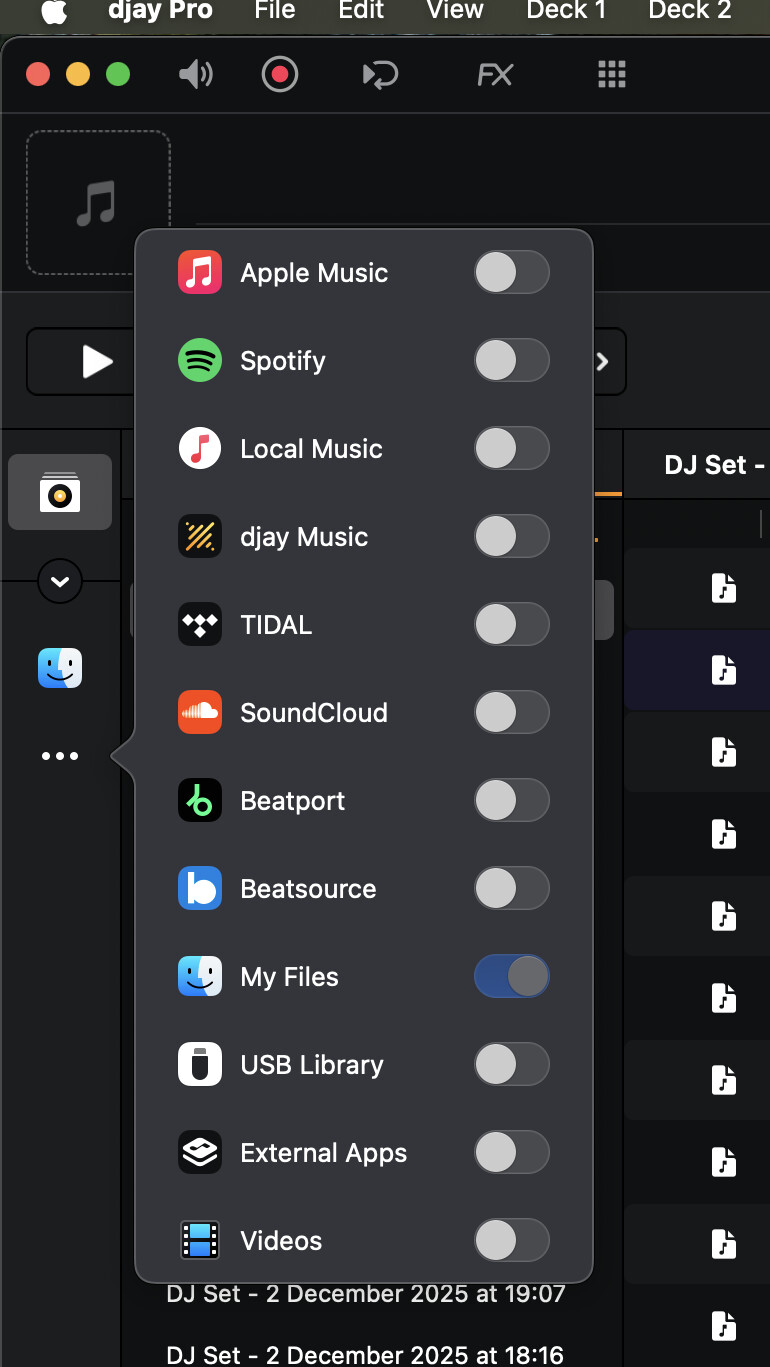
Can you resend a screenshot of just your djay library without anything overlaying it? I don’t believe you use MyCollection! Did you edit metadata in djay for this track at any one moment?