


Yes , that is the way. I have modified the midi-mapping for my needs (Loop in/out, etc..). For now, its nearly perfect for me. It is totally different from my own mapping, but a lot more logical and user friendly.
1 Like
That’s good to hear!
I tried but without success cue Points don’t follow the color of the software.
- What version of djay are you using?
- What OS and version are you using?
- Are you using the (built-in) MIDI mapping or a custom edit?
- Can you please capture and share a short video of this?
Hi @Slak_Jaw ,
I loaded a custom edit (on iPad M5 with the latest iOS), that was the problem. I loaded now the built-in and the magic is there, thank you very much. Now I can start thinking how to map the Single player layer for my workflow with 2 k3’s and the Reloop Mixtour Pro.
1 Like
You’re welcome @Erwin_Deschoenmaeker. Glad to hear that solved your issue.
1 Like
How is the layout?
I do wish that Djay produced hardware manuals, that show the mapping, like Virtual DJ does.
In djay you open the midi settings and turn or push every button than you see what it do.
For now I sit down and think what I not use and what I miss and then modify the mapping. It is already way more powerful then before the official support !!
1 Like
Yes, but that means that I’d have to buy a K3 before seeing whether it looks like it’d fit into my workflow.
The virtual dj manuals show that without having to purchase the controller first.
2 Likes
4 Likes
4 Likes
3 Likes
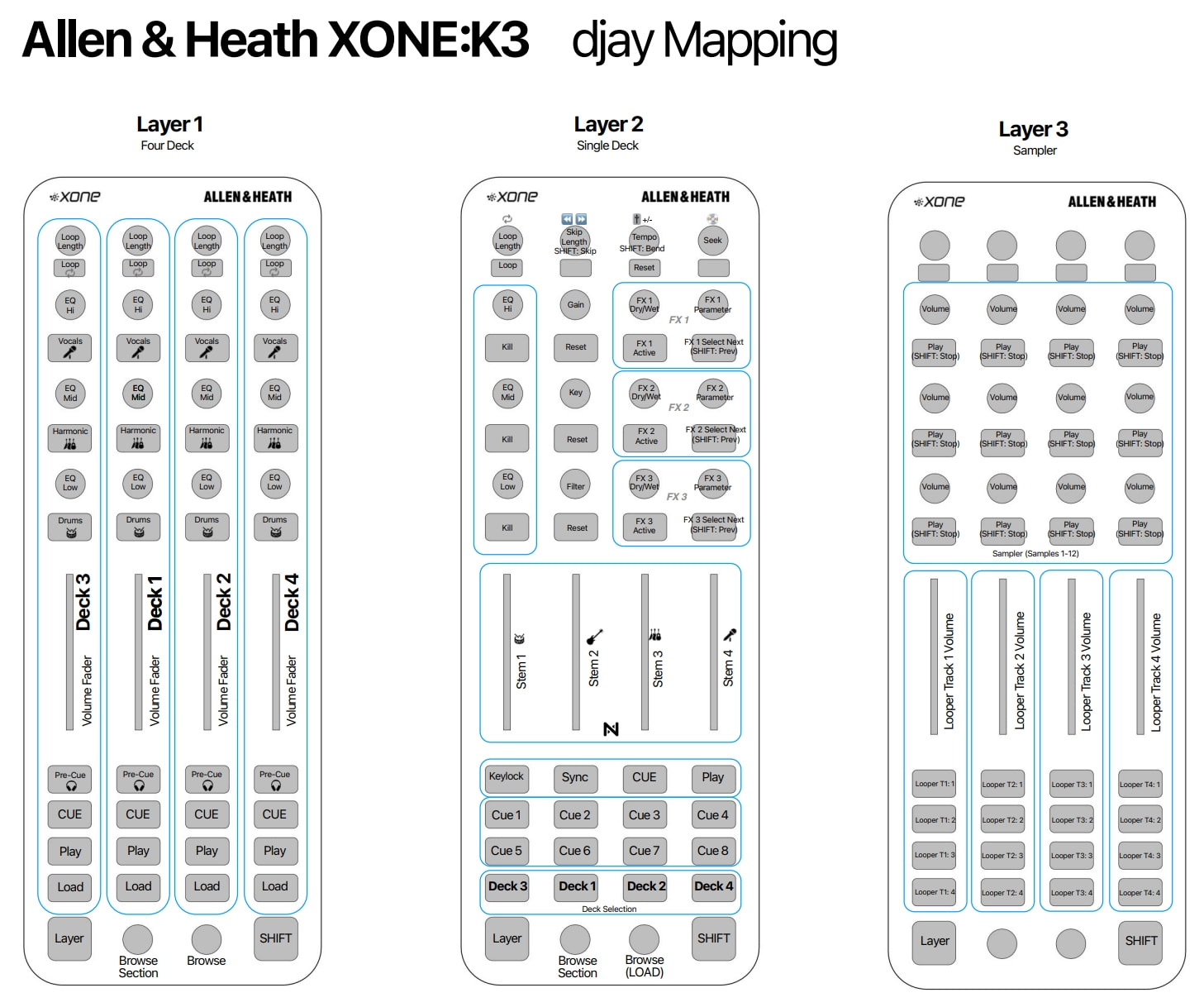
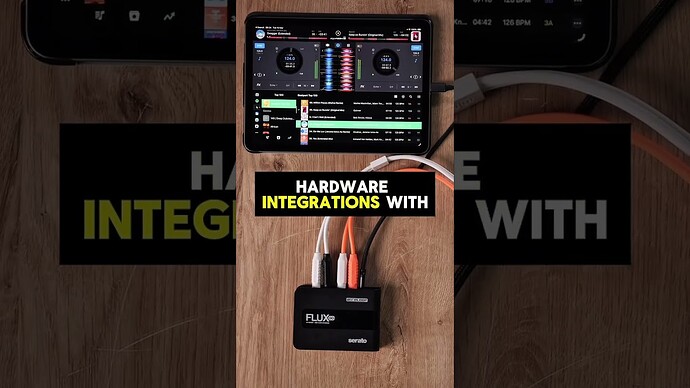
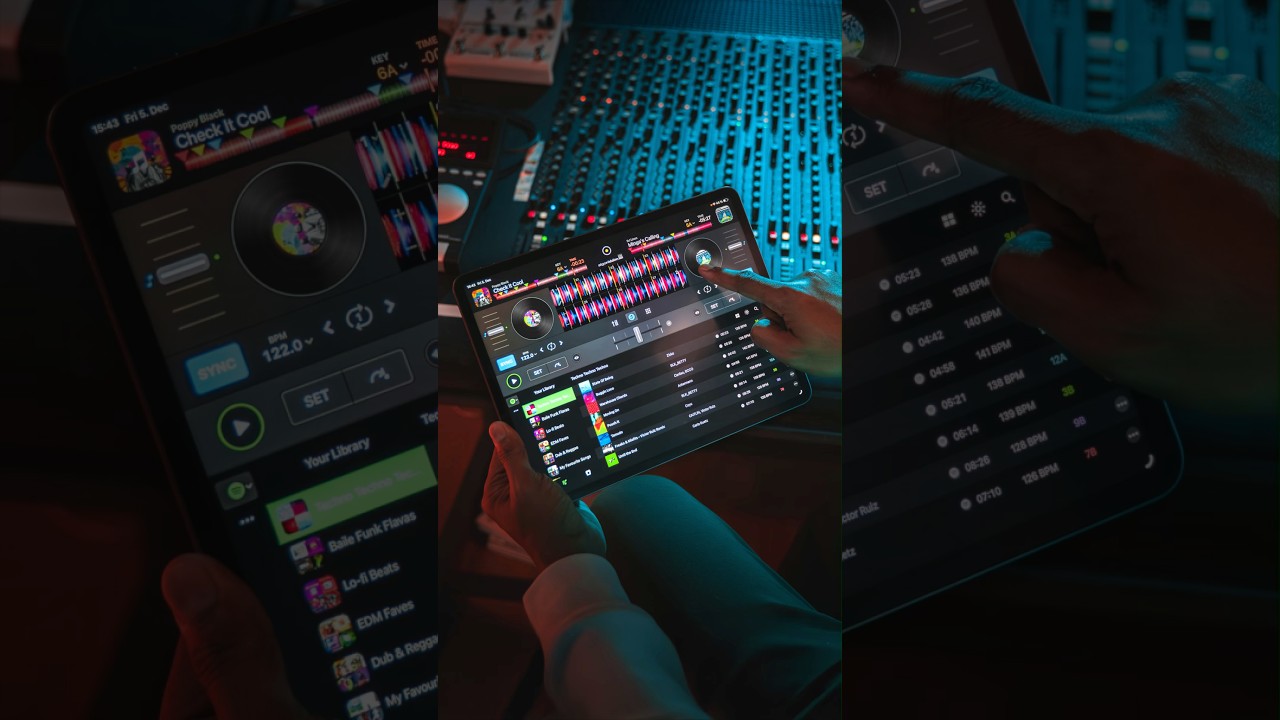
This now looks like a pretty compelling proposition for a partner to a Mixtour pro.
1 Like
Thanks for the input @BillPayer
1 Like
Hi, how do you set up the ds1 with Djay and the ds1?
So happy with the K3’s that I consider to modify my setup:
Change the Mixtour for a 3 rd K3.
Left K3 for deck 1 & 3
Middle K3 in 4 deck layer as a dedicated midi mixer
Right K3 for deck 2 & 4
RME Babyface for great sound, I use Sennheiser ie 900 for cueing so have no need for monitor out
Everything connected to the Reloop stand hub pro and powered by Anker 200W GAN supply
2 Likes
Nice! Sounds like a great setup.
Is there a a place where we can finds mapping for other devices?
Hi @FabsThefab, we do not currently have mapping keys for other hardware. You can, however, use the MIDI Learn Tool to identify what the various controls are mapped to.


