Xone:K3 Official Support


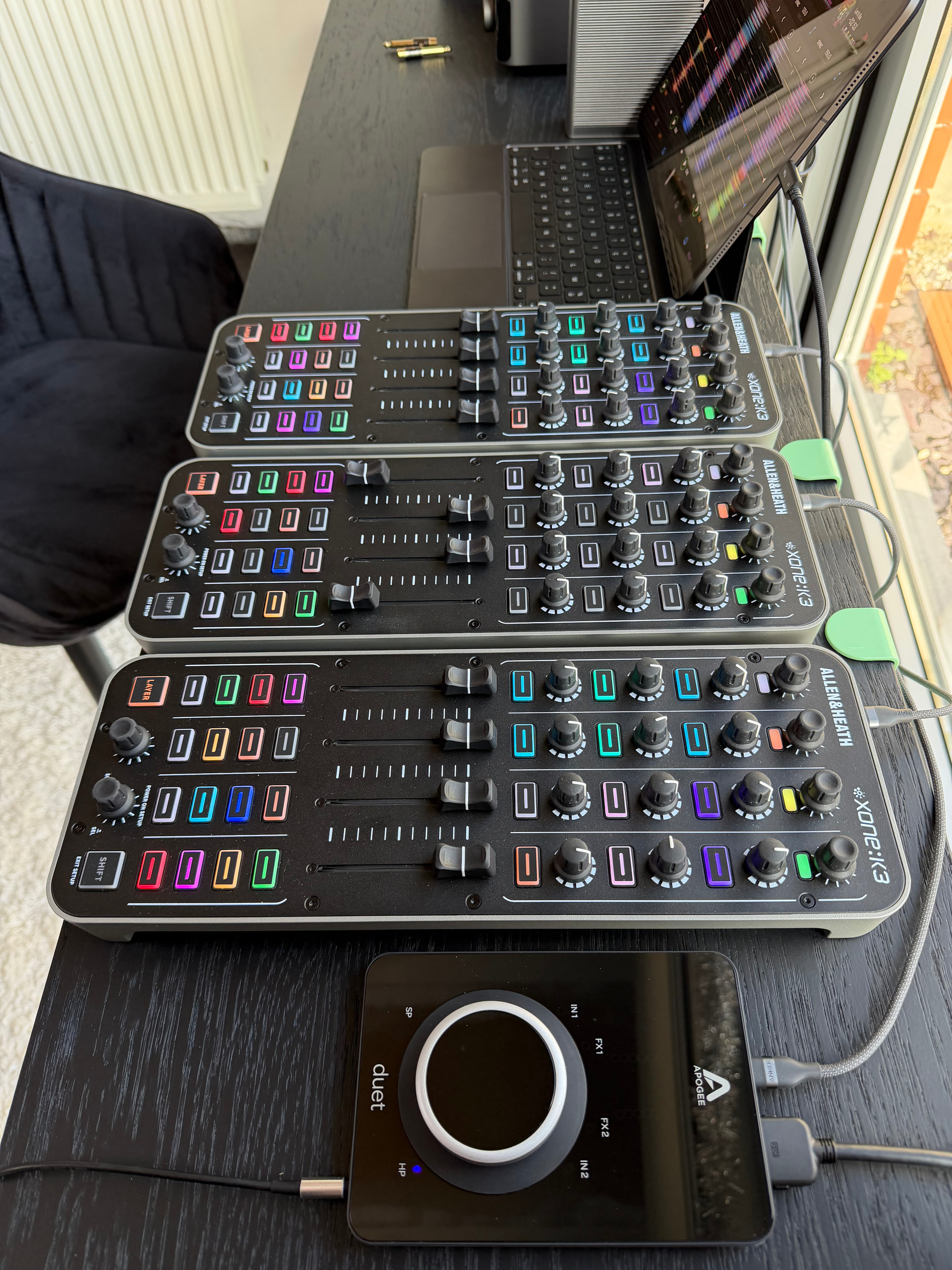
My first idee was to buy the RME Babyface but ended up with the Apogee Duet 3
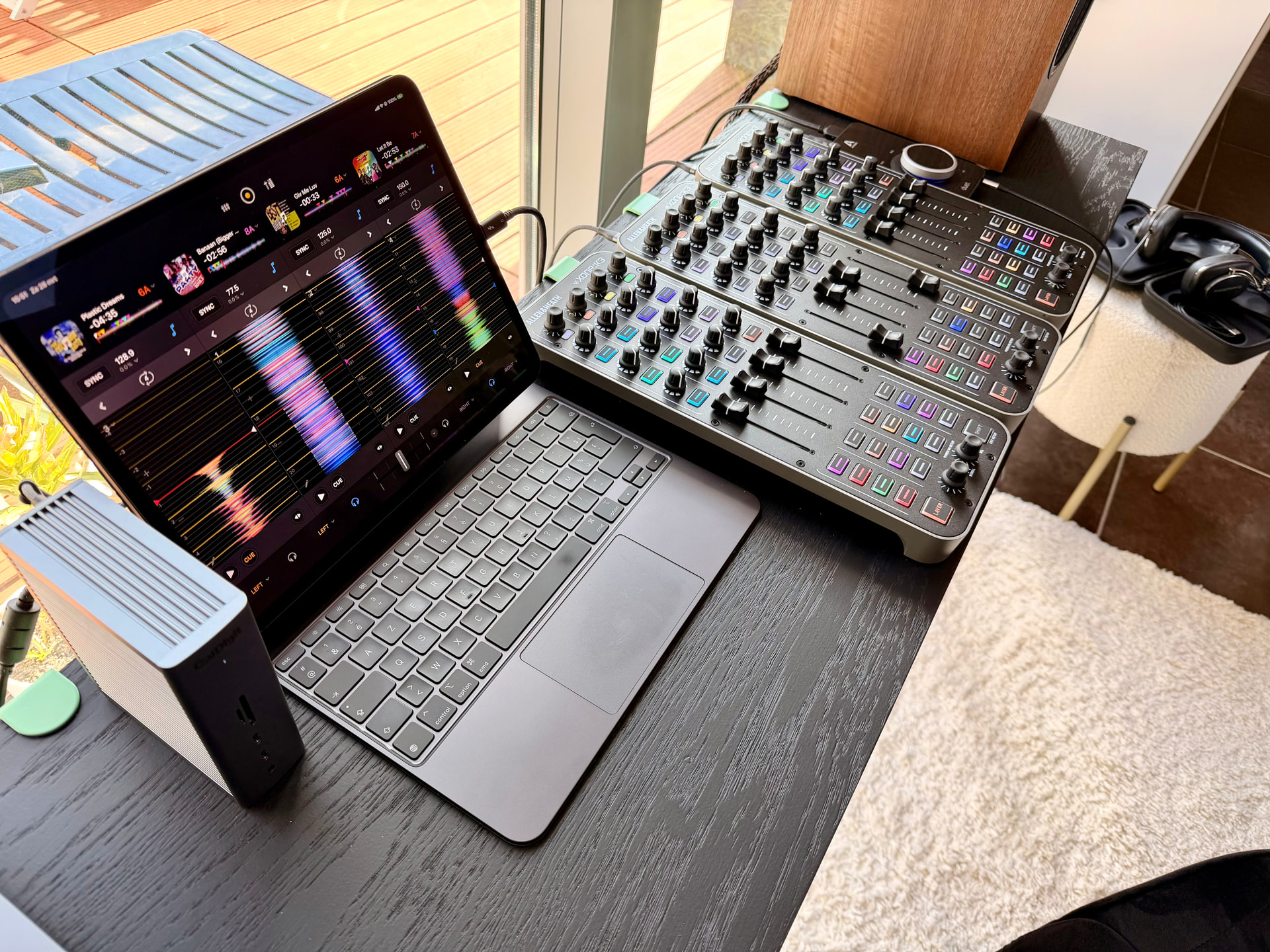
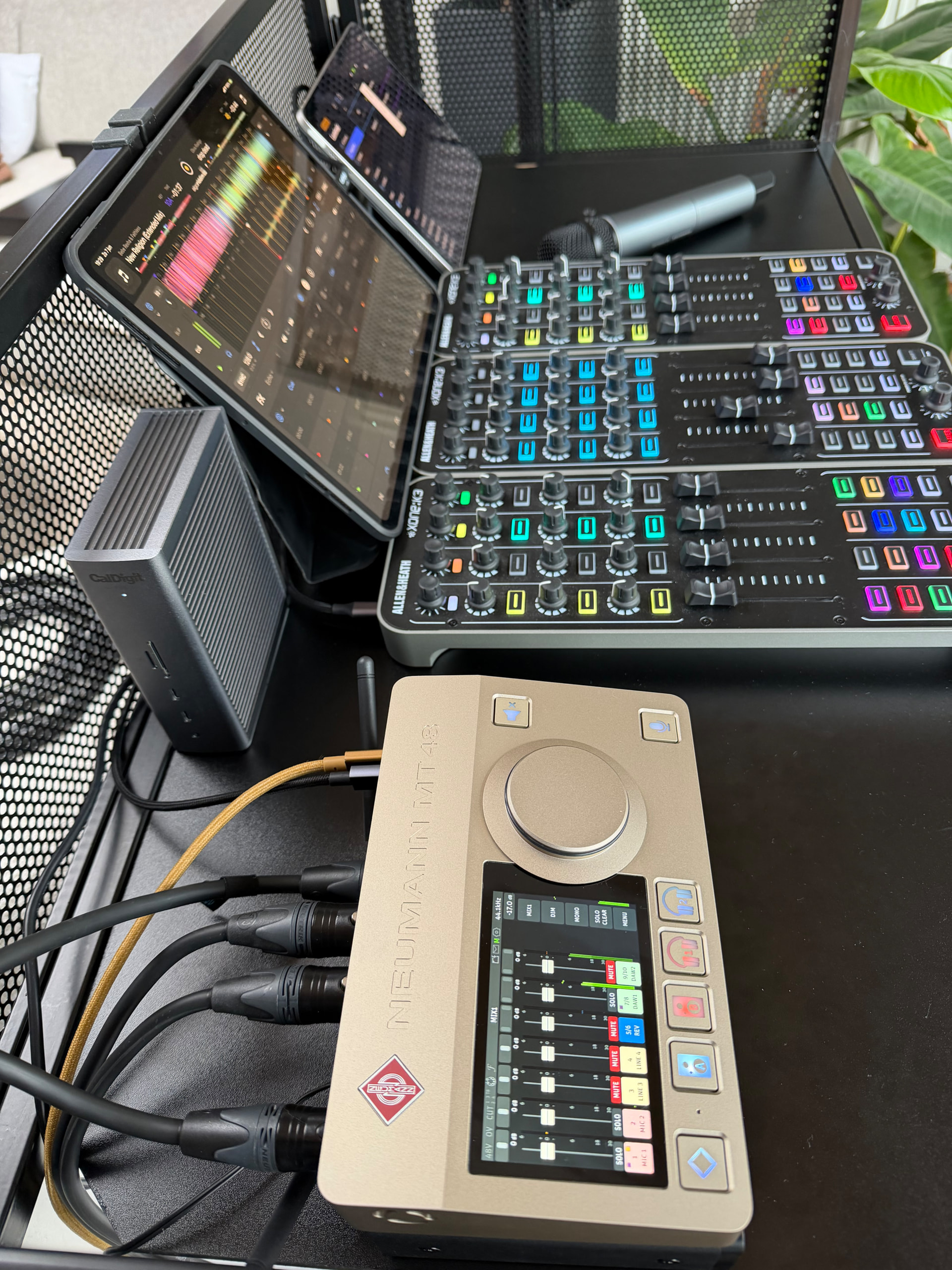
The middle K3 in 4 deck layer as a midi mixer
The other 2 are decks 1 & 3 and 2 & 4 emulate a traditional hands on dj setup.

Last night played a 8 hour open format gig with this setup. For now I stay as close as possible to the original mapping. Everything work smooth, only strange thing I discovered is that from time to time when you move more than 1 fader for Neural Mix at a time Djay come in library view. One time it also happend that the sound of that deck shut down completely. Have to troubleshoot this behavior.

3 Likes

Very cool. Thanks for sharing @Erwin_Deschoenmaeker

Nice! Think I’m going to replicate your setup :slight_smile:

Which Baseus power bank do you use - I can see several options on Amazon

Welcome to the Community @paul_calver

1 Like

Hi Paul and welcome to the community !
The Baseus is the 100W GaN and have 2 usb A ports and 2 usb c ports.
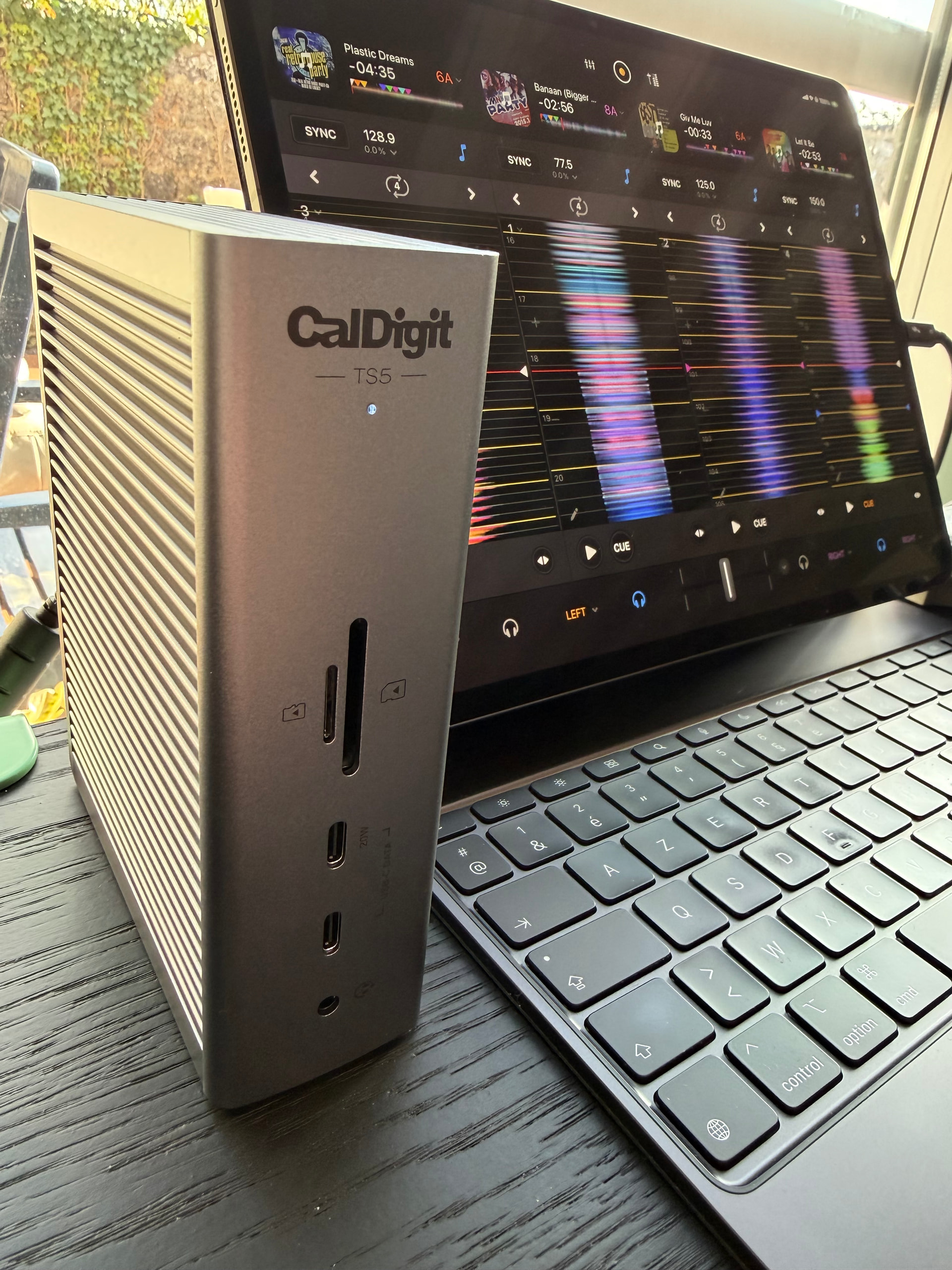
However, since I have the CalDigit TS5, the Baseus and Reloop Stand Hub Pro are backup units now.
In the meantime I discoverd a strange bug in the K3: when moving 2 or more faders at the same time, they send one extra random cc number out, causing strange behaviour in Djay. Now I train myself to move only 1 fader at a time :slight_smile:

2 Likes

Thanks for sharing @Erwin_Deschoenmaeker

Amazing info thanks Erwin

Love your setup - any videos of your sets in action?

Another K3 video:

1 Like

8 posts were split to a new topic: Xone:K3 LED Feedback Inconsistency

He mentions something about the sync in this video. I’ve commented on YouTube to find out more but wanted to ask if you had any thoughts?

Hi @Craig_Dean_the_DJ, can you please elaborate?

Hi @Craig_Dean_the_DJ
The issue mentioned exists if the Sync Type option (in: Settings / General / Sync Type) is set to BPM Only
To resolve this, choose the BPM and Beats option :ok_hand: :nerd_face:

2 Likes

Thanks for sharing @al.xone

Thank you @al.xone for clarifying. I was certain it had to be settings based.

Apologies @Slak_Jaw for not adding more context sooner.

Ordering my K3 this week :smiling_face_with_sunglasses:

No problem @Craig_Dean_the_DJ

3 Likes

Nice! Thanks for sharing @Erwin_Deschoenmaeker

Love the look of your setup @Erwin_Deschoenmaeker

I now have 2 xone k3’s + the Mixtour pro

What made you replace the Mixtour pro with another k3?

Interested in your mapping too!

I’m considering adding two K3’s to use with my Mixtour Pro as well @paul_calver. Do you find having a second one really improves your workflow compared to one?

Less menu diving or swapping decks etc etc I’m a simple man I prefer everything laid out in front of me that I can see at a glance.

I’m still getting used to the Mixtour (and DJing again) so any thinky stuff breaks my flow

I read @Erwin_Deschoenmaeker ’s post on his earlier setup in this thread and it made sense to me

So far so good @Slak_Jaw !

PS not sure I’ll go 3 x K3’s but it does look good !