Exporting from iTunes → djay Pro is a manual process (no automation/sync).
Exporting from djay Pro → USB is a manual process (no automation/sync).
In both cases, it is good practice to delete old playlists before exporting new-updated playlists.
USB
Old and updated playlists will use the same name on the USB, so old & new playlists look like duplicates. This is why it is good practice to delete old USB playlists.
Deleting USB playlists does not delete music files. The USB contains all music files exported to the USB since it was created.
I noticed an interesting bug when syncing files to my USB last night. I have my library sorted into a series of nested folders, with smart playlists at the very bottom of the tree. I added the whole master folder to my USB, and everything was synced, no problem. The issue arose when I imported new songs to my library and re-added the entire master folder to the USB. Instead of merging, a duplicate master folder was created on the USB that did not contain any of the new songs I had imported.
Currently the workaround is to delete the master folder from the USB, and then resync everything, but this feels a bit janky. Are there any plans to integrate a “sync playlists to USB” function like with Rekordbox?
Just picked up the new M5 macbook pro - djay is now super speedy!
I’m using OneLibrary to transfer some playlists from my master library onto the new macbook. Some playlists contain the same tracks as other playlists, i.e. the same physical file.
Probably a stupid question…When importing to the new macbook and copying those files to internal storage…does it duplicate files if the same track features in two or more lists, or does it just use the same track but in multiple lists?
CDJ 3000 Firmware 3.2 - am I correct in thinking the 3.3 firmware that was pulled was the One library update and CDJ 3000 can no longer accept one library USB ? - certainly that’s my experience. - are we just waiting on Pioneer to issue new compatible firmware as 3.3 hid all the usb tracks on older cdj 3000 firmware gear making it look like your USB key was blank ? Timeframe?
NOTE: Please use the search function above before posting to avoid creating duplicate topics.
Device model (e.g. 2020 iPad Air 4th Gen):
Version of operating system (e.g. macOS 14.4.1):
Version of djay (e.g. 5.1.2):
Hardware/controllers used (e.g. Reloop Mixon 8 Pro):
Hardware firmware version (e.g. 1.0.1):
Please consider sharing a short video or screenshots to help clarify your question/suggestion/feedback
Hi @Felix2, I’ve merged your new topic with this existing one. My understanding is that Pioneer released an older firmware shortly after this issue occurred. As far as I know OneLibrary should be working with that older firmware. Please see above and the linked topic below:
hello , and thanks for response. my experience is that CDJ-3000 has never “heard” of one library -doesnt recognise it all. If i create a one library playlist on Djay Pro it’s not even recognised on a CDj running firmware 3.2. Pioneer withdrew the 3.3 as it meant people loading the new libraries on to CDJ with older firmware-ie CLub setups would appear to have blank USB drives.
I guess I was wrong then. It seems only firmware 3.3 worked with OneLibrary. You will need to contact Pioneer Support for information regarding new firmware that will support OneLibrary. I hope that helps!
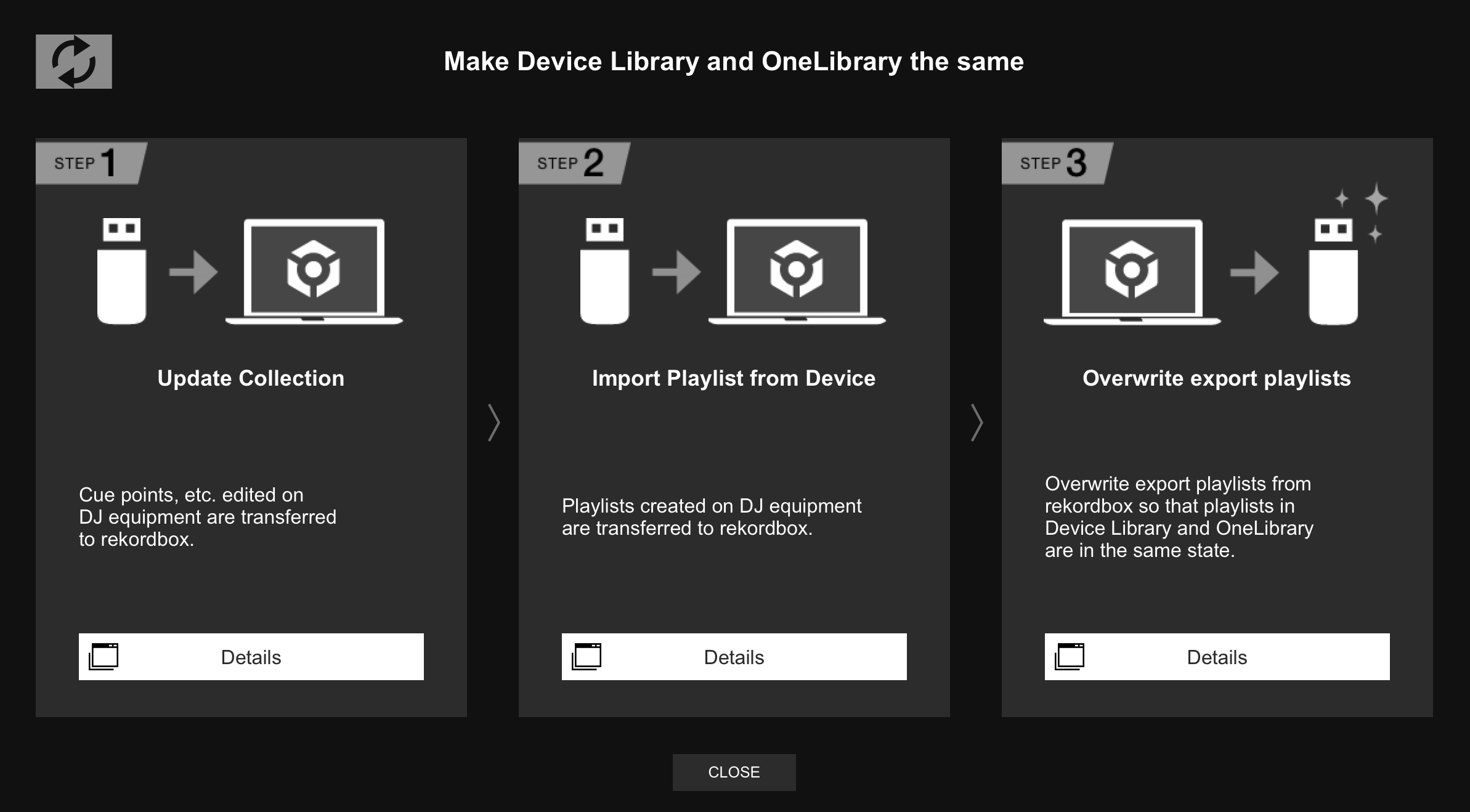
For older CDJs, you have to convert the OneLibrary USB to the older DeviceLibrary USB format. You can do the conversion in Rekordbox OR by manually renaming the /Pioneer/Rekordbox/export.db (or export.db.plus) file on the OneLibrary USB.



 !!
!!


